Weekly ecommerce tips, deals & news.
As your online store gets bigger, it’s easy to feel overwhelmed. That’s why it helps to use WooCommerce automation tools to make things easier.
We’ve spent years testing such tools to see which ones actually help online stores grow. The best ones do more than just save you time—they stop costly mistakes, give customers instant answers, and help you scale without the stress.
In this guide, we explore four powerful WooCommerce plugins you can use to handle repetitive work with total accuracy so nothing slips through the cracks. This way, you can ensure your ecommerce business runs smoothly around the clock.
Ready to learn more? Let’s begin!
We’ve vetted the four WooCommerce automation tools below for their reliability and ease of use. So, if you want a WooCommerce store that runs smoothly 24/7 and boosts your sales, these are our top picks.
First on our list is StoreAgent, a tool that serves as a smart helper for your WooCommerce store. It uses artificial intelligence to answer customer questions and write product text for you. As a result, you save time and your products look better to shoppers.
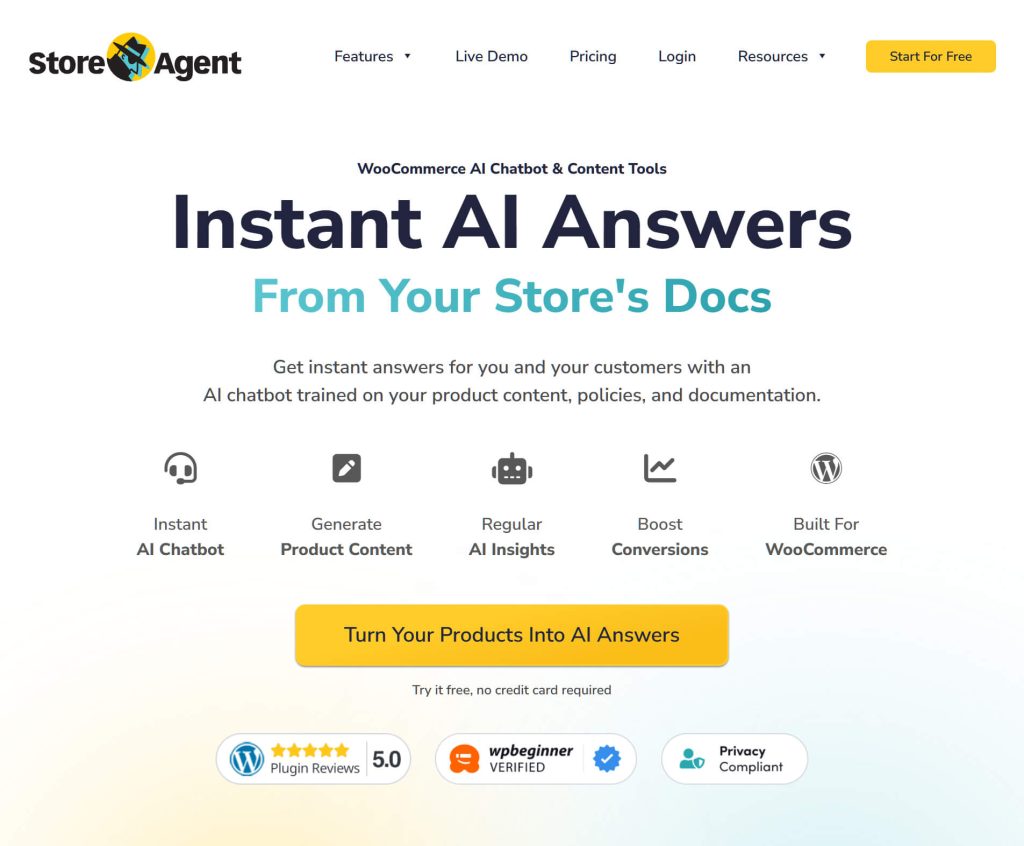
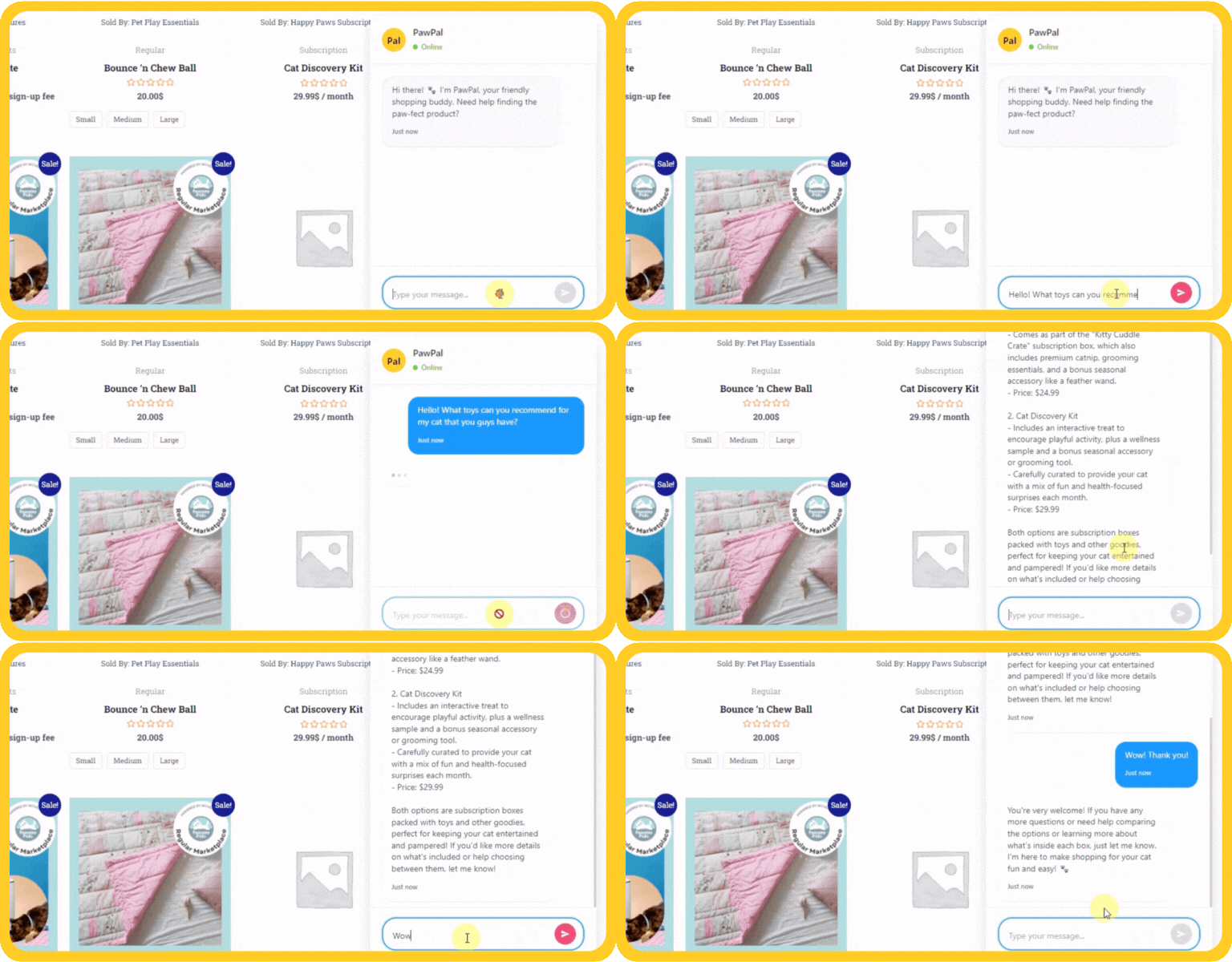
We really like how StoreAgent handles customer chat. Its AI Chatbot reads your store rules and product details to learn about your business. Therefore, when a customer asks a question, it gives a correct answer based on your actual data instead of guessing. On top of that, it’s smart enough to say “I don’t know” if it lacks the right info.
It also has an extensive set of AI Content Tools, including one that writes catchy text for new items in seconds. Basically, StoreAgent studies your products, then writes descriptions based on your preferred tone, target audience, SEO keywords, and more. This ensures all your products have good info that helps them sell better.
StoreAgent offers a “Free AI Tools” plan. This plan lets you use the content tools and even includes 50 free chat replies per month. If you need more, the paid plans start at $19 per month.
Uncanny Automator is the best tool for connecting your different plugins. With its smooth WooCommerce integration, it acts like a bridge that lets your separate tools talk to each other. We use it constantly to make things happen automatically without writing any code.
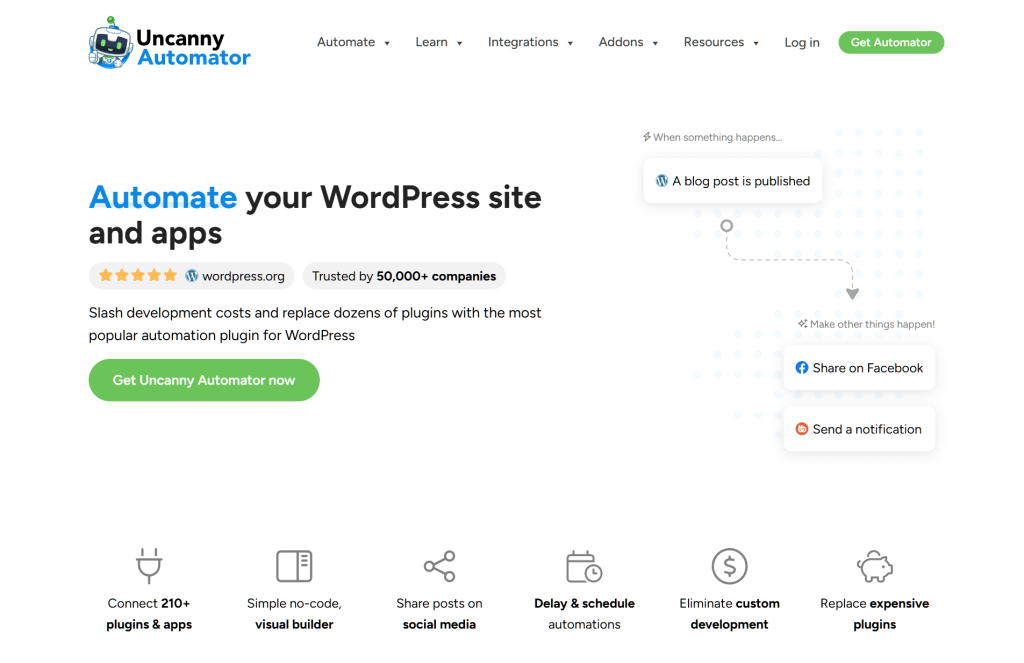
One of its main features is the Recipe Builder. You simply choose a trigger, like a customer buying a product, and then pick an action to follow it. For example, you can create a workflow like this:
When a user buys a specific product → Add them to a membership group → Send a welcome message in Slack
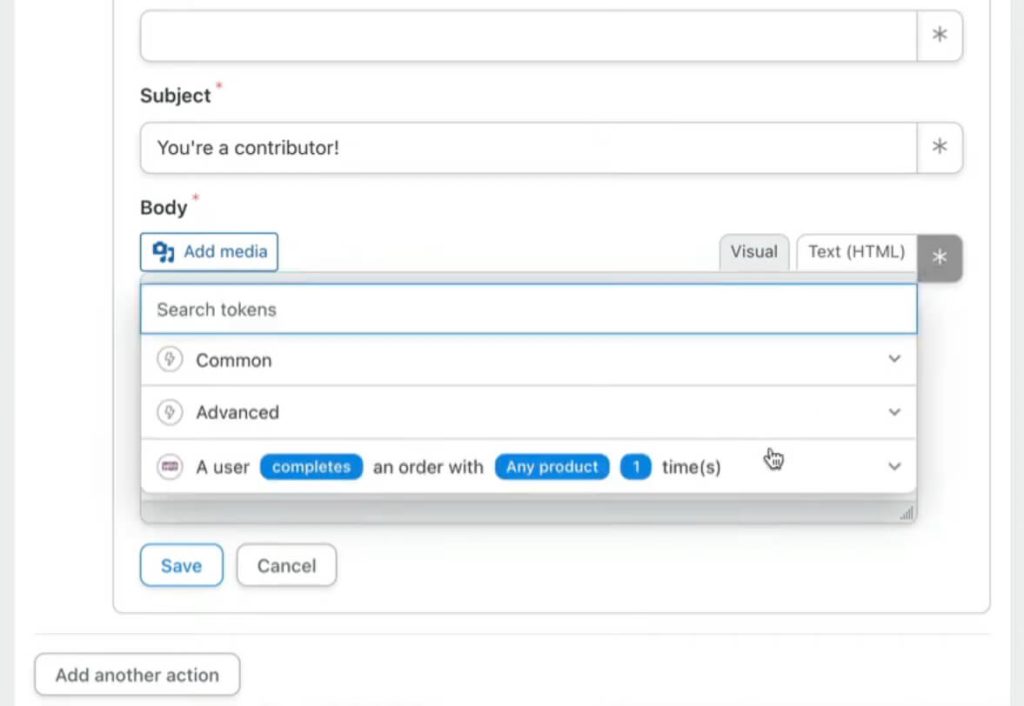
We also love its App Integrations, which connects with external apps like Google Sheets, Slack, and Zoom. It doesn’t matter if you use Elementor or LearnDash. This tool likely connects with whatever you’re already using to run your business.
You can do a lot with the free version. It includes 250 free credits for external apps. Starting at $149 per year, the paid plan is worth the cost if you want to save hours on manual work.
Next up is PushEngage. This tool helps you bring customers back to your store using browser notifications. We use it to reach people even when they’re not checking their email, making it a powerful addition to your marketing automation strategy.
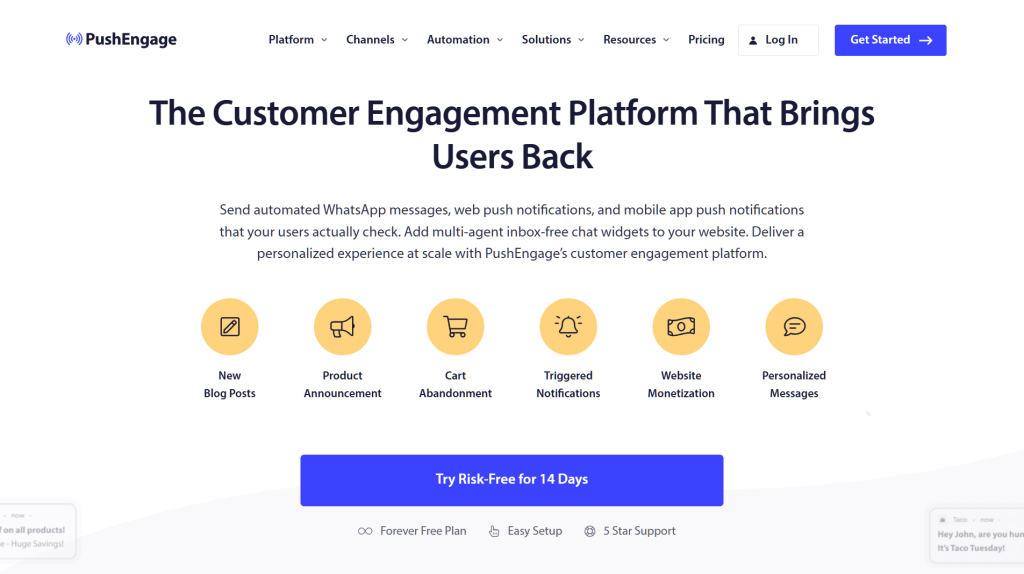
Among the best features is the Cart Abandonment Reminders. When a shopper leaves items in their cart, the system sends a quick message to their screen reminding them to finish the purchase. It works much faster than waiting for an email.
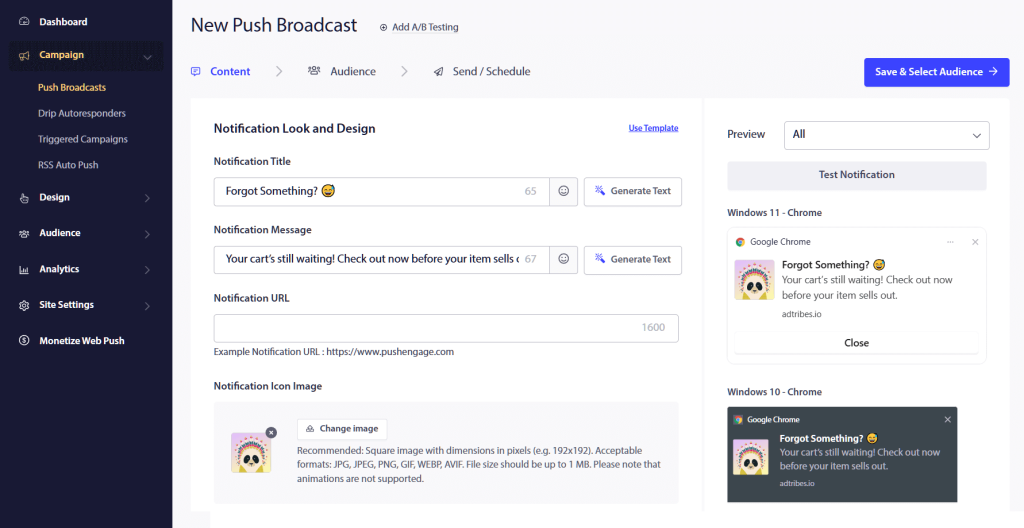
We also like the Price Drop & Inventory Alerts. If a customer looks at a product that’s out of stock, they can sign up to get notified instantly when it returns. This simple automation turns a lost sale into money in your pocket.
You can start with the free plan, which supports up to 200 subscribers and 30 campaigns per month. If you need more, the paid plans start at $8 per month.
FunnelKit is a complete revenue optimization tool for your store. It helps you make more money from every visitor by improving your checkout pages and adding special offers. We love it because it combines a sales funnel builder and marketing automation into one package.
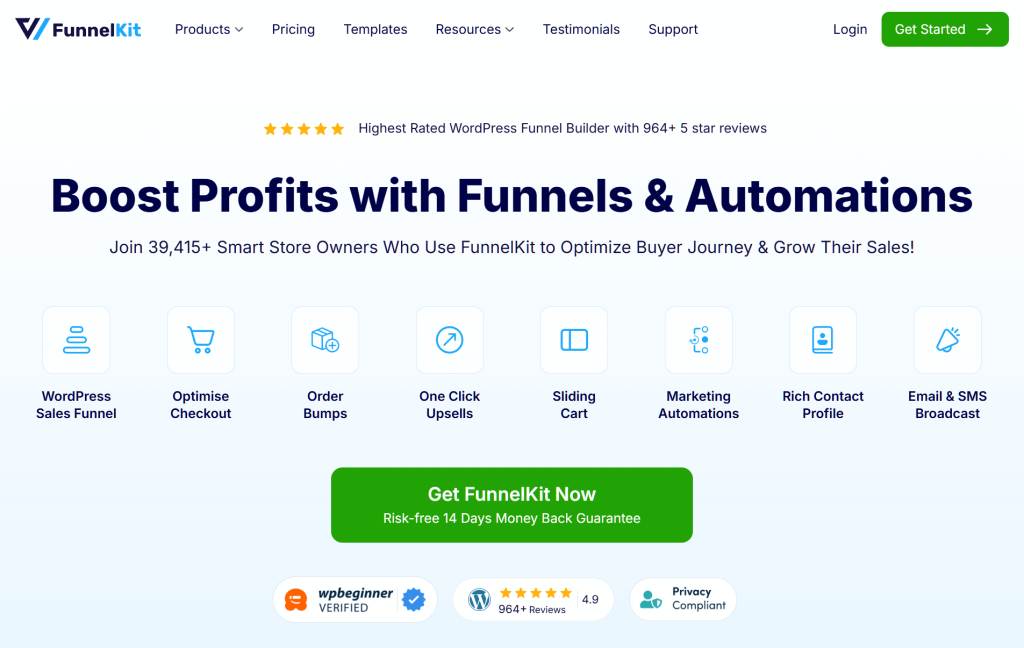
The default WooCommerce checkout can be slow and confusing, which causes people to leave. FunnelKit replaces it with Optimized Checkout Pages—a clean, modern design that’s faster to fill out. For example, it includes Google Address Autocomplete, which reduces typing errors and helps customers finish their purchase up to 40% faster.
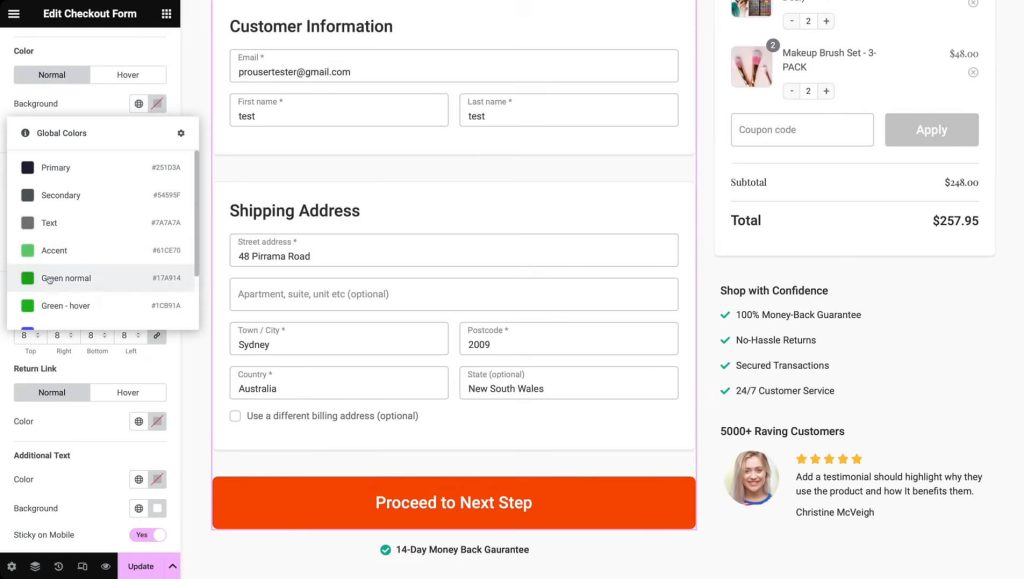
We also really like the “Order Bumps” and “One-Click Upsells” features. These Revenue Expansion tools let you show special offers, like a warranty or a matching product, right when the customer is ready to buy. Since the payment info is already saved, they can add these items with a single click, which instantly increases your sales.
FunnelKit offers a free “Lite” version that handles basic checkout improvements. If you want the advanced revenue or automation features, the paid plans start at $99.50 per year.
Choosing the right WooCommerce automation tools can transform your store from a manual chore into a high-growth business. When you automate your support, workflows, and sales funnels, you can stop worrying about repetitive tasks and focus on the big picture.
To recap, this guide explored the four best WooCommerce automation plugins for online store owners:
Whether you start with AI support or smart checkout pages, these plugins will help your store run more accurately and profitably 24/7.
WooCommerce automation tools are software plugins that help automate repetitive tasks in your online store. They save time, reduce mistakes, provide instant customer support, and make it easier to grow your business without extra stress.
StoreAgent uses artificial intelligence to answer customer questions based on your store’s data. Furthermore, it writes product content and supports multiple languages. Overall, it helps save time and improves your product presentation.
Uncanny Automator connects different plugins and automates workflows without needing to write code. For instance, it creates recipes with triggers like a purchase, then automatically performs actions such as adding customers to groups or sending messages.
PushEngage uses browser notifications to remind customers about abandoned carts, notify them when out-of-stock items are back, or inform about price drops. Thus, it helps bring customers back and increase sales.
FunnelKit provides tools like optimized checkout pages, order bumps, and one-click upsells. Basically, these make the checkout process faster and more profitable by encouraging customers to add extra products or upgrades easily.

Copyright © StoreOwnerTips.com. All Rights Reserved.
