Weekly ecommerce tips, deals & news.
Of the best WooCommerce BNPL plugins for most stores in 2026, WooPayments BNPL is at the very top. It ships with WooCommerce, lets you enable Affirm, Afterpay, and Klarna with a single toggle, and avoids the per-transaction fees of bolt-on plugins.
For stores that want a self-hosted BNPL system without third-party processors, Payment Plans for WooCommerce is the strongest alternative. You set the schedules, your existing gateway handles the charges. Below we compared 7 BNPL options on cost, customer credit limits, regional coverage, and approval-rate impact.
Cart abandonment spikes when customers see the total at checkout. Roughly 70% of ecommerce carts get abandoned, and price shock is one of the top three reasons buyers walk away.
Buy Now, Pay Later (BNPL) plugins solve that by letting shoppers split the total into smaller payments: Klarna, Afterpay, Affirm, and a growing list of plugin-based alternatives now plug straight into WooCommerce.
Before we explore your options, let’s take a quick look at the best WooCommerce BNPL plugins in 2026:
| Plugin | BNPL providers | Setup model | Free to install | Regions | Best for |
|---|---|---|---|---|---|
| WooPayments BNPL | Affirm, Afterpay, Klarna | Built-in WooPayments toggle | Yes (WooPayments fees apply) | US, CA, UK, AU, EU | Most stores already on WooPayments |
| Payment Plans for WooCommerce | Self-hosted (uses your gateway) | Schedule-based plugin | No (paid) | Global (gateway-dependent) | Stores wanting full control |
| Klarna Payments for WooCommerce | Klarna only | Direct Klarna integration | Yes | 30+ countries | Klarna-first markets (Nordics, DE, UK) |
| Afterpay direct integration | Afterpay only | Plugin from Afterpay | Yes | US, CA, UK, AU, NZ | Fashion, beauty, lifestyle stores |
| Affirm Payments | Affirm only | Plugin from Affirm | Yes | US, CA | Higher-ticket items ($150+) |
| Wallet System for WooCommerce | Self-hosted wallet + BNPL | Wallet + scheduled payments | Yes (free tier) | Global | Stores with repeat customers |
| Klump for WooCommerce | Klump (4-installment) | Plugin from Klump | Yes | Africa (NG, KE, GH) | African market expansion |
BNPL is no longer a luxury add-on. According to Baymard Institute, the average online cart abandonment rate sits at 70.22%, and “extra costs were too high” is among the most-cited reason customers walk away. BNPL reframes the price by breaking it into 4 (or sometimes 12) manageable installments. This way, the sticker price stops being the friction point.
Klarna’s own merchant data shows BNPL options drive 41% increases in average order value and 30% lifts in conversion in some product categories.
Affirm reports similar lifts on higher-ticket items ($150+). The catch: you pay a per-transaction fee (typically 2–8%) on BNPL orders, so the math only works if the AOV/conversion lift outpaces the fee.
🔍️ What we’ve seen: Stores that turn on BNPL without testing the offer placement leave the biggest lift on the table. The single highest-impact change isn’t enabling BNPL at checkout; it’s surfacing the “from $X/month” messaging on the product page itself, where the price decision actually happens. Even when using the best WooCommerce BNPL plugins, which usually ship with this widget, less than half of store owners actually deploy it.
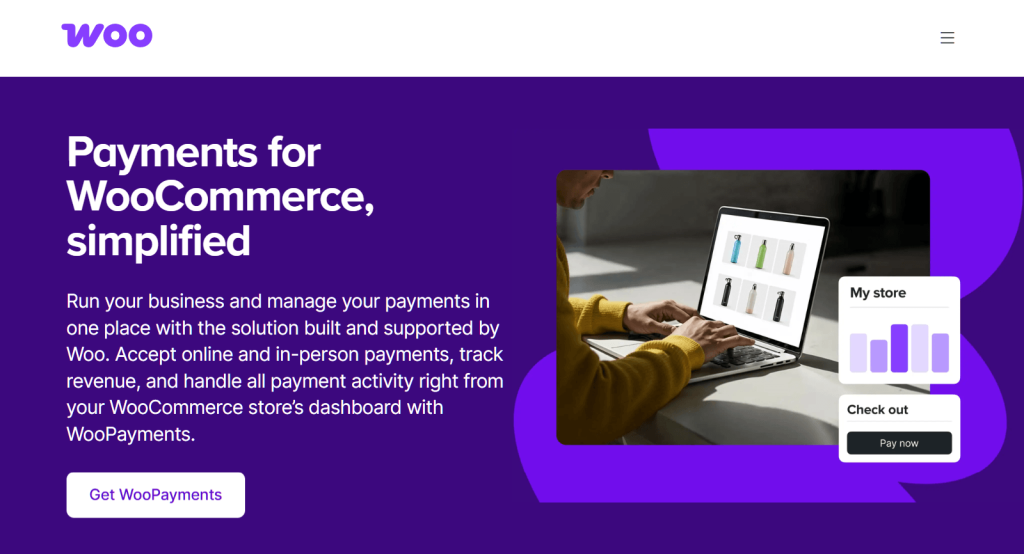
If your store already uses WooPayments, BNPL is the easiest add-on you’ll do this quarter. Inside WooPayments → Payment methods, you can enable Affirm, Afterpay, and Klarna with a single toggle each. No separate accounts, no extra plugins.
The widget shows up at checkout automatically, and you don’t pay a separate plugin fee on top of the WooPayments processing rate. Some of its key features include:
Best for: Stores with $50+ AOV that already process payments through WooPayments and want the lowest-friction BNPL launch path.
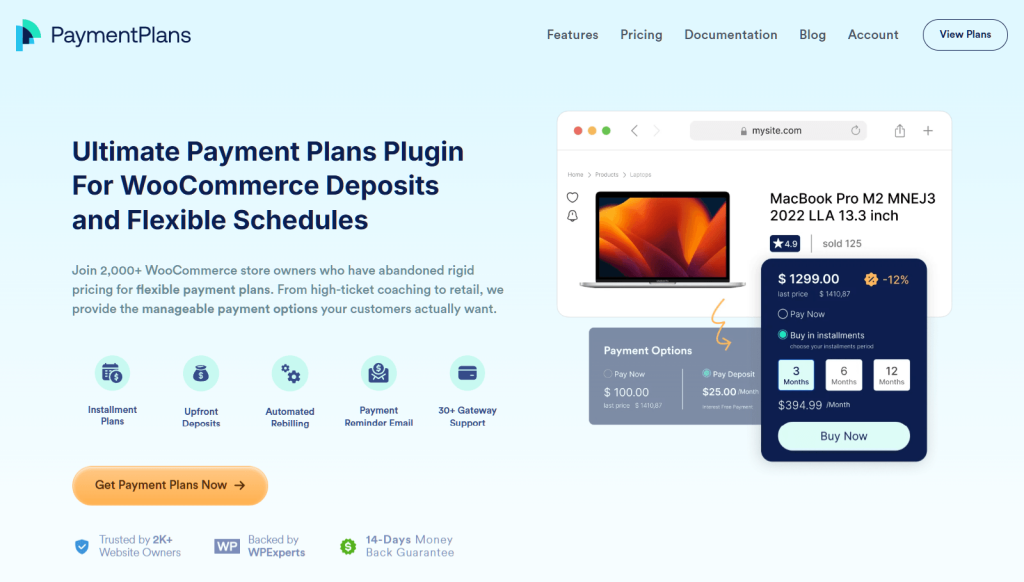
Payment Plans for WooCommerce takes a different approach. Instead of routing customers to Affirm/Klarna for credit checks, you define your own installment payment schedules—pay in 2, pay in 3, weekly, monthly, custom—and your existing payment gateway (Stripe, PayPal, Square, WooPayments) charges the customer’s saved card on each due date.
The trade-off? Basically, you carry the credit risk (if a card declines on installment 3, you’re chasing the customer).
The upside: no per-transaction BNPL fee, no third-party brand at checkout, and no provider-imposed limits on which products are eligible. It plugs into 30+ payment processors and works in any region your existing gateway works in. You can expect the following key features:
Best for: Stores selling course access, memberships, custom-quote items, or B2B orders where third-party credit checks would slow the sale. Pairs well with Wholesale Suite for B2B Net 30 payment workflows.
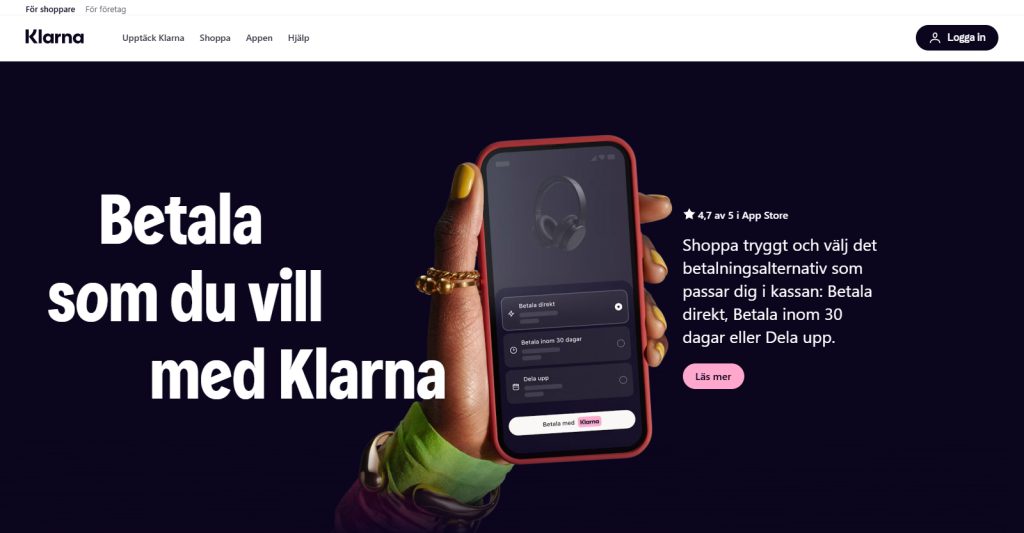
Do you sell into Klarna’s home markets (Sweden, Germany, Netherlands, UK)? Then the direct Klarna plugin gives you deeper integration than the WooPayments wrapper. You get access to Klarna’s full product set and key features: Pay in 3, Pay in 30 days, Financing (longer-term installments), and the on-site Klarna widget that pre-qualifies customers before checkout.
The Klarna brand is a conversion driver in those markets. Nordic shoppers expect to see the pink Klarna button at checkout. In US/AU markets where Klarna is one of three options, the WooPayments toggle gives you Klarna alongside Affirm and Afterpay without committing to a Klarna-direct contract.
Best for: Nordic, German, UK, and Dutch stores where Klarna is the dominant BNPL brand.
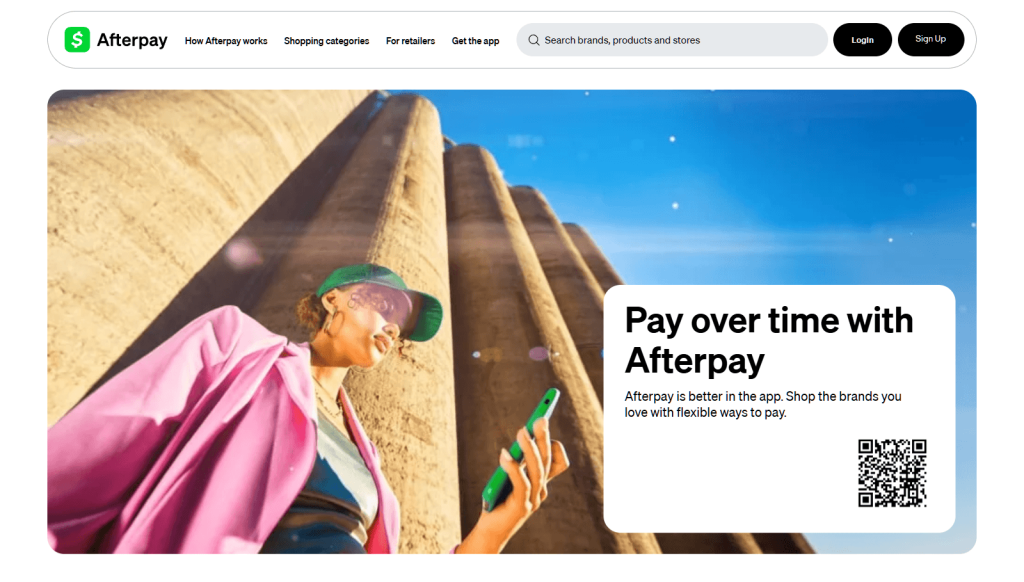
Afterpay’s customer base skews younger and is concentrated in fashion, beauty, and lifestyle categories.
The direct plugin from Afterpay gives you the on-site “4 payments of $X” messaging on product pages, the Afterpay-branded checkout button, and access to the Afterpay Shop Directory, which is a discovery surface where shoppers browse by brand. Typically, stores in those categories see better lift from Afterpay than from Affirm or Klarna in the same markets.
Best for: Fashion, beauty, accessories, and lifestyle brands targeting US/AU/NZ shoppers under 35.
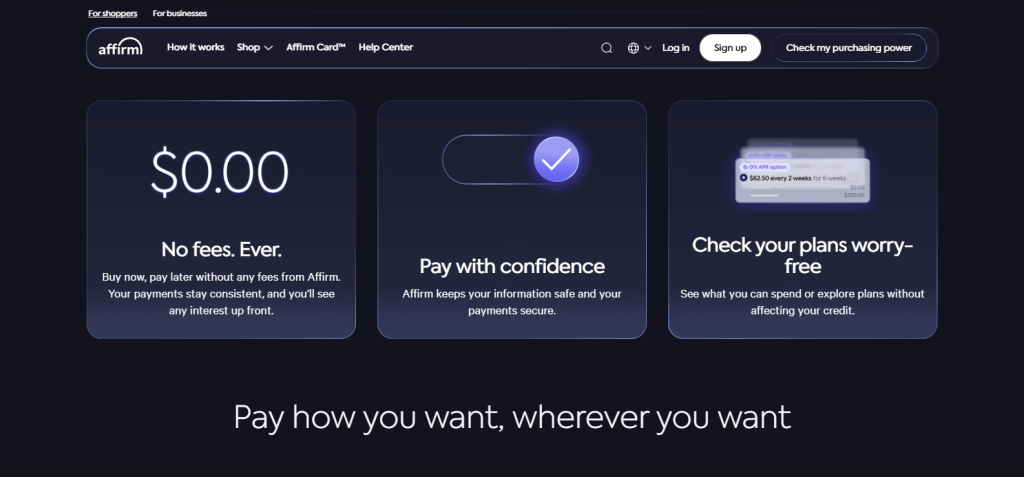 .00 fees, secure payments, and worry-free plan checking, with prominent sign-up button.” class=”wp-image-5057″/>
Affirm’s lane is the $150+ purchase. Where Klarna and Afterpay focus on 4 short-term installments, Affirm offers longer-term financing—6, 12, even 36 months—with transparent APRs (often 0% for promotional periods).
For furniture, fitness equipment, electronics, mattresses, and other big-ticket categories, Affirm consistently outperforms 4-installment plans on conversion because the monthly payment lands in a “feels affordable” zone.
Best for: Stores selling items above $150 in the US/Canada where extended financing changes the buying decision.
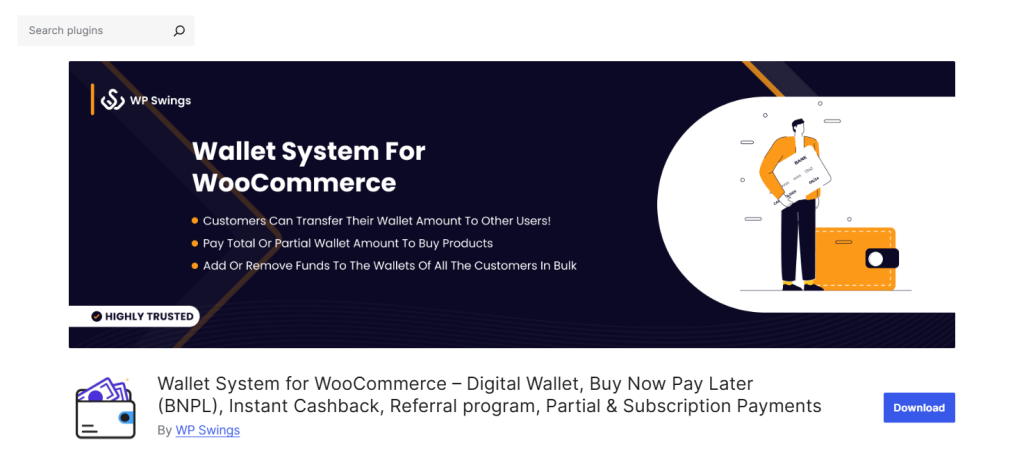
Wallet System for WooCommerce bundles BNPL into a broader wallet/loyalty system. Customers top up a wallet (or earn into it via cashback/referrals), and the wallet handles split payments and BNPL-style installments.
This plugin isn’t a traditional credit-check tool like some of the other best WooCommerce BNPL plugins on our list. Rather, it’s a deferred-payment wallet. However, for stores with high repeat-customer rates (subscriptions, memberships, replenishment), it can replace external BNPL providers entirely.
Best for: Stores with high repeat customer rates where loyalty + BNPL can be combined into one mechanic. Pairs with Advanced Coupons Loyalty Program for points-based wallet top-ups.
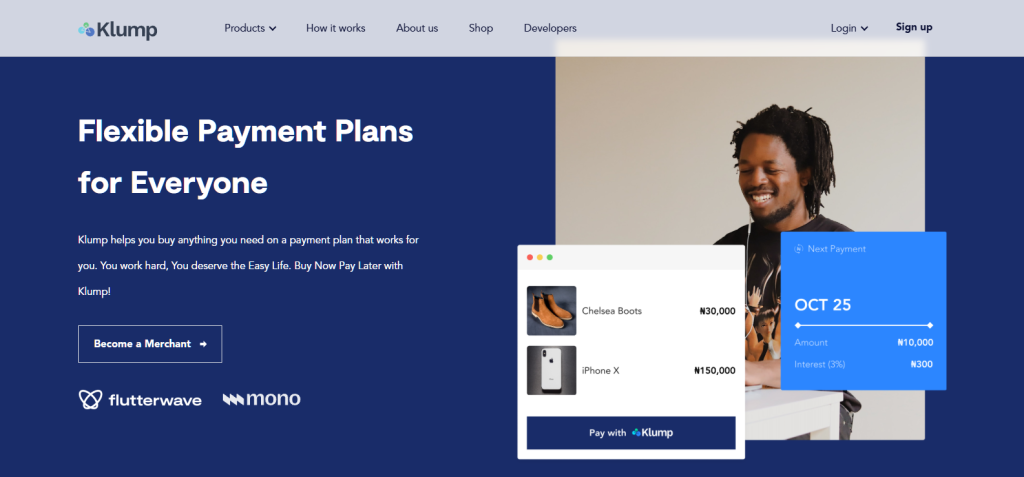
If your store ships to Nigeria, Kenya, or Ghana, the major BNPL providers don’t operate there. Klump is the dominant plugin-based option in those regions.
This plugin offers 4-installment payments and integrates directly into WooCommerce checkout. Furthermore, it handles the local payment processing networks (Paystack, Flutterwave) as the underlying rails.
Best for: Stores expanding into African markets where Klarna/Afterpay/Affirm don’t operate.
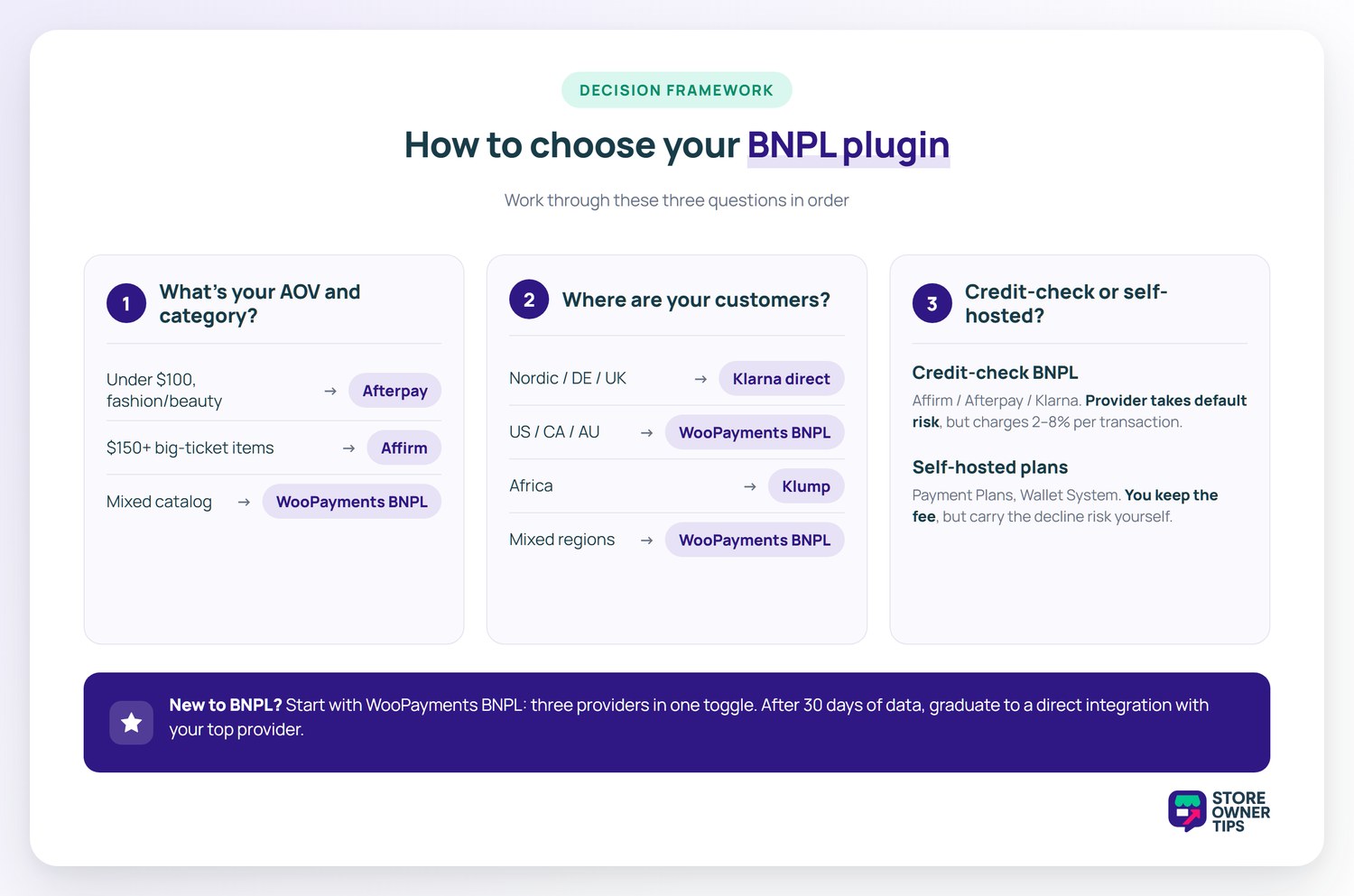
Three questions in order:
For most stores starting their first BNPL deployment, WooPayments BNPL is the right launch point — three providers in one toggle, lowest setup friction. Once you have 30 days of data on which provider drives the most volume, you can either stay on the WooPayments bundle or graduate to a direct integration with the dominant provider.
Not at all. Most of the options on our list, like WooPayments BNPL, are designed for quick integration without needing advanced coding skills. You can usually get them running in just a few clicks from your dashboard.
Yes, the top options are built to be highly compatible. The best WooCommerce BNPL plugins will seamlessly integrate with most standard WordPress and WooCommerce themes, automatically styling their checkout badges and product widgets to naturally match your site’s design.
BNPL providers charge 2–8% per transaction, depending on the provider and the installment term. Affirm’s longer-term financing (12+ months) charges higher fees than Klarna’s Pay in 3. The merchant pays the fee, not the customer — which is why the math only works if BNPL drives a measurable AOV or conversion lift over the baseline. Most stores see net-positive economics within 60 days of enabling BNPL.
For 4-installment plans (Klarna Pay in 3, Afterpay, Affirm Pay in 4), the credit check is a soft pull and approval is typically instant — customers don’t leave checkout. For longer-term financing (Affirm 12-month, Klarna Financing), customers go through a brief application that shows the APR and monthly payment before they confirm. WooPayments BNPL handles all of this within the checkout flow.
Yes. BNPL applies after discounts — the customer’s installment amount is calculated from the post-discount total. If you run BOGO offers or stackable coupons via Advanced Coupons, the BNPL widget shows the installment amount based on the final cart total. We’ve seen stores combine “10% off your first BNPL purchase” coupons with Afterpay messaging to drive conversion in fashion categories.
Consumer BNPL providers (Affirm, Afterpay, Klarna) aren’t designed for B2B. They don’t underwrite businesses. For B2B Net 30/60/90 terms, use either the B2B Payments extension from WooCommerce or pair Payment Plans for WooCommerce with Wholesale Suite to gate Net terms behind approved wholesale customer roles. See our B2B plugins guide for the full B2B payment-terms options.
Some shoppers who would’ve paid full price will choose BNPL—that’s a small shift of margin into the BNPL fee bucket, not lost revenue. The bigger movement is incremental: shoppers who would have abandoned the cart now complete the purchase. In the merchant data published by Klarna and Affirm, the incremental conversion lift typically outpaces the cannibalization by 4–8x. Track it: tag BNPL orders separately in your reporting and compare AOV and abandonment rate before vs. after.
Yes, and you should. Every major BNPL provider offers a product-page widget that displays the installment amount inline (“4 payments of $24.99 with Afterpay” or “From $19/mo with Affirm”). This single change is the highest-impact deployment step for BNPL because the price decision happens on the product page, not at checkout. WooPayments BNPL, the Klarna direct plugin, Afterpay direct, and Affirm Payments all include this widget — turn it on, don’t just rely on the checkout-page badge.
When looking for the best WooCommerce BNPL plugins for most stores in 2026, the right path is WooPayments BNPL: one toggle, three providers, lowest setup friction, and the cleanest reconciliation.
Self-hosted alternatives like Payment Plans for WooCommerce make sense when you want full control over installment schedules or you’re running B2B / Net 30 workflows where consumer BNPL doesn’t fit. Region-specific direct integrations (Klarna, Klump) only make sense if you’re concentrated in those markets.
Whatever you choose: turn on the product-page messaging widget. The checkout-only deployment leaves most of the conversion lift on the table.

Copyright © StoreOwnerTips.com. All Rights Reserved.
