Weekly ecommerce tips, deals & news.
Imagine this: you have 2,000 subscribers and an email sequence that is successfully making sales. Then, your email plugin moves you to a new tier, and your monthly bill suddenly increases. From what we’ve seen, this is a common problem for growing stores. That’s why it is helpful to look at the top four WooCommerce email marketing plugins side by side.
Choosing the wrong plugin is a big mistake. Switching platforms later is difficult. It often leads to messy data, broken automations, and lost history with your customers.
To help you avoid starting over, this guide looks at the top options based on performance and how they handle growth. We avoid the marketing hype to show how these WooCommerce email marketing plugins handle real-world tasks and how their costs change as your list grows.
Email marketing is still one of the most profitable ways to sell products online. Studies from the DMA and Litmus consistently show an average return of $36-$40 for every $$1 spent, making it the most profitable channel for online stores. For this reason, it’s to your best benefit to look for the right WooCommerce email marketing tool for your store.
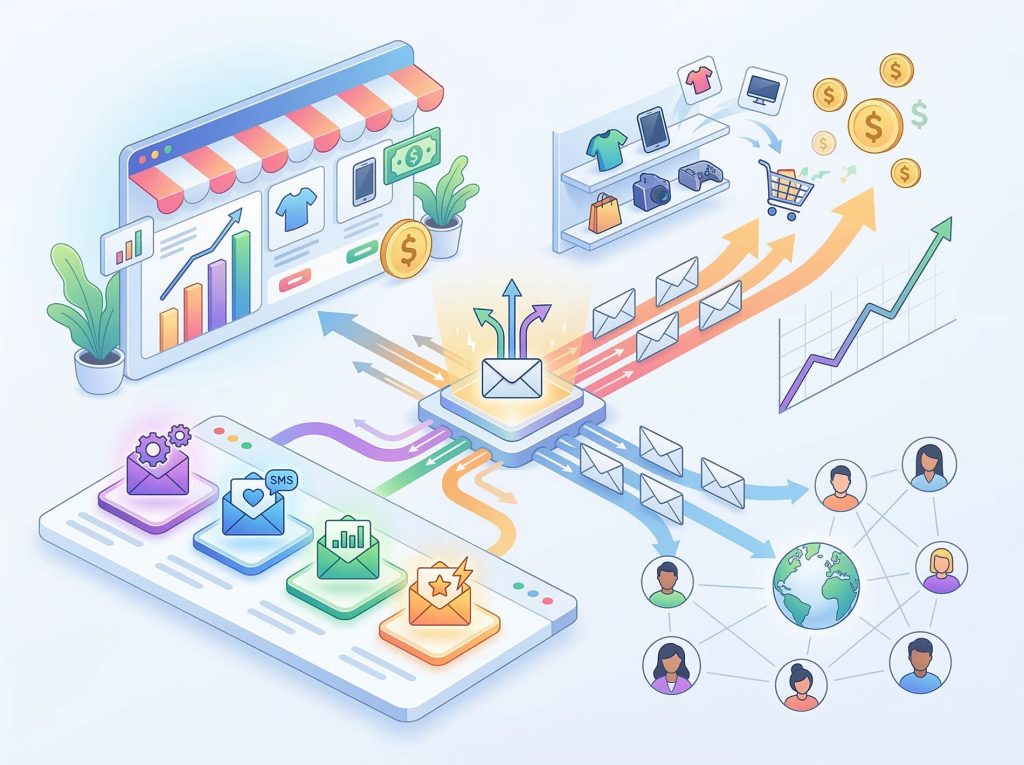
Before looking at the WooCommerce email marketing plugins, let’s talk about what matters. The biggest choice is between WooCommerce-native plugins (like FunnelKit, which lives inside WordPress) and SaaS-based tools (like Klaviyo, Omnisend, and Mailchimp).
Here’s what we evaluated each plugin on:
The best email marketing plugins for WooCommerce depend on your store’s size. A new store with 200 subscribers has different needs than a store with 10,000 contacts.
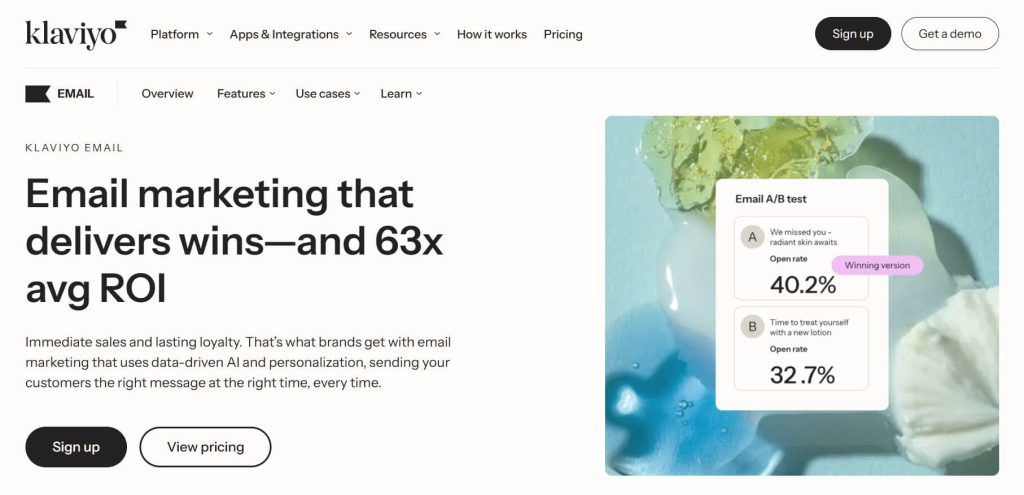
Klaviyo is a very popular name in the ecommerce world. It is built specifically for online stores. Its connection to WooCommerce is one of the strongest among SaaS tools.
Klaviyo is a data powerhouse. It syncs with WooCommerce very quickly to pull in order history. Its best feature is the predictive analytics suite. This tool automatically calculates things like how much a customer might spend over time, the risk of them leaving, and when they are likely to buy again. This gives smaller stores the same kind of deep insights that giant companies use.
The flow builder is powerful but takes some time to learn. While other tools might be faster to set up initially, Klaviyo offers much more detailed control over your email paths. You can split your email flows based on a customer’s predicted value, what they bought in the past, or how often they open your emails.
According to industry data, stores using automated emails for abandoned carts often recover about 3% to 5% of those lost sales. This matches the broader industry average of around 4.1% recovery rate for email-based cart recovery.
Pros:
Cons:
Best for: Data-driven stores with many contacts who want advanced targeting and smart data features.
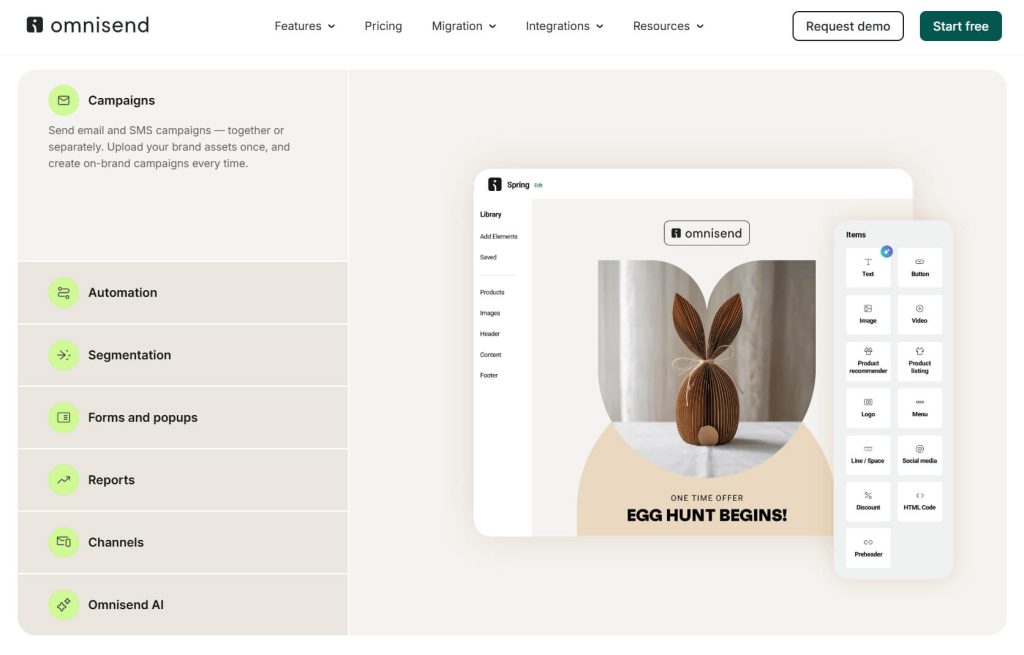
Omnisend is a popular choice because it is an all-in-one platform for both email and SMS marketing. It is built specifically for online stores, and its WooCommerce integration is designed with that focus in mind.
The pre-built automation workflows in Omnisend are very easy to use. You can start a “welcome series” or a “cart abandonment” sequence very quickly. This is a big plus for store owners who want to see results fast without spending a long time building complex email paths.
The ability to use both text messages and emails together is a major benefit. By using multiple channels to reach customers, a store can stay connected more effectively. This “multichannel” approach is built directly into the platform, making it simpler to manage everything in one place as the business grows.
Pros:
Cons:
Best for: Stores that want to combine email and text marketing in one tool without having to use several different services.
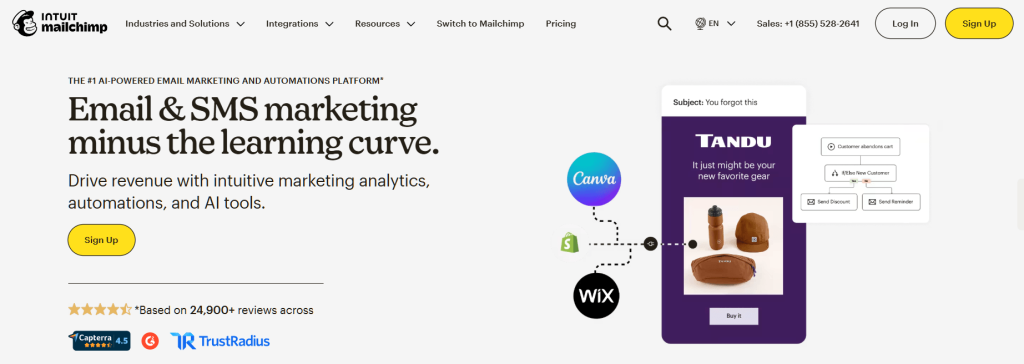
Mailchimp is often the first name people think of when they hear about “email marketing.” Since being bought by Intuit, its connection to WooCommerce has improved a lot. However, it still shows some signs of being a general-purpose tool rather than one made only for online stores.
While the connection is better than it used to be, there can sometimes be a sync delay. In some cases, it can take 15 to 20 minutes for new orders from your store to show up in Mailchimp. This is not a huge problem for everyone, but it is important to know if you want to send emails the very second someone makes a purchase.
Mailchimp’s email builder is one of the best “drag-and-drop” editors available. For store owners who are not professional designers, the templates are very helpful. They include blocks that automatically pull in products from your WooCommerce store, which makes the emails look professional right away. It is often possible to build a complete, branded email very quickly.
Pros:
Cons:
Best for: Beginners who want a familiar, easy-to-use editor and do not need to run complex, instant automations.
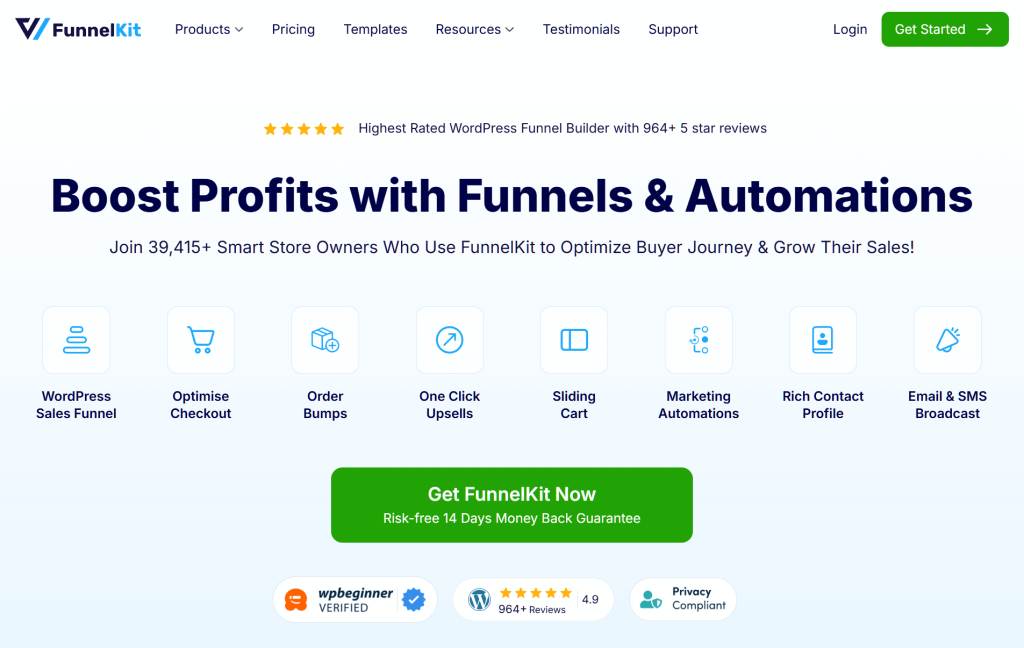
FunnelKit Automations is a highly WooCommerce-native option. Unlike SaaS tools, FunnelKit lives entirely inside your WordPress site. This means your email data, automation logs, and contact profiles are all stored in your own database.
Because FunnelKit stores data inside WordPress, there are no delays caused by syncing with an external API. Automations triggered by changes in order status can happen instantly. For example, when a customer finishes checking out, post-purchase emails are often sent within seconds rather than minutes.
The visual automation builder is easy to understand for anyone used to the WordPress interface. It also features a drag-and-drop Visual Email Builder. This makes it much easier to design professional emails without needing to know how to use manual CSS styling.
Pros:
Cons:
Best for: WordPress-focused stores that want to keep all their data self-hosted and avoid costs that go up as their list grows.
Choosing the right tool can feel difficult, but you can use this simple framework to help you decide based on where your store is today:
🚀 Power Tip: If you’re running email automation for abandoned cart, pair your email plugin with a dedicated cart recovery strategy. The plugin handles the sending, but your recovery rate depends on timing, copy, and incentive structure. See our guide to WooCommerce abandoned cart emails for the full playbook.
For related strategies beyond email, check out our roundup of ecommerce marketing ideas and our list of top WooCommerce plugins to build out the rest of your stack.
Yes, but it’s a difficult process. Most WooCommerce email marketing plugins allow you to export your contacts as a CSV file, but you will lose important information. This includes your automation history, data on how customers interacted with your emails, and any active email sequences. It’s much better to choose carefully at the start. Moving to a new platform in the middle of a campaign often leads to mistakes and lost data.
You can use any email service provider (ESP) with a connection tool like Zapier. However, you might miss out on specialized ecommerce features. Dedicated WooCommerce email marketing plugins offer things like automated product recommendations, segmentation based on what people bought, and emails that trigger the moment an order is placed. Specialized tools are usually worth the extra focus.
WooCommerce email marketing plugins like Klaviyo and Omnisend usually have very high deliverability. This is because they have their own systems designed specifically to make sure store emails reach the inbox. For self-hosted plugins like FunnelKit, your success depends on your SMTP provider. It is common to pair self-hosted tools with a service like Amazon SES or Postmark to ensure emails are delivered reliably.
Yes. If you’re looking for a free email marketing plugin, several popular tools offer free versions to help you get started. Omnisend and Klaviyo both have free tiers for stores with a small number of contacts. Mailchimp also offers a free version, though it has limits on how many emails you can send each month. For self-hosted options, FunnelKit offers a “Lite” version that is free to use.
There is no single “best” WooCommerce email marketing plugin. The right choice depends on the size of your store and how complex you want your email automation workflows to be.
Here are the top WooCommerce email marketing plugins based on how you might use them:
Whatever you choose, the most important thing is to actually set it up and start sending. An imperfect marketing automation sequence running today is much better than a perfect one that you are still researching next month.
If you want more help building your system, you can look into other WooCommerce automation tools to complete your setup.

Copyright © StoreOwnerTips.com. All Rights Reserved.
