The 7 Best WooCommerce Product Feed Tools For 2026
March 24, 2026
If you run a WooCommerce store in 2026, your website is only half the battle. Shoppers are buying directly through Google Shopping, TikTok Shop, and Instagram ads. To reach them, you need product feed tools. These are “digital translators” that package your store’s messy product data so these platforms know exactly what you’re selling.
In our recent testing, we noticed right away that poorly managed product data feeds silently kill ad budgets. Up to 20% of WooCommerce products get rejected by Google for simple errors like missing barcodes. You end up paying for “invisible” products nobody sees. Plus, with Google’s strict new 2026 Merchant Center rules, updating this data manually is impossible.
Generating these feeds requires heavy background math. A badly coded feed management software will drain your server’s memory and crash your site. To save you the headache, we evaluated the market based on real-world stability, massive catalog capacity, and return on ad spend.
Here’s our completely objective, practitioner-led roundup of the best product feed tools available right now.
The 7 Best WooCommerce Product Feed Tools For 2026
1. AdTribes Product Feed PRO
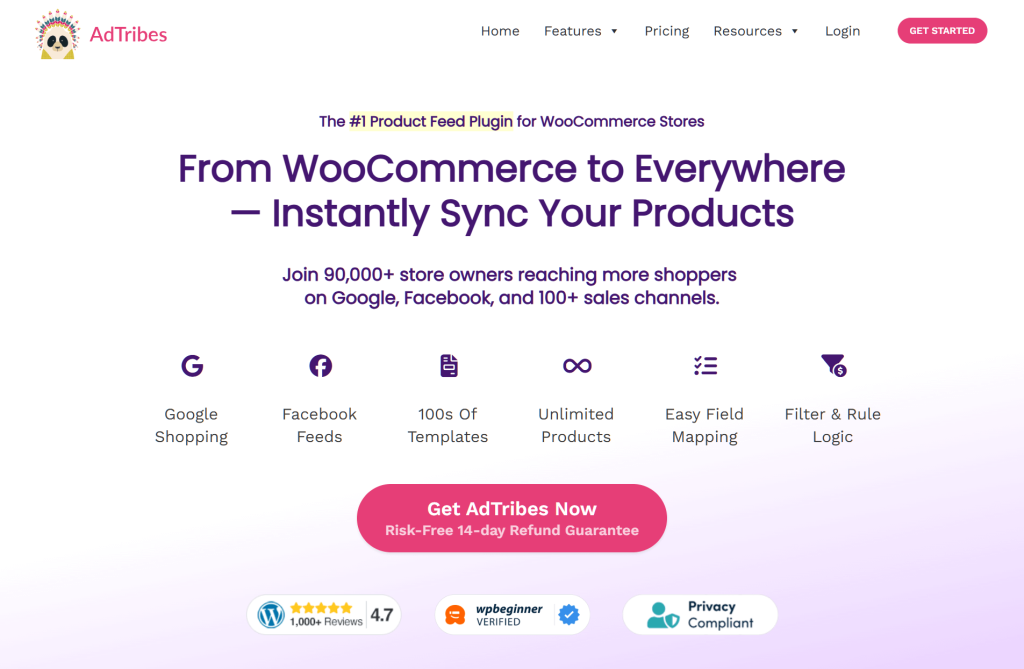
Backed by the enterprise heavyweights at Rymera Web Co, AdTribes Product Feed PRO has become the gold standard in our daily operations. Its main claim to fame is giving you massive, enterprise-level scaling power without slapping you with a paywall right out of the gate.
Generate unlimited products and feeds for free while automatically fixing hidden pricing code.
Core Feed Features
Channels: Over 100 pre-built templates for Google, Meta, TikTok, Pinterest, Snapchat, and Bing.
Sync Scheduling: Automated refreshes with incredibly granular custom intervals (down to the minute) on premium tiers.
Variable Handling: Flawless handling of product variations, complete with a proprietary fix for hidden website code (JSON-LD).
Attribute Mapping: Advanced rule-based filtering to easily add mandatory tags like GTINs and barcodes.
Pros & Cons
Pro 1: The free tier is completely unmatched, letting you process an unlimited number of products and feeds without forcing an early upgrade.
Pro 2: It includes a proprietary fix for your site’s structured data, which directly prevents the most common reason Google suspends Merchant Center accounts.
Con 1: You have to pay for a premium upgrade to access the pre-emptive Feed Validator Tool and the custom, minute-by-minute sync schedules.
Best For
The definitive all-around choice for the vast majority of WooCommerce merchants needing unlimited scaling without immediate costs.
Plus Plan: $179.50/yr (3 sites, Feed Validator Tool, 20+ integrations)
Business Plan: $199.50/yr (Unlimited sites, priority support)
2. CTX Feed by WebAppick
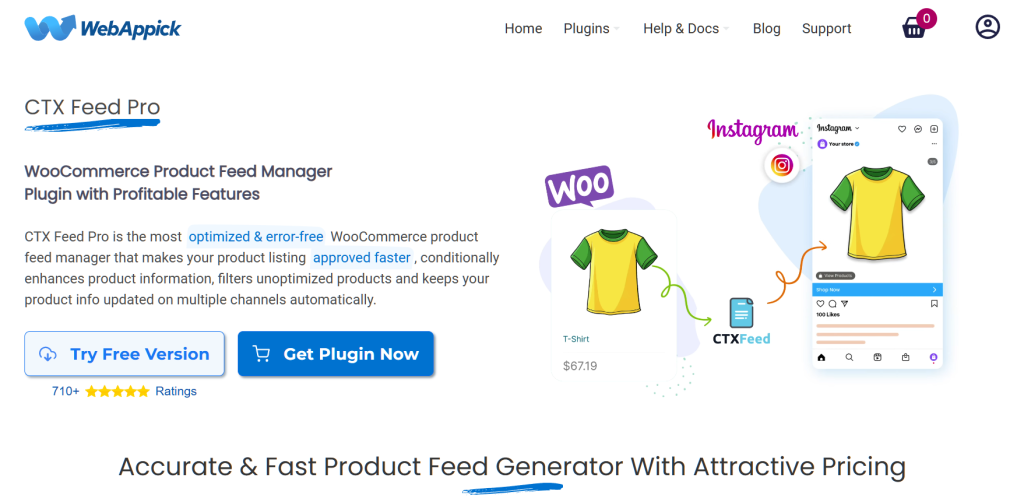
CTX Feed is essentially a heavy-duty tow truck for a massive ecommerce business. When you try to export 100,000 products, most plugins will overload your server’s memory and cause a fatal crash. CTX Feed solves this by breaking the workload down into tiny, manageable batches.
Break massive 100,000+ item catalogs into safe batches to prevent fatal server crashes during exports.
Core Feed Features
Channels: Over 220 pre-built templates for major platforms and niche regional search engines.
Sync Scheduling: Blazing fast 5, 15, or 30-minute automated updates in the Pro version.
Variable Handling: Perfected parent and child product handling, letting you easily export just your cheapest variations.
Attribute Mapping: Smart Category Mapping that instantly lines up your store categories with Google’s strict official lists.
Pros & Cons
Pro 1: The brilliant batch-processing architecture guarantees zero server crashes, even for extreme catalogs with over 100,000 items.
Pro 2: The 5-minute sync intervals are absolute lifesavers for high-volume stores, preventing you from accidentally selling out-of-stock items.
Con 1: The premium plans, especially the lifetime licenses, require a much higher upfront investment compared to the rest of the market.
Best For
Enterprise-level catalogs and high-volume sellers with over 50,000 products who need aggressive 5-minute updates and zero server crashes.
Single Site Pro: $119/yr or $300 Lifetime (1 site)
Five Site Pro: $199/yr or $440 Lifetime (5 sites)
Ten Site Pro: $229/yr or $640 Lifetime (10 sites)
3. ELEX WooCommerce Google Shopping by ELEXtensions
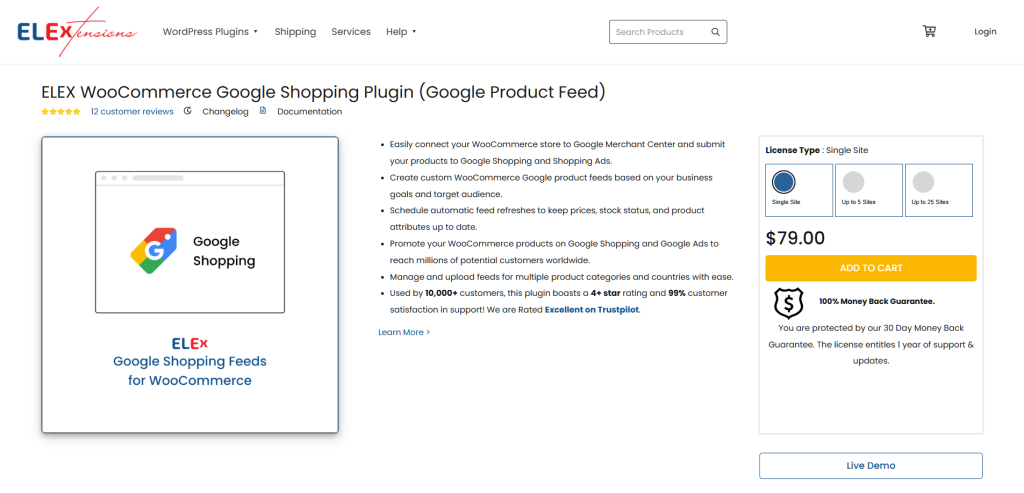
Instead of trying to be a “jack of all trades,” ELEXtensions focuses strictly on mastering the Google Shopping feed ecosystem. We noticed right away that this tool is built for pure ad performance. It’s designed to squeeze every ounce of profit out of your Google Performance Max campaigns through better feed optimization.
Use advanced conditional logic to fine-tune your product data specifically for Google Performance Max campaigns.
Core Feed Features
Channels: Hyper-focused entirely on Google Shopping, Local Inventory, and Google Ads.
Sync Scheduling: Highly reliable automated fetches synced perfectly with Google Merchant Center rules.
Variable Handling: Effortlessly maps out the complex size, color, and pattern matrixes that Google requires.
Attribute Mapping: Incredible conditional logic that lets you combine text, like automatically adding your brand name to a product title.
Pros & Cons
Pro 1: It offers the most advanced conditional logic for Google on the market, letting you automatically lower ad bids on low-margin items.
Pro 2: The “Excluded Products Analysis” dashboard shows you exactly why Google rejected an item, saving you hours of frustrating guesswork.
Con 1: Because it only focuses on Google, you will have to buy a completely different plugin if you want to sell on Facebook, Instagram, or TikTok.
Best For
Google Search purists whose sole business goal is to dominate Google Shopping and who need deep control over their ad data.
Current Pricing
Free Version: $0.00 (Standard Google feed generation, basic category mapping)
Single Site Premium: $79.00/yr (Full rule-based mapping, advanced filtering)
4. Product Feed for WooCommerce by WebToffee
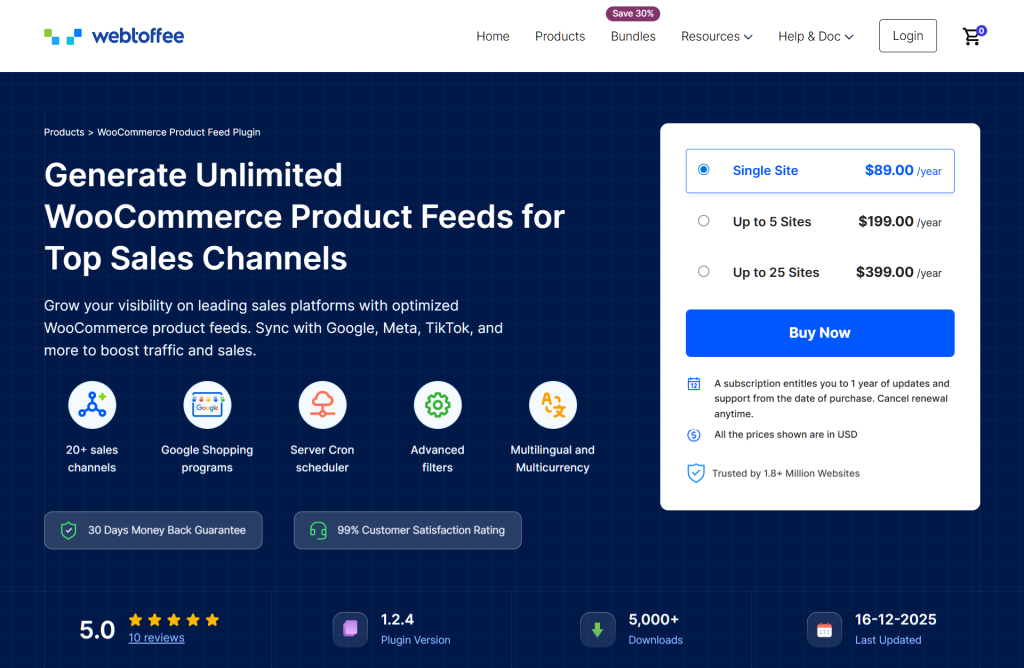
WebToffee makes feed management easy by fixing a massive, hidden flaw in how WordPress runs automated tasks. WordPress relies on website traffic to trigger scheduled updates. If you schedule a feed update at 3:00 AM but no one visits your site, the update simply fails. WebToffee fixes this with native server-level scheduling.
Rely on native server cron jobs to guarantee background stock updates, even with zero website traffic.
Core Feed Features
Channels: Supports 20+ of the highest-impact channels, heavily favoring Google, Meta, and TikTok.
Sync Scheduling: Uses bulletproof Server Cron jobs to ensure your stock levels update even if your website has zero traffic.
Variable Handling: Effortlessly handles simple, grouped, and bundled products for Meta’s specific catalog rules.
Attribute Mapping: Fast, one-time translation of your internal store tags directly to Meta and Google categories.
Pros & Cons
Pro 1: The Server Cron scheduling gives you a fail-safe guarantee that your feeds will update properly, protecting your ad budget.
Pro 2: It features incredibly deep, out-of-the-box syncing specifically tailored for Facebook Dynamic Ads and Instagram Shops.
Con 1: The template library is quite small (only 20+ channels), meaning you can’t easily connect to obscure or regional shopping networks.
Best For
Social commerce operators heavily invested in Meta and TikTok who desperately need the ironclad reliability of server-side background updates.
Current Pricing
Free Version: $0.00 (Basic channels, standard filtering)
Single Site: $89.00/yr (20+ channels, Server Cron, advanced filters)
Up to 5 Sites: $199.00/yr (Multi-site agency licensing)
Up to 25 Sites: $399.00/yr (Enterprise portfolio licensing)
5. Product Feed Manager by RexTheme
RexTheme throws out the old playbook of generating clunky spreadsheet files. Instead, it uses direct API connections—think of an API as a direct, high-speed phone line between your store and Google. This allows for lightning-fast, real-time inventory updates.
Skip slow file downloads and use direct API connections for lightning-fast, real-time inventory updates.
Core Feed Features
Channels: Over 200 templates with highly specialized, direct API connections to Google.
Sync Scheduling: Real-time updates pushed straight to Google Merchant Center without waiting for files to download.
Variable Handling: Easily injects specific variation details, like color and size, straight into your product titles.
Attribute Mapping: Features a unique “Combined Attribute” tool to automatically merge keywords for better SEO rankings.
Pros & Cons
Pro 1: The Google Content API bypasses all normal delays, keeping your prices perfectly synced in real time to prevent Google penalties.
Pro 2: It includes a brilliant built-in TikTok Ads Validator that catches errors before you submit, saving you from TikTok’s notoriously strict rejection loops.
Con 1: The free tier is incredibly restrictive, capping you at a mere 100 products per feed, which makes it useless for most growing stores.
Best For
Tech-forward merchants who suffer from highly volatile inventory and require real-time API syncing, especially on TikTok.
Current Pricing
Free Version: $0.00 (Max 100 products per feed, 7 Google feed types)
Starter 1 Site: $69.99/yr or $125 Lifetime (Unlimited products, Google API, TikTok validator)
Pro 5 Sites: $139.99/yr or $225 Lifetime (Agency scaling)
Agency 10 Sites: $279.99/yr or $325 Lifetime (Enterprise portfolios)
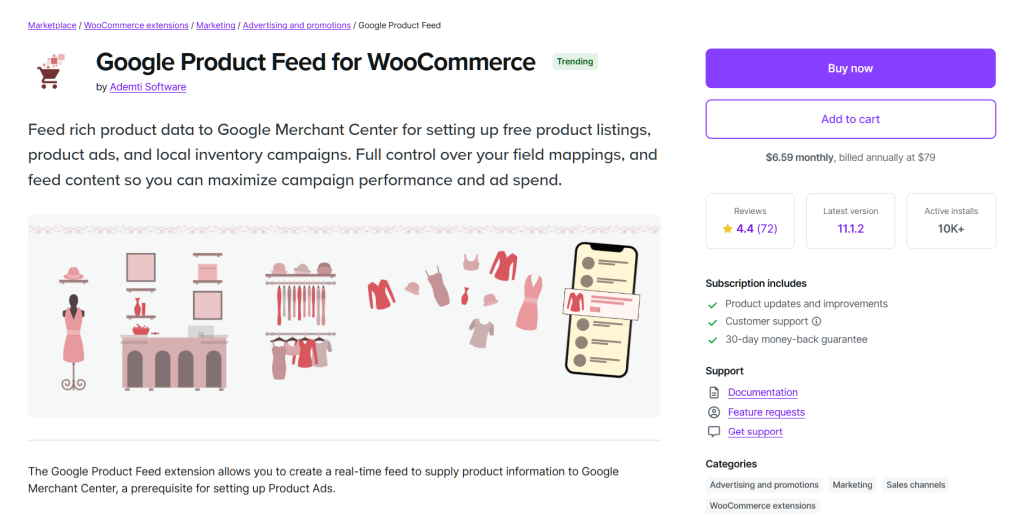
6. WooCommerce Google Product Feed by Ademti Software
If you prefer to use official, native software that won’t break your site, this extension from Ademti Software is the answer. Sold directly on the official WooCommerce marketplace, it deeply understands WooCommerce’s core code better than any third-party app.
Natively extract accurate pricing from complex setups like custom product bundles without breaking your site.
Core Feed Features
Channels: Strictly locked into the Google Merchant Center and Bing search networks.
Sync Scheduling: Provides an on-demand, real-time fetching mechanism directly to Google’s bots.
Variable Handling: Extracts accurate pricing natively, even from highly complicated custom product bundles.
Attribute Mapping: Deep granular control to override data at the store level, the category level, or the individual product level.
Pros & Cons
Pro 1: It works flawlessly with complex official WooCommerce plugins, like Product Bundles, that mathematically confuse and break other feed generators.
Pro 2: It automatically generates specialized Google Product Review feeds, easily putting high-converting star ratings on your search ads.
Con 1: It exists in a complete bubble; it offers absolutely zero templates or support for massive social platforms like Meta or TikTok.
Best For
WooCommerce purists who rely heavily on complex product bundles and want to focus 100% of their energy on Google and Bing search ads.
Current Pricing
Standard License: $79.00 billed annually (1-year updates, premium support)
7. Product Feed Manager for WooCommerce by Conversios
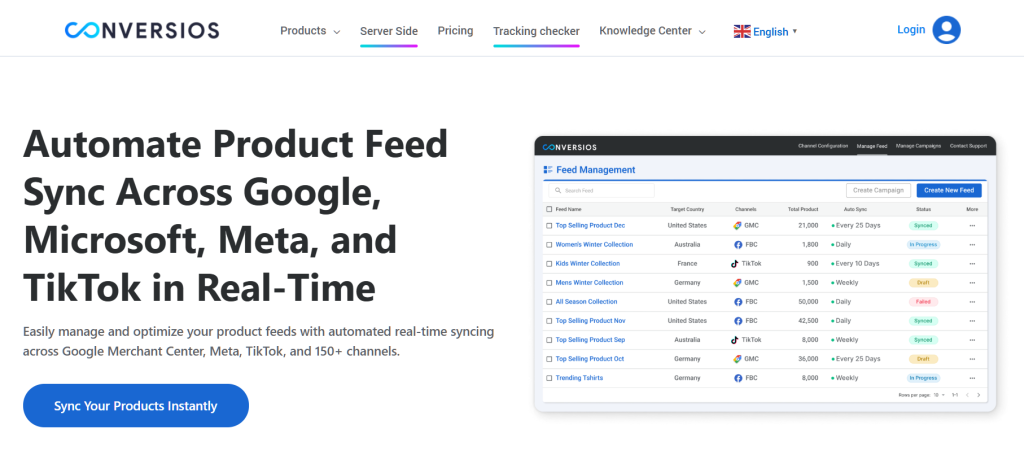
Conversios isn’t just one of the best product feed management tools; it’s a highly advanced tracking center. Modern browsers and Apple devices now block the standard tracking pixels that marketers rely on. Conversios fixes this by bundling your product data directly together with server-side tracking tools.
Bundle your product data directly with server-side tracking tools to easily fix broken Facebook pixels.
Core Feed Features
Channels: Focused purely on the giants: Google Shopping, Meta, and TikTok.
Sync Scheduling: Heavy-duty batch processing that smoothly handles massive catalogs without timing out.
Variable Handling: Maps product variants perfectly so that your feed data matches the data tracked by your analytics.
Attribute Mapping: A highly visual, “no-code” setup that makes complex data mapping surprisingly easy.
Pros & Cons
Pro 1: It natively fixes broken tracking by using Facebook Conversions API (CAPI), leading to massive improvements in your return on ad spend.
Pro 2: It boasts proven architectural stability, successfully managing and syncing massive stores with over 130,000 items.
Con 1: Bundling all these tracking pixels into the feed plugin can cause software bloat and code conflicts if you already use Google Tag Manager.
Best For
Data-obsessed marketers who are losing sales data to ad-blockers and need a unified way to fix their tracking while managing their catalogs.
Current Pricing
Free Version: $0.00 (Basic feed generation, standard pixel tracking)
Enterprise: $499.00/yr (Full suite analytics, custom integrations)
Why AdTribes Is Our Top Pick for 2026
When evaluating these product feed management tools, you have to look past the marketing fluff and look at how the software actually impacts your daily workflow and your wallet.
AdTribesProduct Feed PRO completely disrupts the market with its pricing model. Almost every other competitor arbitrarily limits how many products you can export or how many feeds you can create on their free tier. AdTribes removes this financial friction entirely. You get unlimited products and unlimited feeds right out of the box, letting you scale your business globally without paying a dime until you actually need elite agency features.
Beyond the cost savings, AdTribes solves the most terrifying technical issue in e-commerce: Google Merchant Center suspensions. Google runs automated bots that check your XML feed against the hidden code on your actual website. If you run a t-shirt store and your XXL shirt costs $5 more, standard plugins often fail to update that hidden code. Google sees a price mismatch and suspends your entire account.
AdTribes is built with a proprietary fix that dynamically injects the correct variable price right into your site’s JSON-LD structured data. This isn’t just a neat feature; it’s an absolute necessity to protect your advertising budget. Finally, knowing this plugin is actively developed and backed by Rymera Web Co guarantees it will remain secure, stable, and updated against future algorithm changes for years to come.
Conclusion
Every single tool on this list serves a very specific and valid purpose, from ELEX’s deep Google focus to WebAppick’s massive batch processing. However, AdTribes Product Feed PRO clearly offers the most powerful combination of enterprise-grade technology and immediate value. It protects your ad spend from Google suspensions while letting you scale infinitely for free.
To recap, this guide explored the following product feed management tools:
Check out the AdTribes plugin here to stop paying for invisible products and start scaling your multi-channel sales today.
FAQs: WooCommerce Product Feed Tools
Why does Google Merchant Center keep rejecting my WooCommerce products?
In our recent testing, we found the biggest reason is a “price mismatch.” This happens a lot with items like shirts that cost more in larger sizes. Google looks at the prices in your feed file, and then checks the hidden code (called JSON-LD) on your website. If those two numbers don’t match perfectly, Google blocks your item. You also have to make sure you aren’t missing simple things like barcodes.
Why did my website crash when I tried to make a product data feed?
Making a feed forces your website to do a ton of heavy math. If you have a large store, normal plugins try to load all your products at the exact same time. It’s like trying to eat a whole pizza in one bite—your server chokes, runs out of memory, and your site crashes. To fix this, you need a tool like CTX Feed. It uses “batch processing” to slice the workload into small, safe pieces.
My automatic feed updates aren’t working. What’s wrong?
WordPress uses a built-in timer called WP-Cron, but it’s basically a fake timer. It only works when a real person visits your website. If your feed tries to update your stock levels at 3:00 AM, but no one visits your site, the update fails. Because of this, Google might keep running ads for items you already sold out of. You fix this by using a plugin with “Server Cron” (like WebToffee) so updates happen in the background, no matter what.
Can’t I just use a normal tracking pixel for my Facebook ads?
Not reliably anymore. Because of strict browser privacy rules and ad-blockers, normal tracking pixels miss a lot of data. If a shopper buys something, their browser might stop the pixel from telling Meta about the sale. Product feed management tools like Conversios fix this by wiring your server directly to Meta (using the Facebook Conversions API). This makes sure Meta knows exactly what sold, which helps your ads perform much better.
Which product feed plugin is the best if I have a tight budget?
What we noticed right away is that most plugins limit how many items you can export on their free plans. AdTribes Product Feed PRO is our top pick because its free tier gives you unlimited products and unlimited feeds. It lets you get your items onto Google, Meta, and TikTok without forcing you to buy an expensive upgrade just to get started.