Weekly ecommerce tips, deals & news.

Ever spent a Friday night manually calculating shipping rates or copy-pasting tracking numbers? Then you already know: shipping is the part of running an online store that nobody warns you about. But if you’re using one of the best WooCommerce shipping plugins, you can claw back hours every week and stop eating costs on misquoted rates.
We’ve tested a lot of shipping tools, and in this guide, we’re comparing six of the most helpful for 2026, with honest pros, cons, and hands-on observations for each.
Here’s the reality: Baymard Institute research looked at shoppers who actually plan to buy something, not just window shoppers. For these ready-to-buy customers, surprise shipping costs are the number one reason they leave their carts behind. It causes a whopping 48% of those lost sales!
We installed each plugin on a live WooCommerce test store and evaluated it against five criteria:
What works for a store shipping 50 orders a month is very different from what works at 5,000. Thus, we’ve structured this guide around finding the right fit for your current stage, not just declaring a single winner.
WooCommerce Shipping is the free, built-in option that comes with WooCommerce. It lets you print USPS and DHL shipping labels directly from your WooCommerce dashboard. No third-party account or monthly fee required!
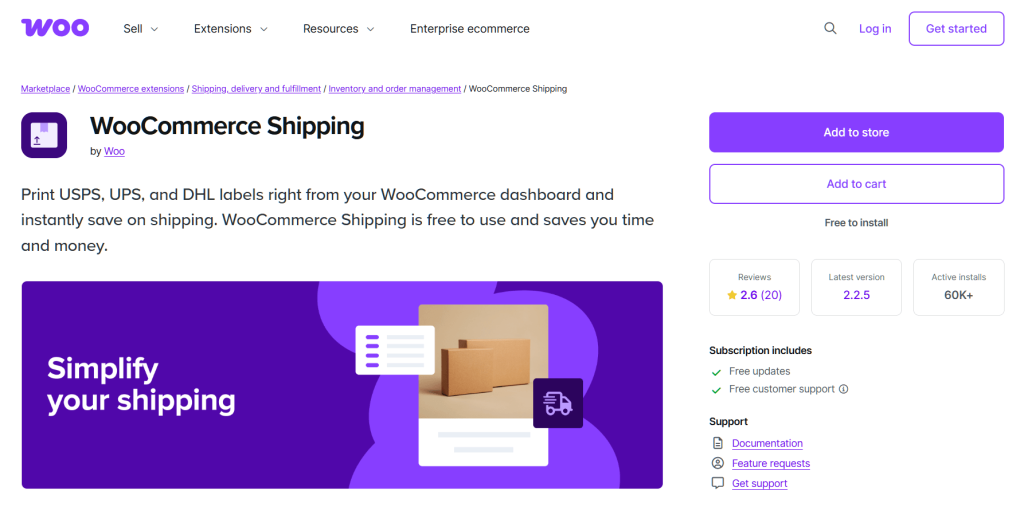
When we set it up on our test store, the process was quick and straightforward. Connect your WordPress.com account, verify your address, and you’re printing discounted USPS labels from the orders screen. For a US-based store just getting started, this is genuinely the fastest path from “I need to ship something” to “label printed.”
The limitations surface quickly once you need carriers beyond USPS and DHL or ship internationally at volume. There’s no UPS, no FedEx, and no way to display live rates from multiple carriers for comparison. We tried to set up a simple weight-based rule for Canadian shipments and had to look elsewhere. It’s a great starting point, but most growing stores outgrow it within their first year.
New stores with low volume, US-focused sellers who primarily ship via USPS. WooCommerce Shipping’s built-in label printing—simple, free, and limited to USPS/DHL.
ShipStation is the cloud-based shipping platform that most mid-to-high volume WooCommerce stores end up using. It supports 50+ carriers, pulls orders from multiple sales channels, and offers powerful automation rules.
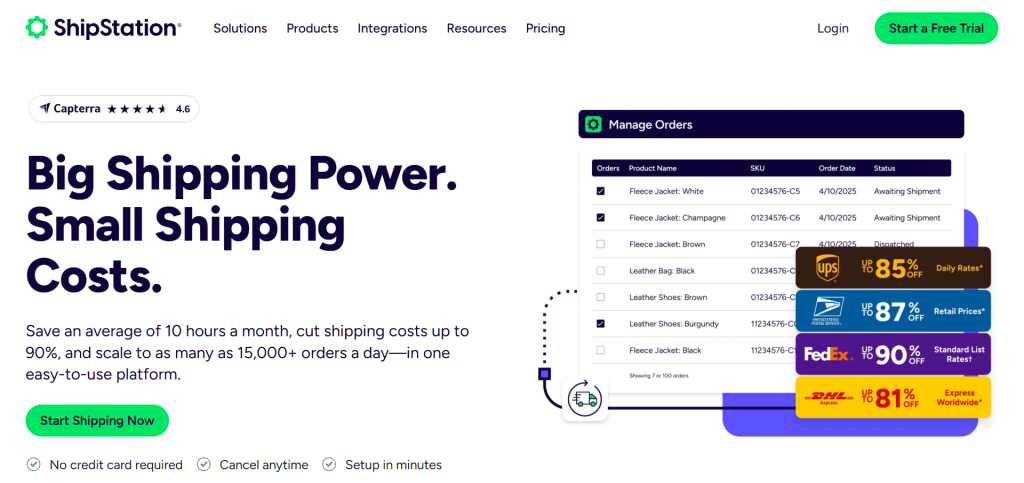
The automation rules engine is genuinely powerful, and this is where ShipStation earns its subscription fee. We set up rules to auto-assign carriers based on package weight and shipping zone, auto-apply insurance to orders over $100, and batch-print labels for the day’s orders. We’ve seen stores significantly cut their fulfillment time after implementing ShipStation’s automation. According to ShipStation’s own case studies, their average customer reduces shipping time considerably each week.
The WooCommerce integration can occasionally lag on order sync during peak volume. During our Black Friday simulation (pushing through 200+ test orders in an hour), we noticed a short delay before new orders appeared in ShipStation. Worth testing before a big sale to make sure your workflow accounts for the sync gap.
Mid-to-high volume stores shipping across multiple carriers and sales channels. ShipStation’s automation rules let you auto-assign carriers, insurance, and packaging based on order attributes.
Shippo takes a refreshingly different approach to pricing: instead of a monthly subscription, you can pay per label. That makes it especially attractive for stores with inconsistent order volume.
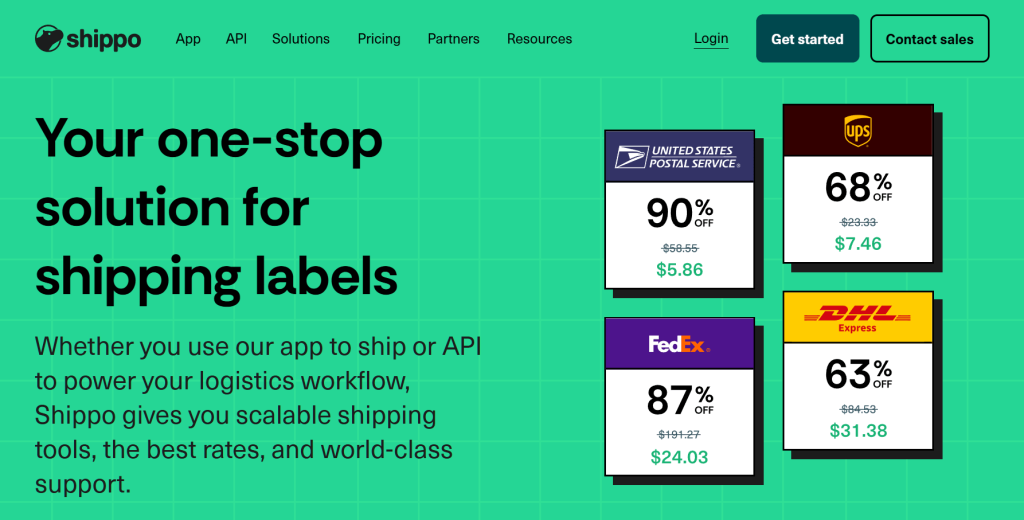
Shippo’s pricing is super simple. If you use their free Starter plan with their built-in carrier accounts, you pay zero fees per label. You only pay a 5-cent fee per label if you decide to link your own shipping accounts. There are no surprises and no sudden price jumps when you have a busy month.
For stores that do 100 orders one month and 400 the next (seasonal products, flash sales, etc.), this flexibility is a real advantage over ShipStation’s tiered subscriptions.
Carrier options outside the US are more limited than ShipStation. We tried setting up DPD and Hermes for European shipments and found the options sparse compared to ShipStation’s international carrier list. If you’re primarily shipping within the US, Shippo’s carrier coverage is solid. International sellers should verify their specific carriers are supported before committing.
Small-to-mid volume stores wanting discounted rates without committing to a monthly subscription. Shippo’s rate comparison view lets you compare carrier prices side-by-side before printing a label.
Flexible Shipping isn’t a label-printing tool. It’s a shipping rules engine. It lets you create conditional shipping rates in WooCommerce based on weight, cart total, destination, item count, and more.
The rule builder is intuitive, allowing us to set up weight-based and cart-total-based shipping rules quickly. Want free shipping on orders over $75, flat rate $5.99 for orders under 2 lbs, and calculated rates for everything else? Flexible Shipping handles that logic without writing any code. The free version covers basic rules, and the Pro version ($99/year) adds features like shipping classes and per-product rules.
If you need live rates from carriers (real-time USPS, UPS, or FedEx quotes at checkout), you’ll need to pair Flexible Shipping with another plugin or use a different solution entirely. Flexible Shipping handles custom rules and table rates, not carrier API integrations. This is the most important thing to understand about it—it’s a rules engine, not a carrier connector.
Stores needing granular control over shipping rules (flat rate, tiered, conditional free shipping) rather than live carrier rates. Flexible Shipping’s rule builder—set conditions for weight, cart total, destination, and more.
Table Rate Shipping is a premium WooCommerce extension that handles complex rate tables. Think multi-zone, multi-weight, multi-item-count pricing matrices that WooCommerce’s built-in options simply can’t manage.
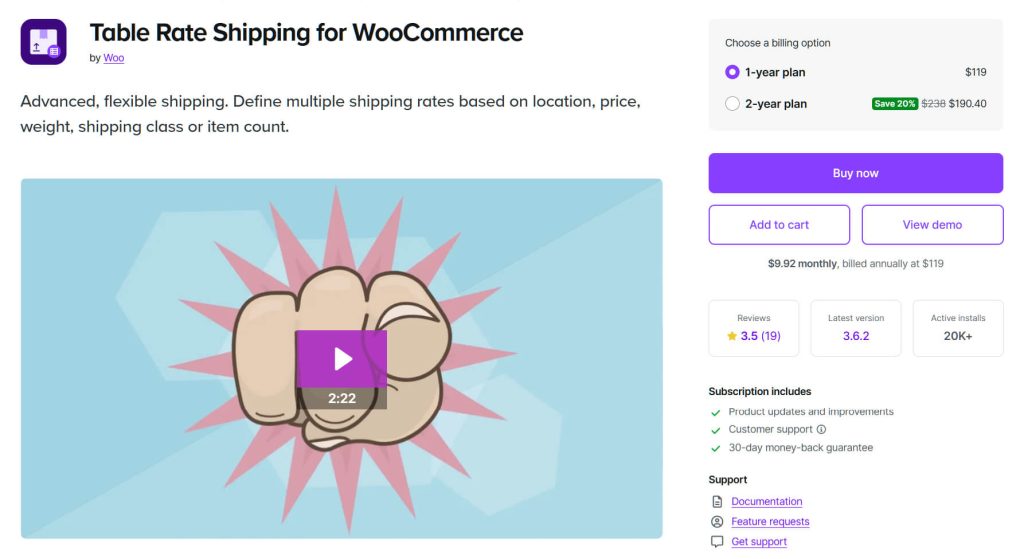
While it doesn’t fetch live rates automatically from carriers, it handles complex zone + weight + item count combinations that WooCommerce’s built-in shipping options fall apart on. We set up a rate table with 5 shipping zones, each with different rates based on order brackets and item counts. The plugin handled the logic without a hitch, and the rates displayed correctly at checkout for every test scenario we ran.
The learning curve is steeper than Flexible Shipping. Thus, plan to spend some time in the documentation the first time you set it up. The interface uses a spreadsheet-style rate table that’s powerful but not immediately intuitive. Once you understand the row/column logic, it clicks.
Stores with complex shipping zones and rate structures that need precise control over pricing matrices.
AdTribes is a different kind of shipping tool. It’s a product feed manager that ensures your shipping data is accurate across Google Shopping, marketplaces, and comparison sites, where incorrect shipping info can get your products disapproved or tank your ad performance.
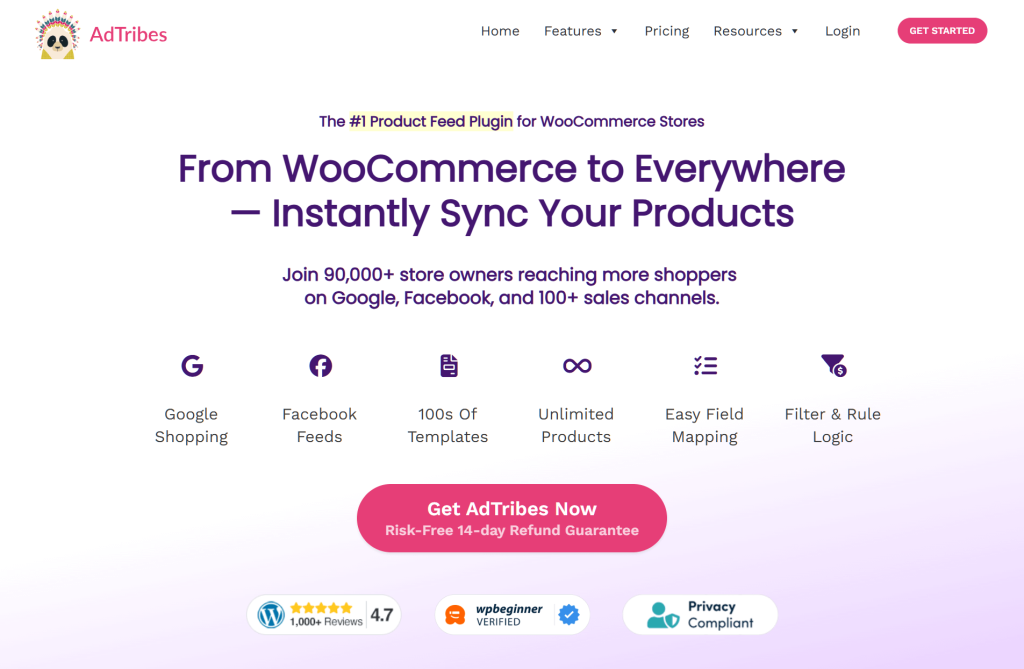
Mapping WooCommerce shipping classes to Google Shopping feed attributes is straightforward once you understand the field mapping UI. We mapped our shipping zones, rates, and delivery timeframes to Google’s required attributes on our test store. The preview feature lets you verify the feed output before publishing, which saved us from pushing incorrect data to Google Merchant Center.
Stores selling on multiple channels often overlook shipping data in their feeds, and AdTribes catches mismatches that would otherwise cause disapprovals. We deliberately set up conflicting shipping rates between WooCommerce and our test Google Shopping feed, and AdTribes flagged the discrepancy in its validation report. That kind of catch prevents wasted ad spend and marketplace listing suspensions.
AdTribes is part of the Rymera family, and we’ve seen it work especially well for WooCommerce stores managing multi-channel product feeds. The free version handles the basics just fine. If you want more advanced tools and the ability to sell on multiple sites at once, you’ll need a paid plan. Those start with the Growth plan at $99.50 a year.
Multi-channel sellers who need accurate shipping data in product feeds across Google Shopping, marketplaces, and comparison sites. AdTribes’ field mapping UI—map WooCommerce shipping data to Google Shopping and marketplace feed attributes.
The following tables are illustrative and based on our testing. Pricing is approximate as of early 2026. Verify all pricing and features at each provider’s site before purchasing.
| Plugin | Best For | Price Range | Our Take |
|---|---|---|---|
| WooCommerce Shipping | Beginners, low volume | Free | Start here, upgrade when you outgrow it |
| ShipStation | High volume, multi-carrier | $9.99+/mo | The automation is worth it at scale |
| Shippo | Great for changing sales volume and tight budgets | $0.00 to $0.05 a label | Simple pricing, solid shipping rates |
| Flexible Shipping | Custom shipping rules | Free / $99/yr | Great rule builder, no live rates |
| Table Rate Shipping | Great for complex shipping rules | $119 a year (Official) or try free options | Powerful, but it takes time to learn |
| AdTribes | Syncing products to different sites | Free, or starting at $99.50 a year | A must-have for keeping shipping info accurate everywhere you sell |
| Feature | WooCommerce Shipping | ShipStation | Shippo | Flexible Shipping | Table Rate Shipping | AdTribes |
|---|---|---|---|---|---|---|
| Live Carrier Rates | Limited (USPS/DHL) | Yes (50+ carriers) | Yes (multi-carrier) | No (rule-based) | No (table-based) | N/A (feed-based) |
| Label Printing | Yes | Yes | Yes | No | No | No |
| Multi-channel | No | Yes | Limited | No | No | Yes (feeds) |
| Automation Rules | No | Yes | Basic | Yes (conditions) | Yes (tables) | Yes (feed rules) |
| International | Limited | Strong | Moderate | Yes (custom rules) | Yes (custom zones) | Yes (feed attributes) |
| Free Tier | Yes (fully free) | No | Yes (with default carriers) | Yes (basic version) | Yes (via other creators) | Yes (basic version) |
| Plugin | Free Option | Paid Starting At | Pricing Model |
|---|---|---|---|
| WooCommerce Shipping | Yes (fully free) | — | Free |
| ShipStation | No | ~$9.99/mo | Monthly subscription (tiered by shipments) |
| Shippo | Yes (free or pay-per-label) | $0.00 to $0.05 a label | Free (with their carriers) or pay-per-label (with your own accounts) |
| Flexible Shipping | Yes (limited) | ~$99/yr | Annual license |
| Table Rate Shipping | Yes (if you use other creators’ versions) | $119 a year (Official version) | Yearly fee or totally free |
| AdTribes | Yes (basic features) | $99.50 a year | Yearly fee |
The right shipping plugin depends on three things: your order volume, your shipping complexity, and whether you sell on multiple channels.
Here’s the framework we recommend:
🔍️ What We’ve Seen: Most small WooCommerce stores do fine starting with WooCommerce Shipping or Shippo, then graduate to ShipStation as volume grows. The mistake we see most often is stores jumping straight to a complex (and expensive) solution before they need it. Start simple, upgrade when you feel the pain.
For more free plugin options across all categories, see our roundup of free WooCommerce plugins.
🚀 Power Tip: If you use ShipStation, set up a shipping rule that auto-selects the cheapest carrier for orders under 1 lb and your preferred carrier for everything above. We’ve seen this single rule save stores on shipping costs without sacrificing delivery speed for small, lightweight orders.
The truth is that there’s no single best WooCommerce shipping plugin. The right choice depends on your store’s volume, complexity, and channel mix.
For stores selling across multiple channels, we especially recommend pairing AdTribes with your chosen shipping solution. Accurate shipping data in your product feeds prevents disapprovals and wasted ad spend—an often-overlooked piece of the shipping puzzle that can save you significant headaches down the line.
To recap, we explored the six best WooCommerce shipping plugins :
Our advice: pick one, set it up this week, and reclaim your shipping sanity. You can always test with a free tier or trial before committing to a paid plan. And if shipping costs are eating into your profits, remember this: 48% of ready-to-buy shoppers leave their carts behind because of shipping fees. That should be all the motivation you need to get this right!

Copyright © StoreOwnerTips.com. All Rights Reserved.
