Weekly ecommerce tips, deals & news.
Running a store is tough when you’re stuck doing chores instead of growing your business. From our experience, the right free WooCommerce plugins are the best way to handle those boring tasks without costing a cent.
We’ve seen firsthand how these tools save time with AI, stop spam, and help you understand your data. They give your shoppers a professional experience while protecting your profits. But with hundreds of options out there, which ones should you actually use?
After testing many tools, we’ve narrowed the list down to the most reliable picks for any smart merchant. Using them is a simple way to make your store more accurate and secure for everyone.
Ready to see which tools made our final cut? Then keep reading!
We know store owners often have to deal with multiple repetitive tasks all day, from answering customer questions to writing product descriptions. StoreAgent handles all that stuff for you so you can focus on growing your brand.
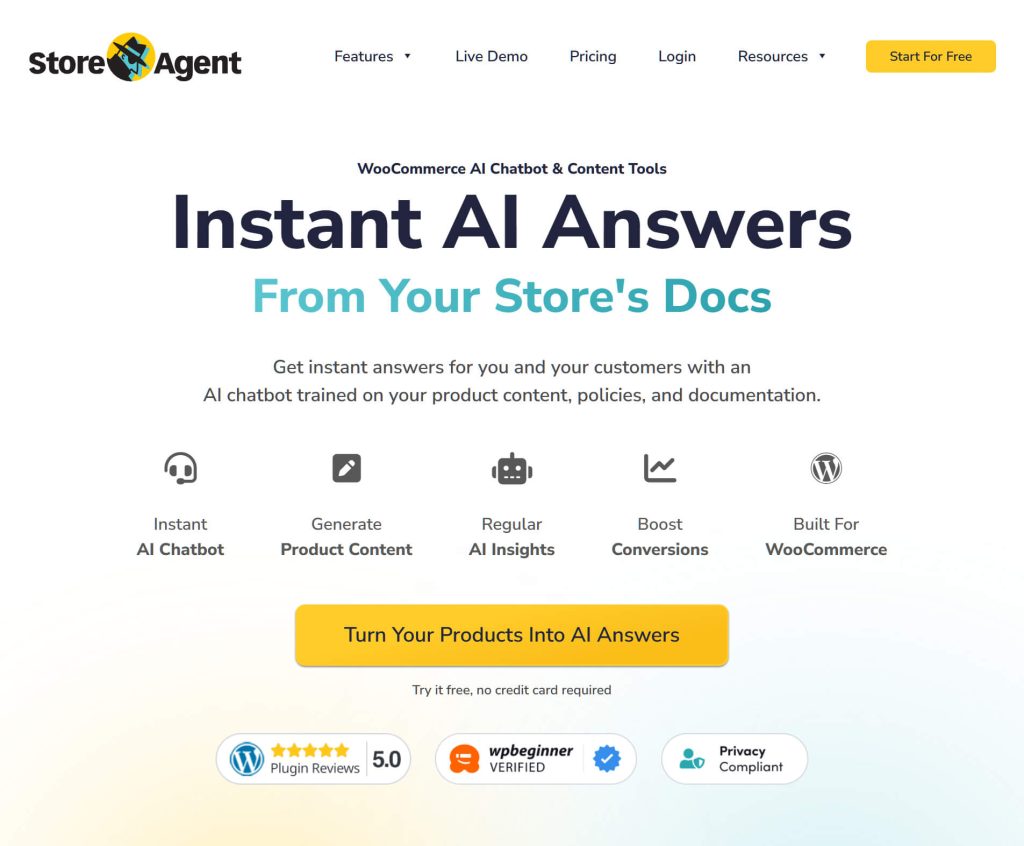
The multilingual AI Chatbot is one of the best parts of this tool. It looks at your product details and store policies to give shoppers instant answers. This keeps people from leaving your site because they’re tired of waiting. Plus, it gives your team more time to handle the tricky stuff that needs a human touch.
Also, the AI Product Description Writer uses your basic product info to create catchy, original text in seconds. Good descriptions help your store show up in search results and bring in more shoppers. It’s a huge time-saver if you have a big catalog or want to launch new items quickly.
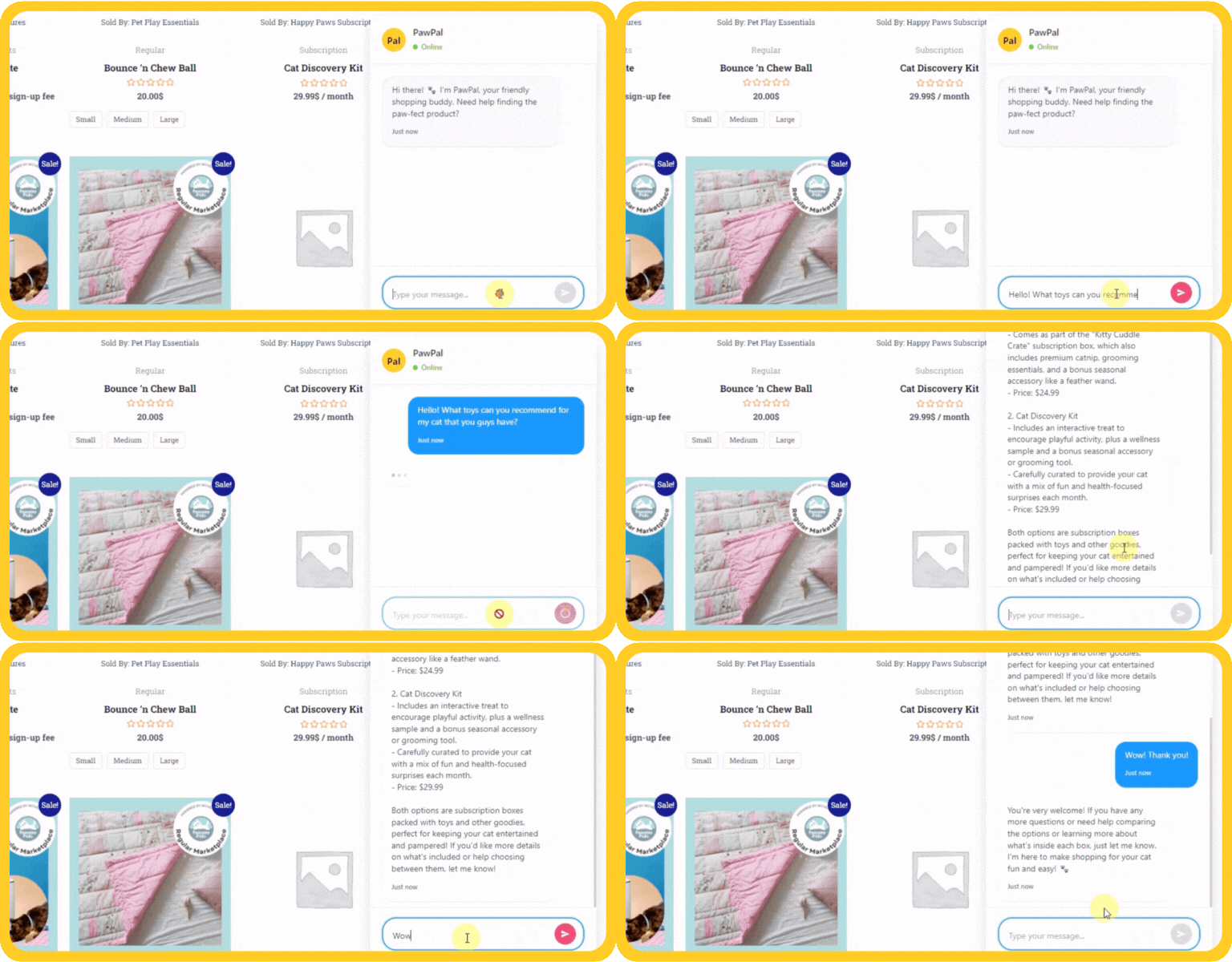
Here’s a glimpse at StoreAgent’s other AI tools:
Moving to AI for managing many routine store responsibilities is a smart way to lower your costs. It makes your shop feel more professional without adding more work to your plate.
Keeping customer info safe is a top priority if you want to grow a mailing list. We love Formidable Forms because it lets you create complex sign-up spots without hiring a programmer.
With its Drag & Drop Form Builder, you can create surveys or registration pages in minutes without touching a single line of code. This visual approach saves money on developers and lets you test new ideas fast. When you can gather feedback quickly, it’s much easier to keep up with what your buyers want.
The Invisible SPAM Protection stops bots without making customers solve annoying puzzles. It uses hidden tech to block junk while keeping the experience smooth for your visitors. Plus, it helps your site run faster by rejecting automated garbage instantly.
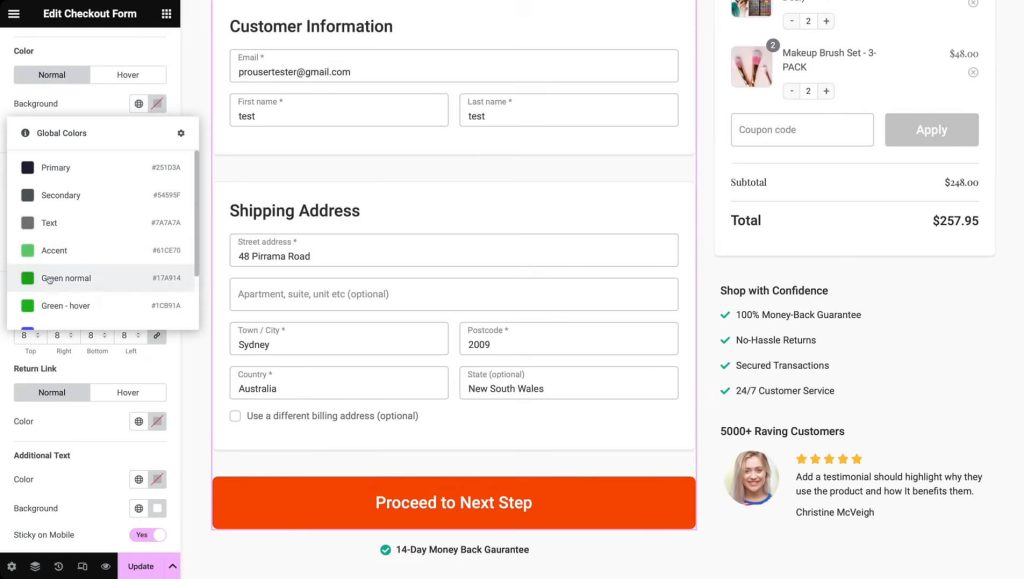
Other Formidable Forms features include:
Collecting organized info gives you a huge advantage because you’ll finally understand what your buyers actually want. Using these interactive tools helps you build a steady stream of feedback that leads to long-term retail success.
Shoppers usually don’t buy expensive items on their very first visit. With SaveTo Wishlist, you give them an easy way to remember their favorite products so they can come back and buy them later.
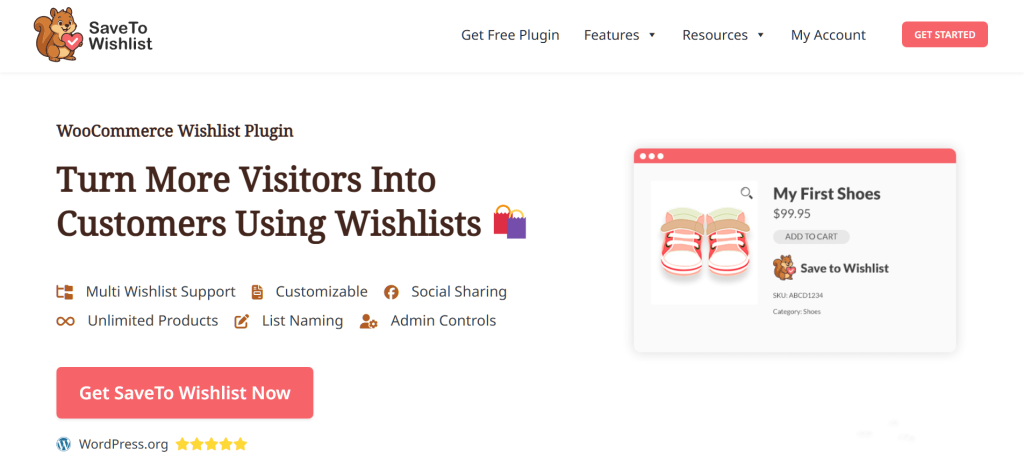
We love the Multiple Wishlists feature, as it lets customers sort their favorite items by events like birthdays or holidays. This encourages people to save more products and keeps your store on their minds for a longer time. Thus, it can lead to much bigger orders when they’re finally ready to check out.
Guest User Wishlists let people start saving items immediately without signing up first. This removes a lot of frustration and keeps casual browsers from leaving your site too early. If they do decide to register later, the system automatically moves their saved items into their new account.
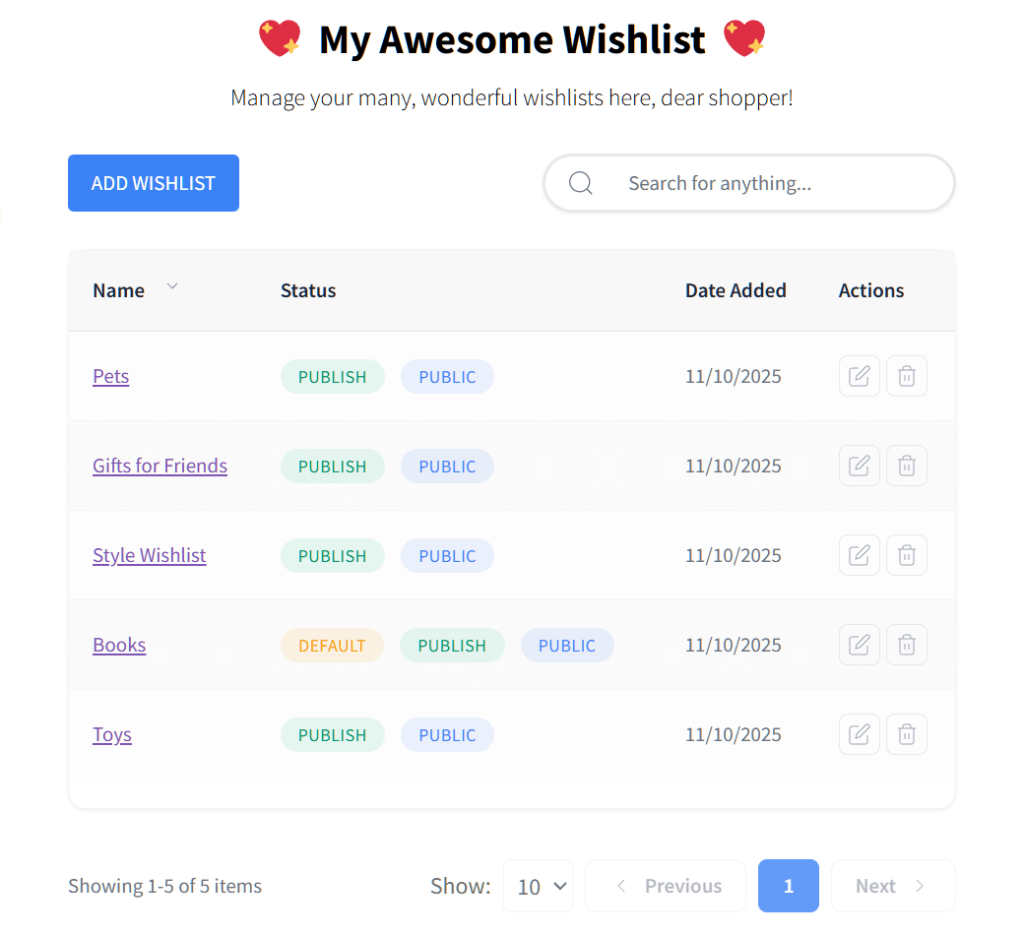
SaveTo Wishlist’s other free tools include:
Knowing exactly what your visitors want makes it much easier to run ads and sales that actually work. Giving your audience the power to save their favorite items is a proven way to bring them back more often and grow your profits.
We understand that good data helps you make better choices about what to buy and how to advertise. MonsterInsights turns confusing numbers into easy reports right inside your WordPress dashboard.
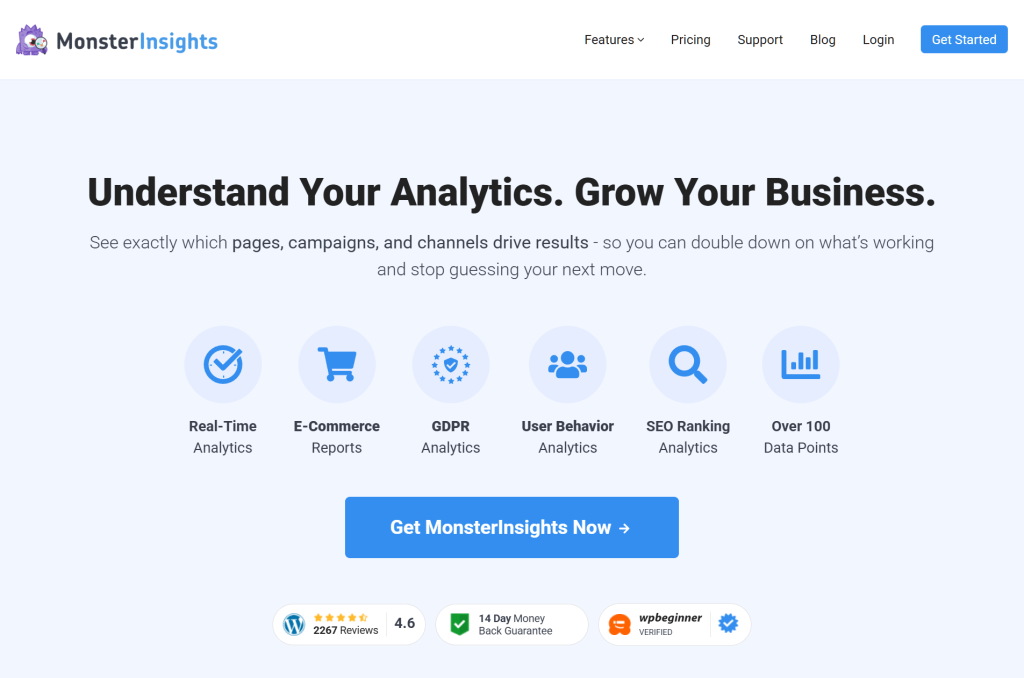
The tool makes setting up Google Analytics Tracking easy. It provides you with accurate info on who your shoppers are and where they live, which is the base for any real marketing plan. This lets small teams compete with giant companies by using the same high-level data.
The Actionable Dashboard puts your most important stats right where you work every day. You can see your best products and pages immediately without digging through complicated menus. This constant view of your numbers makes it easy to fix weak spots and keep shoppers on your site longer.
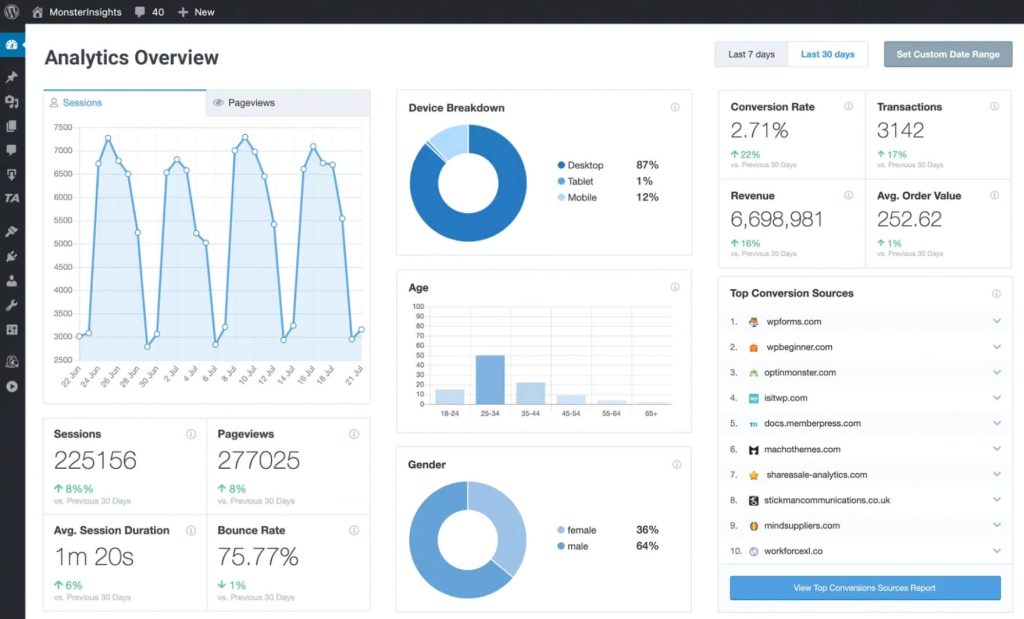
Let’s take a look at what else to expect from MonsterInsights:
Understanding how visitors behave is a requirement if you want to stay in business. Using clear visual reports lets you stop guessing and start making choices based on hard facts.
Standard discount tools usually don’t have the flexibility you need to run profitable sales. That’s why we love Advanced Coupons: it gives you smart marketing features that move more products while protecting your money.

You can set up BOGO (“Buy One, Get One”) Deals that shoppers find more exciting than a basic percentage off. Giving away a free item often brings in higher total profits because it guarantees you’re moving physical products. It’s a great way to reward your customers without making your brand look cheap.
Cart Conditions simplify setting strict rules for when a coupon works. For example, you can require a specific spending amount before a discount kicks in. This stops people from stacking too many codes and draining your revenue, ensuring your marketing only rewards the specific shopping habits you want to encourage.
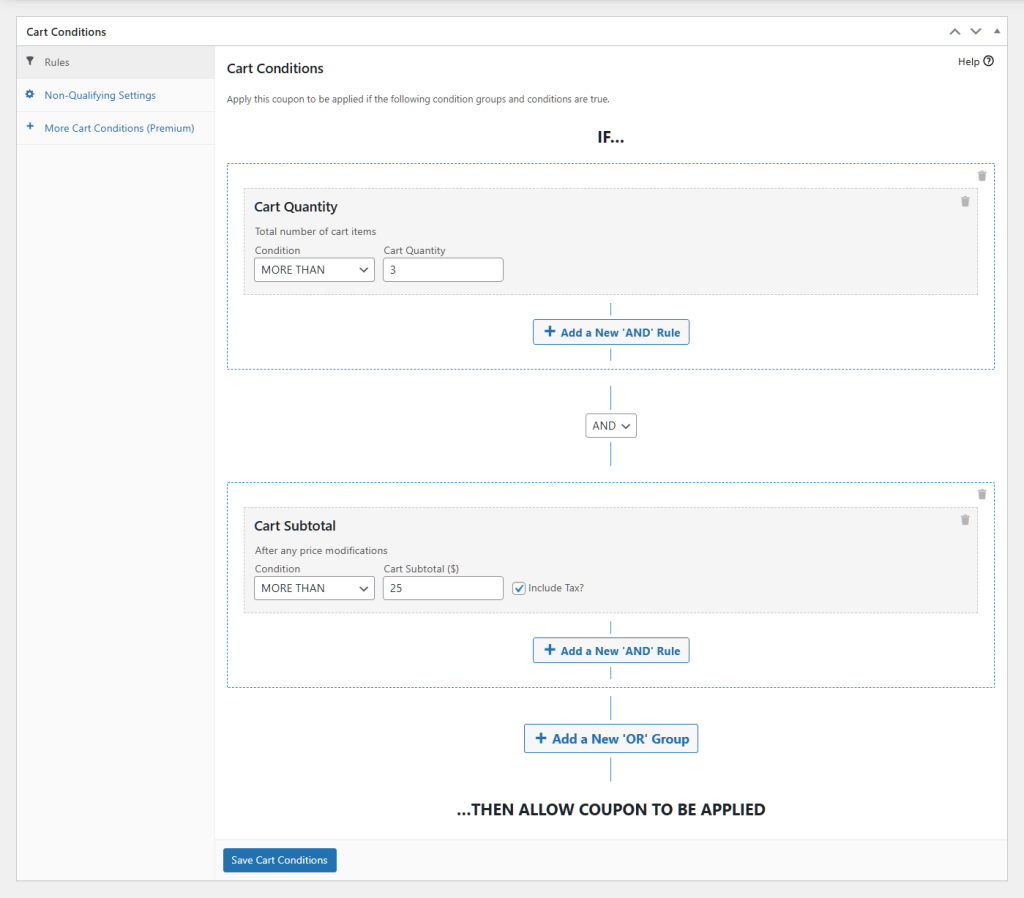
Here’s a peek at Advanced Coupons’ other free features:
Strategic discounting builds long-term loyalty without hurting your bottom line. Using a rule-based system ensures you get the best return on every single promotion you run.
Appearing at the top of search results is the best way to get free traffic to your store. AIOSEO gives you a simple toolkit to help your pages show up higher without needing to be a tech expert.

The TruSEO On-Page Analysis system scans your product descriptions. Then, it gives you a score out of 100 based on how well they’re written for search engines, along with tips on how to make your text easier to read. Following these steps helps search engines find your products and show them to motivated buyers.
Its Smart XML Sitemaps feature makes sure no product gets overlooked by Google. It automatically builds a map of your entire store and updates it whenever you add new items. This helps your new inventory show up in search results faster. It’s a huge help for seasonal products that you need people to see right away.

Let’s take a look at some of All-in-One SEO’s other free tools:
Getting free traffic from search engines is a great way to save money on ads. When a plugin handles the technical stuff for you, it’s like having a marketing expert check your work every time you post a new product.
Selling on different sales channels is the best way to grow your store’s reach. AdTribes Product Feed Pro handles the hard work of sending your product info to big platforms automatically.
We love how the plugin makes setting up feeds fast and easy. With its 100+ Product Feed Templates feature, you can create feeds for Google Shopping, Meta, X, TikTok, and hundreds of other sales channels, including comparison shopping engines, social media platforms, and more. No coding is required.
Then there’s the Filters and Rules system. You get full control over the products you send to other sites. For example, you can easily set a rule to hide less popular items while highlighting your bestsellers. This helps you feature the right products for special events or specific places where you sell.
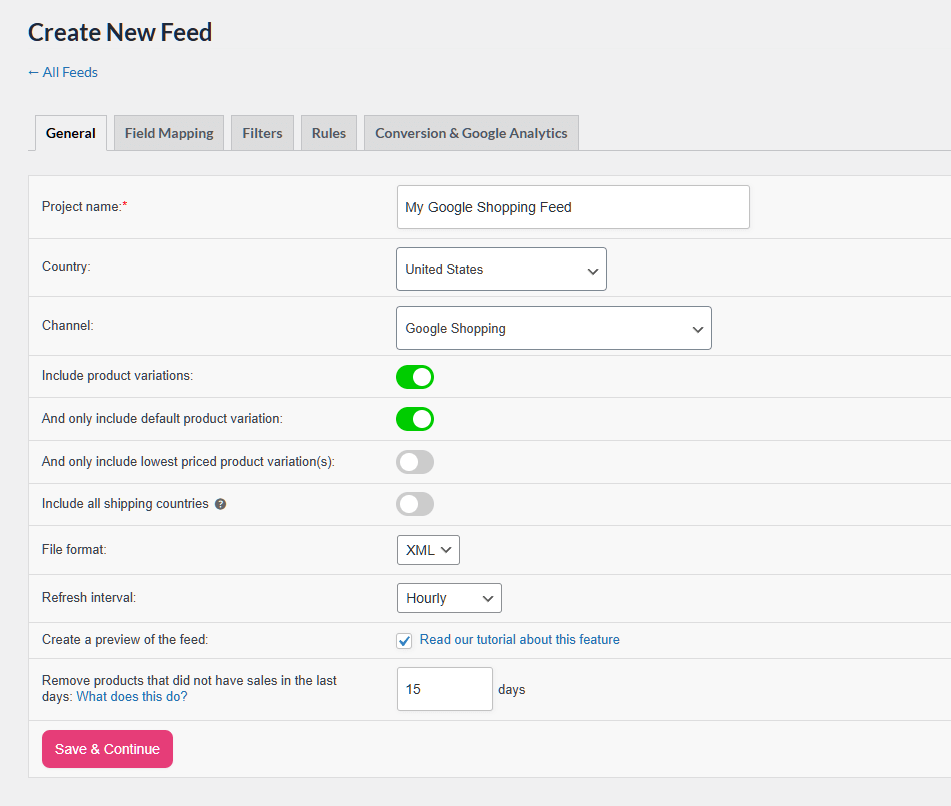
Some of AdTribes Product Feed Pro’s free tools are:
Keeping your product info updated across the internet is the only way to grow a big business today. Using an automated system saves you from the headache of updating spreadsheets and ensures your items show up exactly where people are shopping.
In our experience, connecting different apps manually takes way too much time and leads to costly mistakes. Thankfully, Uncanny Automator works like a brain for your store, moving info between apps without any coding.
The Trigger and Action Workflows system automates various processes. When something happens, like a customer buying a product, the plugin automatically starts a chain of events. This means you don’t have to update spreadsheets or move users between email lists yourself.
Core E-commerce Automations help you focus on the habits that drive more sales. For instance, you can set the system to give out store credit or ask for a review a few days after a purchase. By reaching out at the perfect time, you make customers feel valued, boosting your chances of a five-star rating.
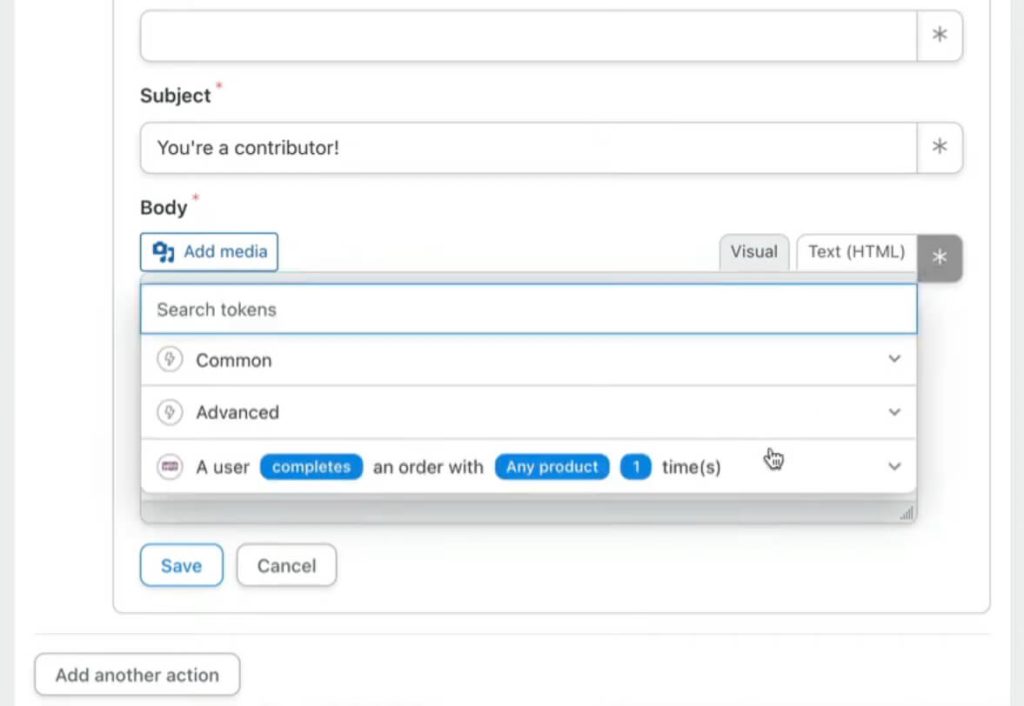
Here’s a sampling of what else to expect from Uncanny Automator:
Letting software handle routine tasks drops your human error rate to almost zero. You’ll save thousands of hours a year by letting this plugin do the heavy lifting for you.
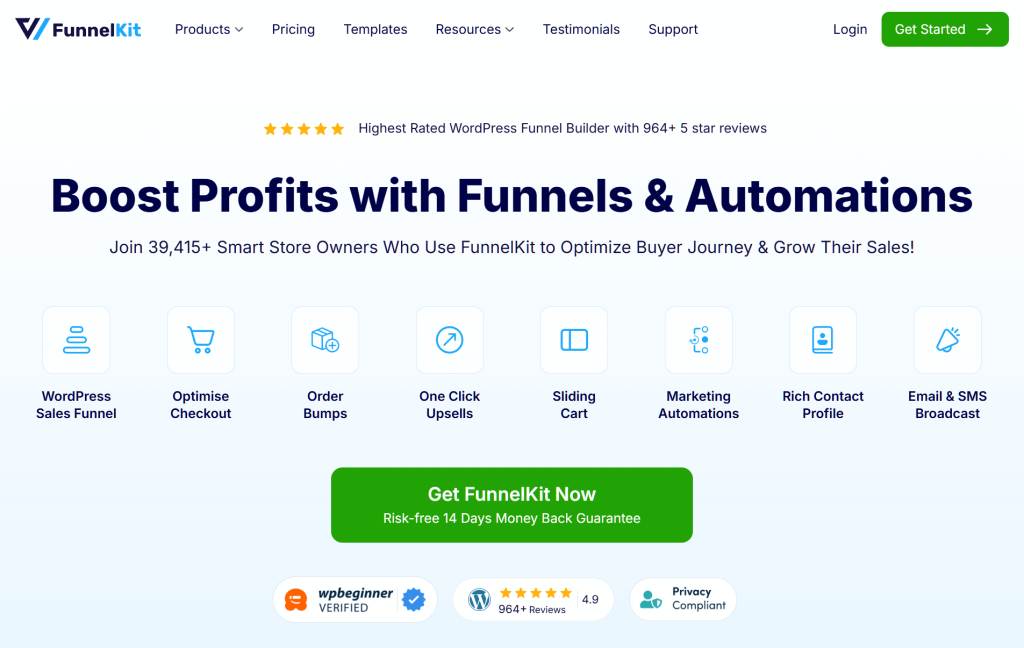
Standard store layouts often lose buyers at every click, which hurts your sales. FunnelKit turns the shopping journey into a clear, focused path designed to make you more money.
The Customized WooCommerce Checkout Page feature replaces boring order forms with templates that show off trust badges and customer reviews right by the payment button. Seeing these helpful details makes shoppers feel safe and stops them from leaving their carts at the last second.
With the Customizable WooCommerce Thank You Pages feature, you can keep the conversation going after a sale. Instead of a basic receipt, you can ask for feedback or show off a special deal for their next visit. Customers are most excited right after they buy something, so this is the perfect time to build a bond.
Check out some of FunnelKit’s other free features:
Guiding your customers’ attention toward the finish line is the best way to get the most value from every visit. Fixing your clunky checkout page is the fastest way to see an immediate boost in your profits.
Building a successful store doesn’t have to be expensive or complicated if you use the right tools. By picking these free plugins, you can automate your chores and focus on what really matters: growing your business.
To recap, this guide explored the following 9 free WooCommerce plugins you need for your online store:
You don’t need to install all these extensions at once. Just pick the one that solves your biggest problem today and watch your sales grow!
Beginners should consider plugins like StoreAgent for automating customer support, Formidable Forms for creating custom forms, SaveTo Wishlist for allowing customers to save their favorite products, MonsterInsights for tracking visitor data, and FunnelKit for enhancing the checkout process.
Free WooCommerce plugins provide powerful tools without the monthly fees associated with premium features. They help store owners automate tasks, improve customer experience, and grow their business cost-effectively.
Yes, all recommended free WooCommerce plugins in this guide are safe, actively updated, and thoroughly tested by experts to ensure they work well under real-world conditions and do not compromise your website’s security.
AI plugins like StoreAgent automate routine tasks such as customer support and product description creation. Thus, they allow you to save time, reduce human error, and provide faster, more professional service to your customers.
Yes, free WooCommerce plugins like All-in-One SEO help optimize your product pages for search engines by analyzing content, creating sitemaps, and improving visibility, which can lead to higher rankings and more organic traffic.

Copyright © StoreOwnerTips.com. All Rights Reserved.
