Weekly ecommerce tips, deals & news.
Omnichannel selling, or omnichannel commerce, is a retail and marketing strategy that connects every part of a business, including physical stores, websites, apps, and social media. The goal is to create one smooth shopping experience for the buyer.
While older stores kept these areas separate, an omnichannel strategy links them together so customers move easily through the sales process instead of seeing random ads.
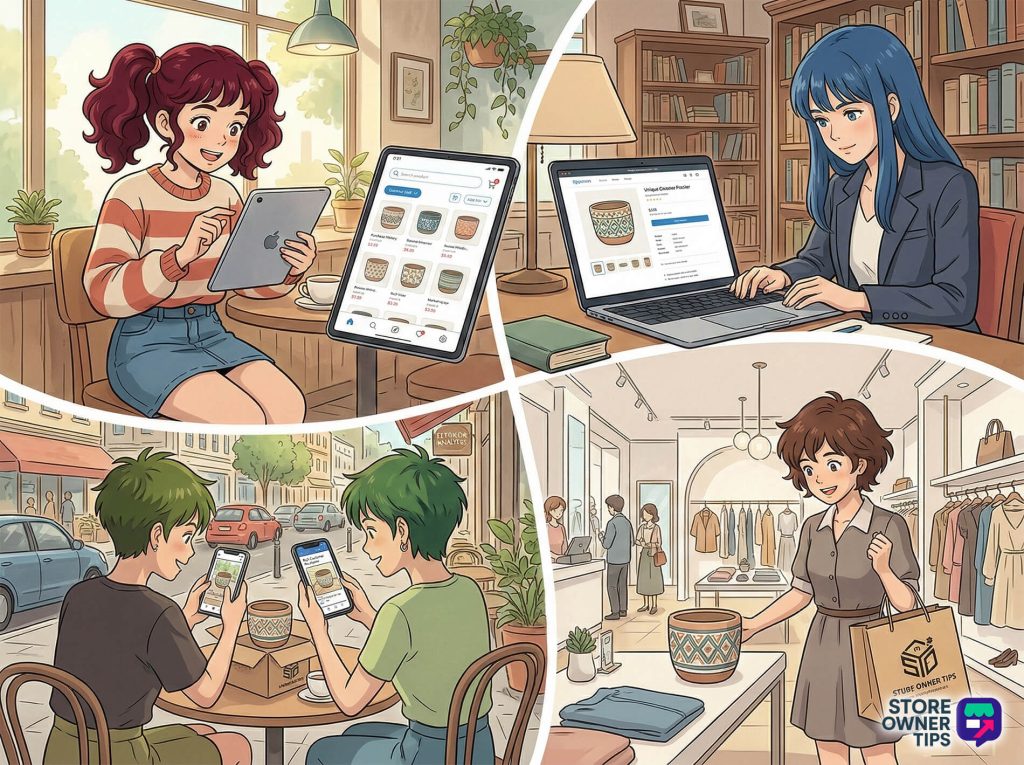
Most shoppers look at a brand about six times across four different platforms before they decide to buy anything. A good strategy lets a customer move from a social media ad to a website and then to a physical store without restarting their progress. This means they never have to enter their payment info twice or deal with confusing, inconsistent branding.
To understand omnichannel commerce, you must see how it differs from older “multichannel” marketing. Both use several ways to reach customers, but their daily operations are very different.
Moving to an omnichannel model shifts your focus from how well a single platform performs to the total customer experience. Multichannel setups care about individual store or app numbers, while omnichannel selling focuses on the entire journey of the buyer.
| Feature | Multichannel Selling | Omnichannel Selling |
| Setup | Channels are disconnected. Each store or app works alone with its own data. | Channels are fully connected. They share one central database and customer system. |
| Customer Journey | The customer experience is broken. A customer moving from an app to a store is treated like a stranger. | The experience is smooth. Shopping carts and browsing history update instantly on all devices. |
| Main Goal | Focuses on getting the most “clicks” or visits to a specific platform. | Focuses on making shopping easy by removing obstacles to buying. |
| Data Use | Scattered numbers lead to poor communication and wasted marketing money. | Shared data creates detailed profiles used to send helpful, personal messages. |
Switching to omnichannel selling costs money for new software and better operations. However, this investment leads to more loyal customers and higher total sales. Today’s buyers expect this high level of service.
Currently, 61% of shoppers say they struggle when they switch between a brand’s app and its website. Even more—87%—want brands to work harder to make shopping easier. This gap gives smart store owners a huge advantage over their competition.
| Metric | Impact Of Omnichannel Selling | What It Means For You |
| Purchase Rate | Using three or more connected channels leads to a 287% higher purchase rate. | Customers need reminders. Being everywhere keeps your brand on their mind. |
| Order Value | This strategy creates a 13% increase in the average amount a customer spends. | Making shopping easy and offering personal suggestions leads to bigger orders. |
| Retention | Top-performing businesses with connected systems keep 89% of their customers. (Average businesses often see a 2-3x jump in loyalty when moving away from disconnected systems). | It’s much cheaper to keep an old customer than to find a new one. |
| Price Sensitivity | According to PwC, 86% of buyers are willing to pay a “premium price” for an item if the customer experience is great. | You can protect your profits because you don’t have to compete only on low prices. |
| Impulse Buying | Nearly half of all shoppers buy something extra because of personal recommendations. | Using data to show customers exactly what they like causes them to buy more. |
Building an omnichannel commerce ecosystem requires a plan for managing data and growing your channels. You can’t simply turn on a few software tools and expect them to work together instantly. You must build your strategy on these solid foundations:
You need to know who your customers are and what they have bought in the past. This data helps you create personal messages that meet their specific needs. You must also watch this data constantly so you can update your plans as habits change.
Effective omnichannel selling requires being present on many different platforms. You should list your products on your own website and on sites like Amazon or eBay. This allows you to reach different types of shoppers who have unique buying habits.
Selling in multiple places also protects your business. If one site changes its rules or “algorithm,” you won’t lose all your sales at once. It also makes your brand much easier for new customers to find.
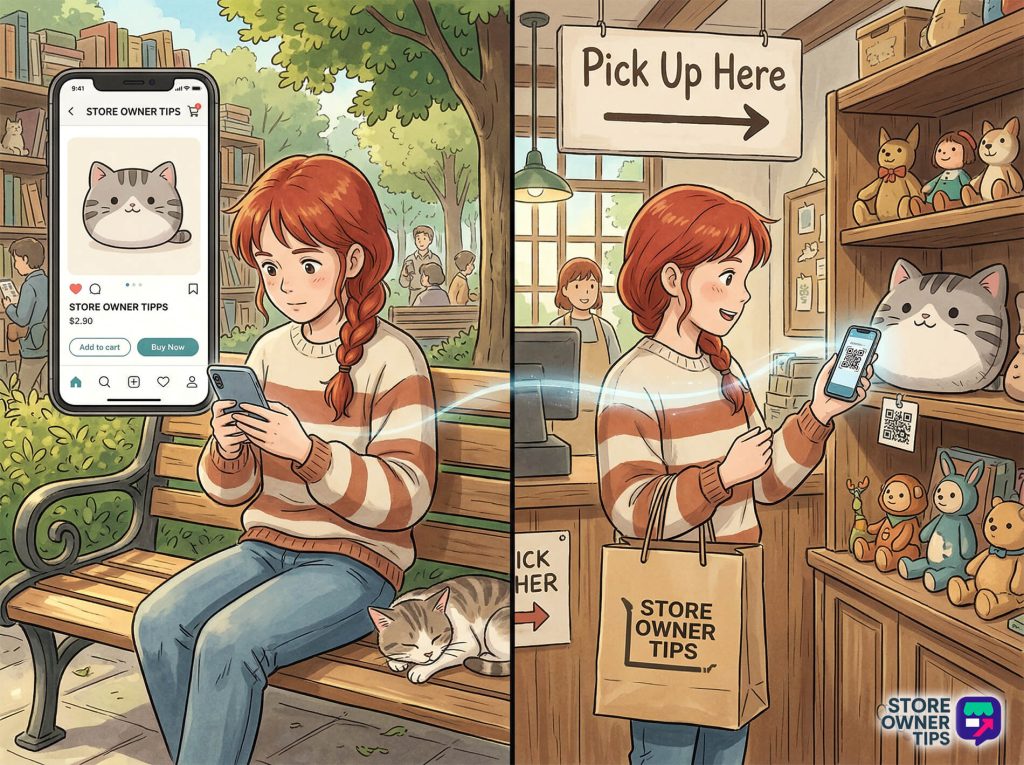
If you have both a website and a physical store, they must work together. In omnichannel commerce, your physical store acts like a real-life version of your online catalog. You can connect them by:
A good omnichannel selling strategy makes the move from a screen to a physical shop feel natural and easy for the customer.
Social media sites are now more than just places to share photos; they’re places to shop. To run omnichannel commerce effectively, you should use “shoppable” posts. These allow customers to buy your products directly on Instagram or Facebook without ever leaving the app.
You can also use these platforms to teach your customers about your products. When your staff shares their expert knowledge online, it builds a community and helps people decide to buy much faster.
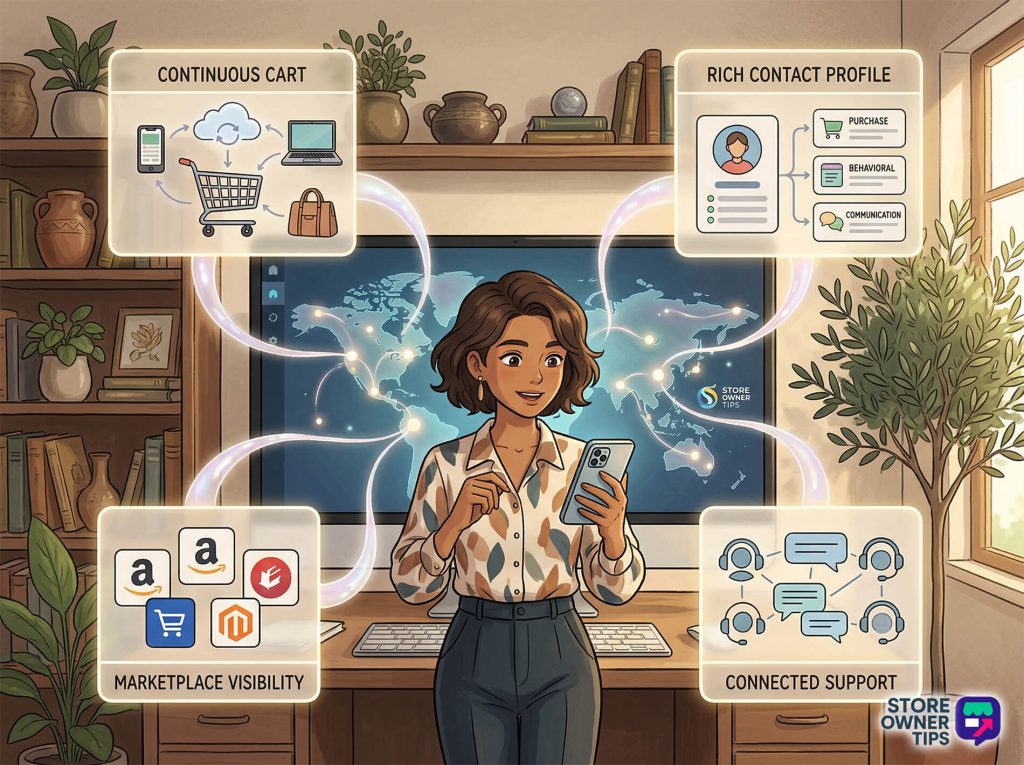
Omnichannel selling requires a “continuous journey.” This means that if a customer adds an item to their cart on their phone while browsing social media, that same item must be waiting for them when they log into your website on a computer later.
To do this, your store must save cart information to one central profile. This keeps everything updated in real-time so customers never lose their progress when they switch devices.
Building omnichannel commerce requires several specialized software programs that work together. No single app can handle everything. Instead, you must connect different tools so they can “talk” to each other and share information instantly.
The first step is getting a visitor’s contact information. You can use pop-up boxes to collect email addresses, which can be set to appear right before a person leaves your site. Once you have their interest, you can use simple “drag-and-drop” tools to create sign-up forms or special sale pages. This helps your brand look professional and consistent on every screen.
You cannot manage every customer message by hand as your store grows. Effective omnichannel selling uses automation software to handle repetitive tasks. These tools link your emails, text messages, and website notifications into one journey. For example, if a customer looks at a product but doesn’t buy it, the software can automatically trigger a reminder text or email.
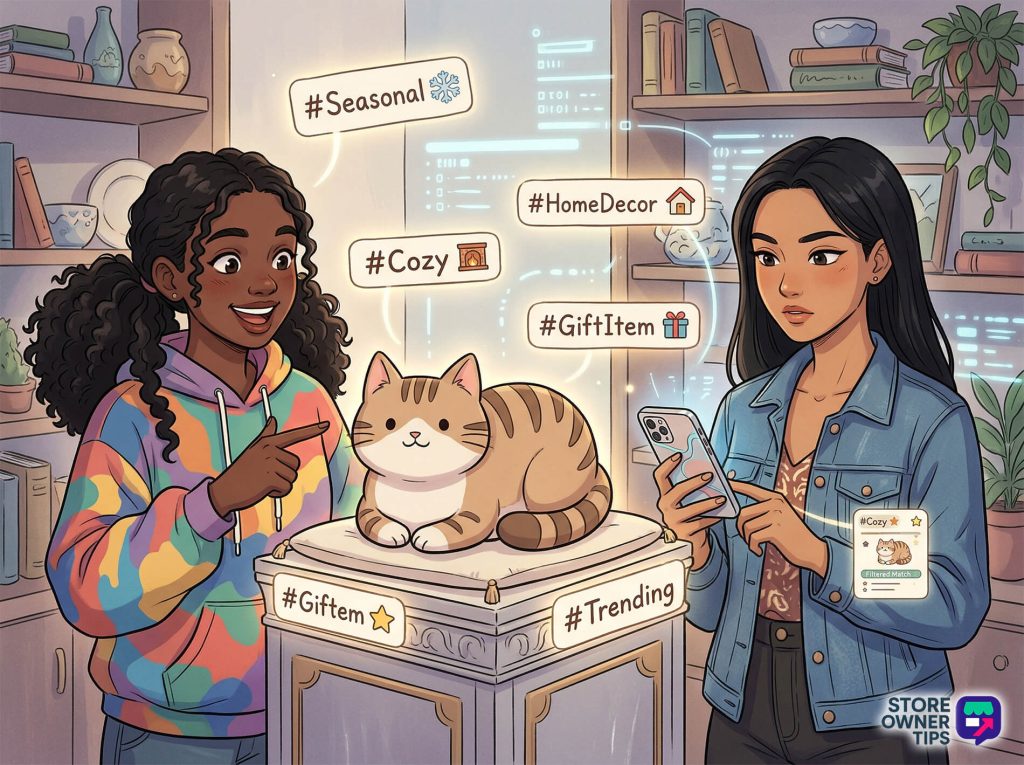
Customers can’t buy your products if they can’t find them. Modern shoppers often look for items based on a feeling or a season rather than just a category. To help them, retailers use “tags.” These work exactly like hashtags on social media. They allow shoppers to find related items based on specific trends or features, like “Eco-friendly” or “Winter Gear.”
To ensure optimization, omnichannel selling uses a single dashboard—often called a CRM (Customer Relationship Management) or CDP (Customer Data Platform)—to store information from every sales channel. For platforms like WooCommerce, this is typically handled by an all-in-one marketing plugin.
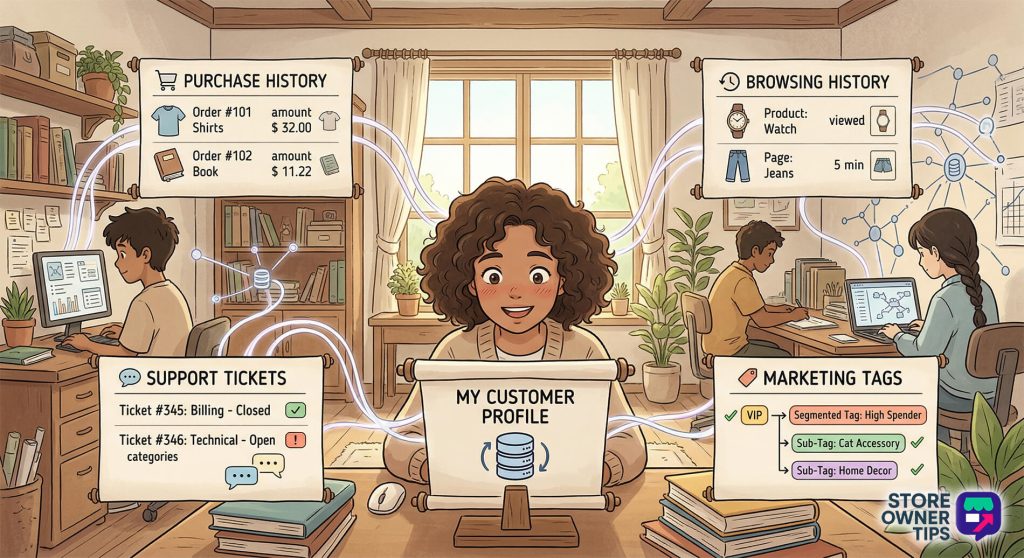
These profiles collect a huge amount of information in one spot, including:
By using this data, you can “tag” customers based on what they do. This allows you to send very specific messages to the right people instead of annoying everyone with the same generic ads.ying your customers with generic promotional blasts.
A successful omnichannel strategy uses automated steps to switch between different ways of talking to customers. Reaching the right person at the perfect time is the most important part of this process.
A big part of omnichannel commerce is using email and text messages at the same time. If a customer ignores a sale email, the system can notice they didn’t open it and automatically send a follow-up text instead.
Studies show that half of all sales happen only after five interactions. Many businesses give up way too early. You can use automation “rules” to schedule these messages to go out one after another.
Setting this up takes a clear plan:
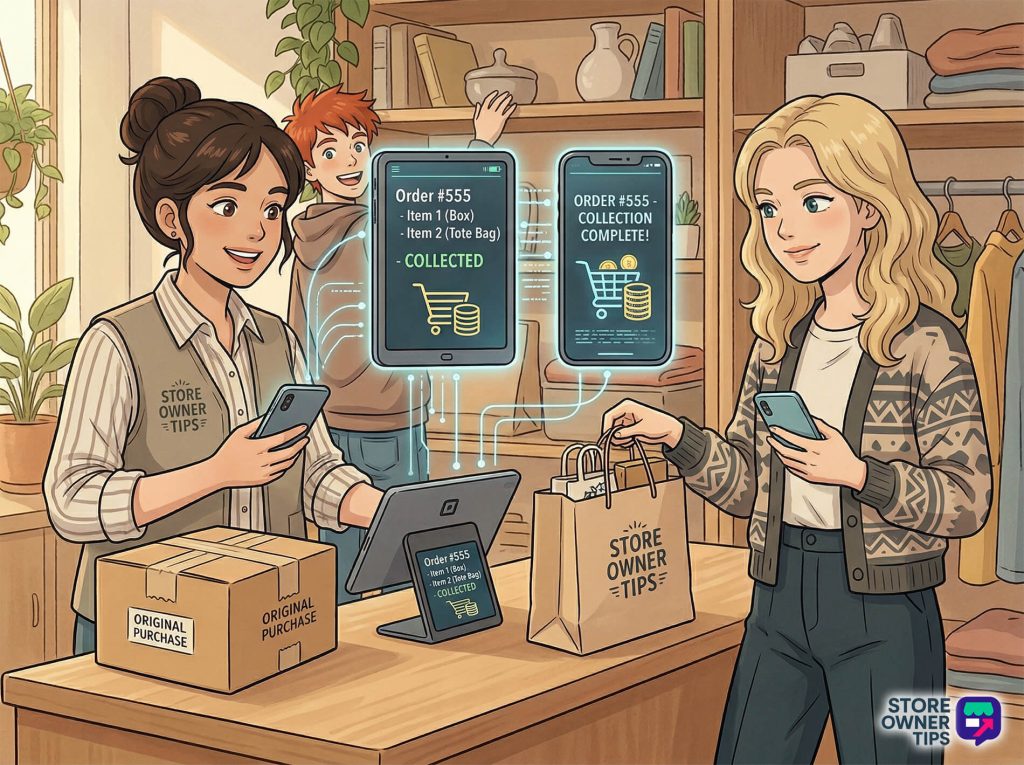
Roughly 70% of shoppers put items in their cart but leave the site without buying anything. To get this lost money back, omnichannel selling uses more than just a single reminder email. You must reach out to customers on the platforms where they’re most active.
The most effective plan uses a sequence of three emails and two text messages over 36 hours. Automated systems can even create a one-time discount code for the final text message. This gives the shopper a strong reason to come back and finish their purchase.
Your entire omnichannel selling system fails if the checkout is hard to use. About 18% of people leave their carts because the checkout process is too complicated. To have an effective omnichannel business, you must make this final step as easy as possible.
Top retailers use a one-page checkout instead of making customers click through multiple screens. This keeps the product list, shipping info, and payment options all on one page.
This design keeps the buyer moving quickly and removes distractions. For mobile users, fewer clicks and page loads are very important. This layout also allows you to capture a customer’s email at the very top of the page. This way, you can still send a reminder email even if they leave before paying.
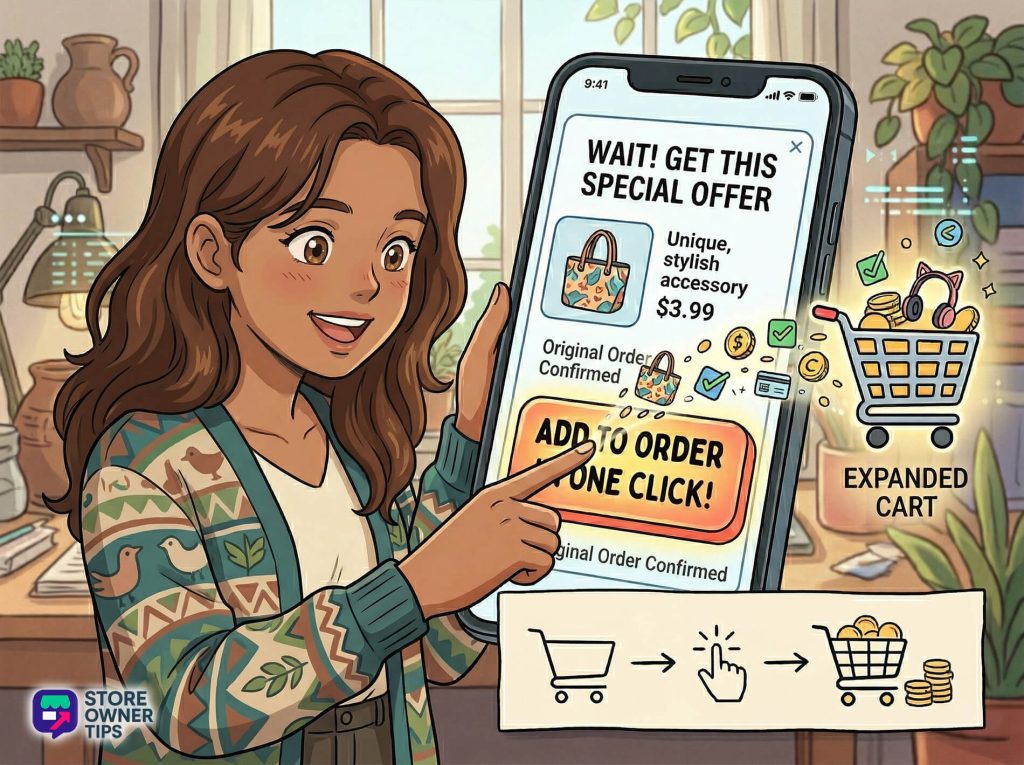
Omnichannel selling aims to make the most money possible from every sale. You can do this by showing customers special offers immediately after they buy something.
Once the initial order is safe, the system securely holds the customer’s payment info and shows them a new offer page. The customer can add this new item to their order with just one click, without typing their credit card details again. The system uses the customer’s history to make sure they’re only offered items they actually want and haven’t already bought.
A unified sales plan needs unified customer service. Buyers expect their experience to stay smooth even after they pay. For example, a customer might start a complaint on social media and follow up using a chat box on your website. Your support team must be able to see that entire history instantly.
Modern software provides a single inbox for all messages. It pulls in conversations from social media, website chats, and emails into one dashboard. For phone calls, modern systems log the details directly into the customer’s profile. This ensures a positive omnichannel experience where the customer never has to repeat their problem to a new agent.
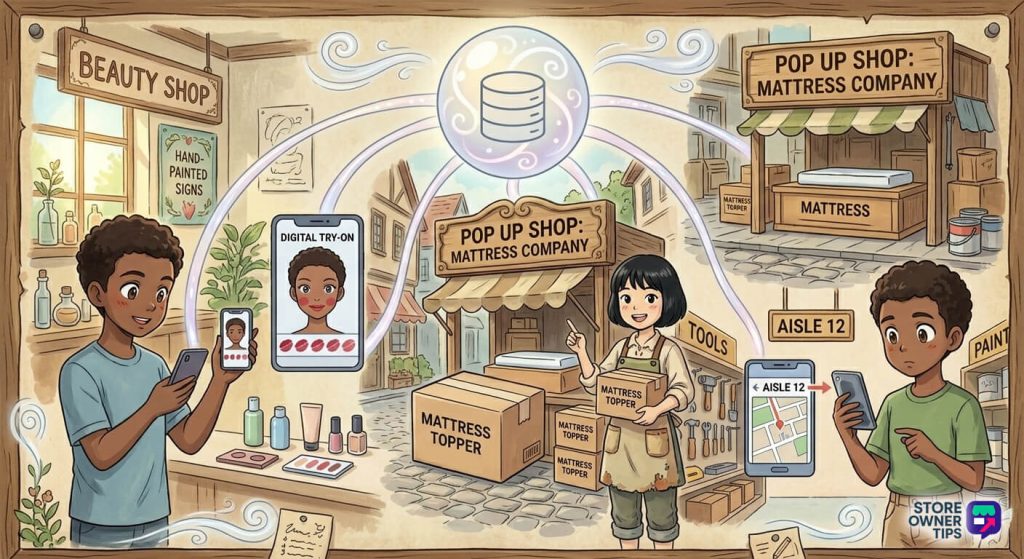
Looking at big brands helps show how omnichannel selling works in the real world:
Omnichannel selling is more than just a fancy industry term. It’s a powerful strategy that connects every part of your business into one continuous journey. When you give customers a consistent way to shop, you make buying easier and build long-lasting loyalty.
An omnichannel setup also gives store owners a massive amount of useful data. You can spot new buying trends early and send personal marketing messages that shoppers actually want to see. For modern stores, this framework changes one-time sales into a long-term relationship that grows your revenue.
Ready to get started? Try adding a smart marketing automation tool to your WooCommerce store. You will see how it improves engagement and helps you turn casual browsers into loyal fans of your brand.
Copyright © StoreOwnerTips.com. All Rights Reserved.
