Picture a pottery studio running six Saturday workshops a month. Seats sell through a hosted ticketing site that charges a fee on every ticket. The buyer’s details sit in that site’s system, and it can’t apply the studio’s discount codes. Meanwhile, the shop selling the clay already runs on WooCommerce.
We compared six options, and FooEvents for WooCommerce is the best WooCommerce event ticket plugin for most stores. Each ticket is a normal WooCommerce product, so your checkout, coupons and payment gateways all apply. Its check-in apps are free, too. On a tight budget, Event Tickets Manager for WooCommerce has the most useful free version. For a venue with reserved seats, Tickera’s Bundle plan includes seating charts and its WooCommerce bridge.
The right plugin depends on how your store already sells. If tickets will sit beside your other products, pick one that makes each ticket a WooCommerce product. If events are the whole site, a plugin with its own event system fits better.
That choice is hard to undo. Your attendee list, ticket emails and sales reports all live inside the plugin you pick. Switching later means moving all of it. That’s why this guide sorts the field by that split first, then by what each plugin really costs to run.
Jump to:
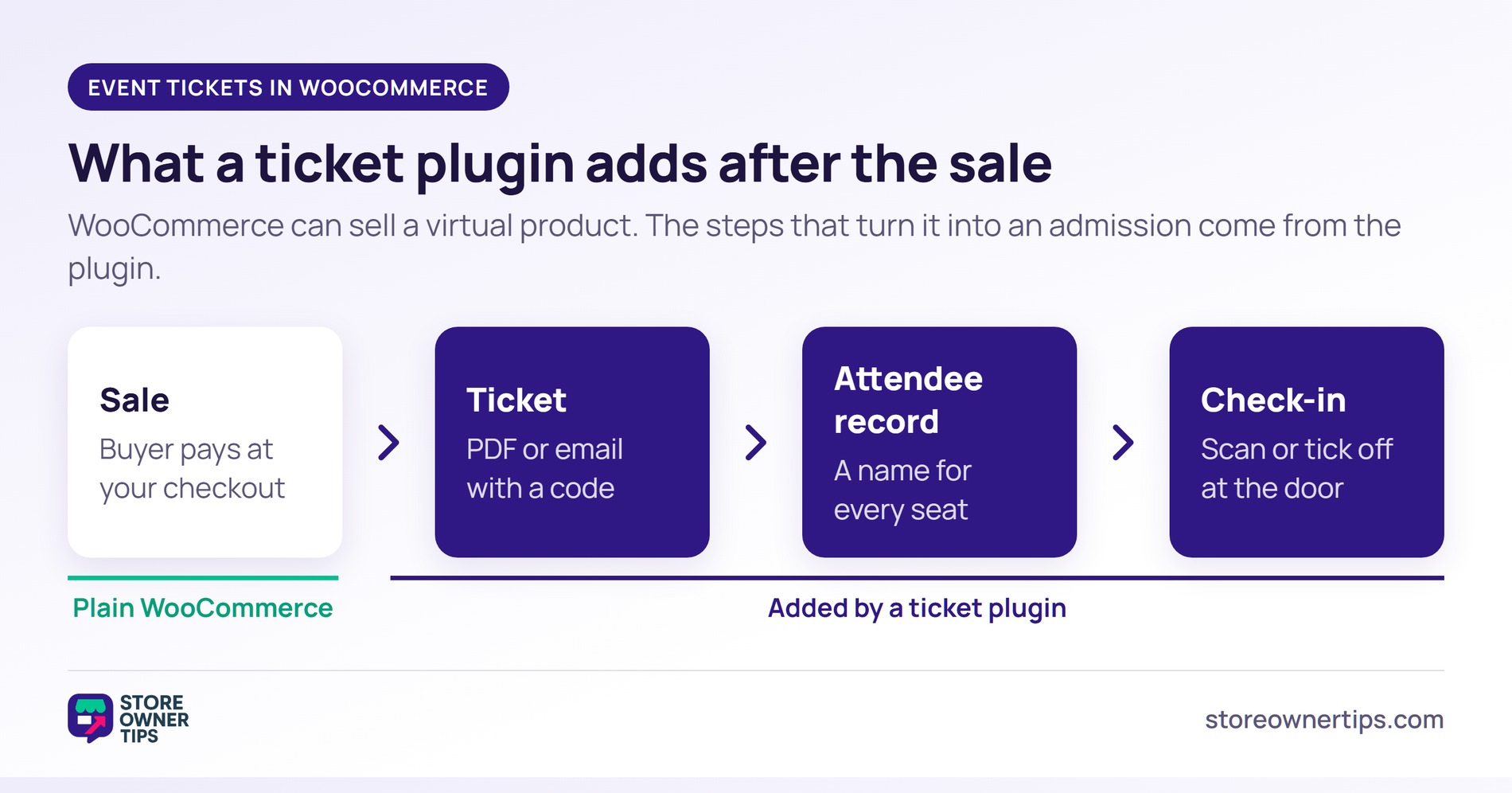
An event ticket plugin turns a sale into an admission. The buyer pays at checkout and gets a ticket by email or download. Meanwhile, you get a record of who’s coming.
WooCommerce can get you part of the way on its own. WooCommerce’s own Box Office listing makes the point. A standard virtual product can act as a ticket, “but it does not give you tools to manage those tickets.” There’s no ticket document, no attendee details per seat and no way to mark someone as arrived.
A ticket plugin fills those gaps. Most add three things:
So how do you sell tickets on WordPress? You install a ticket plugin, then either turn WooCommerce products into tickets or create events in the plugin’s own system. Which of those two you want is the real decision.
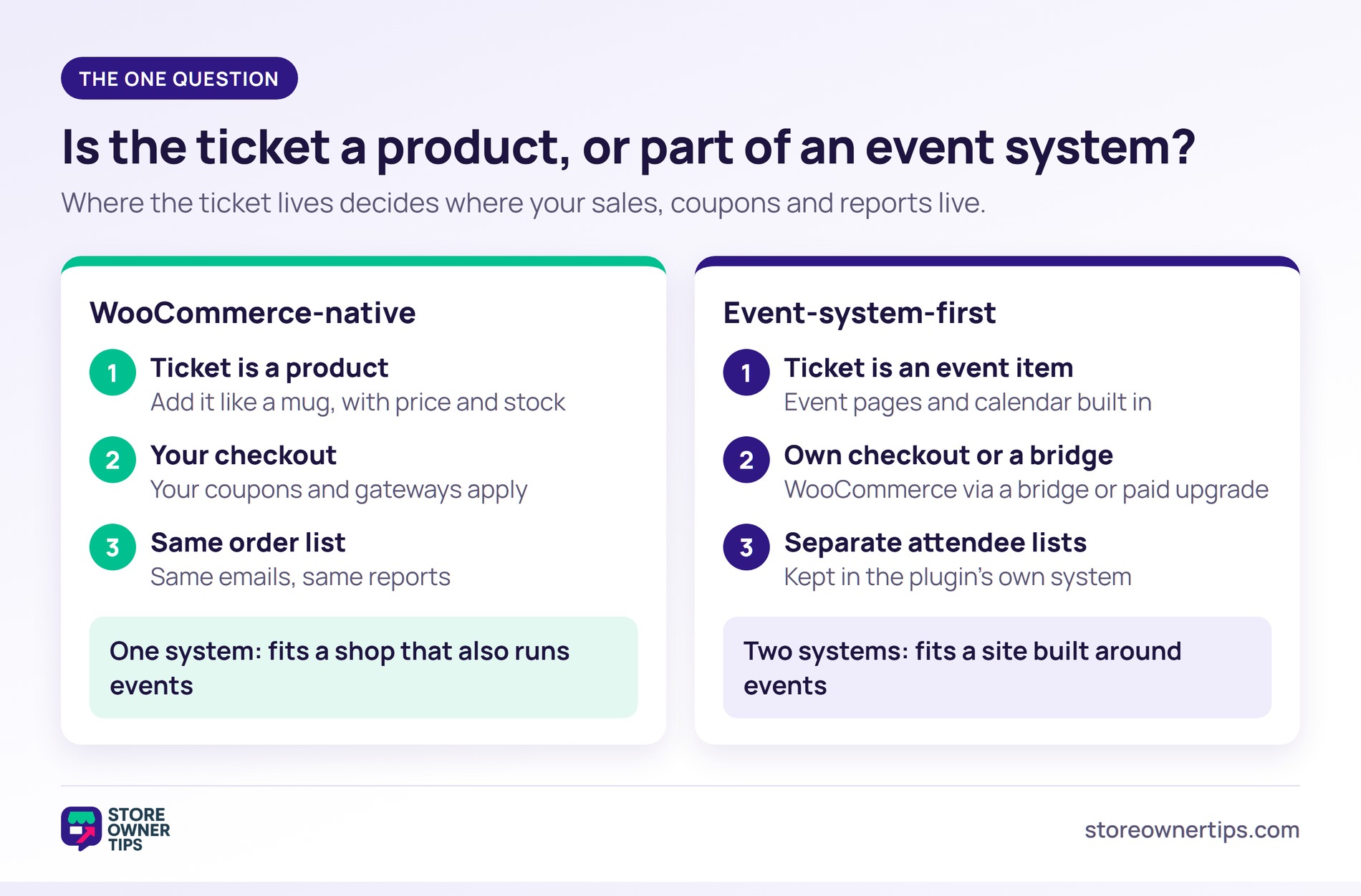
Every plugin here answers one question differently. Is the ticket a WooCommerce product, or an item in a separate event system that borrows WooCommerce for payment?
WooCommerce-native plugins make the ticket a product. You add it like a mug or a T-shirt, set a price and stock, then sell it at checkout. Your gateways work, and so do your coupons, including an early-bird code with a coupon expiration date. The order lands in the same order list, triggers the same emails and shows up in the same reports.
Event-system-first plugins start from the event instead. They give you event pages, calendars and attendee lists of their own. Some take payment on their own as well, and connect to WooCommerce only through a bridge or a paid upgrade. That’s a strength if your site is built around events. However, if you mainly run a shop, you now have two systems to learn and two places where sales live.
| WooCommerce-native ticket plugins | Event-system-first plugins | |
|---|---|---|
| What the ticket is | a WooCommerce product | an item in the plugin’s own event system |
| Your coupons and gateways apply | yes, natively | via the WooCommerce bridge or upgrade (check each) |
| Event pages and calendar | usually an add-on or your theme | built in |
| Best for | stores adding events to an existing shop | event-led sites that need listings and calendars |
A simple test helps. If you’d describe your business as “a shop that also runs events,” go native. If you’d call it “an events business that sells a few extras,” event-system-first is the better fit.
Once you know which side you’re on, check these before comparing prices. Each one is a yes or no on the plugin’s own listing or pricing page:
Two related setups are worth knowing about. If only paying members may attend, look at membership plugins for members-only events. If you plan to raise prices as seats fill, that’s a form of yield management. In that case, check that the plugin supports ticket types or scheduled pricing.
Here’s how the six compare. We checked prices and features on each plugin’s own listing or pricing page on 6 November 2026. “Not stated” means we didn’t find it on those pages, not that the feature is missing.
| Plugin | Side of the axis | Free version | Price model | PDF/email ticket | Check-in app | Seating | Recurring or multi-date |
|---|---|---|---|---|---|---|---|
| FooEvents for WooCommerce | native | No | bundles from $169, 12 months of updates | PDF Tickets extension (in every bundle) | Free iOS and Android apps | Seating extension | Multi-day and Bookings extensions |
| WooCommerce Box Office | native | No | $129 per year | Printable tickets and ticket emails | Barcodes need WooCommerce Order Barcodes | Not stated | Not built for recurring events |
| Event Tickets Manager for WooCommerce | native | Yes | Pro from $69 per year (1 site) | PDF tickets, free | Barcode free; QR check-in in Pro | Not stated | Daily free; weekly and monthly in Pro |
| WpEvently | event-first, WooCommerce checkout | Yes | Pro $75 per year or $149 lifetime (1 site, plus VAT) | PDF tickets in Pro | QR Code add-on | Seat Plan add-on | Recurring and multi-date, free |
| Event Tickets | event-first | Yes | paid plans from $350 for 1 site | PDF via Wallet Plus | QR check-in via Event Tickets Plus | Not stated | With The Events Calendar |
| Tickera | event-first, with a WooCommerce bridge | Yes | $149 first year ($99 renewal); bridge needs Bundle or Lifetime | PDF with QR or barcode | Checkinera apps on paid plans | Seating Charts in Bundle | Not stated |
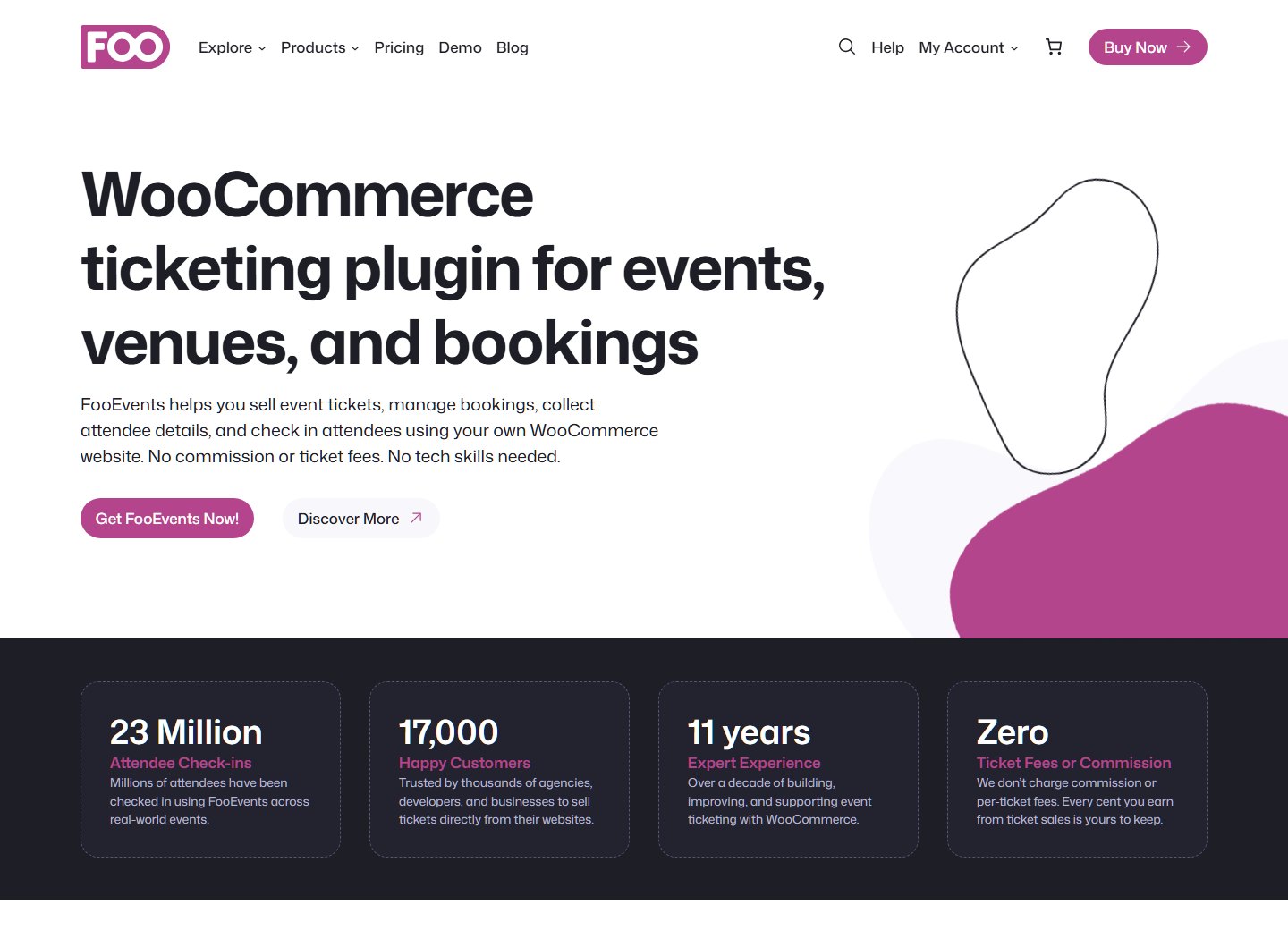
FooEvents for WooCommerce is a WooCommerce-native ticket plugin built for stores. Its pricing page says it uses “the WooCommerce checkout, payment gateways, taxes, coupons, and order management tools you already know.” That makes it the best fit for shops adding classes, workshops or gigs to an existing catalog.
Two details from its own pages stand out. First, the iOS and Android check-in apps are free with every purchase, so door scanning costs nothing extra. Second, it’s modular. Seating, Multi-day, Bookings and PDF Tickets are separate extensions, grouped into bundles.
The bundles start at $169 for the Basic Bundle, with 12 months of support and updates. Bookings isn’t in the Premium Bundle, and the pricing FAQ says that keeps the bundle’s price down. There’s no free version or free trial, but there is a 14-day money-back guarantee.
WooCommerce Box Office is Woo’s own ticketing extension, and it costs $129 per year. It turns WooCommerce products into tickets with multiple ticket types, attendee fields and ticket emails. You can also export ticket holders to a CSV file, filtered by ticket type.
Its FAQ is clear about what needs another extension. Scannable barcodes for check-in need WooCommerce Order Barcodes, “which is a separate purchase.” The event date goes in the product description rather than a dedicated date field. The FAQ also says Box Office “is not built to manage recurring events on a schedule.”
So it suits a store selling tickets to a one-off or occasional event, with the order flow it already knows.
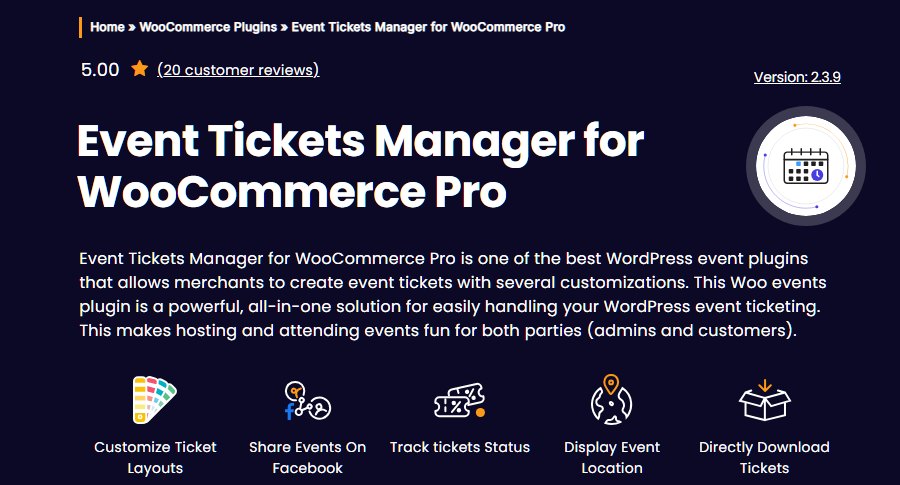
Event Tickets Manager for WooCommerce, by WP Swings, is the strongest free WooCommerce-native option here. Its listing describes “event-based products,” and it uses WooCommerce’s own stock system to show how many tickets are left.
The free version covers PDF tickets, a calendar widget and a scannable barcode per ticket. The free limits are precise, though: two custom attendee fields and two user types, such as adult and child. QR-code check-in and weekly or monthly recurrence sit in the Pro version. Pro starts at $69 per year for one site.
That makes it a good first plugin for a small store testing whether events sell at all.
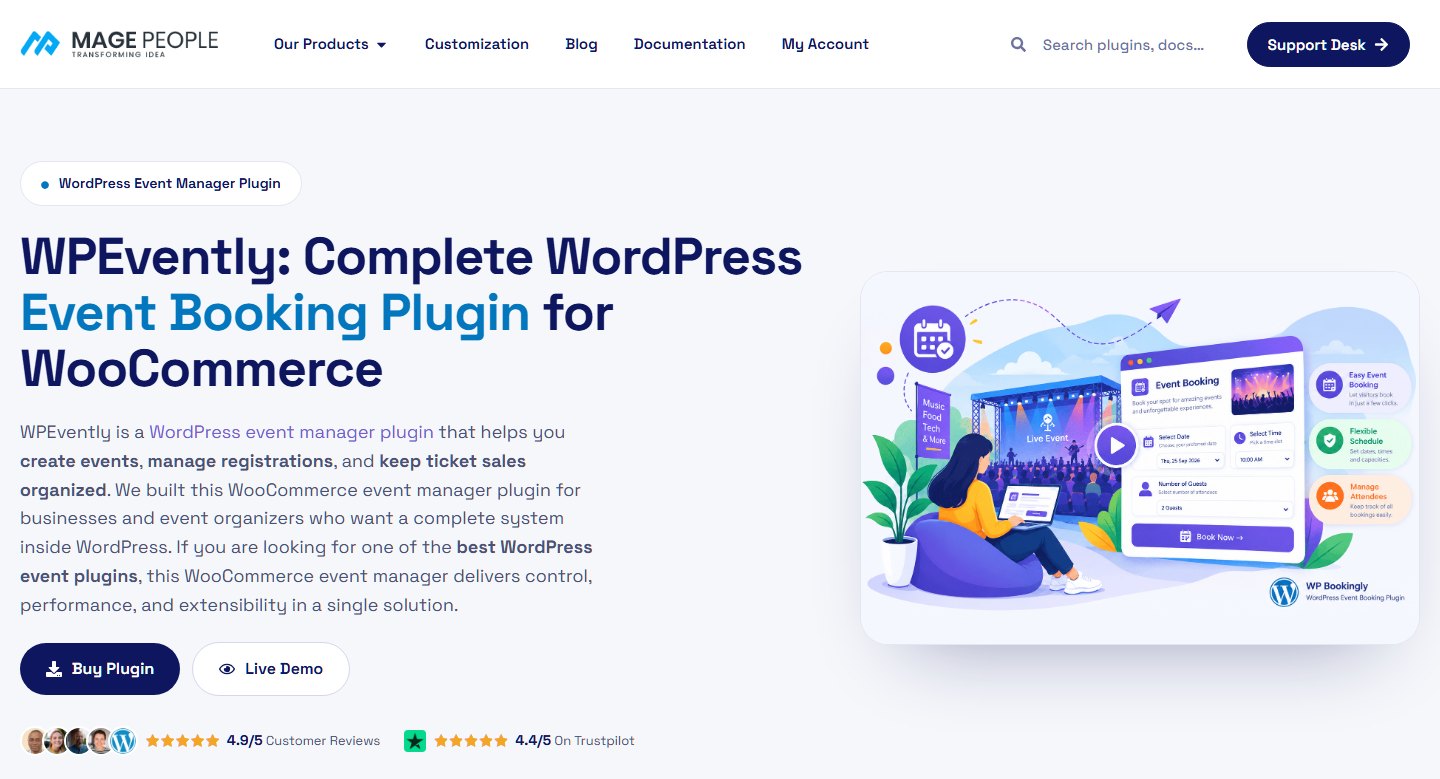
WpEvently (listed as Event Booking Manager for WooCommerce, by MagePeople) runs its own event pages and calendar. However, it takes payment entirely through WooCommerce. The listing says the free version “works with every WooCommerce payment gateway.”
The free version is generous on scheduling. Recurring events, multiple fixed dates per event and RSVP events are all included. Meanwhile, PDF tickets sit in the Pro version, and QR check-in and seat plans are separate add-ons.
Pro costs $75 per year or $149 lifetime for one site, plus VAT. The $199-per-year Bundle adds the QR Code add-on, so price that plan if you’ll scan tickets at the door.
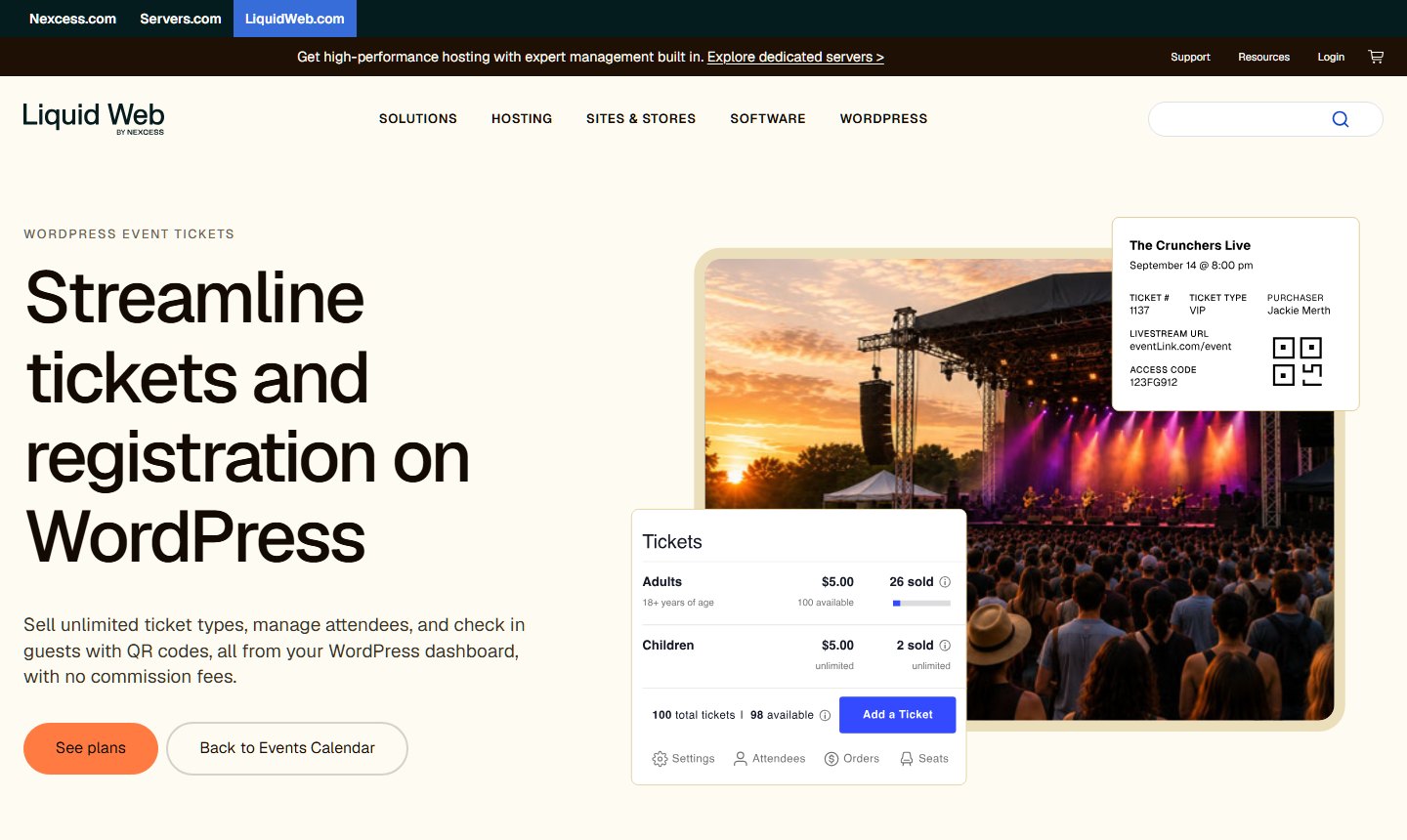
Event Tickets, from the team behind The Events Calendar, is the most installed plugin here. Its listing shows 90,000+ active installs. It’s now part of StellarWP, which we covered in the StellarWP brand consolidation.
It’s the clearest event-system-first plugin in the group. The free version sells tickets through its own Tickets Commerce checkout with Stripe or PayPal, not WooCommerce. The listing says full WooCommerce integration needs the paid Event Tickets Plus, and PDF tickets need Wallet Plus.
Paid plans start at $350 for one site. Every plan bundles The Events Calendar, LearnDash, Give and Kadence, so the price covers more than ticketing. Choose it if events are your whole site and you want free RSVPs.
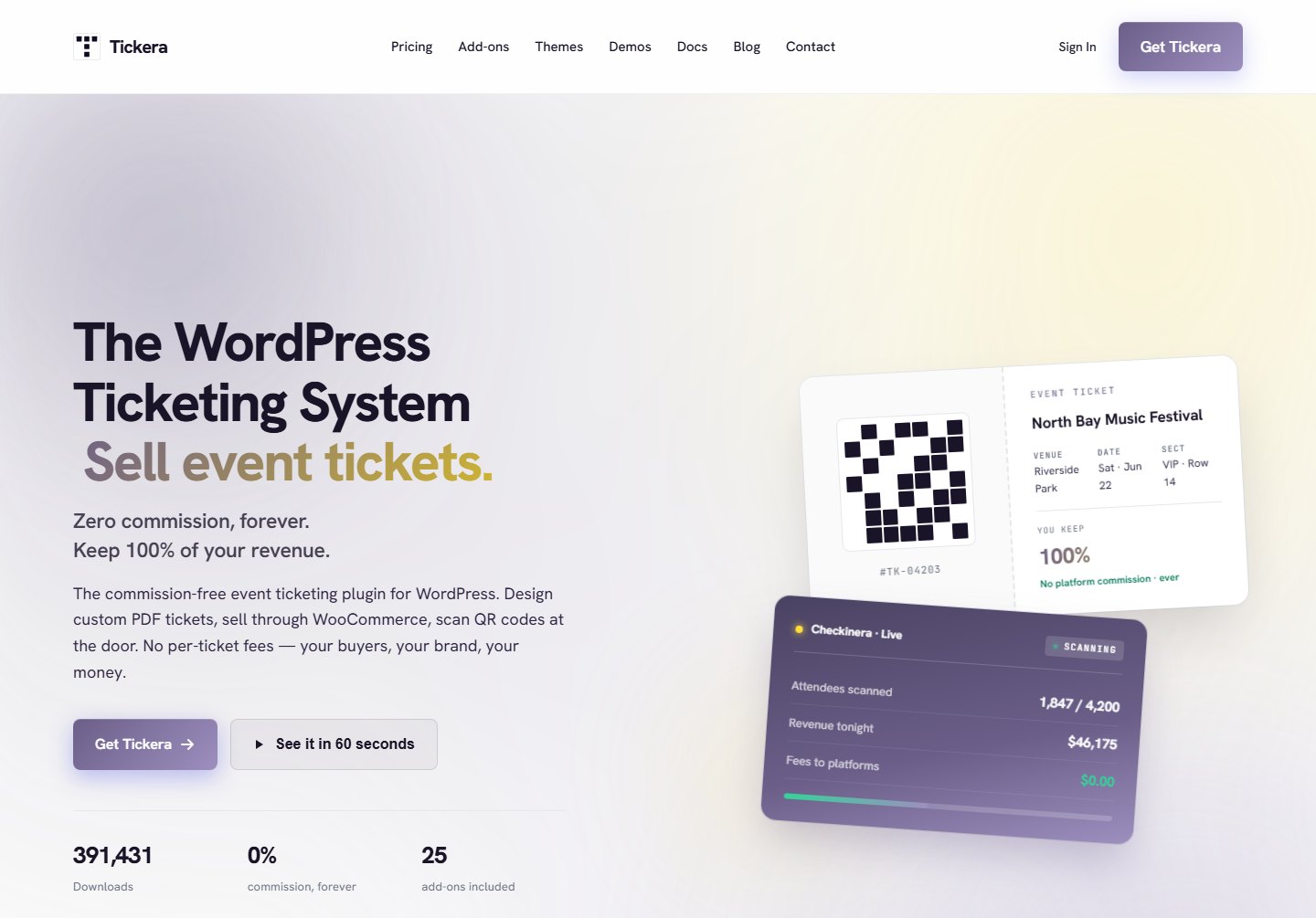
Tickera is a standalone ticketing system with its own checkout and a drag-and-drop ticket designer. Its free listing includes 2Checkout, custom offline payments and free orders as built-in gateways.
WooCommerce is optional here. The Bridge for WooCommerce add-on turns tickets into real WooCommerce products. However, Bridge isn’t in the Standard plan. Its pricing page puts it in the Bundle ($199 first year, $149 renewal) or Lifetime ($399 once). The Bundle also includes Seating Charts, which makes Tickera the strongest pick here for reserved seating.
The first-year prices include a one-time $50 activation fee, which is why renewals cost less. Tickera’s pricing page also says the plugin keeps working after a license lapses. You just stop getting updates and support.
Three of these six make the ticket a WooCommerce product, and three start from their own event system. Pick your side first, then compare the plugins on that side.
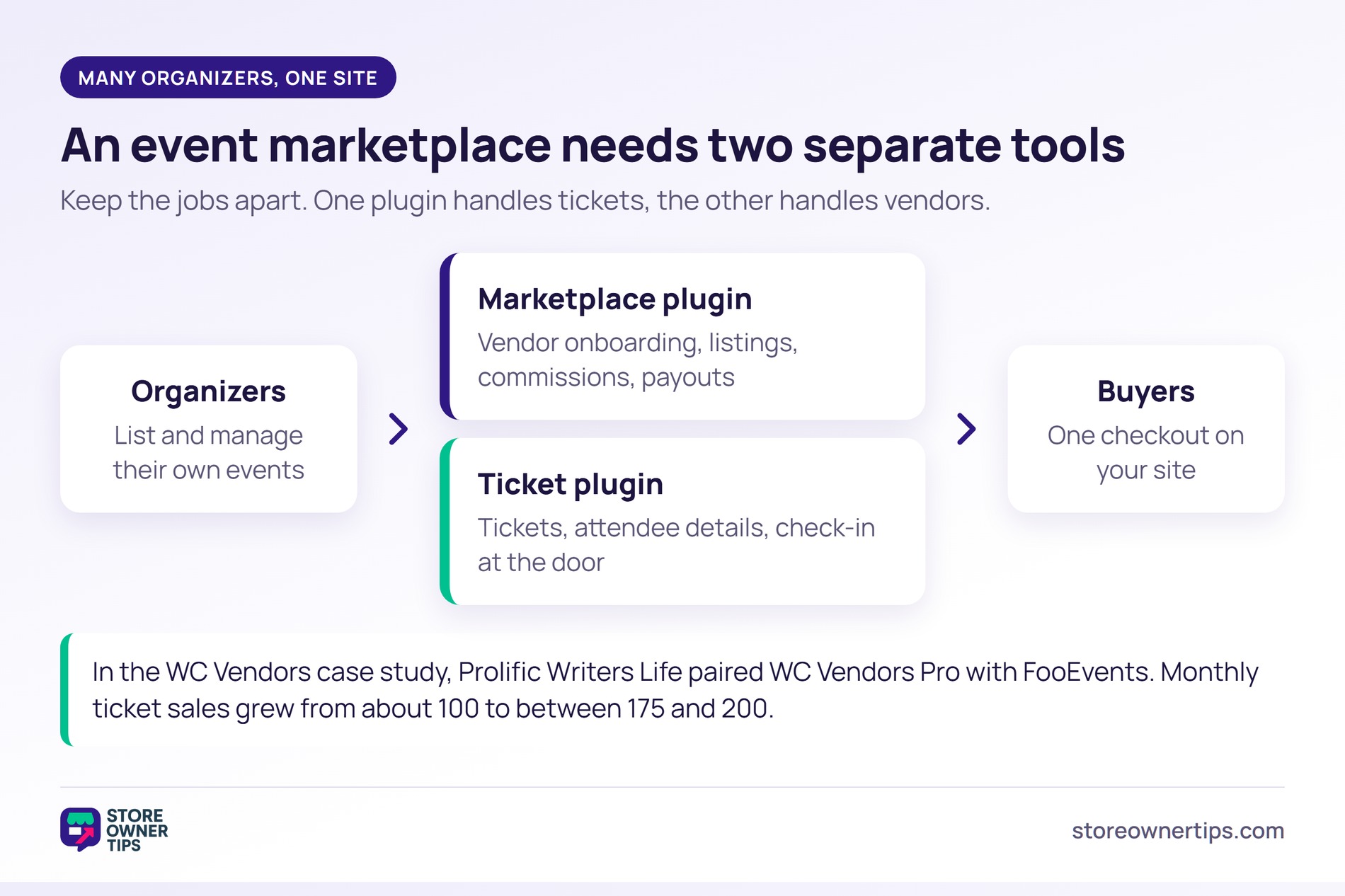
Some sites don’t run events themselves. Instead, they let many organizers list and sell their own events, and the site takes a commission. That’s a multi-vendor marketplace, and it needs two separate tools: a ticket plugin and a marketplace plugin.
In a WC Vendors case study of an event marketplace, Prolific Writers Life built a platform for writing experts. Those experts list and manage their own workshops. The team first paired the free version of WC Vendors with FooEvents for scheduling and ticketing. It worked, but vendor onboarding and listing creation “proved clunky,” so they moved to WC Vendors Pro.
According to that case study, monthly ticket sales went from about 100 before WC Vendors Pro to 175–200 after. Sales peaked at over 230 tickets in March 2025.
So keep the two jobs apart: the ticket plugin handles tickets, and the marketplace plugin handles vendors. If this is your model, start with setting up a multi-vendor marketplace. Then see multi-vendor plugins compared.
It’s easy to compare headline prices instead of the cost of the features you’ll actually use.
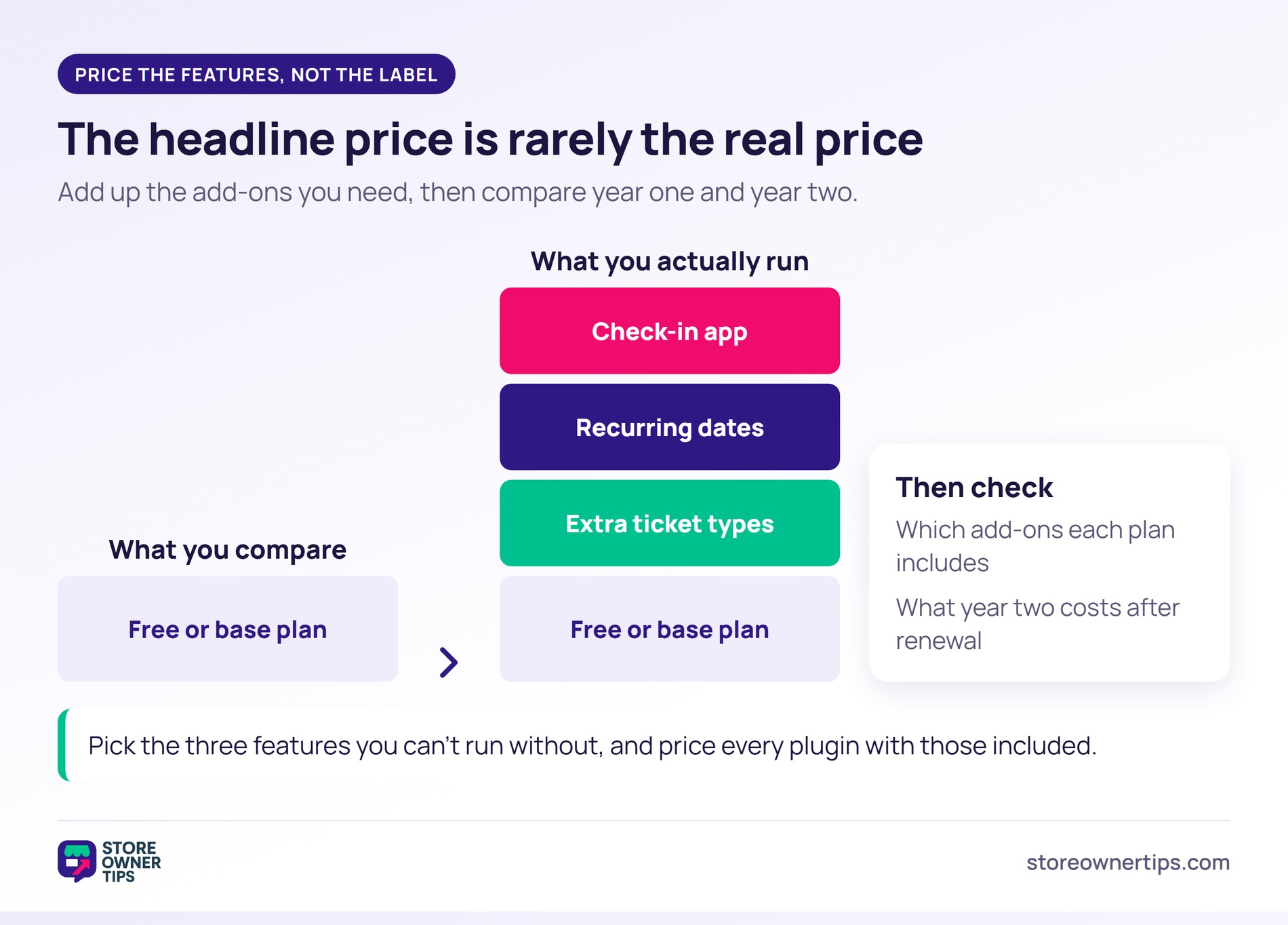
🔍️ What we’ve seen: a store installs a free ticket plugin, then finds the parts it needs are paid add-ons. That might be a check-in app, recurring dates or more than one ticket type. Add up the add-ons before you compare headline prices.
The comparison table shows why. A free version can be the cheapest pick for a single event. Yet it can be the priciest for a weekly class with a door scanner. So list the three features you can’t run without, and price each plugin with those included. Then compare year-two renewals too.
Partly. You can sell a virtual product and treat it as a ticket. However, WooCommerce won’t send a ticket document, collect details per attendee or check anyone in. For anything beyond a small, informal event, a ticket plugin saves you that manual work.
Yes. Event Tickets Manager for WooCommerce, WpEvently, Event Tickets and Tickera all have free versions. Of those, Event Tickets Manager for WooCommerce stays closest to WooCommerce, since each ticket is a product. Check which features each free version leaves out, because check-in and PDF tickets are often paid.
It depends on the plugin. Some include a check-in app, and some sell it as an add-on. Others use barcodes you scan with a web form or handheld scanner. Check the plugin’s own listing for “check-in” before you buy.
Usually not. Ticket plugins are built for seats at a set event, like a class or a gig. If customers pick their own time slot, such as a one-to-one lesson, a booking plugin is the better tool.
The best WooCommerce event ticket plugin is the one that keeps your sales in one place. For most shops that’s FooEvents for WooCommerce, because tickets behave like every other product you sell. Start free with Event Tickets Manager for WooCommerce if you’re testing demand. Pick Tickera if your venue needs reserved seats.
Next, shortlist two plugins from the comparison table and check them against your list. Then round out your store with the WooCommerce plugins every store ends up needing.

Copyright © StoreOwnerTips.com. All Rights Reserved.
