
Picture an order for an engraved bracelet that arrives with no engraving text. Instead, the shopper typed it into the order notes, or forgot it. Now you’re emailing them while the parcel waits on the bench.
Every WooCommerce product add-ons plugin can put a text box on a product page. But they differ on what the free version holds back and how setup scales on a big catalog. They also differ on whether the shopper’s choice reaches the person packing the order.
We compared seven, and PPOM comes out on top. That’s because its free version already includes priced options, conditional logic and category-wide field groups. Product Add-Ons by WooCommerce is the pick if you want the official extension. Advanced Product Fields is the light free option with conditional logic built in.
For long, branching forms, Acowebs Product Addons Pro offers 18 condition types. Field setups don’t carry over between plugins, so a wrong pick means rebuilding every field by hand. This guide shows where each one draws its free-versus-paid line, so you can check before you build.
Jump to:

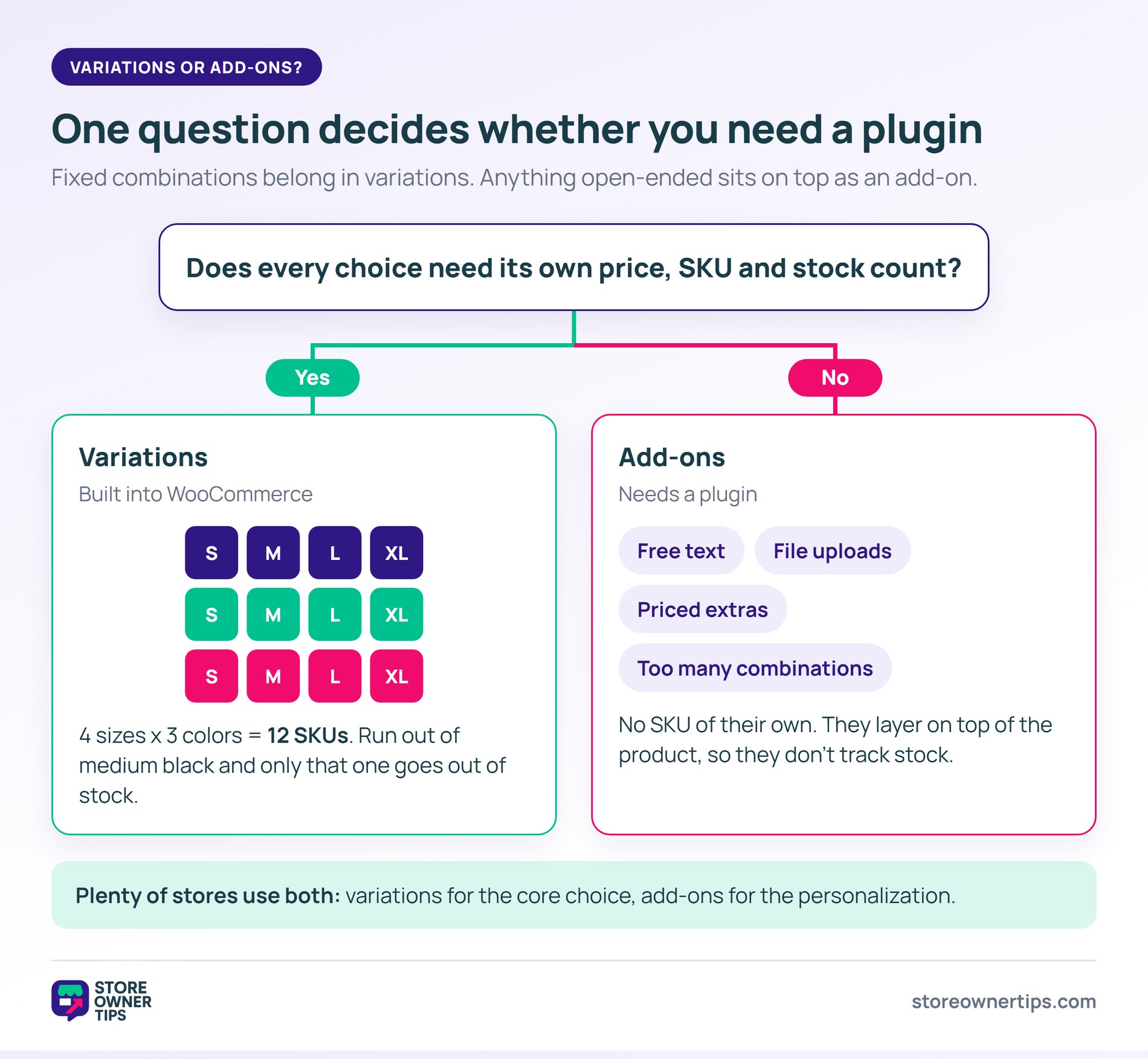
You don’t need a plugin when every choice is a fixed combination with its own stock. WooCommerce’s built-in attributes and variations already handle that.
A variable product suits a T-shirt in four sizes and three colors. Each of the twelve combinations gets its own price, SKU and stock count. So when you run out of medium black, only that option goes out of stock.
Add-ons, however, do a different job. The WooCommerce Product Add-Ons documentation says add-ons aren’t treated as products. As a result, they have no SKU of their own for inventory tracking. That makes them the right tool for:
In fact, plenty of stores use both. Variations cover the core choice, and add-ons sit on top for personalization. Add-ons are also separate from upsells and cross-sells, which suggest other products rather than customizing this one.
Which options to offer is a separate decision from which plugin to install, and this article sticks to the plugin. For the wider picture of what a product page should carry, see our guide to product page optimization.
We ranked each WooCommerce product add-ons plugin on eight things, and the look of the fields isn’t one of them:
We haven’t installed all seven side by side. Instead, what follows comes from each plugin’s own documentation, product page, WordPress.org listing and changelog. We checked install counts, ratings and prices on October 22, 2026, and rechecked them on November 6, 2026. Those numbers change over time, so treat them as a snapshot.
Global field groups deserve extra weight. For example, on a store with twenty products, adding fields one product at a time takes an afternoon. On a 400-product catalog, however, it’s the difference between one field group and a lost weekend.
The seven below are ranked on those eight criteria. Each entry covers what the plugin is, who it fits, its free-versus-paid split and one limitation worth knowing.
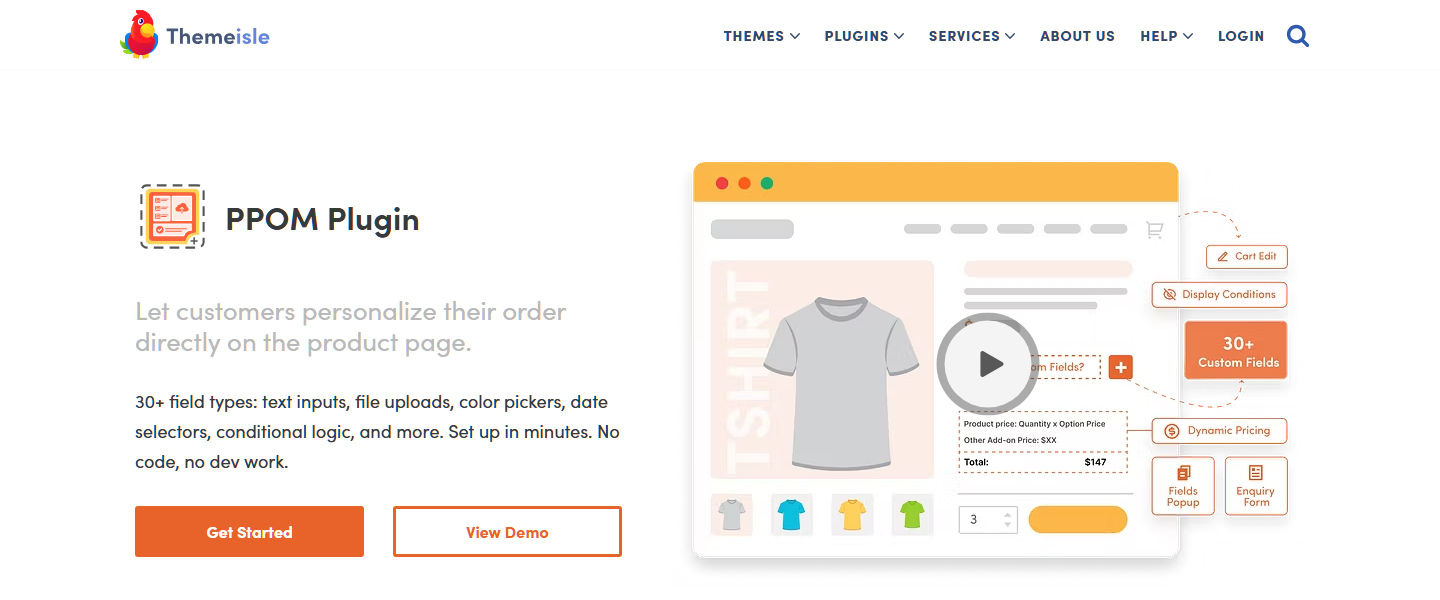
PPOM, from Themeisle, has 20,000+ active installs and a 90/100 rating from 283 reviews on WordPress.org. It tops this list because its free version covers priced options, conditional logic and category-wide field groups. Only YITH’s free version also covers all three. On top of that, Store Exporter Deluxe lists PPOM as a supported export integration.
The listing’s free feature list includes per-option pricing on select, radio and checkbox fields. It also includes conditional logic that shows or hides fields. Plus, its “Apply via Category” feature deploys a field group across a whole category for free. That suits a large catalog.
Its FAQ also states that fields work on variable products and that there’s no set field limit. That said, your server’s PHP memory and POST size limits can affect how many fields load. Pro adds more conditional operators (contains, regex, between and others), file uploads and repeater fields.
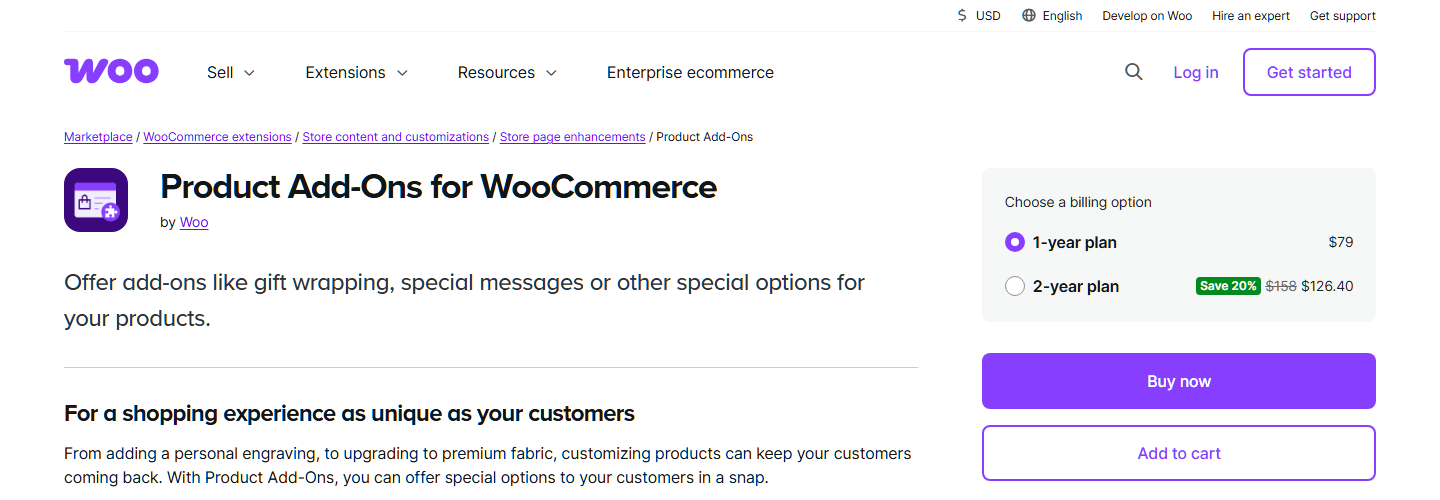
WooCommerce sells Product Add-Ons as its own extension on WooCommerce.com. Its listing shows 100K+ active installs and a 3.4 out of 5 rating from 49 reviews. It’s the pick if you’d rather buy from WooCommerce itself.
Its documentation also shows global add-on groups that apply across the store. You can also limit each group to specific product categories. Field types include multiple choice (dropdown, image or radio), checkboxes, and short and long text.
On top of those, there’s file upload, customer-defined price, quantity and a date picker. Prices can be a flat fee, quantity-based or a percentage of the product price.
The documentation also flags two limits. First, add-ons on a variable product are inherited by every variation, so you can’t set different add-ons per variation. Second, add-ons can’t be imported from a product CSV, because they’re stored as serialized metadata. Instead, you move them with the extension’s own Import and Export buttons.
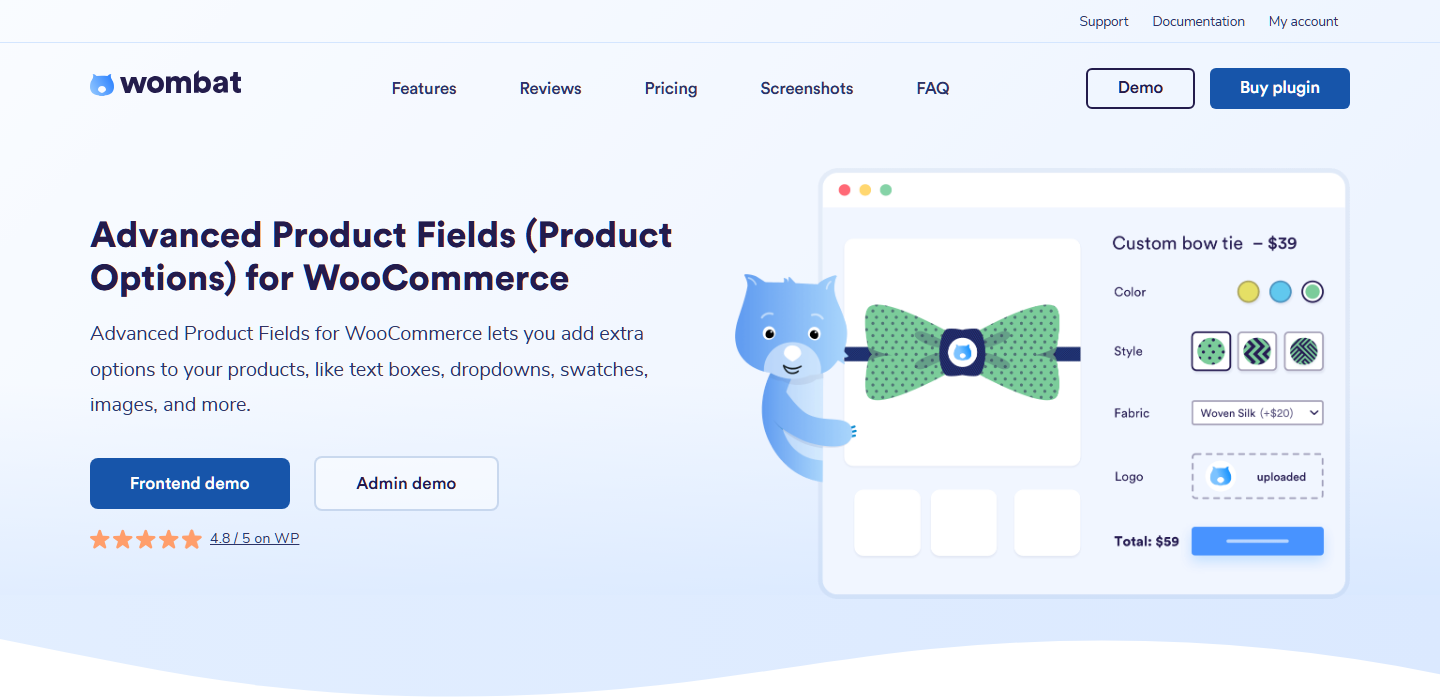
Advanced Product Fields, from Studio Wombat, has the largest free install base here at 50,000+. It also holds a 96/100 rating from 284 reviews. The listing describes a field builder modeled on Advanced Custom Fields, with speed as the priority. It also states the frontend scripts are around 7kb.
Conditional logic is also included free, along with ten field types. The listing states that the free version works with both simple and variable products. It also says the shopper’s choices are saved to the order. Pro adds file uploads, image and color swatches, date pickers, formula pricing and repeatable fields.
The listing’s free-versus-Pro section spells out the gaps. The free version only adds a flat fee, not a quantity-based price. For example, it can’t add fields to separate variations. It also doesn’t work with themes that use Ajax for their “add to cart” button.
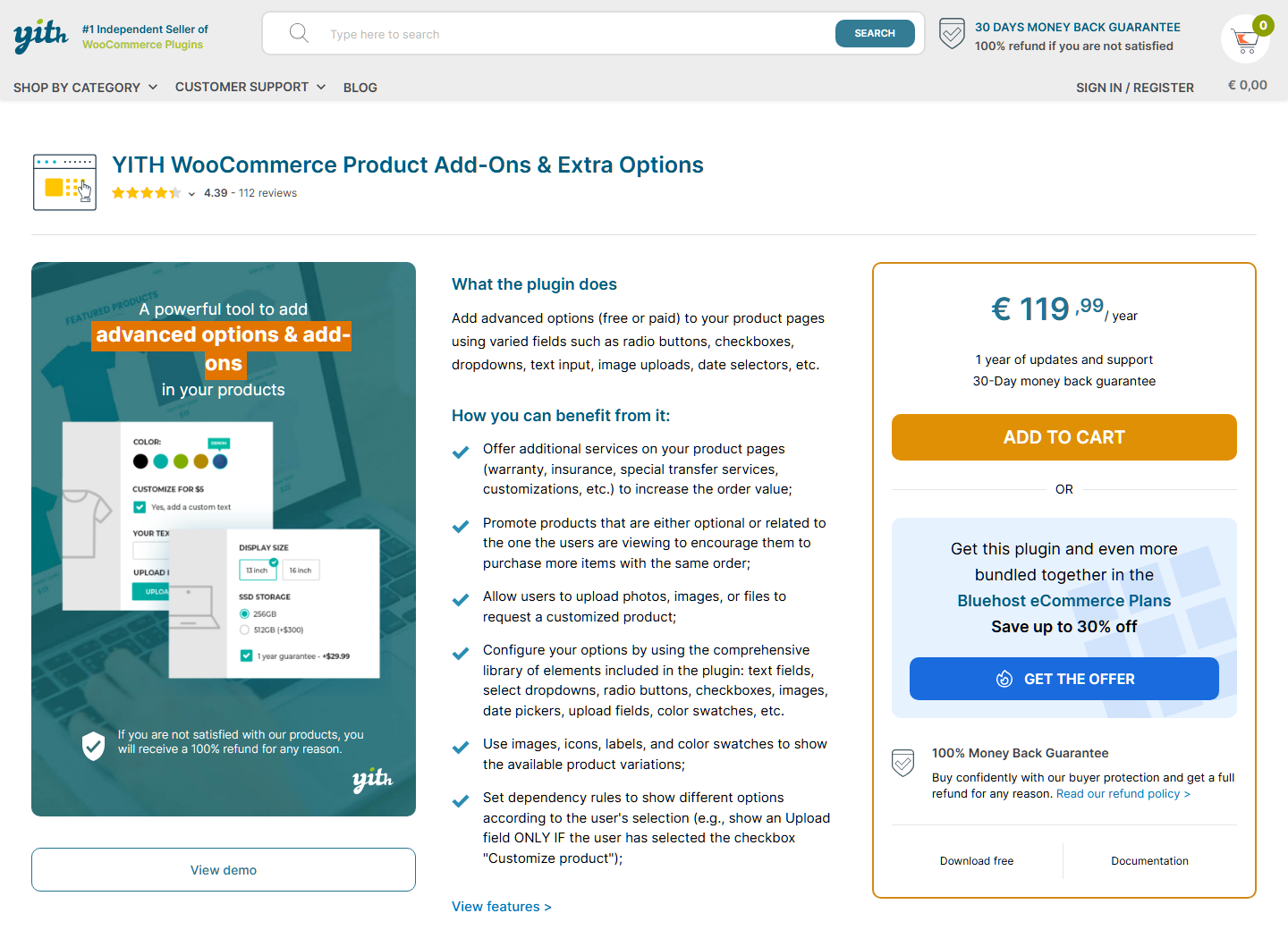
YITH’s plugin has 20,000+ active installs and a 74/100 rating from 57 reviews on WordPress.org. Its free version includes unlimited option blocks and conditions to show or hide a block. It can also show options only for certain variations.
The free version can add a fixed or percentage cost to an option, or apply a discount when it’s selected. Blocks display on all products or only on specific products or categories. The listing also states that selected options are included in the order details.
The FAQ adds two limits. Options can be configured globally on a product, but not on a single variation. On a product’s edit screen, you can switch off all global option groups at once. You can’t switch them off one at a time.
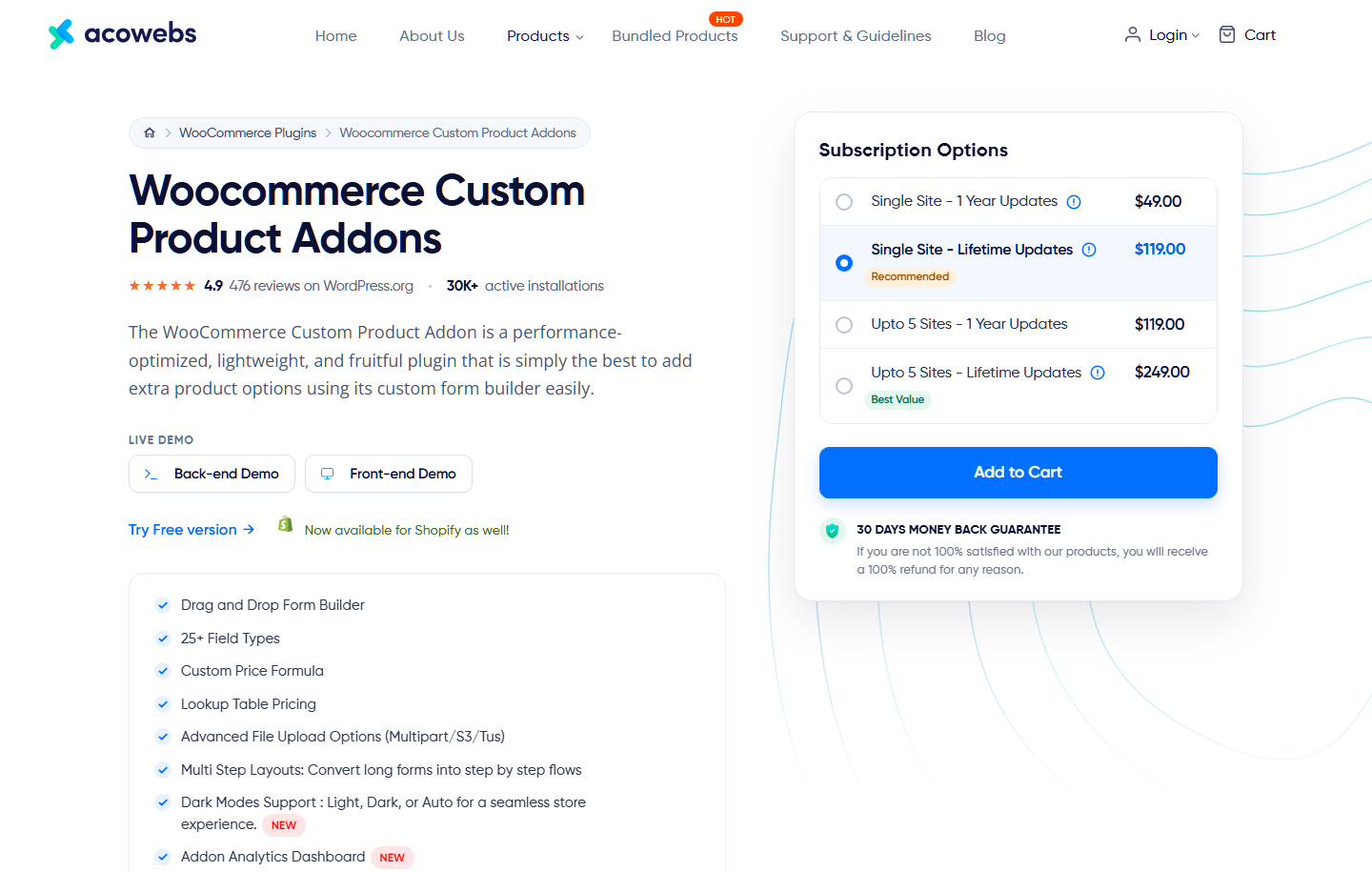
Acowebs’ plugin has 30,000+ active installs and a 98/100 rating from 477 reviews. That’s the most reviews of any free plugin here.
Its free version has a drag-and-drop form builder with text, number, date, color, email and URL fields. The listing says the data customers submit shows in the backend, the order details and order emails.
Pro is where it pulls ahead on complex forms, though. It adds 18 types of conditions, lookup-table pricing and a multi-step layout.
The listing describes conditional logic in two places. The basic features list includes “Conditional Fields”, while the intro names conditional logic as a premium feature. So it’s worth confirming with Acowebs which version you need before you build around it.
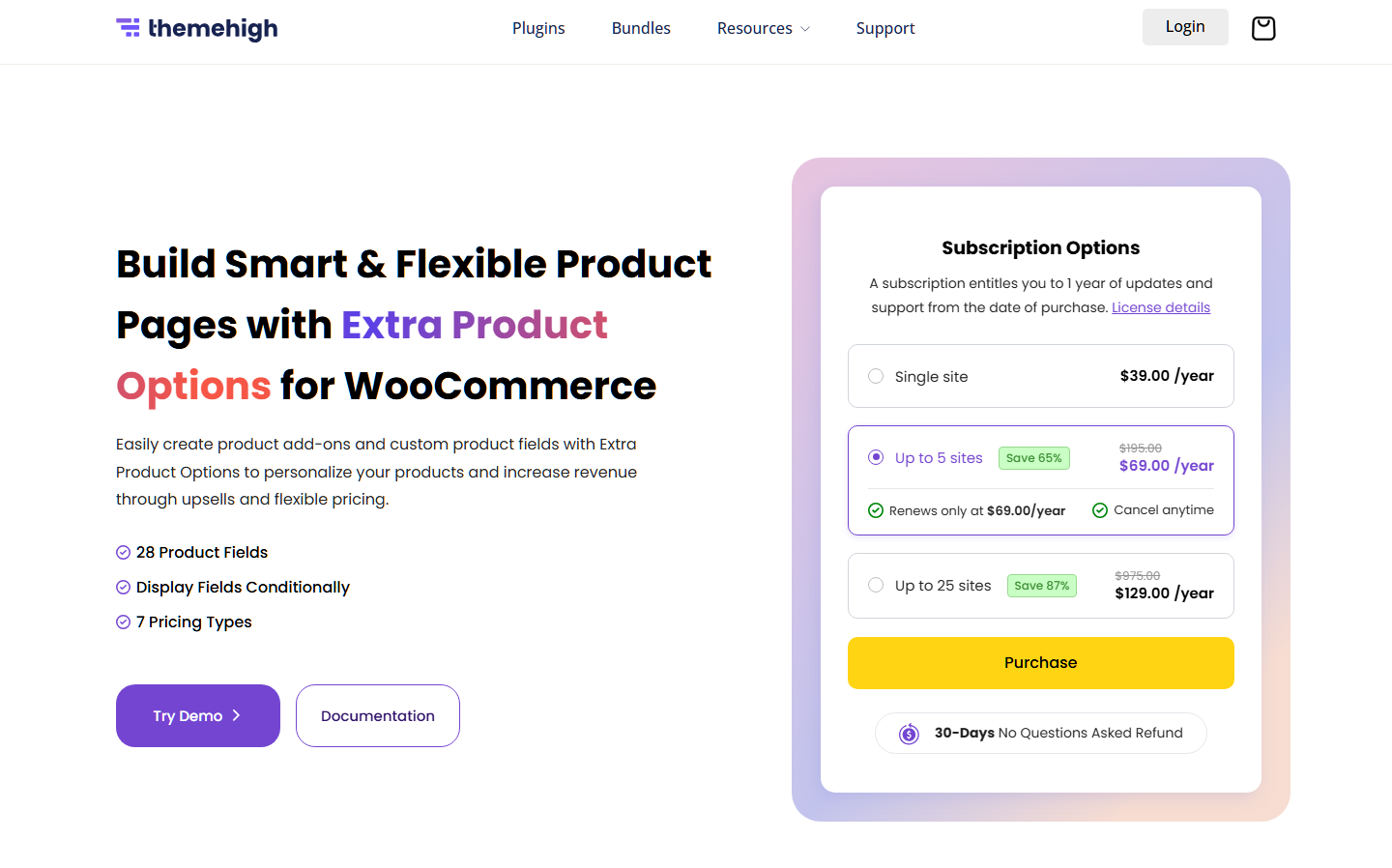
ThemeHigh’s plugin has 30,000+ active installs and a 98/100 rating from 220 reviews. The free version offers twenty field types, grouped into sections before or after the add-to-cart button.
Its free display rules show fields by product, category or tag, so category-wide setup works without paying. Its FAQ is also the most detailed here on where values appear. That list covers the cart, checkout and thank-you page, My Account orders and the WooCommerce Orders screen. It also covers order emails and, with a PDF invoice plugin, invoices.
Pro also adds price fields with seven pricing types, including per-character pricing. It also adds file uploads and rules based on other fields’ values. In other words, conditional logic in the usual sense is a Pro feature.
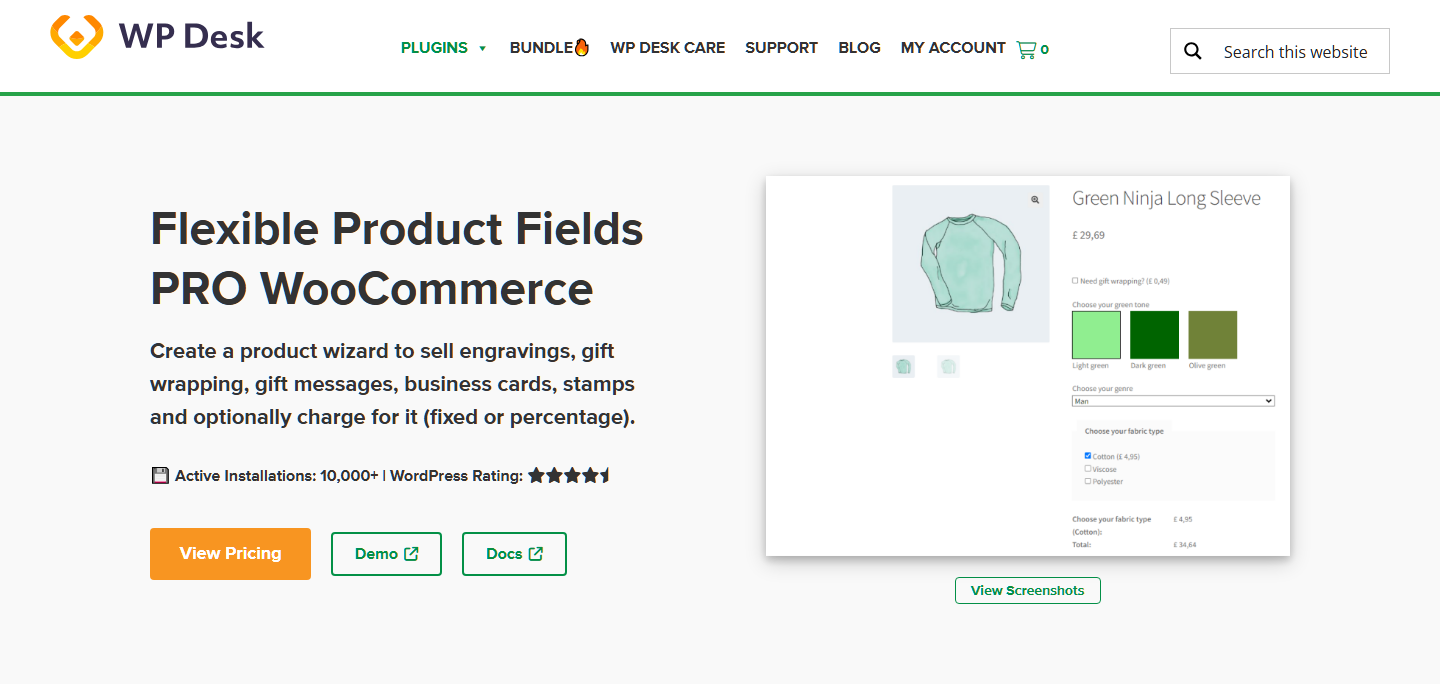
Flexible Product Fields has 10,000+ active installs and a 90/100 rating from 106 reviews. Its free version has eighteen field types, including radio buttons with images or colors. The listing states that choices appear in the Order Details screen.
The FAQ is clear that free assignment is product by product. In other words, assigning a field group to all products, a category or a tag is a PRO feature. Pricing on fields, conditional logic, file uploads and date fields are PRO too.
On variable products, the FAQ states that a product can carry variations and Flexible Product Fields fields together. PRO adds fields for specific variations, which load without a page reload.
Most stores can narrow this list to two or three once they know which paid features they’ll need. The table below makes that comparison quicker.
The table lines up the seven on the features most likely to push you onto a paid plan. “Free” means the listing includes it in the free version, and “Pro” means it’s listed as paid-only.
The last column comes from the integrations list on the Store Exporter Deluxe product page, checked November 6, 2026.
| Plugin | Free version | Conditional logic | Priced options | File upload | Category-wide field groups | Native Store Exporter Deluxe support |
|---|---|---|---|---|---|---|
| PPOM | Yes | Free (more operators Pro) | Free | Pro | Free | Listed |
| Product Add-Ons (WooCommerce) | No, $79/yr | Not supported | Yes | Yes | Yes | Listed |
| Advanced Product Fields | Yes | Free | Free (flat fee only) | Pro | Pro | Not listed |
| YITH Product Add-Ons | Yes | Free | Free | Premium | Free | Not listed |
| Acowebs Product Addons | Yes | Listed as both; full logic Pro | Pro | Pro | Not stated | Not listed |
| ThemeHigh Extra Product Options | Yes | Pro (product, category or tag rules free) | Pro | Pro | Free | Not listed |
| Flexible Product Fields | Yes | Pro | Pro | Pro | Pro | Not listed |
“Not listed” doesn’t mean the data can’t be exported. It means you should check how that plugin stores its values, which the export section below covers.
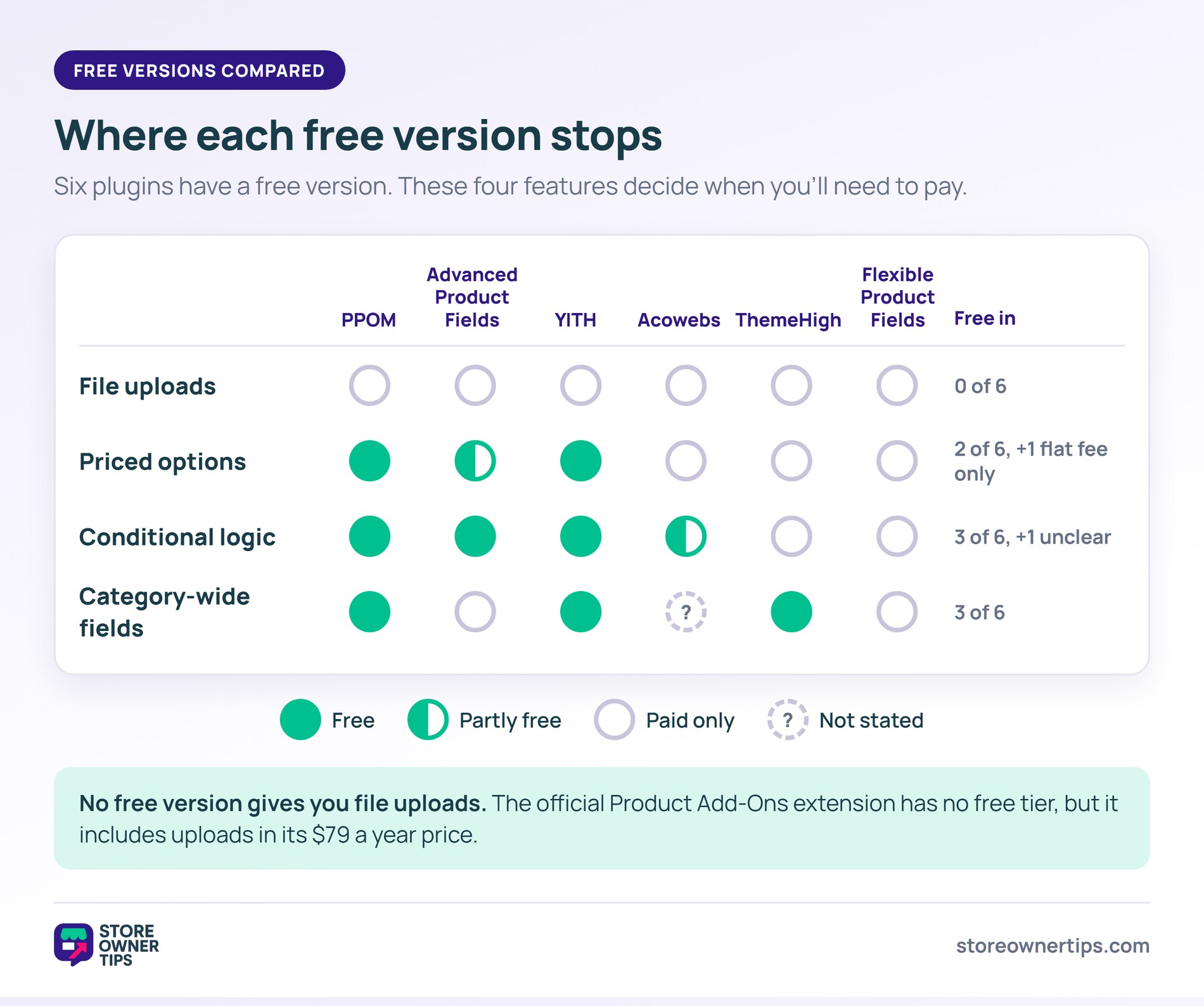
Across the seven, the same four features decide when a free WooCommerce product add-ons plugin stops being enough. They are file uploads, priced options, conditional logic and category-wide assignment.
File uploads are the most consistent paywall, since six of the seven gate them. The official extension, which has no free version, is the only one that includes them in its base price. If you sell printed or personalized goods that need artwork, budget for a paid plan from day one.
Pricing and conditional logic split the field. PPOM and YITH include both free. Advanced Product Fields includes conditional logic but only a flat fee. By contrast, Flexible Product Fields, ThemeHigh and Acowebs leave pricing out of the free version entirely.
Category-wide assignment is the one large stores feel most. On Flexible Product Fields and Advanced Product Fields, free assignment means picking products individually. So on a big catalog, the free version costs you hours rather than money.
🔍️ What We’ve Seen: A store builds forty fields in a free add-ons plugin. Later, it needs conditional logic for one product and finds it’s a paid feature. Then switching plugins means rebuilding every field, and old orders keep the old plugin’s data format. Check the paid-feature list before you build, not after.
So weigh the paid-feature columns in the table above over the field-type count. Even the official extension’s Import and Export buttons only move its own add-ons, between its products, groups and sites.
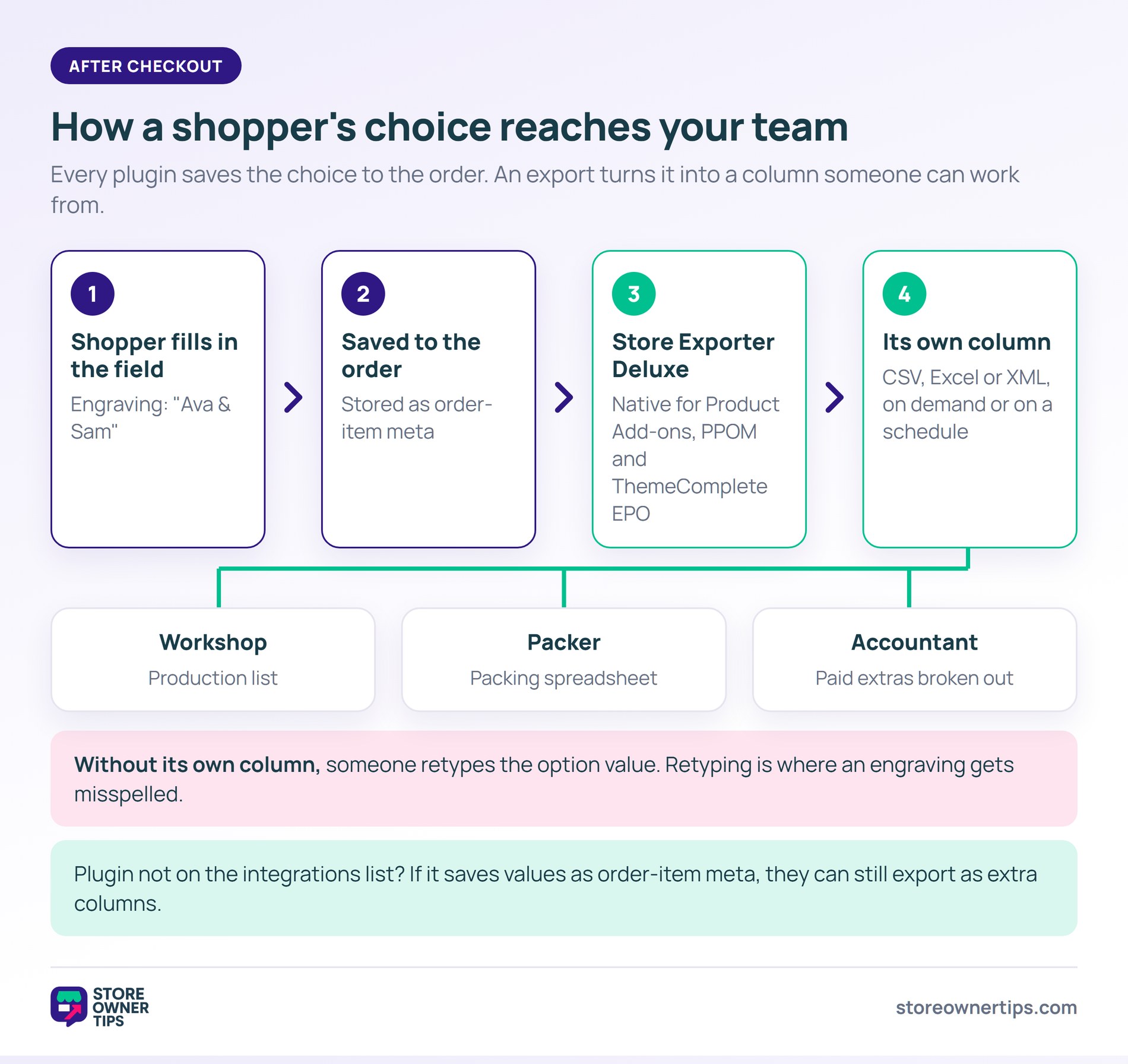
Every WooCommerce product add-ons plugin here saves the shopper’s choice to the order. The real question is whether that data reaches the people and systems that need it after checkout.
An engraving text sitting in the order screen is fine for a store that packs ten orders a day. However, it’s a different story when a workshop works from a production list or a packer works from a spreadsheet. The same goes when your accountant needs paid extras broken out.
If option values don’t come through as their own columns, someone retypes them. Retyping, after all, is where an engraving gets misspelled.
Store Exporter Deluxe, from our sister brand Visser Labs, exports WooCommerce orders on demand or on a schedule. Formats include CSV, Excel (XLS or XLSX) and XML. It costs $49 a year for one site.
Its integrations list includes native support for Product Add-ons, WooCommerce Extra Product Options (ThemeComplete) and PPOM. It also lists WC Fields Factory and Gravity Forms Product Add-Ons.
For a plugin that isn’t on that list, check whether it saves option values as order-item meta. If it does, Store Exporter Deluxe can then export custom order-item meta as extra columns. For the wider field of export tools, see WooCommerce export plugins compared.
Yes, six of the seven plugins here have a free version on WordPress.org. They are PPOM, Advanced Product Fields, YITH Product Add-Ons, Acowebs Product Addons, ThemeHigh Extra Product Options and Flexible Product Fields. PPOM’s free version covers priced options, conditional logic and category-wide field groups. File uploads, however, are paid on all six.
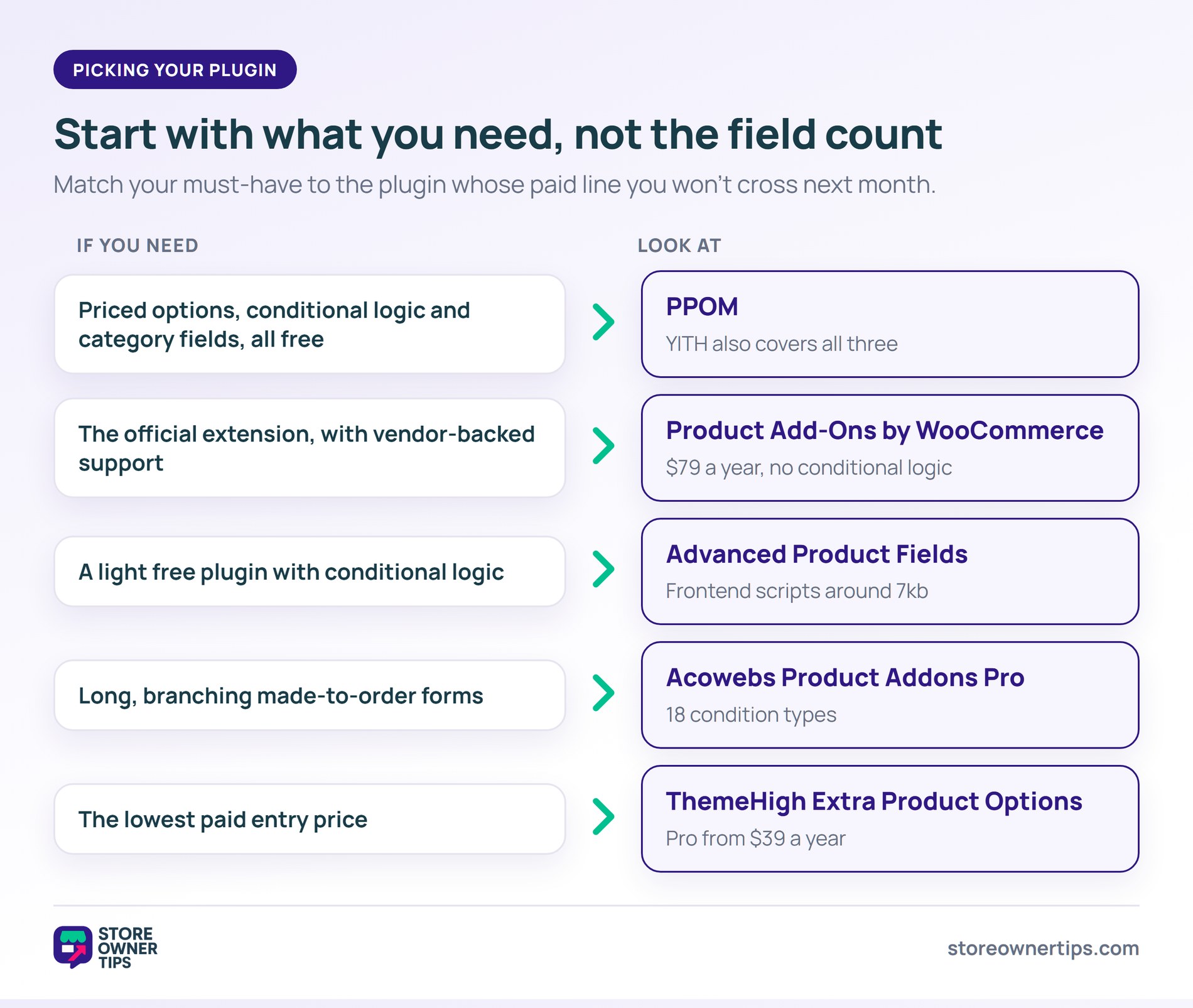
For most stores, it’s PPOM, because its free version covers priced options, conditional logic and category assignment. Store Exporter Deluxe also lists it as a supported export integration. Product Add-Ons by WooCommerce is the official option at $79 a year, but it has no conditional logic. For complex branching forms, Acowebs Product Addons Pro offers 18 condition types.
No. WooCommerce core has attributes and variations, which cover fixed combinations like size and color, each with its own stock. By contrast, free text, file uploads and optional priced extras need a plugin. WooCommerce sells its own Product Add-Ons extension separately, or you can use one of the free plugins above.
Yes, with a plugin. Product Add-Ons by WooCommerce includes a file upload field in its base price. Its documentation states the uploaded file shows below the line item on the order and in order emails. On every other plugin in this list, file uploads are a paid feature.
Yes, though the detail varies. PPOM, Advanced Product Fields and Flexible Product Fields state that their fields work on variable products. Product Add-Ons by WooCommerce applies the same add-ons to every variation.
That said, different fields per variation is a paid feature on Advanced Product Fields and Flexible Product Fields. YITH’s free version, however, can show options only for certain variations.
Most stores pick a WooCommerce product add-ons plugin by counting field types. Instead, a better test is how it’ll handle your orders a year from now. Will your fields still fit when the catalog triples? And can the packer read the shopper’s choice without opening the order?
PPOM passes both tests on its free version, which is why it tops the list. Meanwhile, Product Add-Ons by WooCommerce suits stores that want the official extension and don’t need conditional logic.
A WooCommerce product add-ons plugin also sits alongside the WooCommerce plugins every store ends up needing. Pick the plugin whose paid line you won’t cross next month. And if option data has to leave your store, pair it with Store Exporter Deluxe.

Copyright © StoreOwnerTips.com. All Rights Reserved.
