Weekly ecommerce tips, deals & news.
If you’re running a WooCommerce store and visitors are leaving without buying, an AI chatbot can change that. A good WooCommerce AI chatbot answers product questions in real time, handles repetitive support tickets, and nudges shoppers toward checkout. The problem is that most chatbot plugins weren’t built for WooCommerce specifically, so they can’t read your product catalog, pull order data, or understand your store’s context.
We tested five AI chatbot plugins on live WooCommerce stores to find out which ones actually deliver. We looked at how well each one reads product data, handles customer questions, generates useful content, and fits into a real store owner’s workflow.
Our top pick is StoreAgent AI. It’s the only plugin we tested that was built from the ground up for WooCommerce, auto-ingests your entire product catalog without API keys, and doubles as a content generation tool. Below, we break down all five options so you can pick the right fit for your store.
Here’s how each WooCommerce AI chatbot plugin compares across the key factors that matter most:
StoreAgent AI is the best WooCommerce AI chatbot for most store owners because it was purpose-built for WooCommerce. Unlike general-purpose chatbots that bolt onto WordPress, StoreAgent reads your live product data natively. There are no API keys to configure and no manual product feeds to set up.
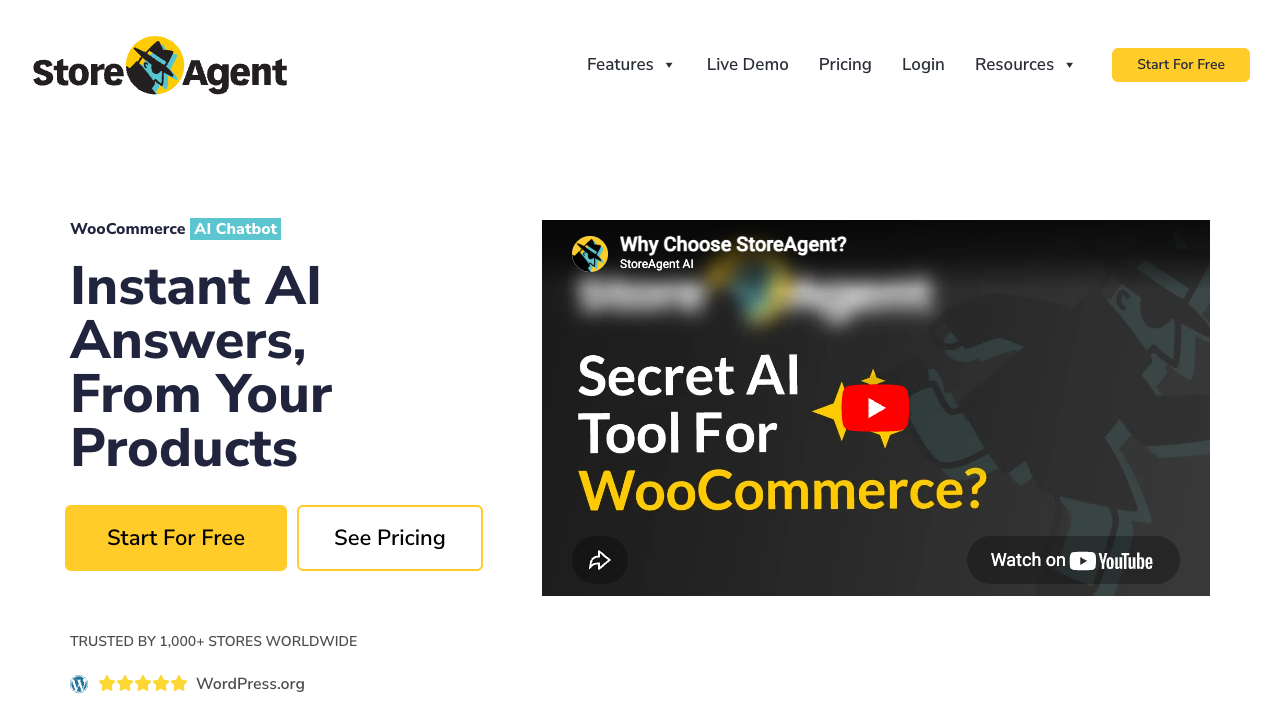
When we activated StoreAgent on a test store, it immediately started ingesting products, posts, pages, and even custom post types. The chatbot could answer detailed product questions within minutes of activation because it pulls directly from WooCommerce’s own data. That’s a meaningful difference compared to tools that require you to manually upload a knowledge base or connect third-party APIs.
StoreAgent isn’t just a chatbot. It’s also a content generation engine. You can use it to create product descriptions, category descriptions, product tags, product summaries, review summaries, and image alt text. If you’ve been looking for AI tools for your WooCommerce store, this covers both customer-facing chat and back-end content tasks in one plugin.
Other standout features include:
All StoreAgent AI plans include unlimited website usage:
Every plan comes with a 14-day money-back guarantee, so you can test it risk-free.
What We’ve Seen: Store owners who already use StoreAgent for chat often don’t realize it can also generate alt text for product images. If you’re manually writing alt tags for hundreds of products, that feature alone can save hours of work every month.
Tidio is the best option if your support strategy spans multiple channels beyond your WooCommerce store. With over 80,000 active WordPress installs and a 4.7/5 star rating from 395 reviews on WordPress.org, it’s one of the most widely adopted live chat solutions in the WordPress ecosystem.
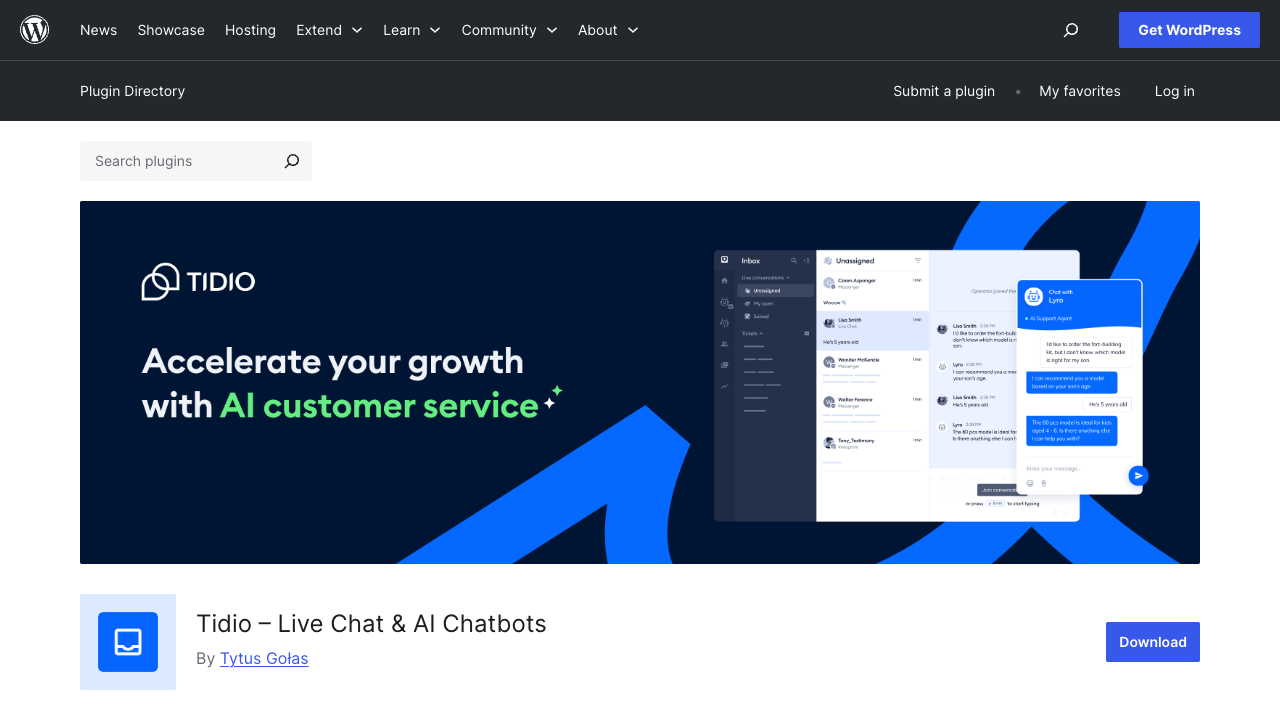
Tidio’s AI component, called Lyro AI, claims a 70% auto-resolve rate for customer inquiries. During our testing, Lyro handled common pre-sale questions reasonably well, though it relied on the knowledge base we manually configured rather than pulling live product data automatically. You’ll need to feed it information about your products, shipping policies, and return procedures before it becomes useful.
Tidio really shines when you need a unified inbox across website chat, email, Facebook Messenger, and Instagram. If your customers reach out through multiple platforms, Tidio consolidates everything into one dashboard. That’s a genuine advantage over WooCommerce-specific tools that only handle on-site chat.
However, Tidio is not WooCommerce-exclusive. It works on any website, which means its AI wasn’t designed around WooCommerce’s data structures. It integrates with WooCommerce through a plugin to access cart and order data, but it doesn’t natively understand your product catalog the way a purpose-built WooCommerce chatbot does.
Tidio offers a free plan with basic live chat features. The Lyro AI add-on starts at $29/mo. For stores that want both live chat agents and AI automation, the combined cost can climb depending on your team size and conversation volume.
What We’ve Seen: Store owners who switch from Tidio to a WooCommerce-native chatbot often mention the same thing: they spent more time building and maintaining Tidio’s knowledge base than they expected. If your product catalog changes frequently, a tool that auto-syncs with WooCommerce data saves you ongoing maintenance work.
WoowBot is a solid budget pick for store owners who want basic chatbot functionality without a monthly bill. The free version gives you a simple product search chatbot that works right out of the box with WooCommerce, and the Pro version is a one-time purchase rather than a recurring subscription.
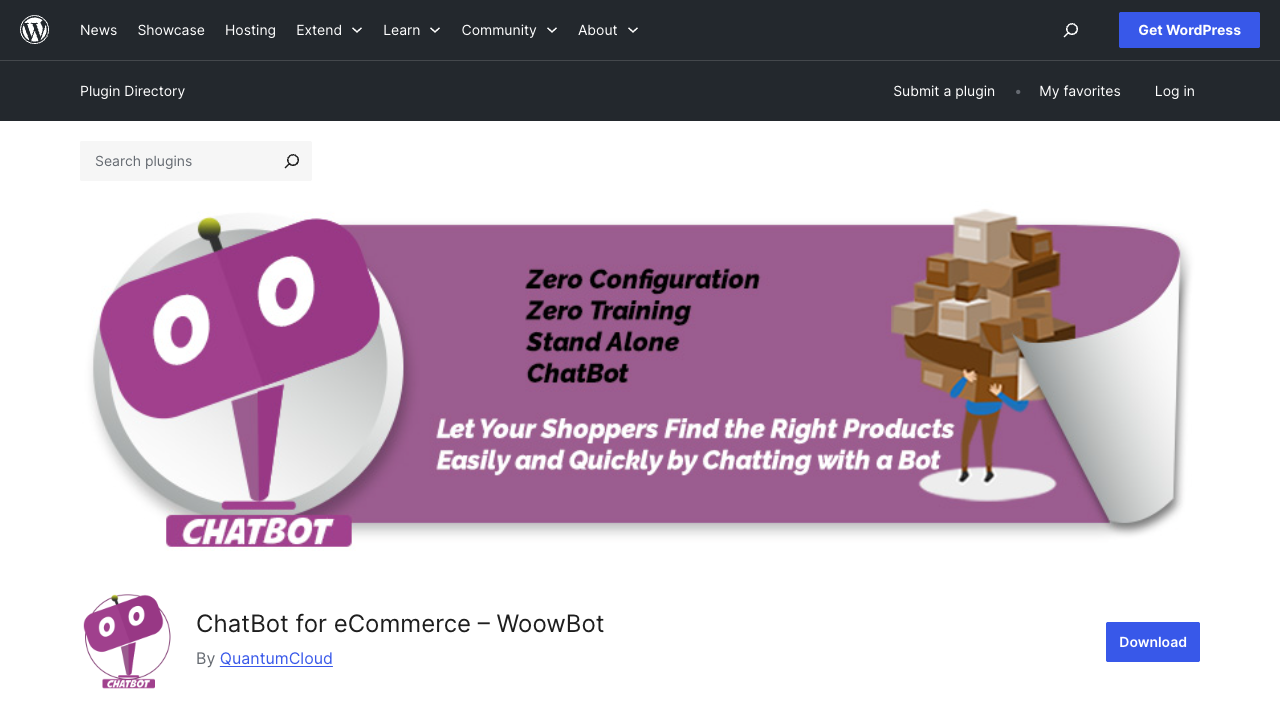
WoowBot has a 4.8/5 star rating on WordPress.org, though from a smaller pool of 19 reviews. It has 1,000+ active installs and was last updated on April 1, 2026 (v4.5.6), so it’s actively maintained.
The free version is genuinely plug-and-play. It handles product search, lets you customize the chat icon, includes a language center for basic translations, and supports CSS customization. For a small store that just wants visitors to find products faster, the free version may be enough.
The Pro version is where WoowBot gets more capable, but it comes with a caveat: you’ll need your own OpenAI (ChatGPT) or Google DialogFlow API keys. That means additional costs and setup beyond the plugin purchase itself. Pro features include:
The free version is available on WordPress.org. The Pro version uses a one-time purchase model, which makes it attractive for budget-conscious store owners who want to avoid monthly fees. Keep in mind that Pro’s AI features require ongoing API key costs from OpenAI or Google that vary based on your chat volume.
What We’ve Seen: WoowBot’s free version works well as a basic product search tool, but store owners often hit a wall when they need the chatbot to answer questions beyond simple product searches. At that point, you’re looking at the Pro version plus ongoing API costs from OpenAI or Google, which can add up. If you need WooCommerce automation tools that go beyond basic chat, factor those API costs into your total budget.
Boei takes a different approach to the AI chatbot for ecommerce question. Instead of being just a chatbot, it’s a contact widget platform that connects over 50 messaging channels including WhatsApp, Messenger, Telegram, and Instagram. The AI component auto-crawls your products, categories, and policy pages to answer customer questions.
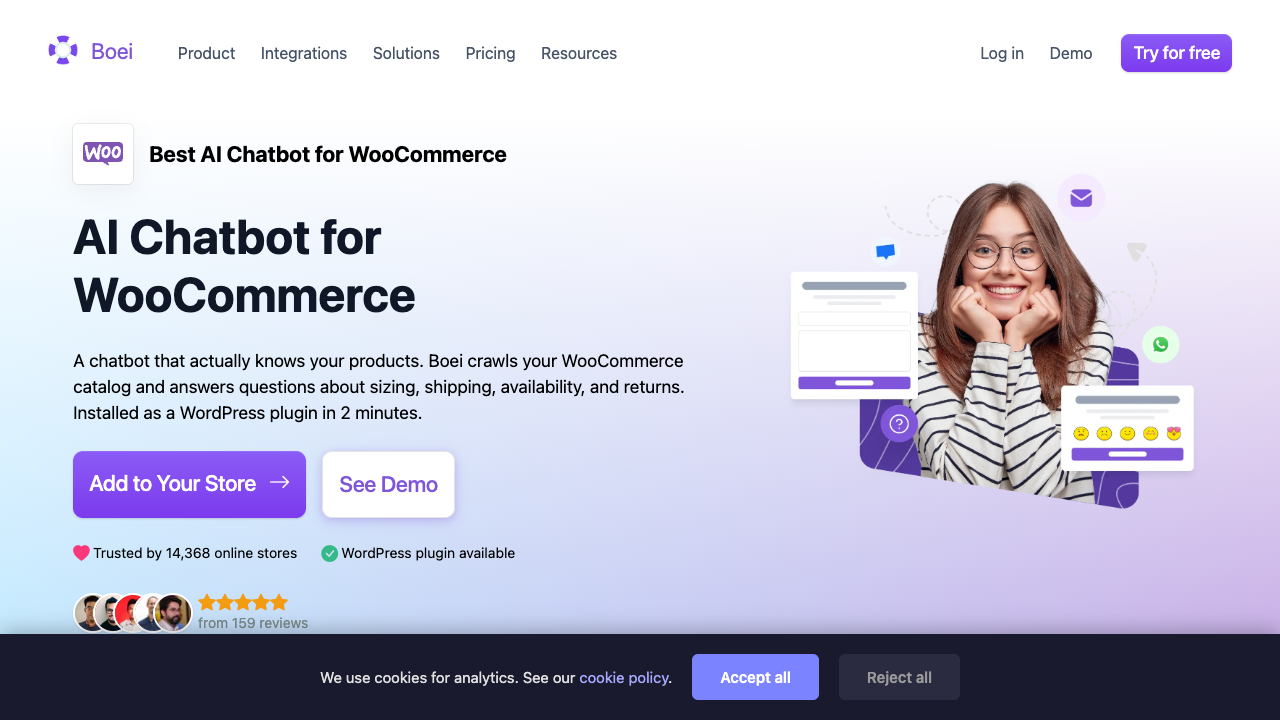
During testing, we noticed Boei’s strength is giving customers their preferred way to reach you. Some shoppers want to chat on your site, others want to message on WhatsApp, and some prefer Telegram. Boei handles all of those from a single widget. The AI layer sits on top, handling automated responses across channels.
Boei starts at 14 EUR/mo, which includes 2,000 AI messages, unlimited conversations, unlimited team seats, CRM, lead scoring, and analytics. The no-per-agent pricing model is notable because many competing tools charge per seat, which gets expensive as your support team grows.
What We’ve Seen: Boei works particularly well for stores that sell internationally and need multi-language support without additional translation overhead. The auto-detect language feature is genuinely useful for stores with traffic from multiple countries, especially when paired with WPML for the rest of the site.
Amio is the most enterprise-focused option on this list. Powered by GPT-4o, it claims to automate 90%+ of customer inquiries and reduce support costs by approximately 60%. Those are significant claims, and the pricing reflects an enterprise-grade tool.
What sets Amio apart is its use of XML feeds for personalized product recommendations. Rather than just answering questions, it can actively suggest products based on customer behavior and preferences. It also supports a wide range of channels: Webchat, mobile app, WhatsApp, Messenger, Telegram, Viber, and Google RCS.
Amio starts at 150 EUR/mo for 400 automated messages, including the chatbot, conversational designer, and analytics. A free trial is available with no credit card required. This pricing puts it firmly in enterprise territory, best suited for high-traffic stores where the cost savings from automation justify the investment.
What We’ve Seen: Amio’s price tag makes sense for stores handling thousands of support tickets monthly, where even a partial reduction in manual support workload translates to significant savings. For smaller stores, the other options on this list deliver better value per dollar.
We evaluated each WooCommerce AI chatbot plugin using the same criteria to keep our comparison fair and useful:
We tested on WooCommerce stores running current versions of WordPress and WooCommerce, with product catalogs ranging from 50 to 500+ products.
No. All five plugins on this list install through the standard WordPress plugin installer. StoreAgent AI and WoowBot (free version) are the simplest since they work immediately after activation without requiring external API keys. Tidio, Boei, and Amio require account setup on their respective platforms, but no coding is involved. You’ll configure settings through WordPress admin panels and each plugin’s own dashboard.
Not all of them. StoreAgent AI is the only plugin we tested that auto-ingests your WooCommerce product catalog, posts, pages, and custom post types without any manual configuration. Boei auto-crawls products and category pages. WoowBot’s free version searches products through WooCommerce’s native search. Tidio and Amio require you to build or upload a knowledge base with your product information separately.
Costs range from free to hundreds of dollars per month. StoreAgent AI and WoowBot both offer free versions. StoreAgent’s paid plans start at $19/mo, Tidio’s Lyro AI starts at $29/mo, Boei starts at 14 EUR/mo, and Amio starts at 150 EUR/mo. Some plugins also require separate API key costs (WoowBot Pro needs OpenAI or DialogFlow keys), so factor those into your total budget.
Most modern chatbot plugins load asynchronously, meaning they don’t block your page content from rendering. During our testing, none of the five plugins caused noticeable page speed degradation. StoreAgent AI and WoowBot load lightweight widgets, while Tidio, Boei, and Amio load external scripts. In all cases, the chatbot widget loads after your main page content, so your Core Web Vitals shouldn’t be significantly affected.
Yes, but the range varies. StoreAgent AI supports 100+ languages. Boei supports 95+ languages with automatic visitor language detection and works with WPML and Polylang. WoowBot offers multilingual support through its Master license (Pro). Tidio supports multiple languages depending on your plan. Amio handles multiple languages through its GPT-4o backbone. If you serve international customers, check the specific language support for your plan tier before committing.
Absolutely. Every plugin on this list supports some form of handoff to human agents. StoreAgent AI has built-in support escalation. Tidio is designed around a combined live-chat-plus-AI model. Boei connects to 50+ messaging channels where your team can take over. Amio includes live agent escalation in its enterprise plans. The most common approach is letting the AI handle initial questions and routing complex issues to your support team.
A WooCommerce AI chatbot is designed to understand ecommerce-specific context: products, categories, pricing, inventory, orders, and shopping behavior. A general website chatbot works on any site but doesn’t natively understand WooCommerce’s data structure. The practical difference is that WooCommerce-native chatbots can answer questions like “Do you have this in blue?” or “What’s the shipping cost for this item?” without manual configuration, while general chatbots need that information added to their knowledge base by hand.
Adding an AI chatbot for ecommerce isn’t just about customer support anymore. The right plugin can drive product discovery, reduce cart abandonment, and handle the repetitive questions that eat up your team’s time. The key is choosing a tool that actually understands your WooCommerce data rather than requiring you to rebuild your product knowledge from scratch.
Here’s a recap of what to do next:
If you’re looking for more ways to streamline your store, check out our list of free WooCommerce plugins that pair well with a chatbot setup.
For most WooCommerce store owners, StoreAgent AI is the strongest starting point. It reads your product data automatically, generates content you’d otherwise write manually, and includes a free Lite plan so you can test it before committing. Visit StoreAgent AI to get started.

Copyright © StoreOwnerTips.com. All Rights Reserved.
