Store Owner Tips

Subscribe to our newsletter

Weekly ecommerce tips, deals & news.

Thank You, we'll be in touch soon.

Latest News

Online Sales Channel

An online sales channel is a digital platform where a business sells its products directly to internet shoppers. Unlike a physical storefront, this method lets businesses reach buyers all over the world. Common examples include a brand’s own website, third-party marketplaces, social media apps, and search engine shopping tabs.

Today, over half of all buyers prefer shopping online rather than visiting traditional stores. Shoppers love the convenience of browsing huge catalogs from home and getting items delivered right to their doors. Because of this shift in consumer behavior, an online sales channel allows store owners to reach a much larger group of potential buyers than local geography allows.
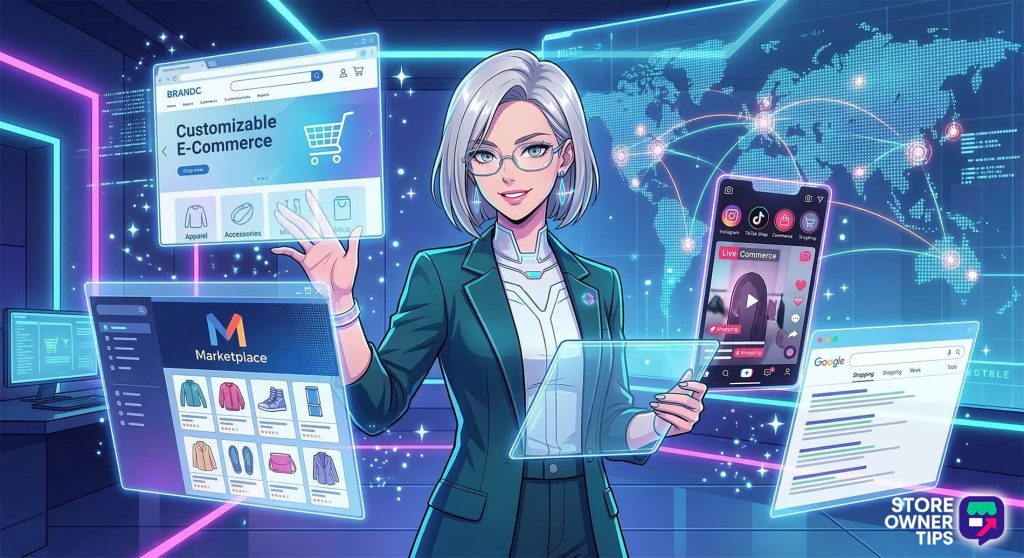
However, managing these channels effectively takes work. Merchants must understand the specific technical rules of each platform and carefully organize their inventory data so outside systems can read it.

To handle this, businesses often use specialized software to automate updates and keep their pricing consistent across all their digital storefronts.


The Main Types Of Online Sales Channels

The ecommerce world is split into a few main channels. Each one has its own unique pros and cons for store owners.

1. Direct websites

A direct website is an online store that a business completely owns and controls, built using software like WooCommerce, Shopify, or Magento.

  • The pros: You have total control over your brand’s look and the customer experience. Most importantly, you keep all your customer data. This lets you build an email list, send promotional discounts, and build brand loyalty. You also have full freedom over your Search Engine Optimization (SEO).
  • The cons: It takes a lot of time and money to bring shoppers to your site. You have to pay for your own ads and handle all product storage, shipping, and customer service yourself.

2. Online marketplaces

Marketplaces are massive digital shopping malls that list products from thousands of different sellers. Examples include Amazon, eBay, and Walmart.
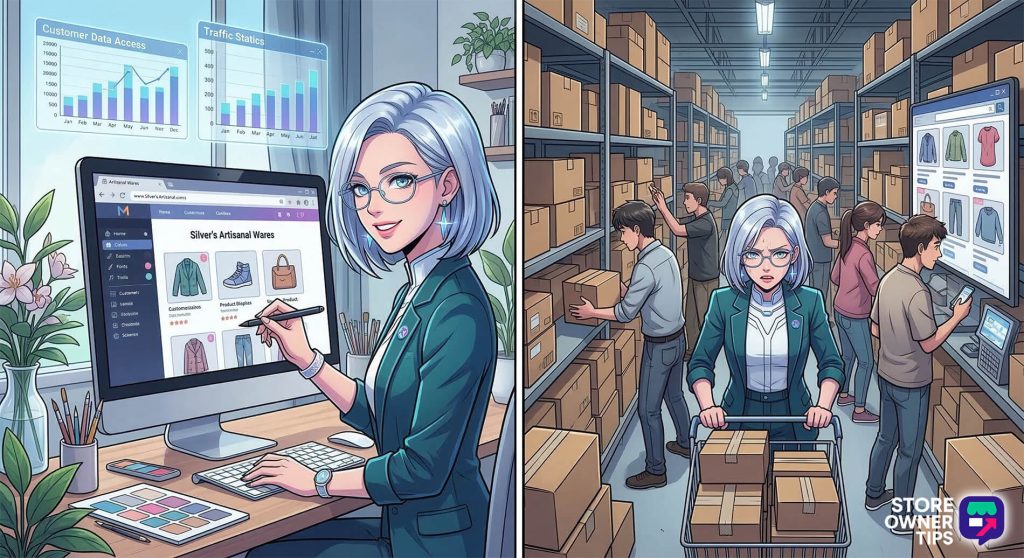
  • The pros: These platforms already have millions of daily shoppers and built-in trust. In other words, people feel completely safe buying there. Many also offer fulfillment networks (like Amazon FBA) to handle your storage, fast shipping, and basic customer support.
  • The cons: Competition is fierce, which often leads to profit-killing price wars. The marketplace dictates how your product pages look and rarely shares customer contact info. As a result, it becomes impossible to build your own email list.

3. Social commerce

This channel operates entirely inside social media apps like TikTok, Instagram, and Facebook. Users can discover and buy products without ever leaving the app.

Instead of relying on standard search keywords, social commerce uses eye-catching posts, influencer recommendations, and emotional connections to drive quick, impulse purchases while people scroll.

An anime-style visualization of a shopper purchasing an item directly within a social media app during a live stream.
Social commerce compresses discovery and purchasing into a single seamless interaction

4. Search engine channels

Search engines like Google and Bing feature shopping tabs that show product images, prices, and store names directly in the search results.

This includes Comparison Shopping Engines (CSEs) that place listings side-by-side so shoppers can easily find the best deal. To appear in these results, businesses must submit highly organized product data files so the search engine can read them correctly.

Platform Type Comparison

Platform TypeBrand ControlSetup CostCustomer Data AccessCompetition Level
Direct WebsiteFull controlMedium to HighFull accessLow to Medium
MarketplaceLimitedLowLimitedHigh
Social CommerceModerateLowModerateHigh
Search EngineLimitedLowLimitedHigh

Sales Channels vs. Marketing Channels

It is important to know the difference between where you sell and where you promote.

  • The sales function: An online sales channel is where the actual purchase happens. To be a sales channel, the platform must be able to process a payment and complete an order.
  • The marketing function: A marketing channel is how a brand talks to its audience. Basically, you use it to share content, build brand awareness, and engage potential buyers (like sending email newsletters or writing informational blog posts).

How they overlap: Today, these channels often work together. For example, your website is a sales channel when it processes payments, but it acts as a marketing channel when you use blog posts to attract visitors. Similarly, a Facebook page is for marketing when you post daily updates, but it becomes a sales channel the moment you add a shoppable catalog for users to buy from.


Multichannel vs. Omnichannel Strategies

As businesses grow, they rarely stick to just one platform. Expanding your online sales requires a clear plan.

What is a multichannel strategy?

Selling products on more than one platform at the same time (like running your own website while also listing items on Amazon). This gets your products in front of more people and creates new ways to make money. However, each platform mostly acts on its own. Even if your inventory is synced, the customer’s experience can feel disconnected depending on where they choose to buy.

What is an omnichannel strategy?

This takes the multichannel idea a step further by fully connecting the customer experience across every platform. The goal is to provide a smooth, consistent brand feel whether the shopper is on a mobile app, your website, or in a physical store.

Because this setup creates such a personalized and easy shopping experience, these buyers are highly profitable. In fact, research shows omnichannel customers spend about 30% more over their lifetime than people who only shop on a single channel.
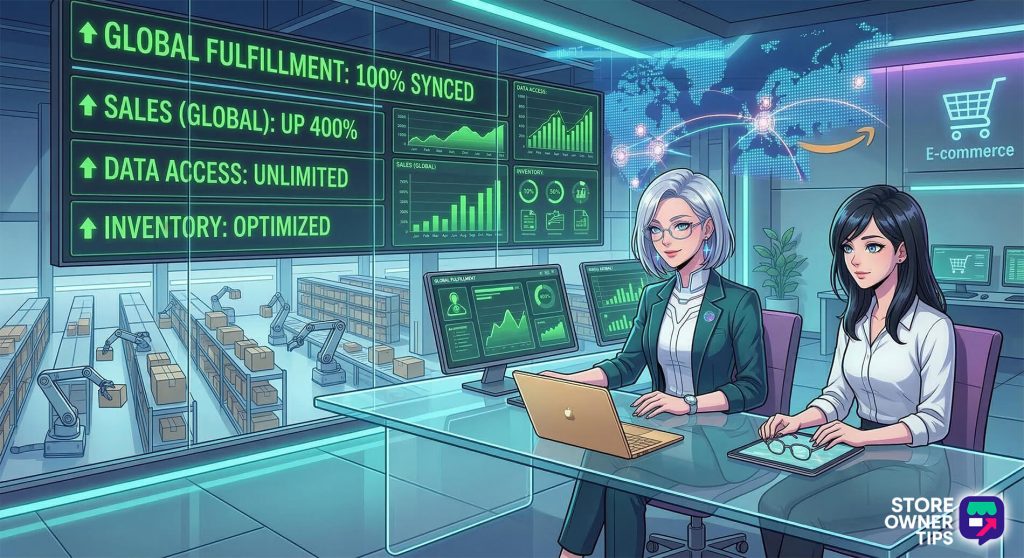
An anime merchant reviewing a successful omnichannel dashboard showing synchronized fulfillment and optimized global inventory.
An omnichannel strategy fully connects the customer experience across all digital and physical platforms

Why Should A Business Use Multiple Channels?

Relying on just one sales channel is incredibly risky. If you only sell on one marketplace and your account gets suspended, your income stops instantly. Plus, sudden changes to a platform’s search rules can hide your products overnight.

Building trust through visibility

Expanding to multiple platforms puts your products in front of more people. When a shopper sees your brand on your own website, a social media feed, and a search engine, they are much more likely to trust you and make a purchase.

Platform stats you can’t ignore

Millions of shoppers are scattered across different platforms. If you aren’t there, you are leaving money on the table:

  • Google Shopping: Drives 55% of online shopping traffic, and 36% of all product searches start here.
  • Facebook: 74% of consumers use it to discover new brands and products.
  • Pinterest: Reaches 570 million active users every month.

Ultimately, spreading your sales across different online sales channels (diversification) is the absolute best way to keep your e-commerce business stable in the long run.


How Do You Choose The Right Online Sales Channel?

To pick the best mix of platforms for your business, you need to evaluate three main factors:

  • Your product type: Common, everyday items sell great on big marketplaces because people are already searching for them. However, if your product is unique, technical, or needs a good story to explain how it works, it will perform much better on your own website or on video-heavy social media apps.
  • Your operations: Every new channel requires extra work and resources. Do you have your own warehouse, or do you use dropshipping? Some marketplaces demand lightning-fast shipping times that small businesses might struggle to meet. Plus, every new platform you add will increase the number of customer service messages you have to handle.
  • Your target audience: Different platforms attract different types of shoppers. Younger buyers might prefer the fast-paced environment of TikTok Shop, while business-to-business (B2B) buyers usually want the detailed information found on a direct website or a specialized wholesale portal.

The Technical Foundation: Product Data Feeds

To sell on platforms like Google or Facebook, you must send them your inventory information. This is done through a product data feed.

A product data feed is a digital file (usually in formats like XML or CSV) that contains a highly organized list of your products. Search engines and social networks read this file to create your listings. It includes vital details like the product name, price, description, stock status, and image links.

To make sure these external platforms understand your data, you use two main processes:
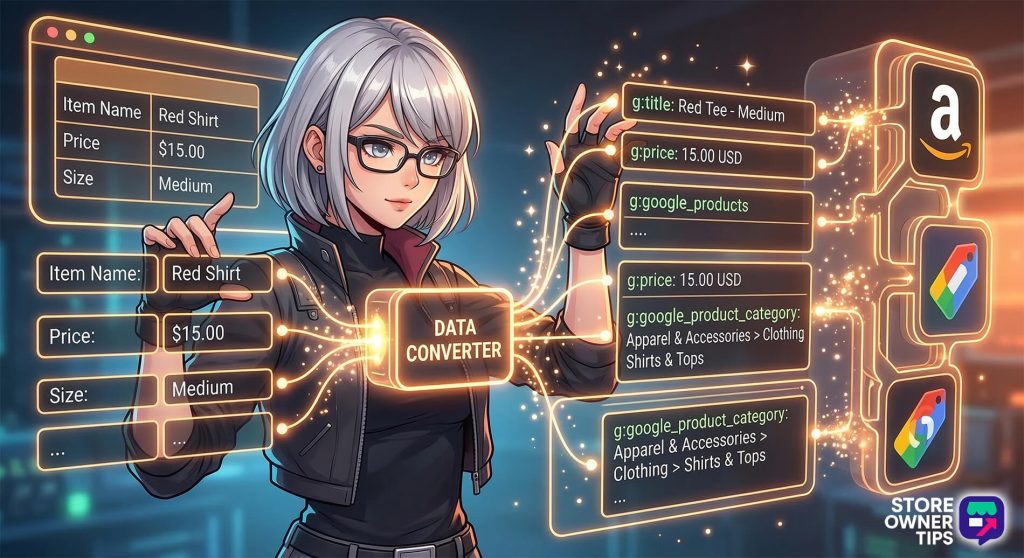
  • Field mapping: This is like a language translator for your data. Your website might call a column “Product Name,” but Facebook might require it to be labeled “Product Title.” Field mapping connects these two, so the systems can talk to each other without errors.
  • Category mapping: Most platforms have a strict filing system. While you might just label an item as a “Shirt,” Google might require it to be filed under Apparel & Accessories > Clothing > Shirts & Tops. Correct category mapping ensures your items show up in the right search results.
An anime merchant visually mapping basic internal product categories to the complex taxonomies required by external sales channels.
Mapping translates internal store data into the specific formats required by external channels
  • Filters and rules: You can also set “rules” to automatically change your data before it is sent. For example, you can create a rule to add your brand name to the start of every product title. You can also use filters to hide certain items, such as blocking products that cost less than $10 to save on ad costs or hiding items that are out of stock.

Managing Channels With Feed Plugins

Managing product data by hand for thousands of items is almost impossible. Feed management plugins are software tools that do the work for you. They automatically pull data from your website and update your files on a schedule (like every hour). This ensures your stock levels and prices are always accurate across every platform.

Connecting to Google Shopping (a practical example)

To see how these plugins work in the real world, here is the four-step process for connecting your store to Google Shopping:

  1. Create a Merchant Account: Sign up for a free Google Merchant Center account. You will need to provide your business name, location, and a verified website address.
  2. Link Your Ads Account: Connect your Google Ads account to your Merchant Center. This allows you to turn your product listings into paid advertisements.
  3. Set Up the Feed: Use a feed management plugin on your website (like WooCommerce or Shopify). Select “Google Shopping” as your target, match your categories, and turn on tracking so you can see where your sales come from.
  4. Submit the Data: Upload your plugin’s generated file (usually an XML file) into the Merchant Center dashboard. Google will check the data and let you know if there are any errors to fix.

Plugin Feature Comparison

Plugin FeatureBest Use CasePrimary Benefit
Automation LevelMulti-channel setupsSaves time formatting and syncing data.
Template BuilderSearch Engine FocusMeets strict Google Shopping rules seamlessly.
Social Commerce SyncFacebook and InstagramIncreases mobile impulse sales.
Marketplace AccessBroad marketplace setupsEffortlessly reaches new buyer demographics.

Challenges Of Multiple Sales Channels

While selling on many platforms is profitable, it comes with some tough hurdles:
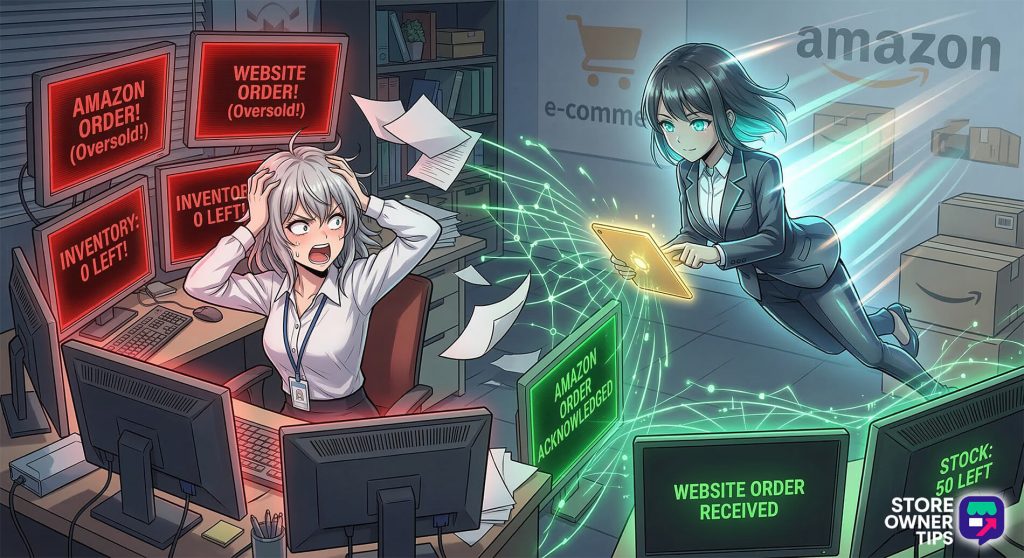
  • Synchronizing your inventory: If an item sells on your website, the available count must immediately drop on Amazon and eBay too. If your systems aren’t “in sync,” you might sell an item you no longer have. This leads to canceled orders and penalties from the marketplace. Using automated data feeds offered by good product feed managers is the only way to prevent this.
  • Platform fees: Third-party sites are in business to make money. They charge fees for listing items, take a percentage of every sale, and charge for processing payments. These costs can quickly eat up your profits, so you must carefully plan your pricing to make sure you still make a move.
  • Protecting your brand: On marketplaces like Amazon, you give up control over how your products look. You can’t always choose the layout or font. Also, since anyone can leave a public review, you have to watch your pages closely to handle fake negative comments and protect your brand’s reputation.

The Bottom Line

An online sales channel is more than just a place to list items; it is a powerful tool to reach millions of shoppers across the internet.

When you sell on more than one platform, you lower your business risks, collect valuable customer data, and set yourself up for long-term growth. This “omnichannel” approach turns a standard store into a flexible system that makes shipping easier and keeps money coming in.

Related Concepts to Explore Next:

  • Application Programming Interface (API): A set of technical rules that allows different software programs to “talk” to each other and share data instantly.
  • Retargeting Advertisements: Automated ads that show shoppers the exact items they were just looking at on your website to encourage them to come back and buy.

Share article

Subscribe to our newsletter

Weekly ecommerce tips, deals & news.

Nice – You're in!

Copyright © StoreOwnerTips.com. All Rights Reserved.