Weekly ecommerce tips, deals & news.
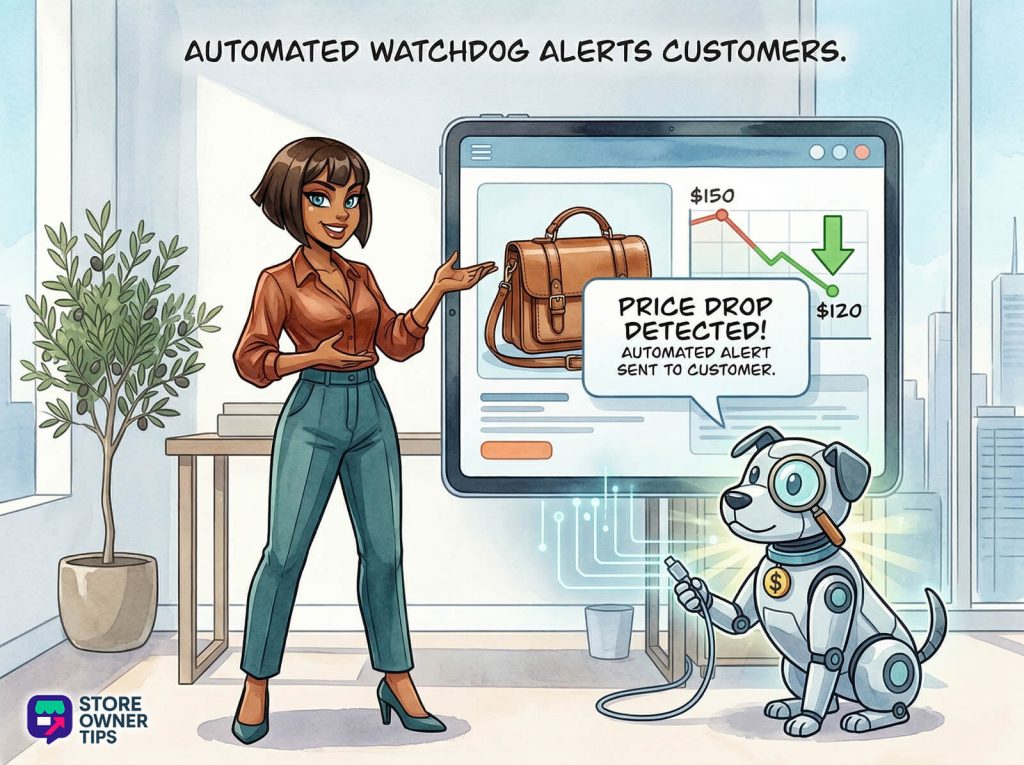
A price drop alert is an automated message sent to a shopper when an item they recently viewed, left in their cart, or added to a wishlist goes on sale. Think of it as a digital watchdog that automatically taps a customer on the shoulder to say, “Hey, that thing you liked is now cheaper!” It removes the hesitation caused by high prices, turning a window shopper into a paying customer at the exact right moment.
To truly grasp why this strategy works, we need to look past basic marketing. The global e-commerce landscape is shifting. Instead of broadcasting the same message to everyone, smart stores now use high-precision, event-driven triggers.
While standard online store conversion rates usually hover between 1.5% and 2.5%, price drop alerts specifically target people who are already on the hook. They remove the final roadblock, price friction, right when the market changes.
There are four main types of price drop alerts you can use:
Running a seamless price tracking and alert system requires three technical pieces working together smoothly. We call this the digital nervous system. It captures interest, watches your catalog, and pulls the trigger.
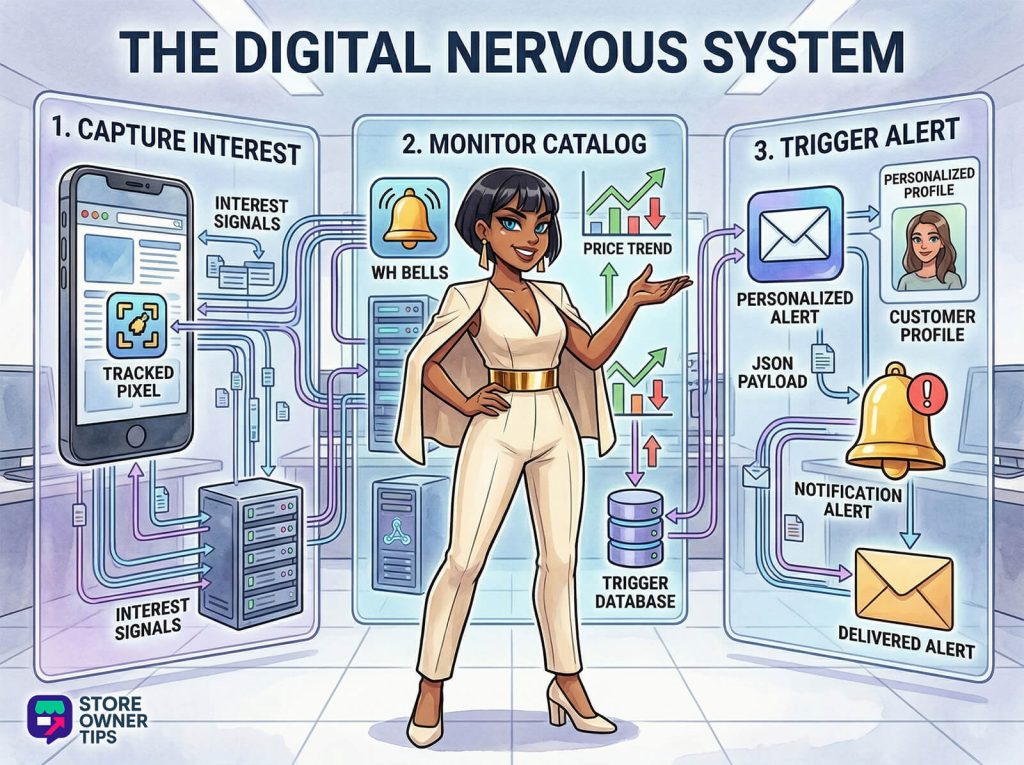
First, your store needs to know who wants what. Tracking pixels (tiny pieces of code) watch what your visitors do. But smart platforms don’t just track clicks; they track the depth of the visit.
For example, the system will ignore a shopper who accidentally clicks a jacket and leaves in five seconds. But if someone views that same winter coat twice in a month and stares at the photos for 15 seconds, the system tags them. This data goes into a Customer Data Platform (CDP). Think of a CDP as a digital filing cabinet that links the shopper’s identity to the specific product they want.
Next, your store’s back-end must actively track price changes across your entire inventory. When a price drops, your store uses something called a “webhook.”
Think of a webhook as a bell in a restaurant kitchen. When an order (a price change) is ready, the kitchen rings the bell (the webhook). The bell automatically tells the waiter (your email software) to come pick up the food (the data) and deliver it to the customer. This data package, often called a JSON payload, is just a simple digital note that says: “SKU #123 used to be $199, and now it is $149.”
Before sending an email, your software must check its rules. First, it checks the threshold. Is the price drop big enough? You don’t want to email a customer over a 50-cent discount. Usually, stores set a rule requiring at least a 10% or $10 drop.
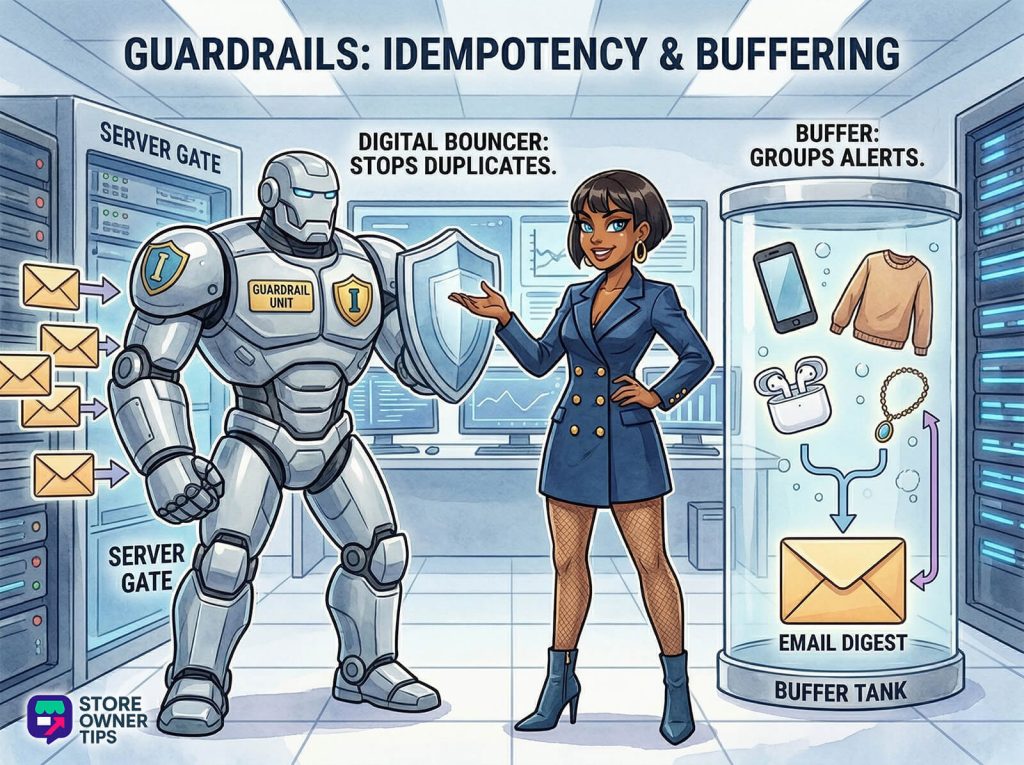
Next, it applies a concept called “idempotency.” Think of this as a digital bouncer at the door of your email server. If a dynamic pricing tool accidentally drops the price of a hat three times in one hour, the bouncer steps in. It recognizes the duplicate alerts and blocks the extras, ensuring your customer only gets one email, not three. Systems also use “buffering.” They will wait two hours to see if any other items on the customer’s wishlist drop in price. If they do, the system groups them all into one tidy email digest.
Why do these alerts boast an 8% to 15% conversion rate? It comes down to neuroeconomics, or how the human brain processes loss and reward.
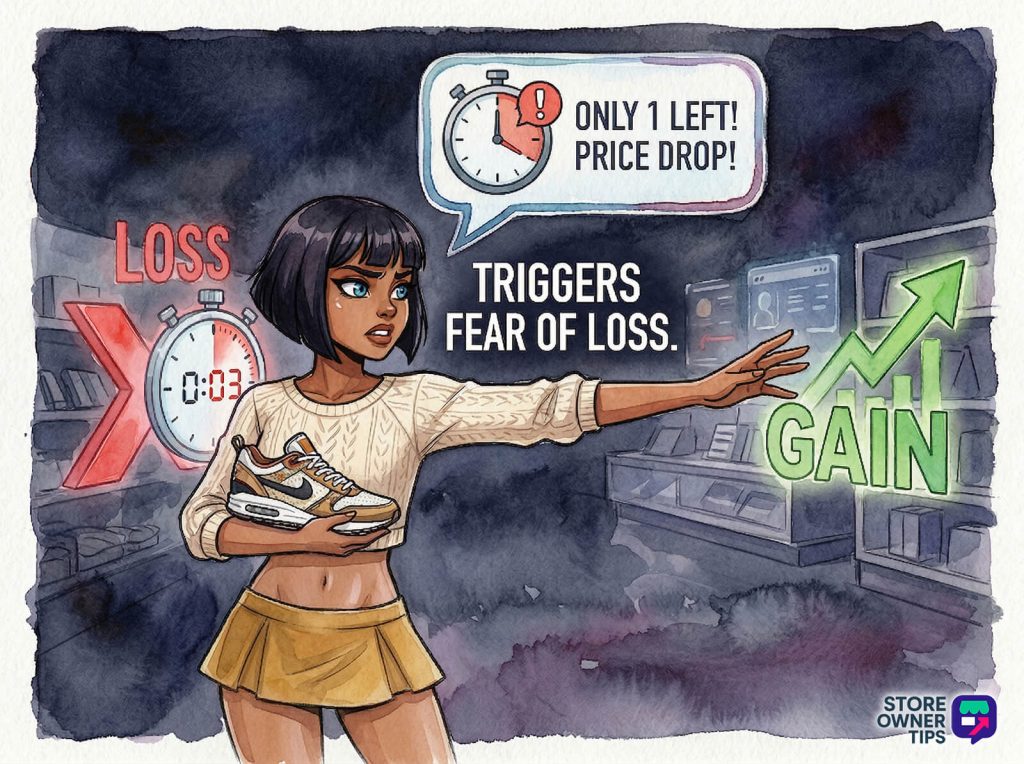
First, there is loss aversion. Human beings hate losing things twice as much as they like gaining them. When an alert says, “The boots you loved are now $50 off,” your brain doesn’t just see a chance to save money. It sees a $50 bill sitting on the table. If you don’t buy the boots now, you “lose” that $50.
Second, there’s the anchoring effect. The original high price is firmly anchored in the shopper’s mind. When you show them the new, lower price, the difference feels like pure bonus value. Because they already put the item in their cart or wishlist, they feel a sense of ownership (the endowment effect). Buying it doesn’t feel like spending money; it feels like securing something that’s already theirs. Finally, hearing that notification ping and scoring the deal gives the brain a rush of dopamine, making the customer love your brand even more.
Let’s walk through exactly how this looks in the real world. Imagine a mid-sized outdoor apparel brand called “Alpine Trek.”
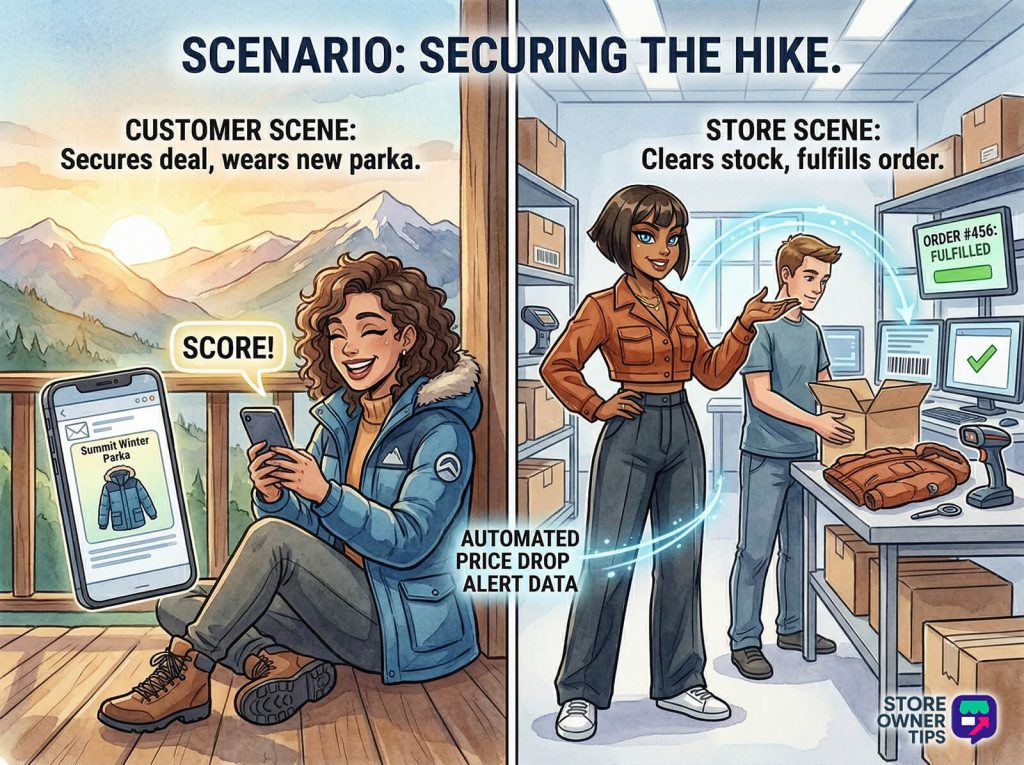
Sarah is planning a hiking trip. She visits Alpine Trek’s website and looks at the “Summit Winter Parka,” which costs $199.00. She clicks through the photos, reads the sizing chart, and stays on the page for over 30 seconds. A week later, she comes back and looks at the exact same parka again.
Alpine Trek’s tracking pixels notice this. They log Sarah’s behavior in their database. She hasn’t bought anything, but she has clearly signaled high intent. She’s tagged in their system as a “warm lead” for that specific parka.
A month later, the weather starts warming up. Alpine Trek’s store owner needs to clear out winter inventory. Instead of throwing a massive, expensive site-wide sale, the owner simply lowers the price of the Summit Winter Parka to $149.00 in their WooCommerce dashboard.
The moment the owner hits “Save,” WooCommerce’s webhook rings the kitchen bell. It sends a digital payload to Alpine Trek’s email software. The software quickly scans its database and spots Sarah.
The software checks its rules:
Because all the rules are met, the system instantly triggers an email to Sarah with the subject line: “Good news! The Summit Parka just dropped in price.” Sarah opens the email. Her brain anchored the price at $199, so seeing $149 feels like she’s getting away with a steal. The fear of losing out on that $50 discount pushes her over the edge. She clicks the link and buys the coat.
Thanks to this automated watchdog, Alpine Trek just cleared out overstocked inventory without burning money on ads. In fact, strategies like this drive an average conversion boost of 22% for stores, acting as a silent, highly efficient salesperson.
Store owners often confuse price drop alerts with dynamic pricing, but they’re very different tools.
Dynamic Pricing is a “Supply-to-Market” strategy. Your store’s software automatically raises or lowers prices based on how much inventory you have or what your competitors are doing. It happens quietly in the background. The goal is to protect your profit margins. Customers generally don’t like dynamic pricing, as it can feel tricky or unfair.
Price Drop Alerts, on the other hand, are a “Market-to-Individual” strategy. It’s highly visible and deeply personal. You’re actively telling a specific person that a price changed just for them. Customers view this as a helpful, VIP concierge service. While dynamic pricing might cause the price to drop, the alert is the marketing tool that turns that drop into cash.
Setting up an automated price monitoring system is a big move. You need to weigh the long-term benefits against the potential risks.
The Pros:
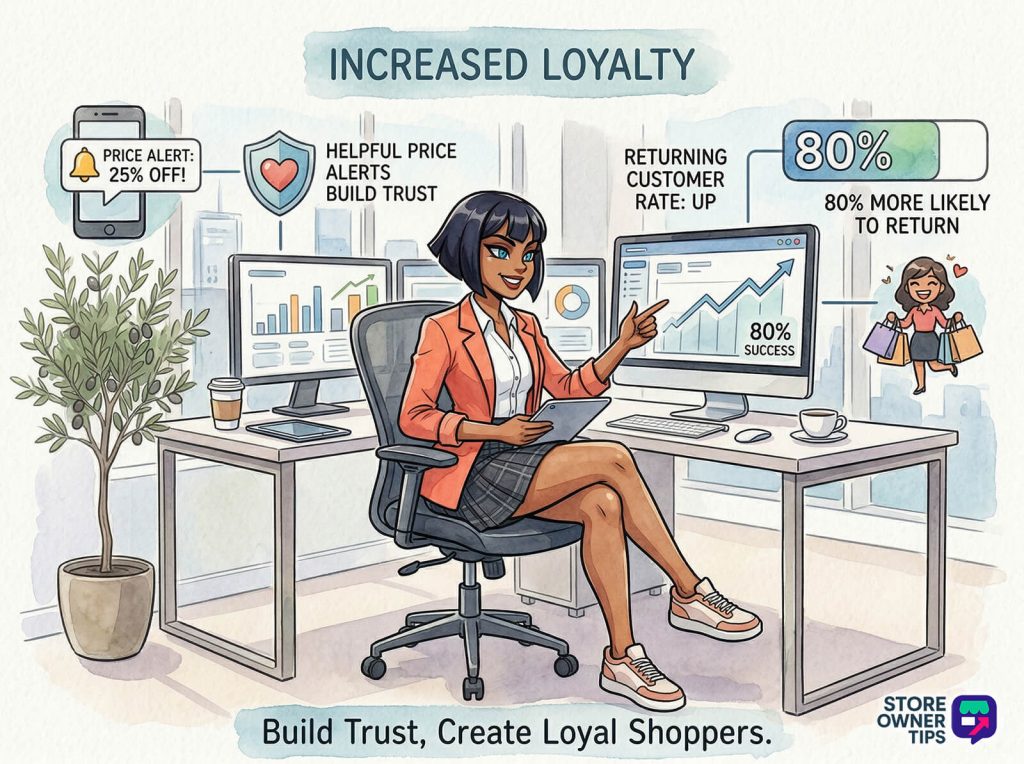
The Cons:
How often should I send price drop alerts without annoying my customers?
Industry best practice suggests capping your alerts to no more than one per customer per day, and a maximum of three per week. You should also ensure the price drop is meaningful—usually 10% or more—so the email actually feels valuable to the shopper.
Which is better for conversion: Price Drop Alerts or Back in Stock Alerts?
It depends on what you sell. “Back in Stock” alerts leverage scarcity (the fear of missing out entirely) and work beautifully for high-demand, limited-edition items. “Price Drop” alerts leverage value (the fear of missing a deal) and drive much more consistent revenue for standard, stable-inventory items like everyday clothing or electronics.
I saw a price drop on Google Shopping, but the store price is different. Why?
If your customers see a different price on Google Shopping than what’s on your website, it’s usually due to “caching latency.” Google only scrapes your website’s data every 12 to 24 hours. If you change a price on your store, it might take a full day for Google to catch up and show the correct number.
A well-built price drop alert system is much more than a simple email; it’s a highly tuned tool that perfectly matches your inventory with your customer’s deepest buying psychology. By respecting your shoppers’ attention and only alerting them to deals they actually care about, you can effortlessly clear stock and build long-term brand loyalty.
Copyright © StoreOwnerTips.com. All Rights Reserved.
