Weekly ecommerce tips, deals & news.
A scheduled discount is a price cut you set to start and end automatically. You pick the dates and times in advance, and your store handles the rest. The sale switches on and off on its own, with no manual work. It’s a simple way to plan promotions around holidays, launches, or slow weeks.
A scheduled discount runs on a timer. You set a start date and an end date in advance. When the clock hits the start, the sale price goes live. When it hits the end, the price snaps back to normal.
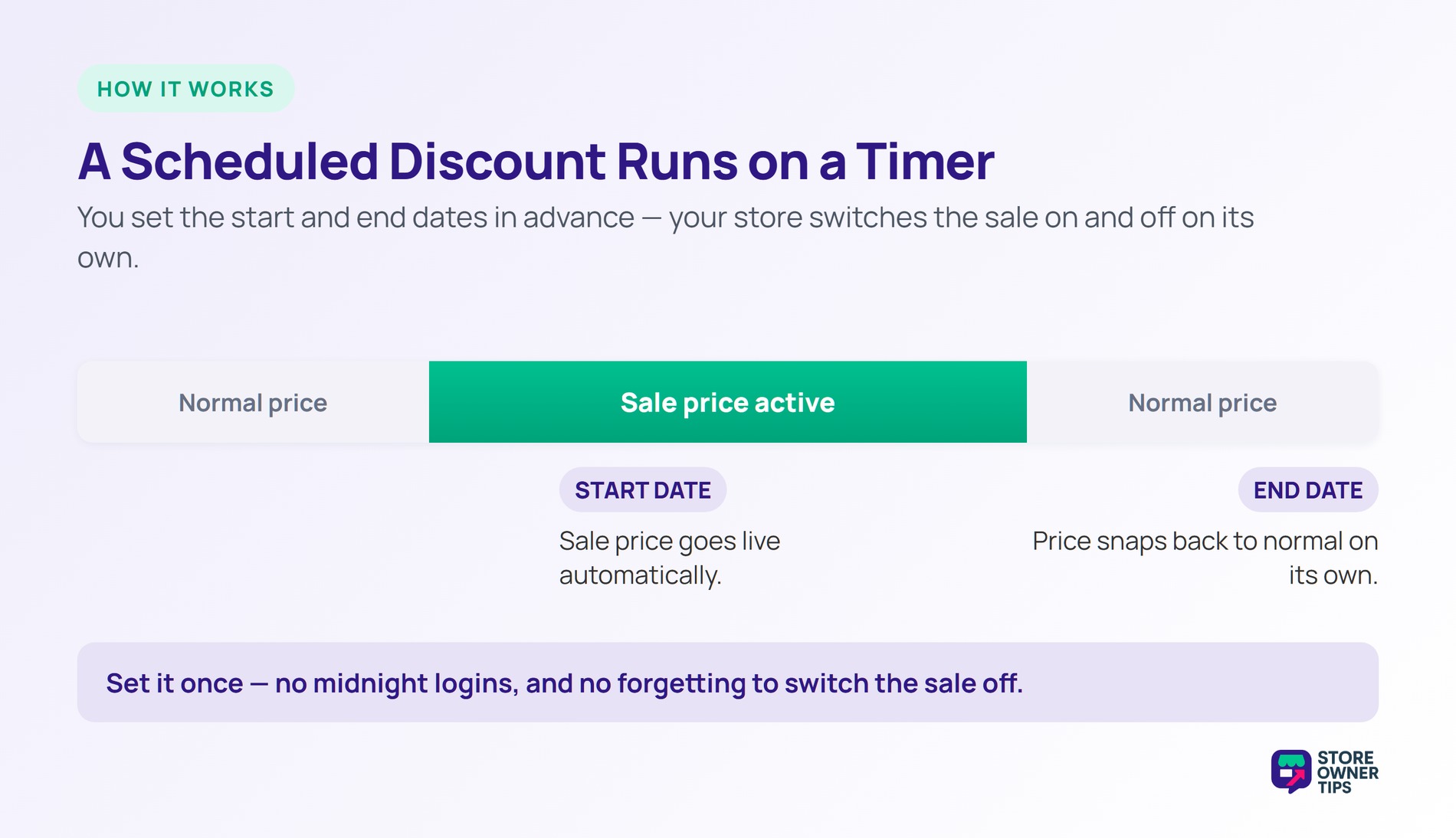
For example, think of a programmable thermostat. You set the temperature and times once, then forget it. The system handles the switching while you sleep. A scheduled discount does the same for your prices.
This removes the need to babysit a sale. You don’t have to log in at midnight to start it. You also won’t forget to turn it off the next morning. The schedule does both jobs for you.
Scheduled discounts come in a couple of forms. Some cut a percentage, like 20% off. Others drop a fixed amount, like $10 off. You can apply either to one product or the whole cart.
You can also schedule far into the future. Set a sale for next month and forget it. The store remembers the date for you. That makes long-term planning simple.
WooCommerce has this built right in. Each product has a sale price with optional start and end dates. On WooCommerce or Shopify, you can set those dates and walk away. The sale then runs on autopilot.
For coupon-based deals, you can go further. Many store owners use a tool to schedule a coupon down to the hour. That’s handy for weekend-only or weekday deals. The setup takes minutes and saves hours.
You can also pair a scheduled sale with a discount code. The code unlocks the deal, and the schedule controls the window. Together they automate the whole promotion. Less manual work means fewer slip-ups.
One detail matters a lot: your store’s time zone. The schedule follows the time zone in your settings. So double-check it before a big launch. A wrong zone can start a sale hours early.
You can also apply scheduling across many products at once. Bulk tools set the same sale dates fast. That saves time during big seasonal events. One setup can cover a whole catalog.
Timing is everything in retail. A discount that lands at the right moment converts better. Scheduling lets you plan around demand spikes. You can set holiday or payday sales weeks ahead.
Price still drives a huge share of buying decisions. Nearly half of shoppers, 48%, abandon carts when costs feel too high. A well-timed discount eases that pain at checkout. So scheduling the right offer can rescue lost sales.
Scheduling also keeps your promotions consistent. You can map a full calendar of sales in advance. That steady rhythm helps your team and your buyers. Everyone knows when the next deal lands.
Automation frees up your team’s time as well. No one spends late nights toggling prices. That saved effort goes toward better work. Scheduling turns a chore into a background task.
Scheduled discounts fit any planned promotion. Holiday sales are the obvious case. Product launches and clearance events work too. So do recurring deals like weekend specials.
They also help teams that plan ahead. You can build a whole season of sales in advance. Then you focus on other work while they run. By contrast, spur-of-the-moment deals don’t need scheduling.
Still, don’t schedule sales back to back. Constant discounts erode your full-price sales. Space them out to keep each one meaningful. Rarity protects both margin and demand.
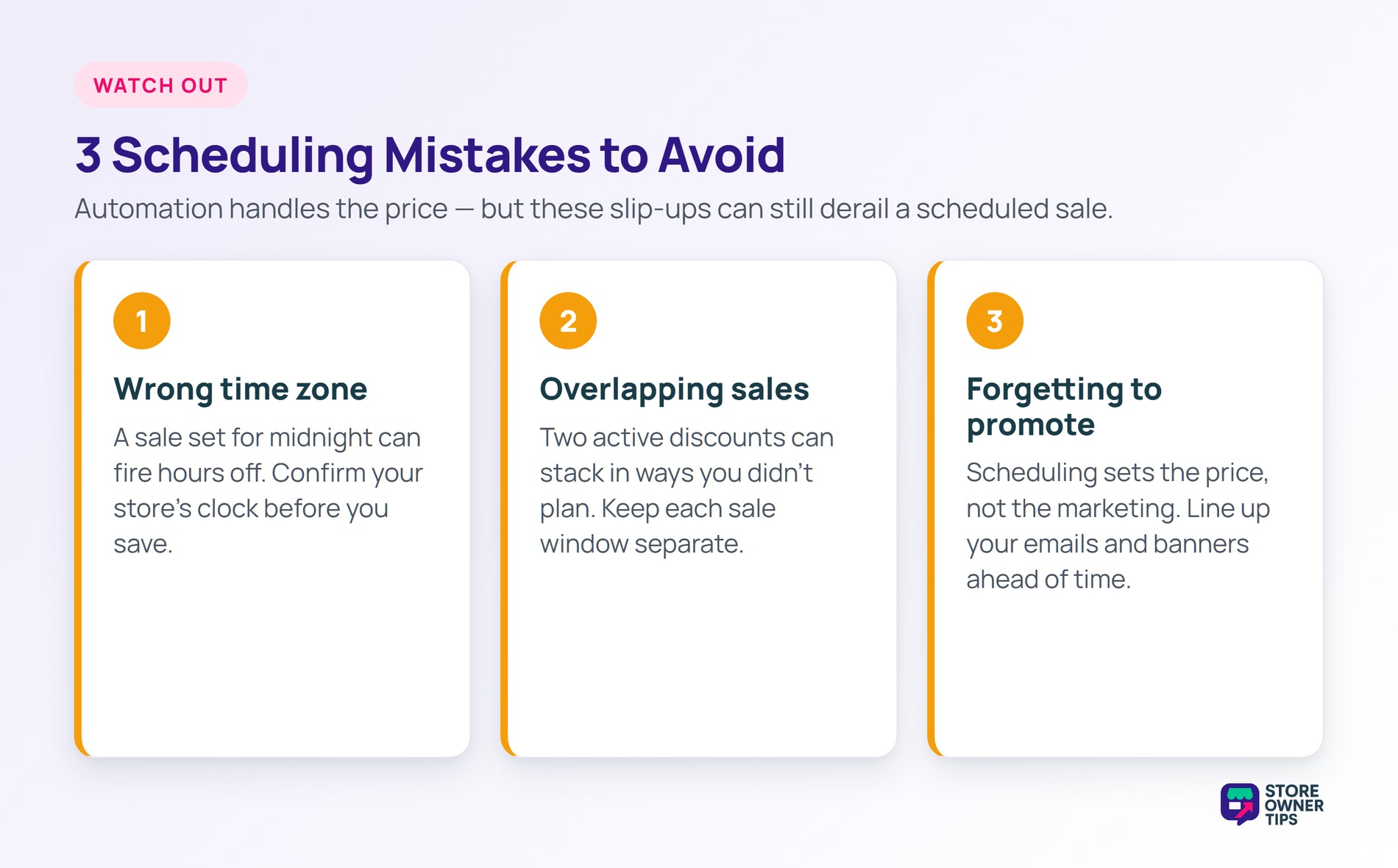
The most common slip is the wrong time zone. A sale set for midnight can fire hours off. Always confirm the store’s clock before you save. One quick check prevents an early leak.
Overlapping sales cause trouble too. Two active discounts can stack in ways you didn’t plan. So map your schedule to avoid clashes. Clear, separate windows keep pricing predictable.
A third mistake is forgetting to announce the sale. A scheduled deal still needs promotion to land. So line up your emails and banners ahead of time. Automation handles the pricing, not the marketing.
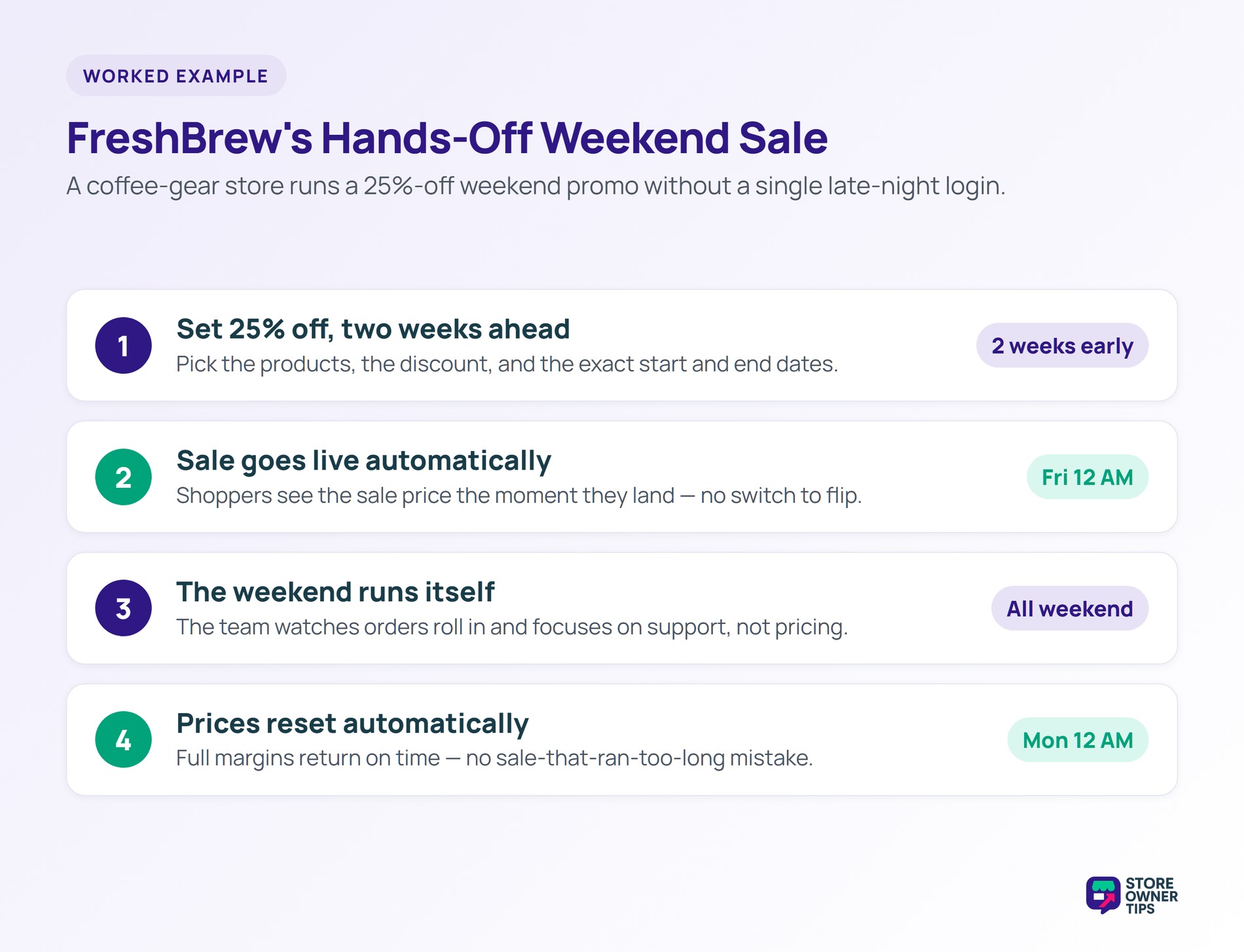
Imagine a WooCommerce store called FreshBrew selling coffee gear. They want a big seasonal sale without the late-night stress. FreshBrew schedules 25% off to start Friday at midnight. They set it to end Monday at midnight.
The team sets this up two weeks ahead. They pick the products and the exact discount. Then they move on to other prep work. The sale will launch itself right on time.
FreshBrew also double-checks the store time zone. They confirm midnight means their local midnight. A quick test order verifies the discount works. That prep keeps the launch clean.
Friday arrives, and the discount goes live on its own. No one has to flip a switch. Shoppers see the sale price the moment they land. The store runs smoothly through the whole weekend.
Cart abandonment still happens during the rush. It averages 70.22% across e-commerce. But the automatic discount keeps prices sharp the whole time. That helps FreshBrew win more of those wavering shoppers.
The team watches the orders roll in from afar. They don’t touch the store during the rush. The automation frees them to focus on support. That hands-off flow is the whole benefit.
Monday at midnight, the prices reset automatically. No one forgets to end the sale. Full margins return without a manual step. FreshBrew avoids the classic sale-that-ran-too-long mistake.
Many shoppers add extra items to maximize the deal. Those add-ons lift the store’s average order value. New buyers from the sale also return later. The quick promotion seeds future repeat orders.
Keeping those buyers is the real prize. Acquiring a customer can cost five to 25 times more than retaining one. So FreshBrew keeps marketing to them after the sale. The schedule handled the launch, but the relationship pays off later.
FreshBrew reviews the numbers after the weekend. They see which scheduled deal drove the most orders. That data shapes the next campaign’s timing. Each sale teaches them when buyers respond best.
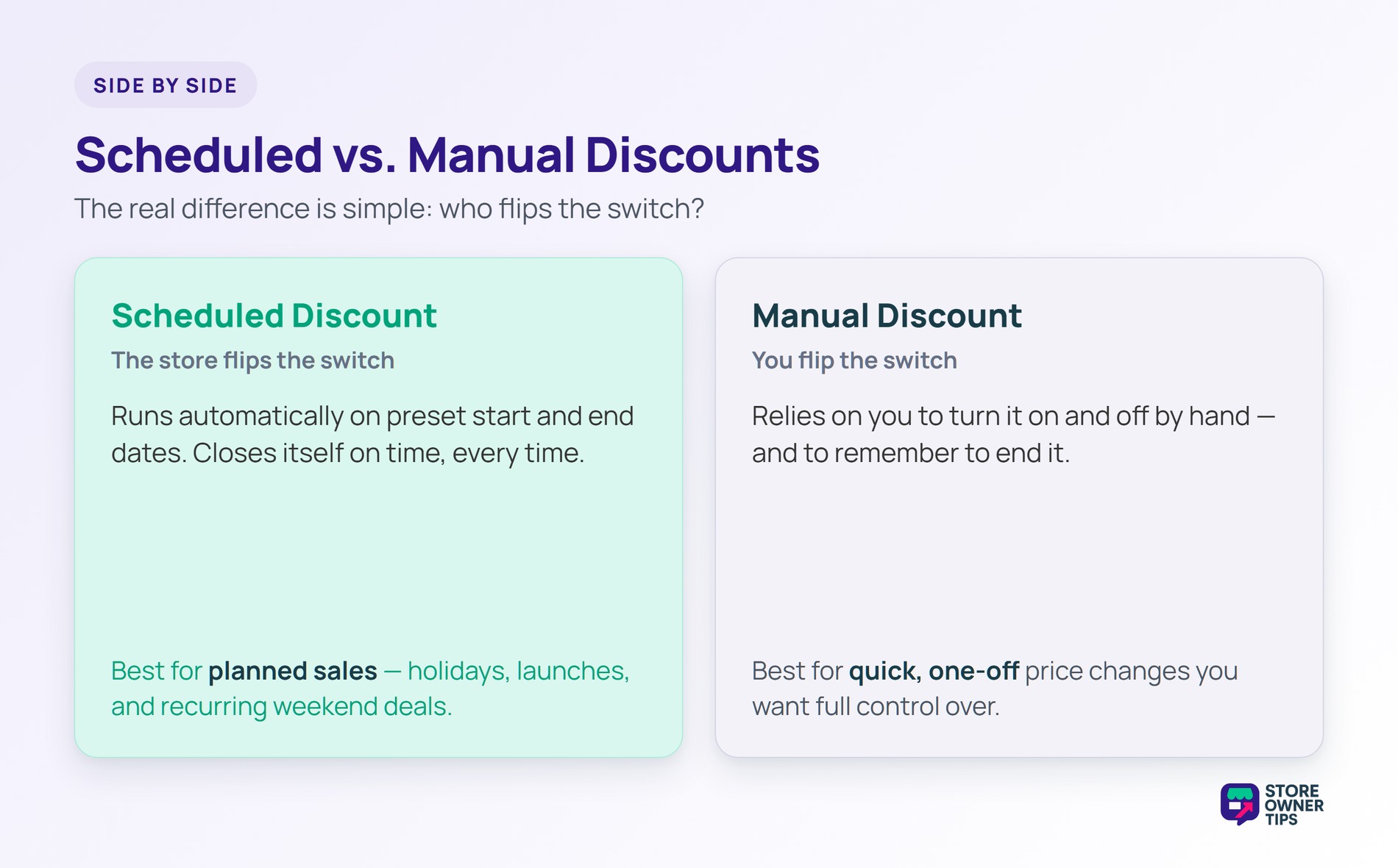
A scheduled discount isn’t the same as a manual one. The difference is who flips the switch. A scheduled discount runs on preset dates. A manual discount needs you to start and stop it by hand.
Scheduling also reduces a common risk. Manual sales often run too long when someone forgets to end them. A scheduled discount closes itself on time. Some stores blend both with a rule-based discount for extra control.
Open the product and find the sale price field. Add a start date and an end date to that sale price. WooCommerce then runs the discount during that window. For coupons, a scheduling tool adds the same control.
A flash sale is just one type of scheduled discount. It uses a very short window to drive urgency. A scheduled discount can run for hours or weeks. So all flash sales are scheduled, but not the reverse.
Yes, with the right tool you can. Some let you set weekly or weekend deals that repeat. WooCommerce’s built-in dates handle one-off sales best. For repeating offers, a coupon scheduler works better, and it keeps loyal shoppers coming back on a rhythm.
A scheduled discount takes the stress out of running sales. It launches and ends your promotions exactly on time, with no manual work. Done well, it keeps your pricing sharp and your margins protected.
Copyright © StoreOwnerTips.com. All Rights Reserved.
