Weekly ecommerce tips, deals & news.
An XML product feed is a digital file that automatically shares your store’s inventory with advertising platforms like Google Shopping and Facebook. Think of it as a master inventory list that translates your product details—like titles, prices, and stock levels—into a language that search engine algorithms instantly understand. This file acts as a direct bridge, ensuring your ads always show the exact right items without you ever having to update them manually.

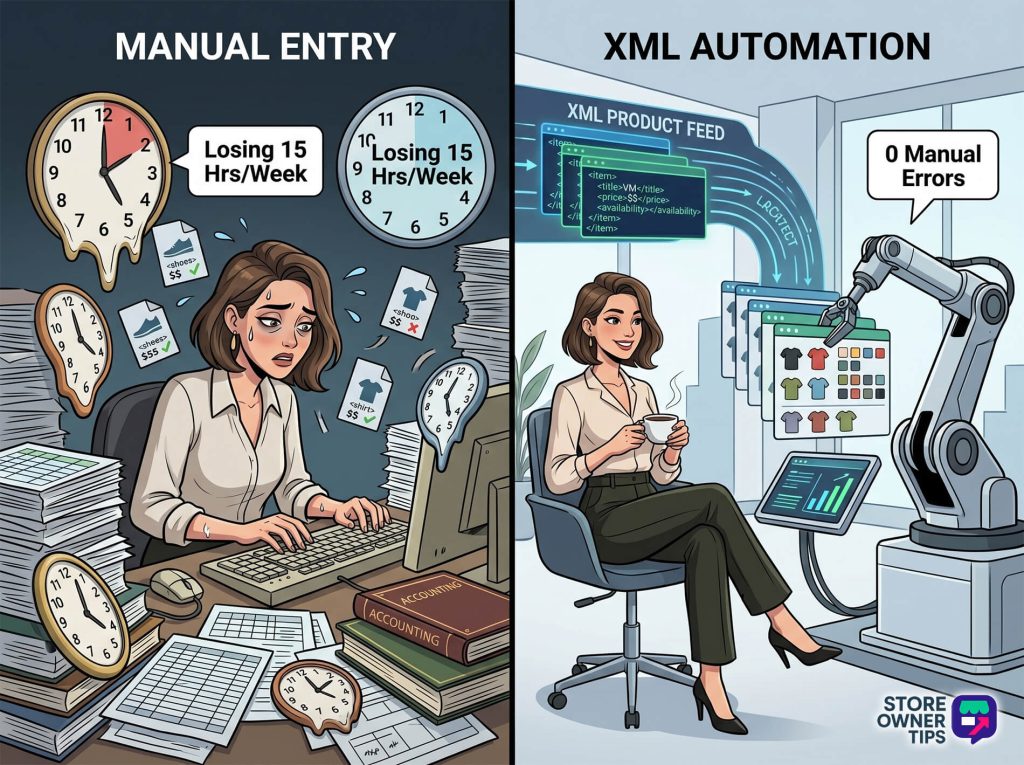
To truly grasp how an XML product feed works, you have to look under the hood of your online store. XML stands for Extensible Markup Language. In simple terms, it’s a universal computing dialect designed to store and move product data so that humans can read it, but software can parse it perfectly.
Imagine your e-commerce store as a massive warehouse. If you want to sell your items at an external marketplace, you can’t physically mail them your entire warehouse. Instead, you send them a master inventory manifest. The XML feed is that manifest. It takes massive amounts of your store’s product data and organizes it using hierarchical text “tags.” These tags look like words wrapped in angle brackets, such as , , and .
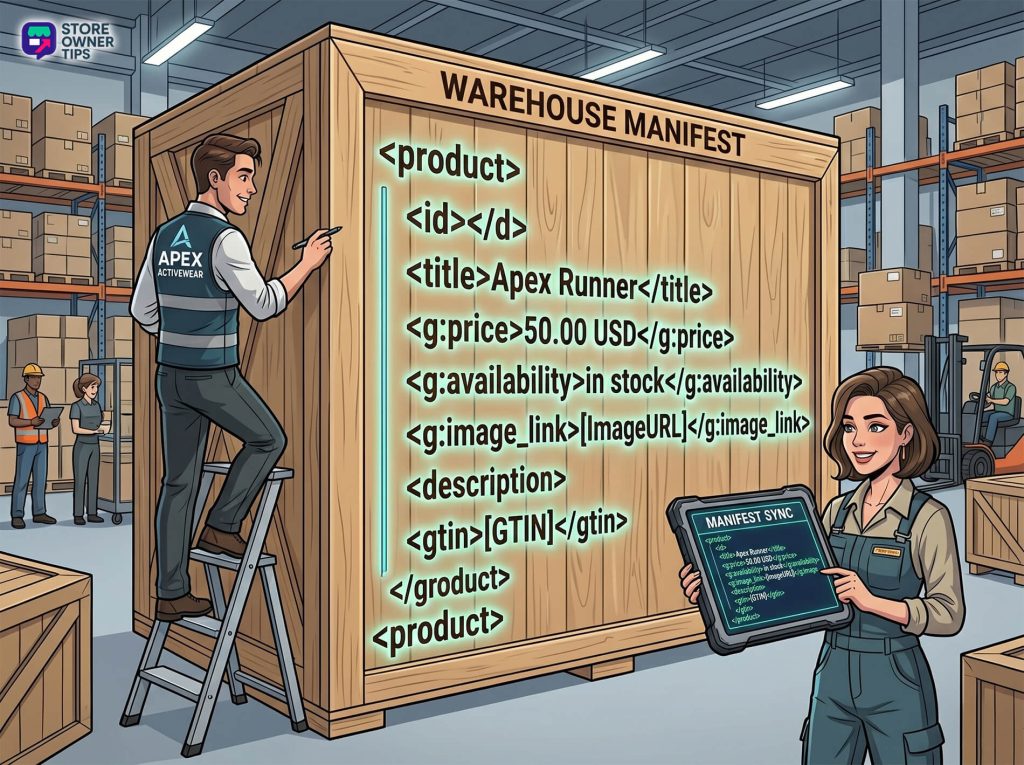
External networks like Meta (Facebook/Instagram), Pinterest, TikTok, and Google Merchant Center consume this exact file. The tags tell their algorithms exactly what you’re selling, what it looks like, and how much it costs. This determines who sees your product and when.
If you use a closed system like Shopify, the platform usually generates a basic XML feed for you automatically. You can find it simply by adding a specific URL path to your domain name. However, if you use an open-source platform like WooCommerce, your product data is scattered across complex database tables. In this case, you need a plugin to run scheduled server tasks. These tasks gather the scattered product data, translate it into XML, and save it as a static file on your server.
Once your file is ready, advertising platforms use a process called a “Scheduled Fetch.” Typically every 24 hours, automated bots ping your provided URL, download the document, and update their own systems. Because these text files can get massive for large stores, they’re often compressed into smaller files (under 500 megabytes) to save server speed.
Why do store owners rely on this technology so heavily? Basically, it all comes down to reducing business anxiety and unlocking infinite scale. Running an online store is stressful. If a popular item sells out on your website, but your Facebook ad keeps running because you didn’t manually update it, you face severe consequences. You waste ad money, process orders you cannot fulfill, and damage your customers’ trust.
The XML feed offloads this mental burden to relentless software logic. It also destroys the artificial ceiling on your growth. Instead of paying human workers to type product details into ten different platforms, your single XML file syndicates your brand globally with virtually zero extra labor.
Imagine a mid-sized apparel brand called “Apex Activewear.” Like many standard online stores, Apex is stuck with some bleak baseline numbers. Their overall website conversion rate hovers around a very average 1.90%. Worse, they suffer from a 70.22% cart abandonment rate. A major reason for this drop-off is price transparency; shoppers click on an old Facebook ad showing a $40 shoe, but reach the website to find the price is actually $50.
Apex is trying to manage their catalog manually. They’re barely breaking even on their marketing, sitting at a weak 15x Return on Ad Spend (ROAS) because their ads keep getting penalized for mismatched product data.
To fix this, Apex implements an automated XML product feed and aggressively optimizes it. Here’s the exact strategy they use:
Apex injects accurate Global Trade Item Numbers (GTINs) into their feed. Google relies heavily on GTINs to match products against competitors. Simply adding these numbers lifts their click-through volume by 40% and mathematically boosts their conversion rate for those items by 20%.
They add multiple high-resolution image links to the feed’s <additional_image_link> tag and attach their Google Seller Ratings. By including authentic star ratings, their click-through rate jumps another 24%.
Instead of using their internal name “The Runner,” they restructure their tag for the algorithm: “Apex + Men’s Running Shoe + Black/White + Size 10.”
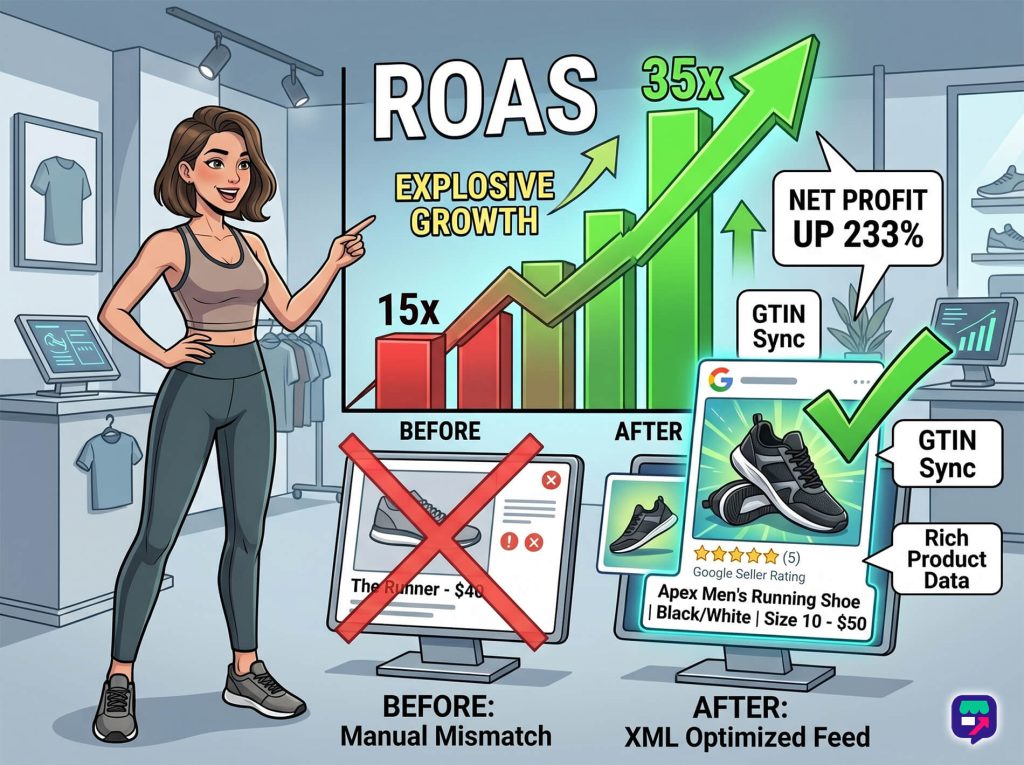
By sending this highly optimized XML feed directly to Google and Meta, the results are explosive. The automated sync eliminates their price mismatch errors. The rich product data captures high-intent buyers. Within a few months, their ROAS skyrockets from 15x to over 35x (a massive 3,517% return on ad spend). Ultimately, this single technical shift drives a staggering 233% increase in their net profit per month, while keeping their return rate firmly below 1%.
While the XML feed is the industry standard, it has a direct technological rival: the API (Application Programming Interface) data feed.
An API data feed is a continuous, real-time programmatic connection. Instead of generating one massive file, an API pushes individual, instantaneous updates. If you change a single shirt’s price, the API immediately fires off a lightweight message to Google to update that specific shirt. It’s incredibly fast, making it the perfect choice for highly volatile industries like airline ticket pricing or massive flash sales where milliseconds matter. However, APIs have exceptionally high technical overhead, requiring expensive development teams to build and maintain.
The XML Product Feed, on the other hand, is a static file-based feed. It takes a snapshot of your database at the exact moment it’s generated, and waits for the platform to come fetch it. It doesn’t push real-time updates. While it might suffer from slight data lag, it’s highly stable and immune to strict API rate limits. Moreover, it’s incredibly easy for a non-technical store owner to manage.
(Note: You might also hear about CSV feeds. A CSV is just a flat spreadsheet. It completely lacks the nested, parent-child tag structure of an XML file, making it terrible for organizing complex product variants like sizes and colors).
Like any e-commerce strategy, deploying an XML product feed comes with strict trade-offs.
You don’t need to hire an expensive developer to create an xml product feed. The e-commerce ecosystem is packed with “off-the-shelf” product data feed management apps and plugins. These tools give you a simple visual dashboard where you can easily map your internal store fields to whatever specific XML tags the reseller requires.
This frustrating error almost always happens because you accidentally pasted a standard web page URL into Google instead of the direct path to the XML file. For example, you might have submitted store.com/feed-page instead of store.com/product-feed.xml. When Google tries to read the normal website layout, it fails immediately. Always ensure your link ends in .xml.
A price mismatch happens when the price in your XML feed is different from the price a customer sees on your live landing page. This usually triggers if your website uses automated apps to change currencies based on a user’s location, while your feed submits a flat base rate. It also happens if you include taxes in the feed for regions where tax must legally be excluded (like the US and Canada). You need to ensure your feed exports the final, post-script computed price.
An XML product feed is far more than a simple text file; it’s the highly sensitive central nervous system of your multi-channel digital retail strategy. When you translate your complex database into a universally understood format, you can infinitely scale your brand’s global visibility. You also protect yourself from the financial risks of manual inventory errors.
Copyright © StoreOwnerTips.com. All Rights Reserved.
