Weekly ecommerce tips, deals & news.
Let’s say you wake up to 47 orders placed between 2 and 4 AM, all from one IP address. Each uses a slightly different card number, shipping to the same place. Your payment processor has already frozen your account.
Welcome to card testing fraud. If you’re running a WooCommerce store without protections, it’s not a question of if this happens but when. In short, WooCommerce fraud prevention isn’t optional anymore.
Here’s what makes fraud a revenue problem, not just a security problem. That $80 fraudulent order doesn’t only cost you $80. You also lose the product, the shipping, and a chargeback fee of $15 to $25. In 2025, every dollar lost to fraud is expected to cost US merchants $4.61.
The good news? Most WooCommerce fraud is preventable with a few smart settings. I’ll walk you through a layered defense you can start building today.
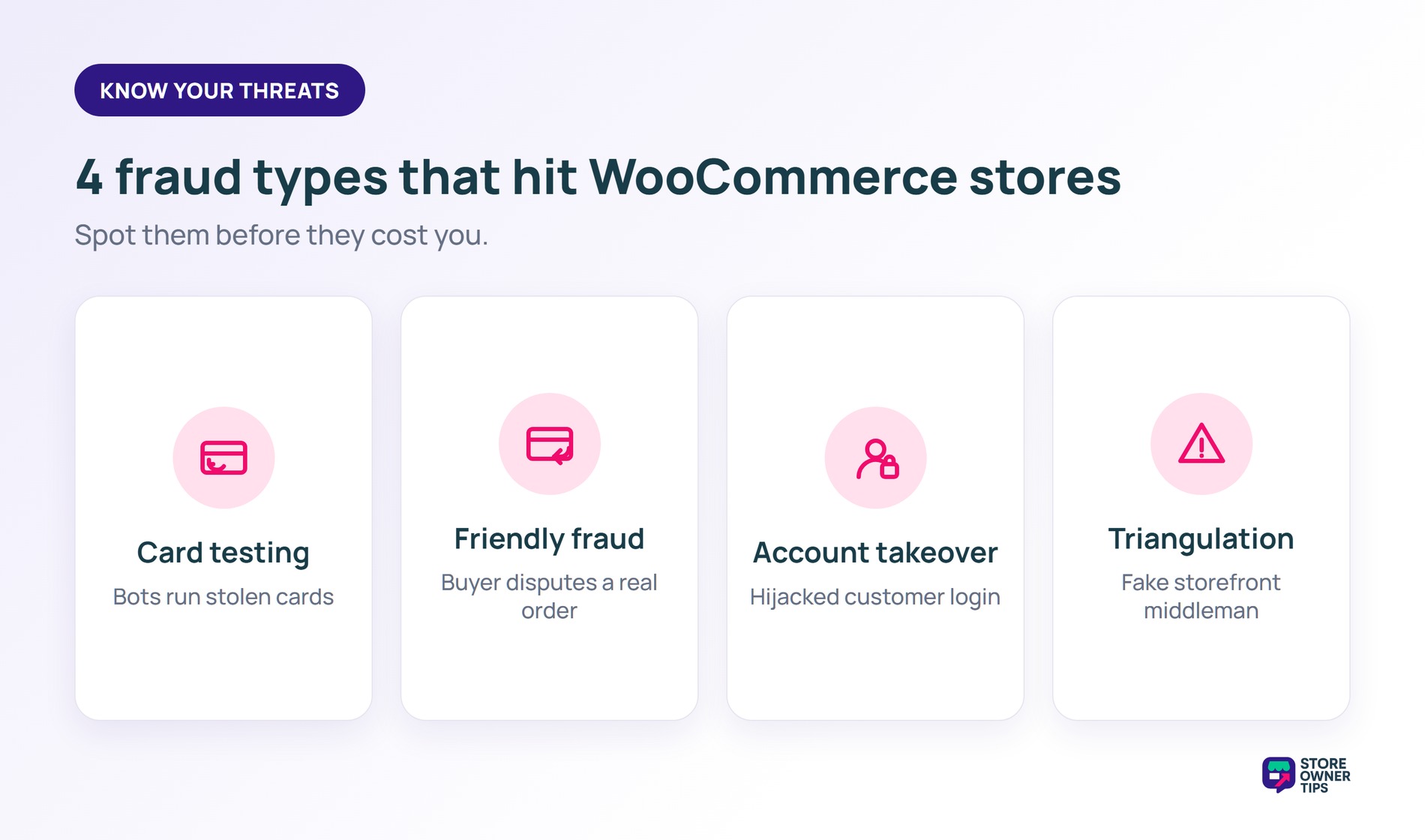
Before we get to solutions, you need to know what you’re up against. Understanding these four common threats is the first step in effective WooCommerce fraud prevention.
| Fraud Type | What Happens | Red Flags |
|---|---|---|
| Card Testing | Bots run stolen card numbers against your checkout to see which work. Results in dozens of small orders. | Spike in failed transactions, multiple small orders ($0.50 to $1.00), same IP address |
| Friendly Fraud (Chargeback Fraud) | Customer receives the product but disputes the charge, claiming they never got it or didn’t authorize it | Repeat disputes from same customer, orders with expedited shipping |
| Account Takeover | Fraudster gains access to a legitimate customer account and uses stored payment methods | Login from unusual location, sudden change in shipping address, large order from dormant account |
| Triangulation Fraud | Fraudster runs a fake storefront, takes orders, then fulfills using stolen cards on your WooCommerce store | Orders from new accounts with mismatched billing/shipping, unusual purchasing patterns |
Card testing is the one we see most often. It also escalates the fastest. A fraudster starts with small test charges, often $0.50 or $1.00, to validate stolen cards. If your checkout doesn’t stop them, they’ll run hundreds through in minutes.
🔍️ What we commonly see: card testing is by far the most common fraud type hitting WooCommerce stores. Typically, it starts, with a few $1 test charges, However, it escalates fast. We’ve seen stores hit with hundreds of test transactions in one night. A sudden spike in failed transactions is your early warning sign, so don’t ignore it.
Friendly fraud is the most frustrating, because the “fraudster” is often a real customer. They received the product, they just claim they didn’t. It’s hard to prevent entirely. Documentation is your best weapon here, and we’ll cover that below.
Coupon abuse is another drain worth watching. Advanced Coupons has a full guide on how to prevent WooCommerce coupon fraud.
Triangulation fraud is most common on marketplaces. WC Vendors breaks it down in their guide to marketplace fraud prevention.
Stopping scammers doesn’t have to be complicated. Instead of trying to fix everything at once, think of WooCommerce fraud prevention like building a shield with three levels of armor for your store.
The first layer blocks most basic attacks for free. The second adds automatic tools to catch sneaky scammers. The final layer gives you advanced rules to stop large-scale fraud.
When you set up these three layers one by one, you can keep your revenue safe without losing your real customers.
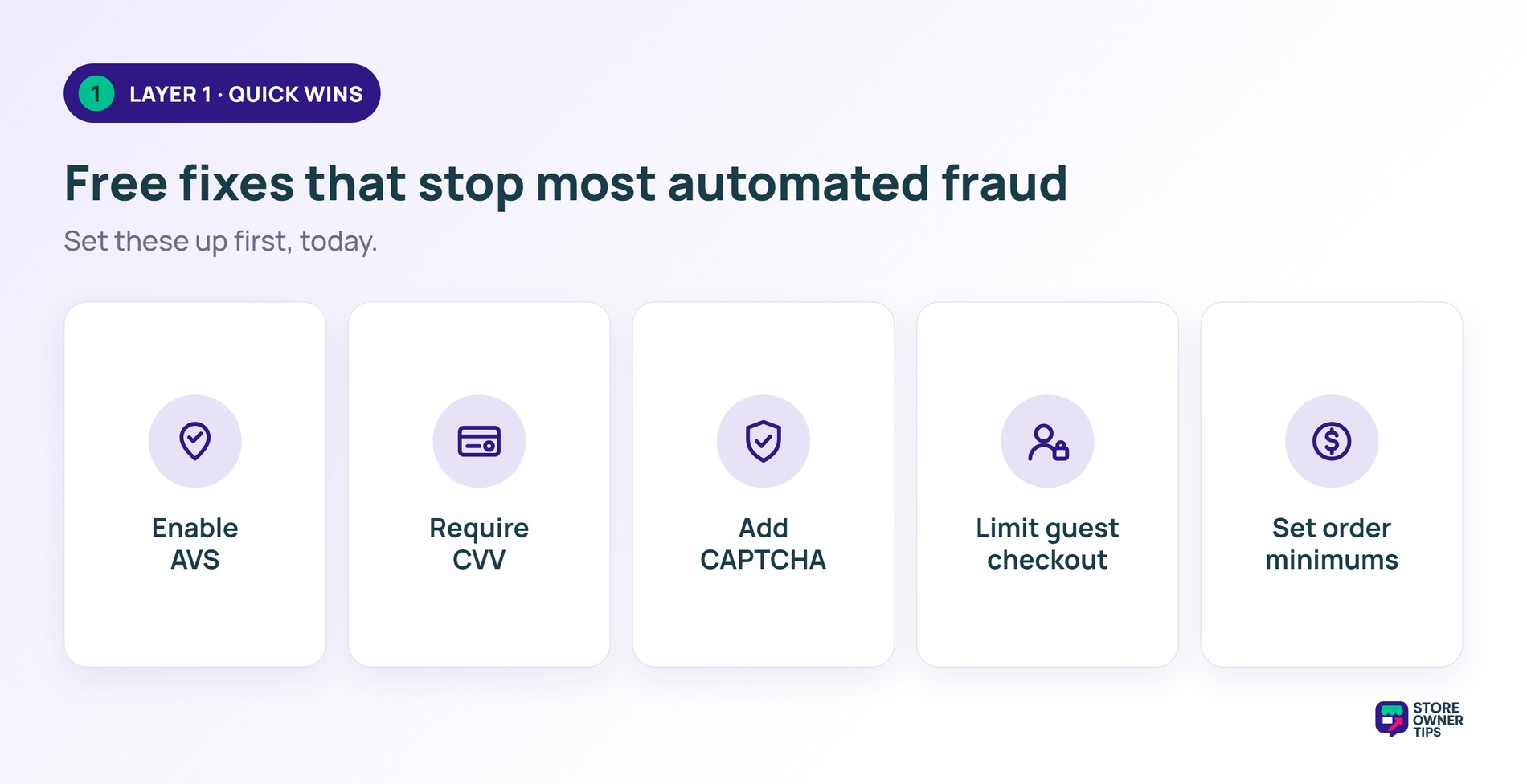
These protections are free or nearly free, quick to set up, and they stop most automated attacks. Start here.
AVS checks the billing address entered at checkout against the one on file with the cardholder’s bank. Most payment gateways support it, including Stripe, PayPal, and Authorize.net. You just enable it in your gateway settings. Stores hit with card testing often see fraudulent orders drop sharply once AVS is on.
CVV verification requires the 3 or 4-digit security code on the card. While it sounds basic, many stores still don’t enforce it. Stolen card databases often lack CVV numbers. As a result, requiring it filters out a big chunk of automated fraud.
A CAPTCHA stops bots from hammering your checkout with automated card tests. Thus, it gives your WooCommerce store instant attack protection against high-speed scams. Both reCAPTCHA and hCaptcha work well with WooCommerce.. However, I’ve found hCaptcha slightly less intrusive for real customers, while still effective against bots.
If you sell high-value items, forcing account creation adds friction that deters fraudsters. After all, they prefer quick, anonymous transactions. You can still keep guest checkout for your lower-risk products.
Card testers often use tiny amounts, around $0.50 to $1.00, to validate cards. A minimum order of $5 to $10 removes that tactic. Better yet, it won’t affect your real customers.
🚀 Power Tip: enabling AVS, CVV, and CAPTCHA together stops most automated card testing. All three are quick to set up. It’s the single highest-impact move for WooCommerce fraud prevention. Therefore, you should always start here before spending money on plugins.
Once the quick wins are in place, adding plugins dedicated to WooCommerce fraud prevention gives you a solid second layer of defense. They bring automated risk scoring and rule-based detection.
WooCommerce Anti-Fraud is the plugin we’ve spent the most time with. It assigns a risk score to every order. Signals include mismatched billing and shipping addresses, high-risk countries, proxy or VPN use, and order velocity. You can set automatic actions, like holding risky orders for review or cancelling orders above a score.
What we like: the risk scoring is transparent. Basically, you can see exactly why an order was flagged. That makes it easy to fine-tune your rules over time.
The catch: the default settings run a bit aggressive. Legitimate international orders can get flagged. Thus, expect spend 20 to 30 minutes adjusting thresholds after install.
CleanTalk takes a different approach. It’s mainly an anti-spam service, but its fraud protection is solid. It keeps a huge IP blacklist and blocks known bad actors before they reach checkout. By its own data, CleanTalk’s database tracks millions of malicious IPs.
Balancing security with customer experience is the tricky part. We’ve seen stores lose real sales by being too aggressive. International shoppers, VPN users, and people shipping gifts can all trigger false positives. So flag for review, don’t auto-reject, especially while you’re still tuning your rules.
Processing higher volumes or selling high-ticket items? These advanced protections add a third defensive layer.
Velocity checks limit orders or failed payments from a single IP, email, or card within a time window. For example, no more than 3 failed payment attempts from one IP in 10 minutes. In practice, this is one of the most effective strategies in WooCommerce fraud prevention for stopping card testing at scale.
High-risk order flagging uses rules to catch orders that match fraud patterns. Common triggers include:
Geolocation checks compare the buyer’s IP location to their billing address. If someone claims to be in Ohio but their IP sits in another country, that’s worth a look. Most fraud detection plugins include this check.
Blocking known bad actors is your last line. Keep a blacklist of IPs and email domains tied to fraud. Disposable email services like guerrillamail and tempmail are usual suspects. Some plugins manage this for you, and you can also add rules manually in WooCommerce.
🚀 Power Tip: start with one simple velocity rule. Allow no more than 3 failed payment attempts from the same IP in 10 minutes. Then cap orders at 5 per email in 24 hours. These two rules alone catch most automated fraud hitting WooCommerce stores.
Even with strong WooCommerce fraud prevention, some chargebacks will happen. Here’s how to manage them.
When a chargeback lands, your payment processor notifies you and temporarily reverses the funds. You then have a short window to respond with evidence, often just a week or two. The exact timeline depends on your processor, but it’s always tight.
Strong documentation is what wins disputes. For this reason, make sure to gather the following before you respond:
Exporting your full order records makes that evidence easy to compile. Visser Labs has a guide to exporting WooCommerce orders.
Chargeback fees commonly run $15 to $25 per incident. You pay that fee whether or not you win the dispute. For high-risk merchants, some processors charge up to $100.
Your chargeback rate is the number processors watch most. Keep it well under 1% of transactions to stay in good standing. Visa’s monitoring program now flags merchants at a 1.5% dispute ratio, effective April 2026. Cross that line and you risk losing your ability to process cards.
You can also cut friendly fraud at the source. Offering store credit instead of cash refunds keeps revenue in your store and gives abusers less to gain.
🔍️ What we commonly see: winning chargeback disputes is possible, but it’s slow and stressful. Merchants win about 45% of the disputes they fight, with a net recovery near 18%. Stores with thorough documentation, especially signed delivery confirmation, win more often. Nevertheless, proactively investing in WooCommerce fraud prevention is always better than fighting disputes after the fact.
Keep this checklist handy for evaluating suspicious orders:
| Red Flag | Why It’s Suspicious | What To Do |
|---|---|---|
| Billing and shipping addresses don’t match | Common in fraud (scammer uses stolen card but ships to their own address) | Flag for manual review (don’t auto-cancel, gifts are legitimate) |
| Multiple failed payment attempts followed by a success | Indicates card testing or brute-forcing | Enable velocity checks; limit failed attempts per IP |
| Very large first-time order | Fraudsters maximize value on stolen cards | Set order value thresholds that trigger manual review |
| Expedited shipping on a high-value order | Scammers want products before fraud is detected | Flag for review; verify with customer via email or phone |
| Order placed using a VPN or proxy | Hides the buyer’s true location | Don’t auto-block (privacy-conscious customers use VPNs), but factor into risk score |
| Disposable email address (guerrillamail, tempmail, etc.) | Throwaway accounts avoid traceability | Block disposable email domains at checkout |
| Multiple orders from the same IP in a short window | Card testing or bulk fraud | Enable rate limiting and velocity checks |
WooCommerce fraud prevention doesn’t have to be overwhelming. Think of it as three layers:
The key thing to remember: fraud prevention protects your revenue, not just your security. With fraud costing several times the order value, every chargeback you stop saves real money. That math makes even a small investment worth it.
WooCommerce fraud prevention is just one piece of the security puzzle. For the full hardening checklist, covering SSL, file permissions, user roles, and more, see our full security guide. Your payment gateway choice also shapes your fraud protection, so pick processors with strong built-in tools.
Not sure where your store stands right now? Run our WooCommerce store health check to spot the gaps. Find them before the scammers do.

Copyright © StoreOwnerTips.com. All Rights Reserved.
