Weekly ecommerce tips, deals & news.
Picture this. You’re driving traffic to your WooCommerce store. SEO is working, ads are running, social posts are getting clicks. But sales aren’t keeping pace with visitors. People land, browse, maybe add something to their cart, and then disappear.
The problem isn’t your product or your traffic. It’s that you don’t have a sales funnel. That’s a deliberate, step-by-step path that guides visitors from “just looking” to “just bought.” A WooCommerce sales funnel turns scattered traffic into a system.
Here’s the reality: the average ecommerce conversion rate sits around 2% to 3%. That means 97 out of every 100 visitors leave without buying. Most store owners respond by driving more traffic. The smarter move is building a funnel that converts more of the traffic you already have.
In this guide, I’ll walk through the 4+1 stages of a WooCommerce sales funnel: Awareness, Interest, Decision, Action, and Post-Purchase. At every stage, you’ll get specific tools, tactics, and WooCommerce-native recommendations. For broader traffic ideas, see our ecommerce marketing ideas roundup.
🔍️ What we commonly see: the biggest shift in stores that start thinking in funnels? They stop treating every visitor the same. A first-time blog reader and a returning shopper with items in their cart need completely different experiences. Once store owners internalize that, everything from their email strategy to their homepage layout starts clicking into place.
A sales funnel is simply a model for how people go from strangers to customers. At the top, you have a wide pool of potential buyers. As they move through each stage, some drop off and the pool narrows. The stages are learning about you, getting interested, making a decision, then purchasing. That’s the “funnel” shape.
Why does this matter specifically for WooCommerce stores? Because WooCommerce’s flexible plugin ecosystem means every single stage of the funnel is buildable. Unlike closed platforms where you’re stuck with whatever features they ship, WooCommerce lets you mix and match different WooCommerce sales funnel plugins. This means you can easily build a funnel that’s custom-fitted to your business.
The cost of not having a funnel is real. Wasted ad spend on traffic that never converts. Low conversion rates. No system for following up with people who showed interest but didn’t buy.
Here’s the key mindset shift: a funnel is a strategy, not a single plugin. It’s how your tools work together. An email plugin, a checkout optimizer, and a coupon tool are just individual pieces. The funnel is how you connect them into a revenue-generating system.
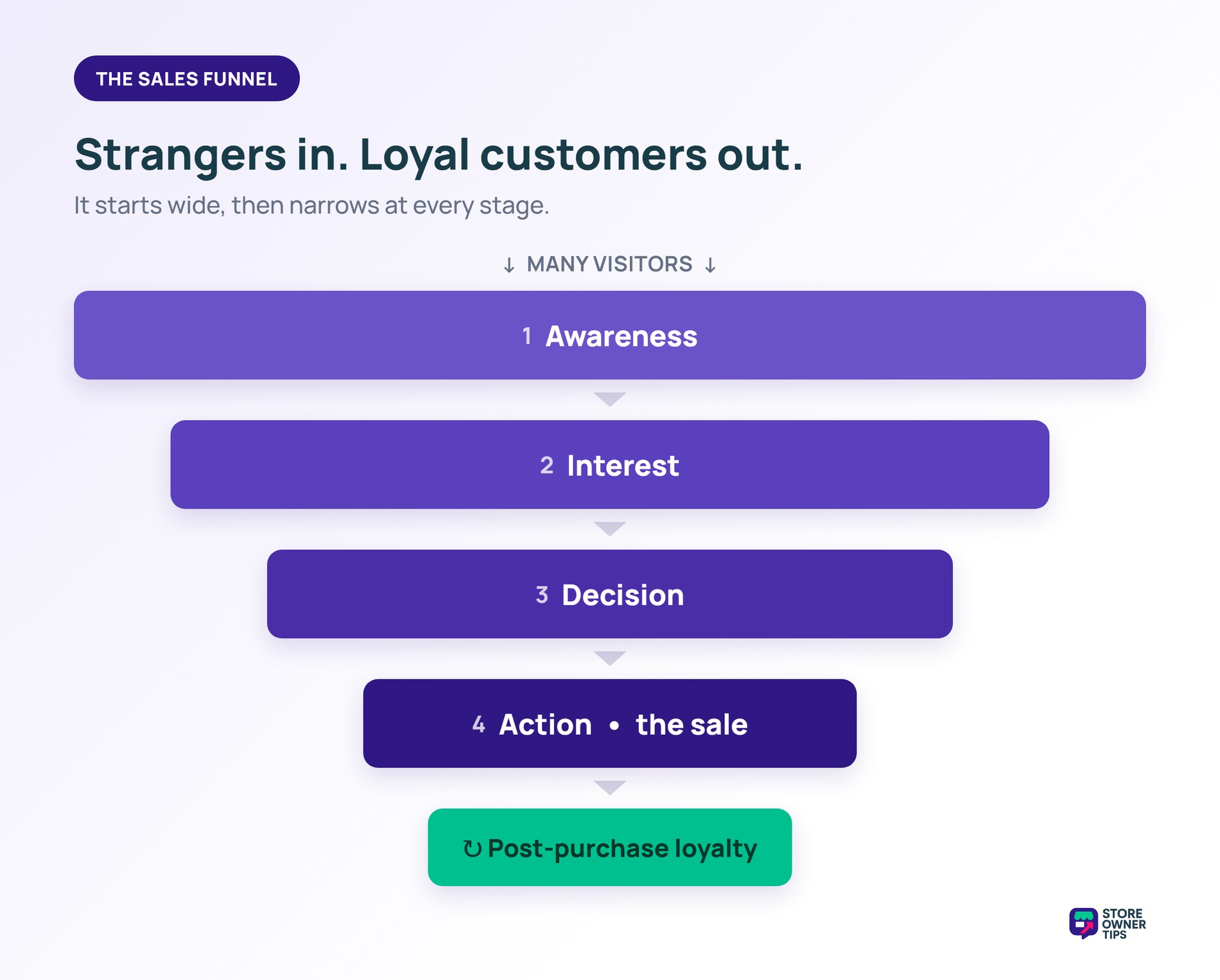
A sales funnel is simply the path a person takes to become a paying customer. Instead of hoping people buy right away, you guide them step-by-step. The funnel starts wide, with lots of people discovering your store. As they move forward, some leave, while the most interested shoppers keep going until they buy.
By understanding these five stages, you can use the right tools at the right time to turn more window-shoppers into loyal fans.
The first stage is all about getting potential customers to discover you. These are people who have a problem your product solves. They just don’t know you exist yet.
Here are the core awareness tactics for WooCommerce stores:
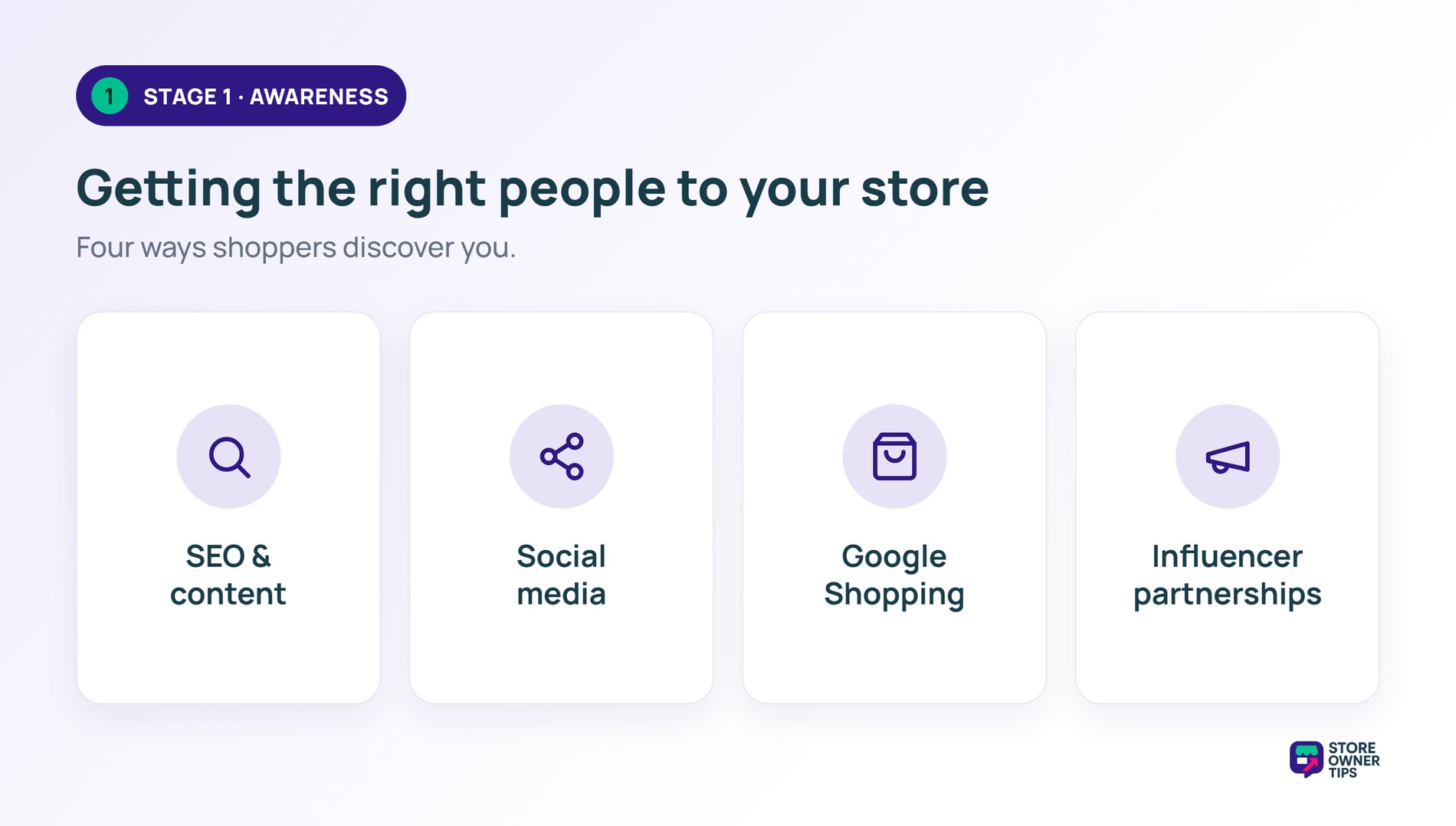
The WooCommerce-specific angle here is powerful. Your blog is built right into WordPress. You don’t need a separate content platform. Every blog post lives on the same domain as your store. That builds SEO authority and creates natural pathways to your products.
However, traffic alone isn’t enough. You need to capture leads. Offer a discount code, a free guide, or a helpful checklist in exchange for an email address. This is where OptinMonster comes in. We love it for building popups, slide-ins, and exit-intent offers that capture emails without being annoying. Well-designed exit-intent popups with a 10% discount commonly convert in the 3% to 5% range of abandoning visitors.
Once they’re on your email list or actively browsing your store, it’s time to move them to the interest stage.
You’ve got their attention. Now you need to build trust and keep your brand top-of-mind. This is where almost every new WooCommerce store drops the ball. They capture an email and then either blast discount codes immediately or go completely silent.
Here’s what the interest stage looks like when it’s done well:
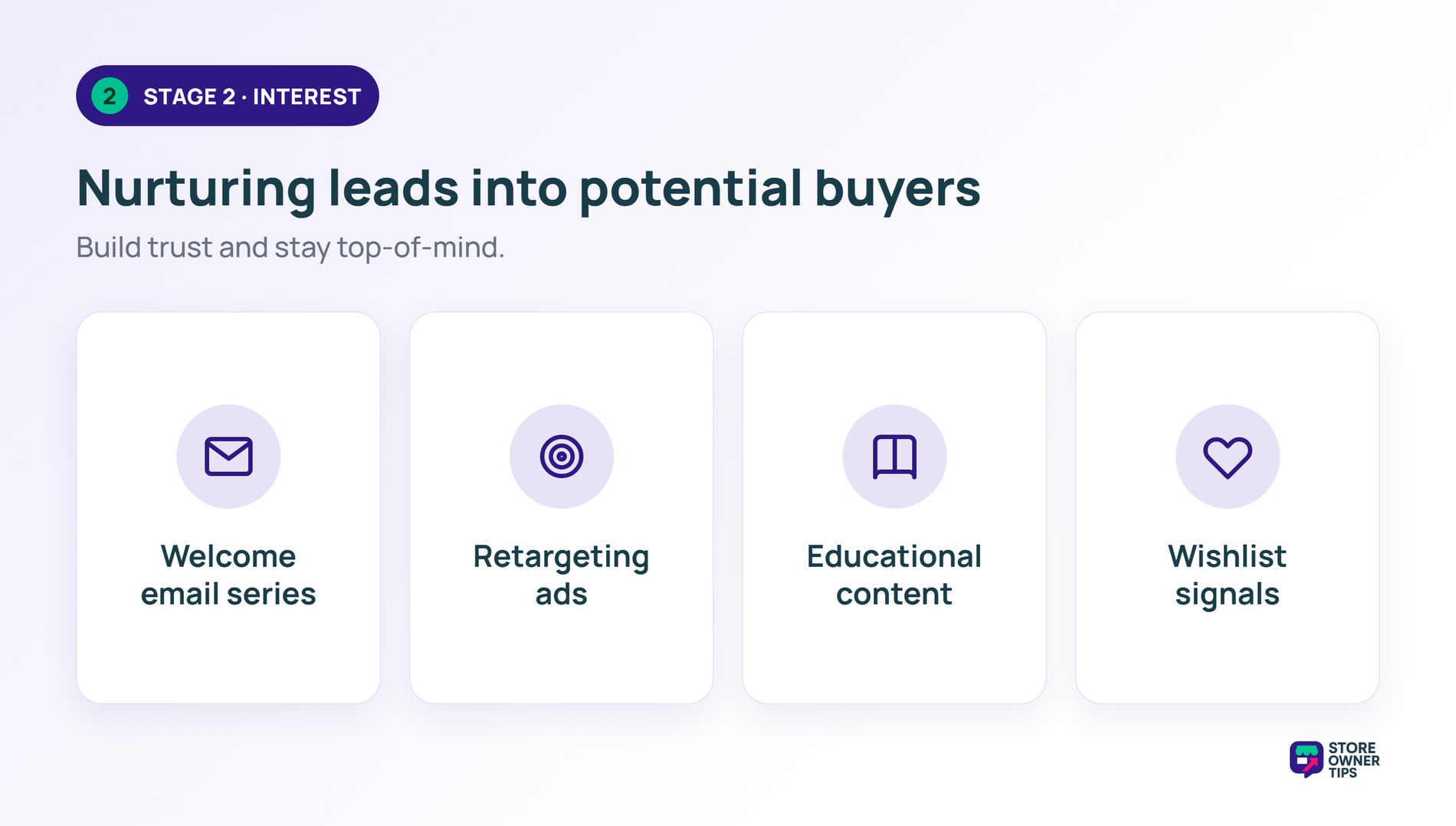
🚀 Power Tip: don’t jump straight to discounts in your nurture sequence. The first 2 or 3 emails should build trust and tell your brand story. Save the discount for email 4 or 5. By then, the offer feels like a reward, not a bribe. Sequenced trust-first emails commonly outperform discount-first sequences.
Your leads are warm. They know who you are, they’ve been reading your emails, and they’re actively browsing products. Now the goal is to remove friction and give them the confidence to buy.
This is where your product pages need to do the heavy lifting:
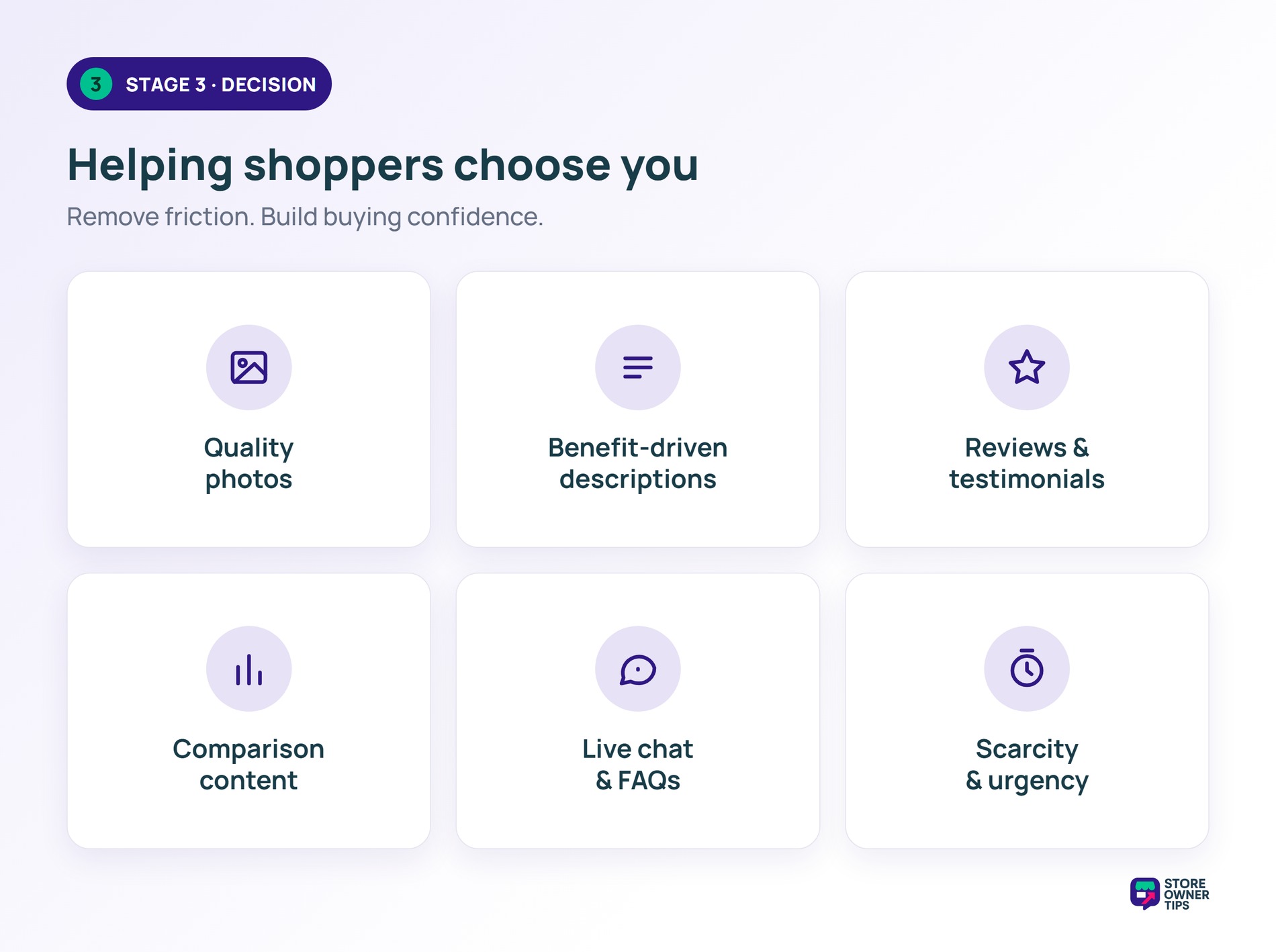
For shoppers who are almost ready but need one more push, conditional coupons work incredibly well. This is where Advanced Coupons shines. You can create rules like “spend $75, get 15% off.” That gives fence-sitters a concrete reason to add one more item.
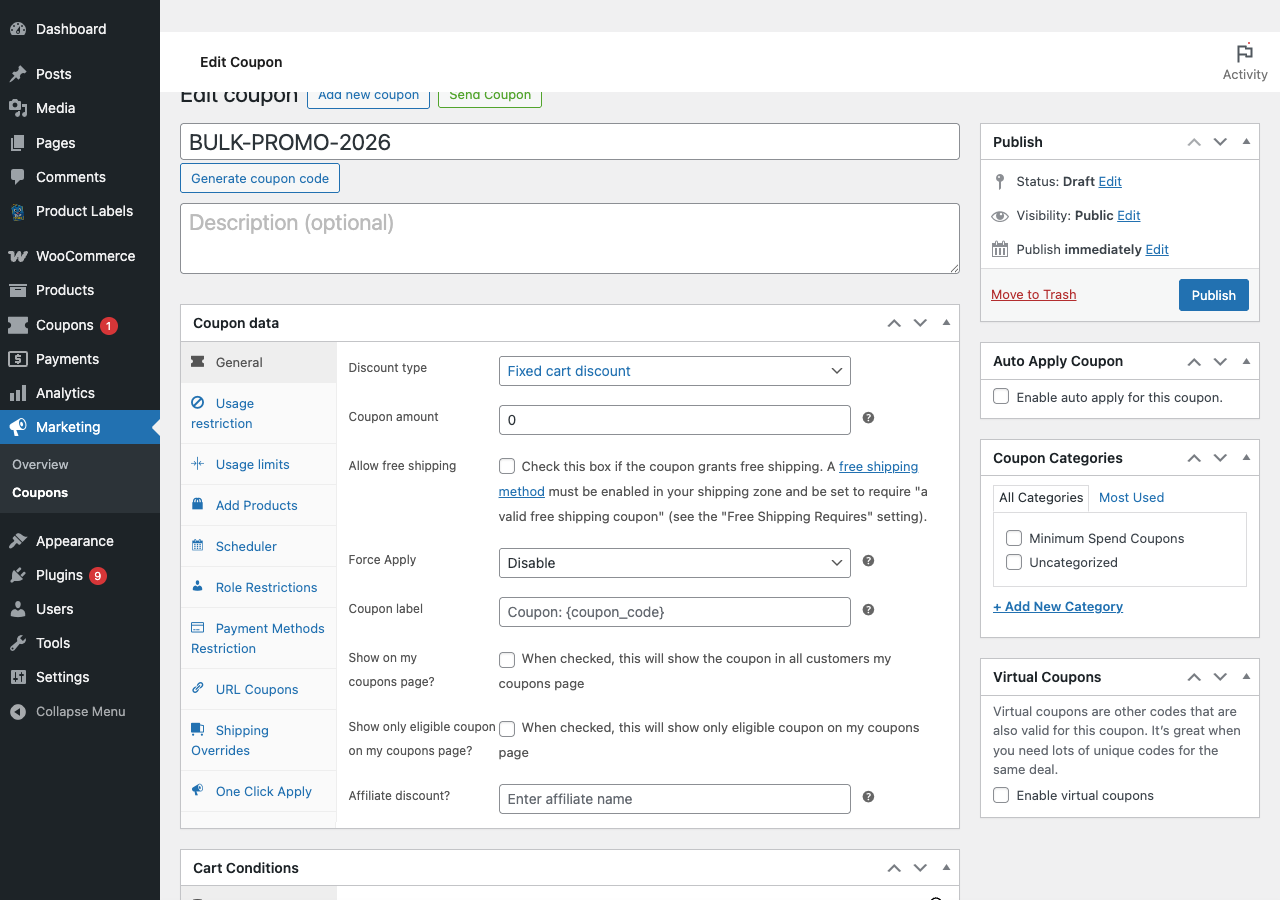
Conditional coupons commonly lift average cart value by 15% to 25% compared to flat discounts. The reason: they encourage shoppers to spend more to unlock the deal. For more coupon strategy ideas, see our guide to ecommerce coupons.
For a deeper dive on making the final conversion step frictionless, check out our checkout optimization guide.
This is the moment of truth. The shopper has decided to buy. Now your job is to make checkout smooth and maximize order value.
Here’s your tactical playbook for Stage 4:
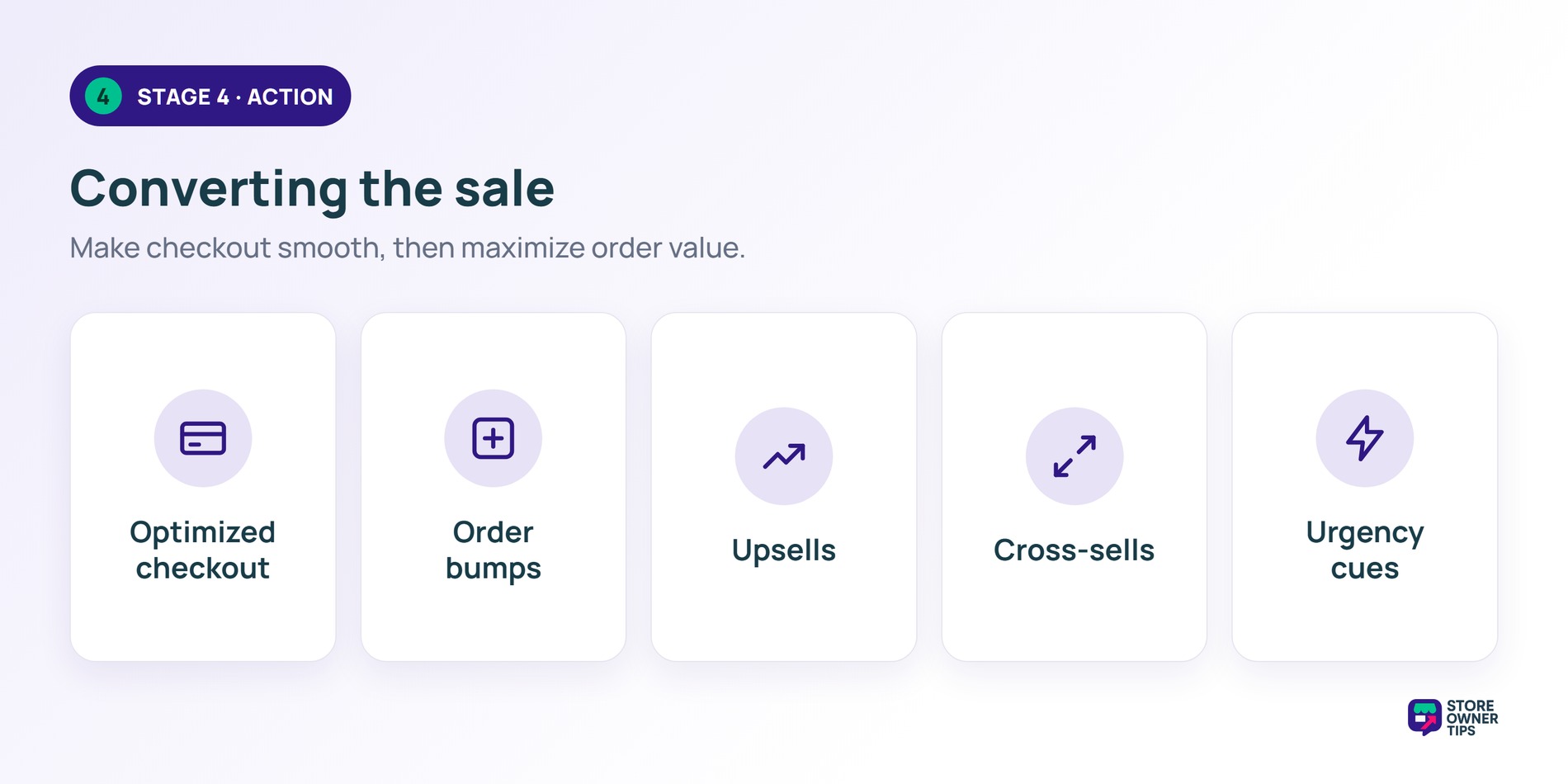
This is where FunnelKit becomes your best friend. Out of all the WooCommerce sales funnel plugins available, it is hands-down the most powerful option for building your checkout flow.
Switching from the default WooCommerce checkout to a FunnelKit-optimized one-page checkout commonly improves completion rates. The streamlined layout reduces friction. Fewer form fields, clearer progress indicators, and a distraction-free design. Add an order bump on top and you get a meaningful revenue lift from traffic you’re already paying for.
For the full deep dive on upselling and cross-selling tactics, see our WooCommerce upselling and cross-selling guide. For more on automating these flows, check out our WooCommerce automation tools roundup.
Here’s where most funnels fall apart. The sale happens, the store owner celebrates, and then nothing. The customer gets a receipt email and disappears.
That’s a massive missed opportunity. According to Harvard Business Review, acquiring a new customer costs 5 to 25 times more than retention. Your post-purchase stage is where the real profit lives.
Here’s what a strong post-purchase strategy looks like:
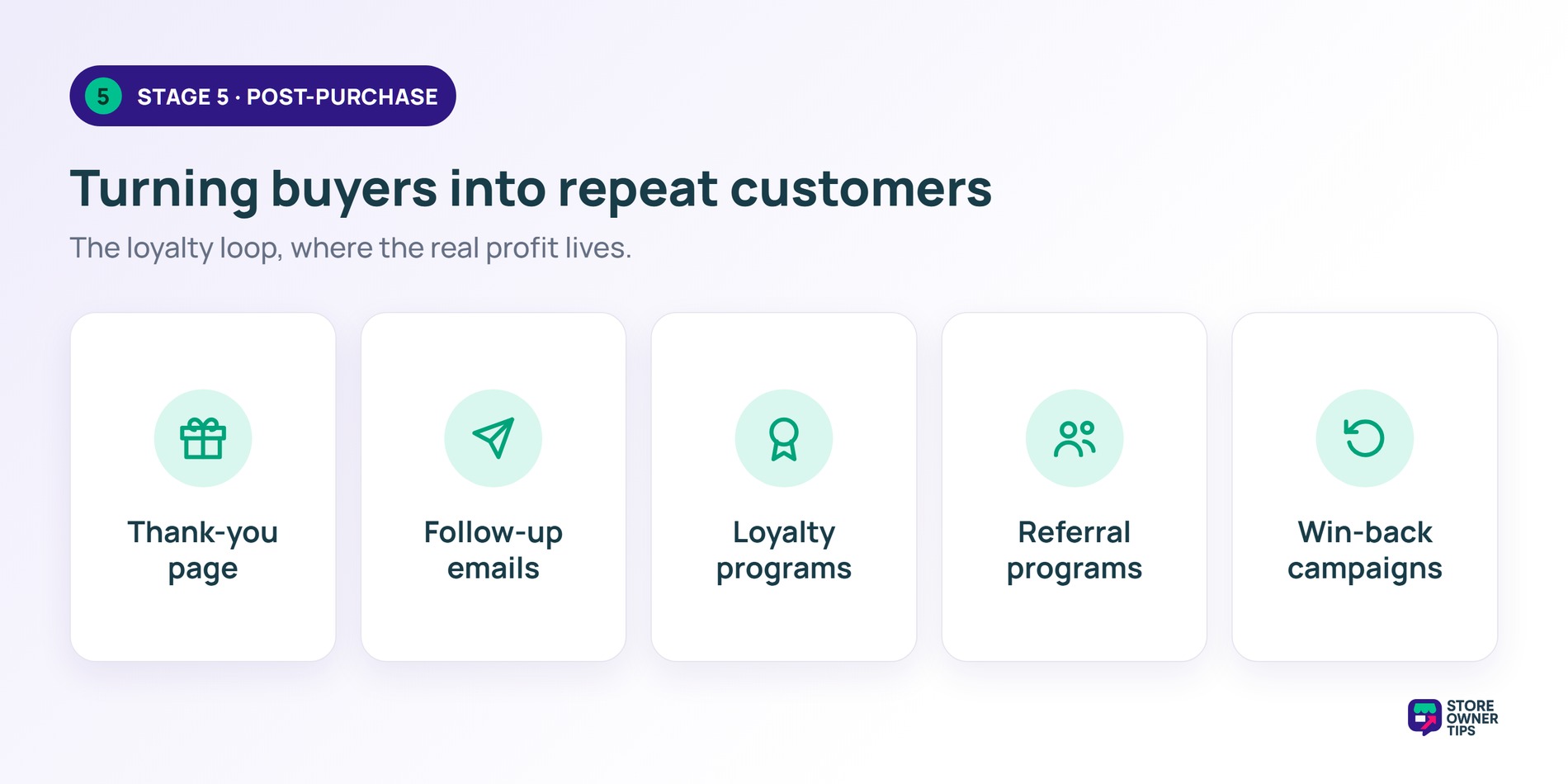
Think of it as the “loyalty loop”. Your post-purchase flows feed customers right back into the top of your funnel. A satisfied buyer who joins your loyalty program, refers a friend, and returns to buy is worth exponentially more than a one-time customer.
For more ideas on keeping customers engaged long-term, check out our ecommerce marketing ideas guide.
We’ve covered a lot of ground. If you want to know the best WooCommerce sales funnel plugins to use, here’s a summary of the recommended tools at each funnel stage:
| Funnel Stage | Goal | Key Tactics | Recommended Tools |
|---|---|---|---|
| Awareness | Drive targeted traffic | SEO, social media, paid ads, content | WordPress/WooCommerce blog, Google Shopping |
| Interest | Nurture and build trust | Email sequences, retargeting, wishlists | OptinMonster, Klaviyo/Mailchimp |
| Decision | Remove friction, build confidence | Reviews, comparisons, incentives | Advanced Coupons, review plugins |
| Action | Convert and maximize AOV | Checkout optimization, bumps, upsells | FunnelKit, Advanced Coupons |
| Post-Purchase | Retain and generate referrals | Thank-you flows, loyalty, win-backs | AutomateWoo, Advanced Coupons Loyalty |
Starting from scratch? You don’t need everything on day one. Here’s your “minimum viable funnel”, the essentials to set up first:
Once that foundation is solid, layer on:
Build iteratively. Progress over perfection. For more on the automation side, see our WooCommerce automation tools guide.
A WooCommerce sales funnel isn’t a single tool. It’s a strategy that connects your tools into a system that guides customers from discovery to purchase to loyalty.
The biggest mindset shift? Stop thinking about traffic and start thinking about the journey. Every visitor is at a different stage. Your job is to meet them where they are and move them forward.
Here’s our recommendation. Grab a piece of paper and map your funnel out. Sketch the five stages, write down what you’re currently doing at each, and identify the biggest gap. Start there.
Losing people before they even hit your product pages? Focus on Stage 1 and Stage 2. Getting add-to-carts but not sales? Stage 3 and Stage 4 need work. Customers buy once and never return? Stage 5 is your priority.
You probably already know which stage is your weakest link. Start with that one.
For deeper dives on specific stages, check out:
Your funnel doesn’t have to be perfect on day one. It just has to exist. Start building, measure what happens, and improve from there.
A WooCommerce sales funnel is the step-by-step journey a visitor takes from first discovering your store to becoming a repeat customer. It includes awareness (SEO, ads, content), consideration (product pages, reviews, retargeting), action (checkout, order bumps, upsells), and retention (email sequences, loyalty programs). Building a deliberate funnel means optimizing each stage. Don’t leave it to chance.
Focus on the highest-impact friction points first. Enable guest checkout to eliminate forced account creation. Add trust signals like reviews and security badges to your product and checkout pages. Optimize your checkout to minimize form fields and steps. Then, layer on retargeting ads for browsers who didn’t buy. Add abandoned cart emails for those who added items but left. Small improvements at each funnel stage compound into significant conversion gains.
An order bump is a small, complementary product offer displayed on the checkout page. Customers can add it to their order with a single click. As an example, a store selling phone cases might offer a screen protector as an order bump. FunnelKit is the most popular WooCommerce plugin for setting them up. Well-optimized order bumps commonly convert in the 10% to 15% range. That’s one of the easiest ways to lift average order value without extra traffic.
You can build a basic funnel for free using WooCommerce’s built-in features plus free email and SEO tools. However, if you want to use premium WooCommerce sales funnel plugins to add custom checkout pages, order bumps, and upsells, top-tier options like FunnelKit start at around $99 per year. Add an email marketing tool (free tiers are available) and a retargeting pixel (free to install, ads are pay-per-click). Most WooCommerce stores can build an effective funnel for under $200 per year in plugin costs.
No, you don’t. You can build a basic funnel for free using WooCommerce’s built-in features along with a few free email and popup tools. As your sales grow, you can upgrade to premium options like FunnelKit to add advanced features like one-click upsells.

Copyright © StoreOwnerTips.com. All Rights Reserved.
