Weekly ecommerce tips, deals & news.
Of the best WooCommerce abandoned cart recovery plugins on the market, our top choice for most stores in 2026 is Cart Abandonment Recovery for WooCommerce (CartFlows). It’s free, captures emails before checkout completes, and ships with proven templates and coupon insertion.
For stores that want full multi-channel recovery across email, SMS, and web push notifications, Omnisend is the strongest upgrade pick. For stores already on Klaviyo, the WooCommerce cart abandonment recovery flow built into its integration easily outperforms standalone plugins when it comes to deep segmentation.
In this guide, we compared 8 abandoned cart recovery plugins on capture method, channel coverage, and how well each one fires on the carts that actually convert.
The global average for cart abandonment sits at about 70%. That’s a Baymard Institute 2026 baseline across all of ecommerce. Keep in mind, this number shifts based on what you sell and how people shop. Mobile shoppers abandon carts at a much higher rate: nearly 77% to 80%. Industries like fashion see abandonment around 85%, while everyday things like groceries sit closer to 50%.
The average store that recovers even 10% of those abandoned carts via automated email sequences sees a 5–15% lift in monthly revenue with no additional ad spend. But that wouldn’t be possible without one of the best WooCommerce abandoned cart recovery plugins at your disposal.
That’s why we made this list of the best WooCommerce abandoned cart plugins: to help you determine which option is best for your store. Before we dive into the nitty-gritty of their key features, however, let’s take a quick look at the options:
| Plugin | Free plan | Capture trigger | SMS | Coupon insertion | A/B testing | |
|---|---|---|---|---|---|---|
| Cart Abandonment Recovery for WooCommerce (CartFlows) | Yes (free) | Email entered at checkout | Yes | No | Yes | No |
| Omnisend | 250 contacts (max 500 emails/mo) | Email, add-to-cart, browse | Yes | Yes | Yes | Yes |
| Klaviyo | 250 contacts | Email, add-to-cart, browse | Yes | Yes | Yes | Yes |
| Retainful | 500 emails/mo (unlimited contacts) | Email entered at checkout | Yes | No | Yes (next-order coupon) | Limited |
| AutomateWoo | No (paid) | Email, add-to-cart | Yes | Twilio add-on | Yes | Yes |
| FunnelKit Automations | No (paid) | Email, checkout, browse | Yes | Twilio & Bulkgate add-ons | Yes | Yes |
| Metorik Engage | No (paid) | Email, checkout | Yes | No | Yes | Limited |
| Abandoned Cart Lite for WooCommerce | Yes (free) | Email entered at checkout | Yes | No | Limited | No |
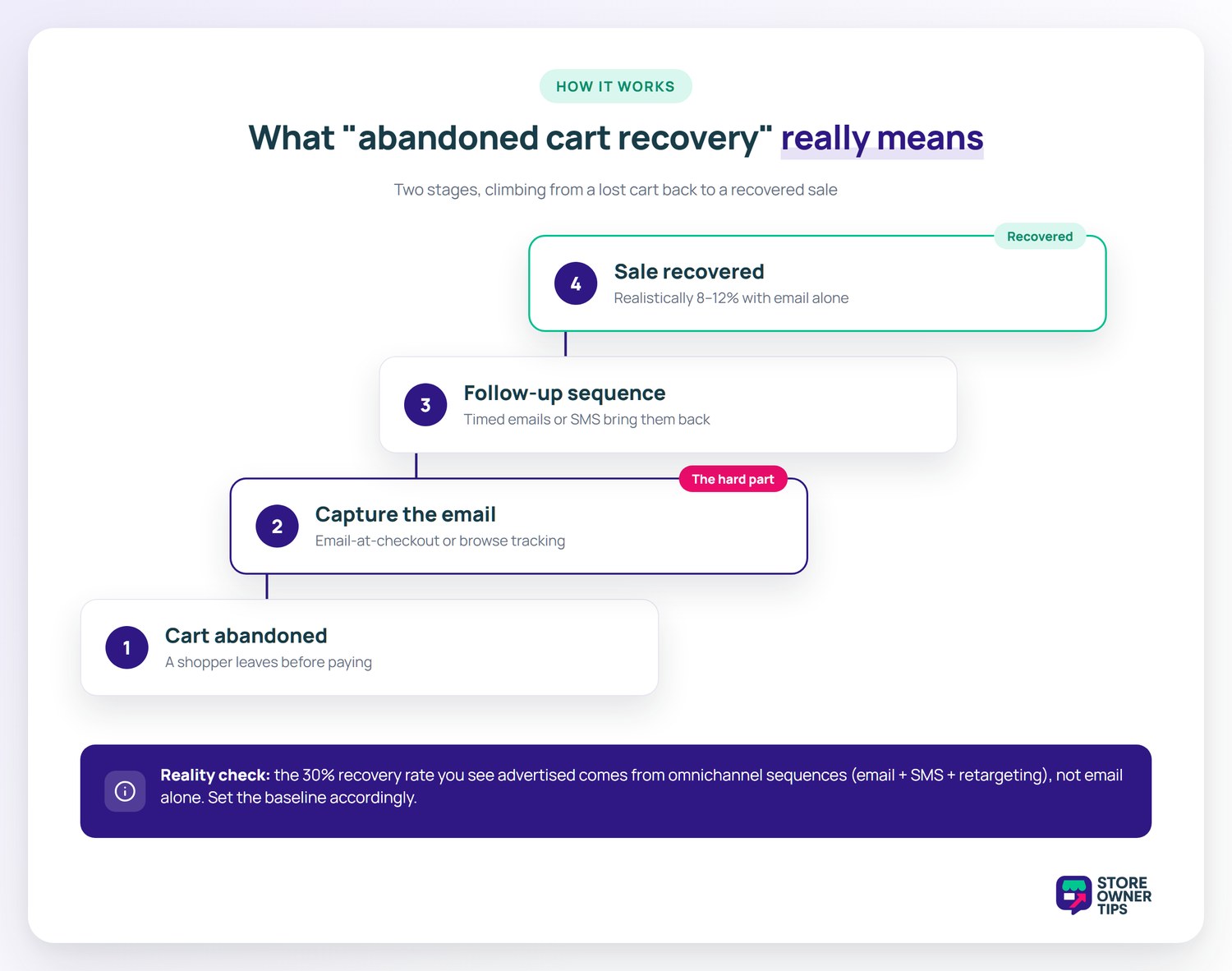
Abandoned cart recovery has two stages: capture (getting the customer’s email before they leave) and follow-up (a sequence of emails or SMS messages that bring them back). When dealing with WooCommerce cart abandonment, most store owners think the recovery sequence is the hard part. It’s not. The hard part is capture; if you can’t identify the abandoner, you can’t follow up.
The two capture models in this list:
🔍️ What we’ve seen: Stores expect their abandoned cart sequence to recover 30%+ because that’s what plugin marketing promises. The actual recovery rate from email-only sequences is 8–12% in most categories. The 30% number comes from omnichannel sequences (email + SMS + retargeting) on stores with high pre-existing customer recognition. Set the baseline expectation accordingly so the program doesn’t feel like a failure at week 4.
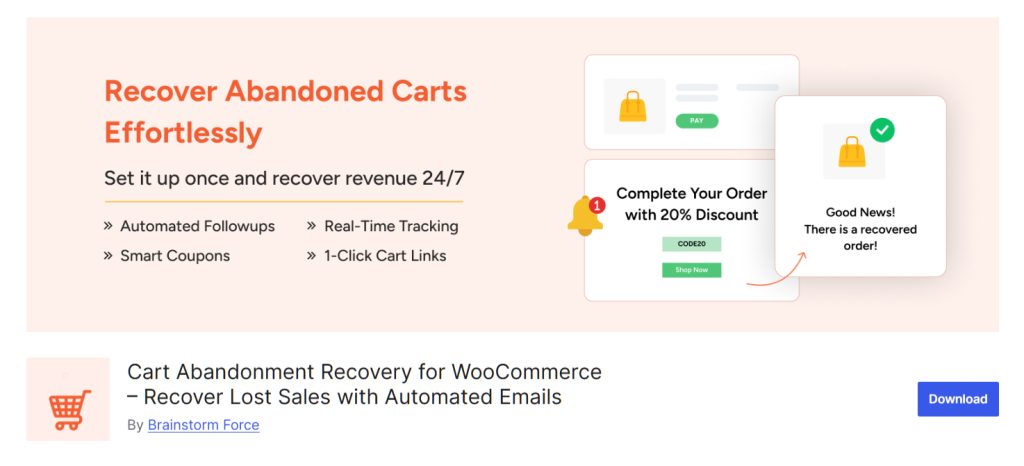
Cart Abandonment Recovery for WooCommerce by CartFlows is the highest-installed free abandonment plugin on WordPress.org with 300,000+ active installs. It captures the email at the first checkout step (before the customer hits “Place Order”), fires a 3-email sequence with configurable timing, and inserts auto-generated coupon codes into recovery emails.
Setup is genuinely under 15 minutes: install, activate, plug in your email subject lines, and set your timing. Just don’t forget the most crucial step: you must manually turn on the explicit opt-in checkbox on your checkout page to stay legally compliant.
While it lacks some key features like SMS, behavioral segmentation, and A/B testing, it’s still the right pick if you’re starting from zero and just want a working recovery sequence shipped this week. Typically, stores grow into Omnisend or Klaviyo once the volume justifies the upgrade.
Best for: Stores running WooCommerce + Stripe/WooPayments who need a working recovery sequence with zero monthly cost.

If you need a tool to help your WooCommerce recover abandoned cart sales across multiple channels, Omnisend is the native marketing platform that goes the furthest. The free plan lets you send up to 500 emails a month to 250 contacts. It includes pre-built abandonment sequences for email, SMS, and web push notifications.
Just know that it doesn’t send direct Facebook Messenger texts. Instead, it syncs your lists with Facebook Ads so you can retarget shoppers there. Also, keep a close eye on your limits! Omnisend counts every single guest checkout you email against that 250-contact cap, so busy stores will hit the paywall fast.
The visual builder lets you branch the sequence based on customer behavior (opened email but didn’t click? send SMS. clicked but didn’t buy? send a discount coupon).
The trigger model is broader than a checkout-only plugin: Omnisend can fire on add-to-cart events for known contacts, on browse-without-add events, and on traditional checkout abandonment. For stores with existing email subscribers, this expands the recoverable pool by 3–5x.
Best for: Stores with 250+ contacts and a real multi-channel intent (email + SMS minimum). Stronger fit for stores already running paid social. The retargeting integrations compound recovery rates.
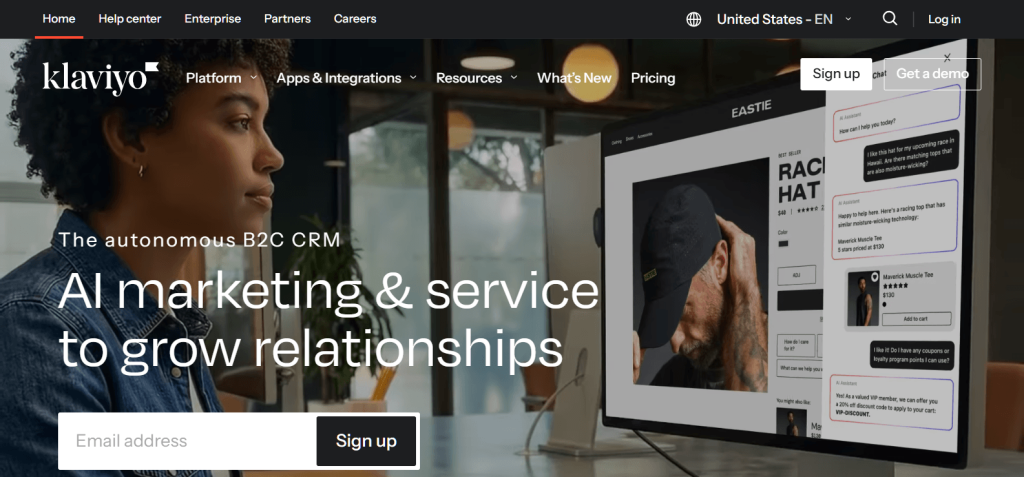
Klaviyo is the choice for stores where segmentation depth matters more than channel coverage. The cart abandonment flow can branch on dozens of dimensions: order history, lifetime value, time since last purchase, product category browsed, customer segment, predicted next purchase date.
For stores with thousands of monthly orders and meaningful customer-segment differences (first-time vs. VIP buyers, high-AOV vs. low-AOV, replenishment vs. one-time), Klaviyo’s segmentation pays off.
The cost: Klaviyo gets expensive fast. The free 250-contact tier is fine for testing. However, pricing scales steeply once you cross 5,000 contacts. Stores under that volume often get more value from Omnisend.
Best for: Higher-volume stores ($50k+/month) with diverse customer segments where the segmentation depth justifies the per-contact pricing.
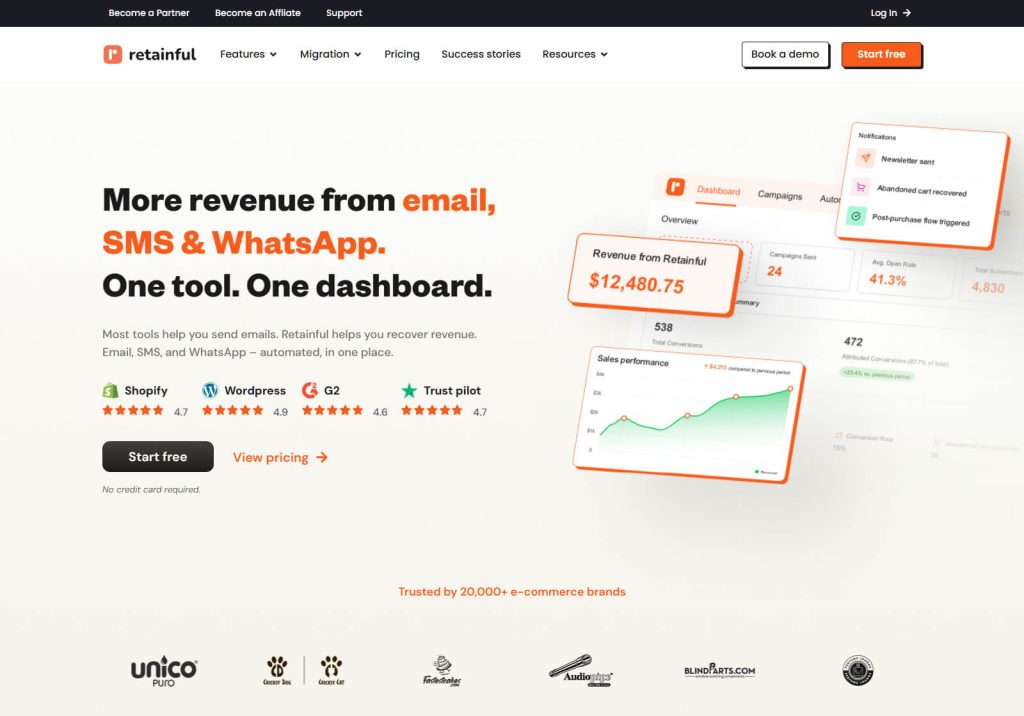
Retainful built its product around the next-order coupon: when a customer abandons, the recovery email includes a unique single-use discount code valid only on their next order. This helps you recover abandoned cart shoppers and converts them into repeat buyers—a much more profitable goal than pure recovery. The free plan covers 500 emails/month, which is enough for stores under 1,000 monthly checkouts.
Pairs naturally with Advanced Coupons for more sophisticated coupon mechanics: store credit issuance, BOGO recovery offers, cart-condition-based discounts that only fire if the recovered customer rebuilds the cart.
Best for: Stores where next-order incentives are part of the customer journey strategy: replenishment products, subscription boxes, fashion drops.
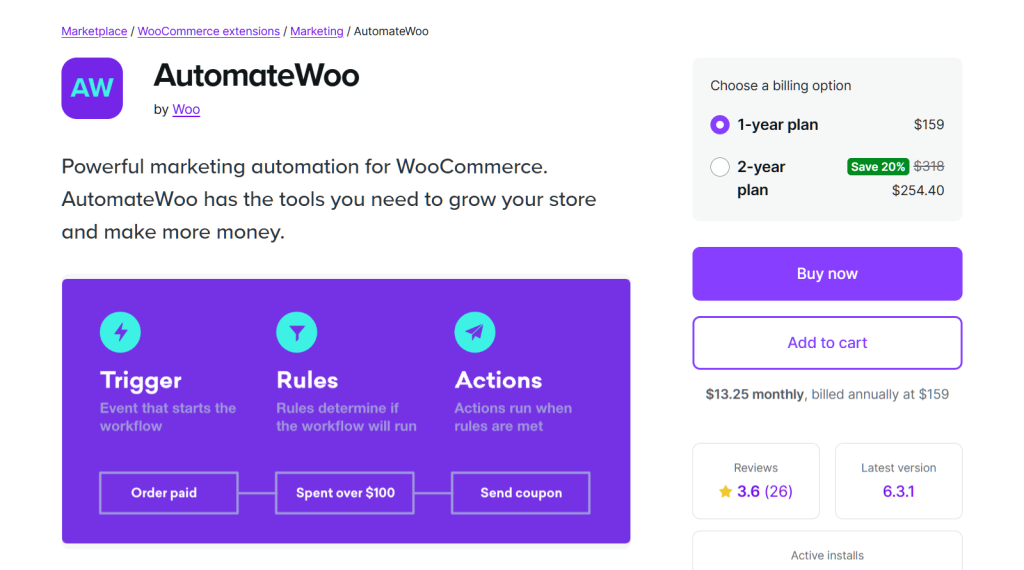
AutomateWoo is the official WooCommerce.com marketing automation extension. Cart abandonment is one of 50+ workflow templates it ships with.
The trade-off: it’s purely email-based unless you add the Twilio SMS extension, and it doesn’t actually have a drag-and-drop visual builder. It uses standard WordPress editors and logic rules instead, so you’ll want to pair it with a tool like MailPoet if you need fancy visual email designs.
The win: native WooCommerce data integration. In other words, every workflow can read from order, product, customer, and subscription data without API mapping.
Best for: Stores deeply committed to the WooCommerce.com extension stack who want one vendor for the full automation suite.
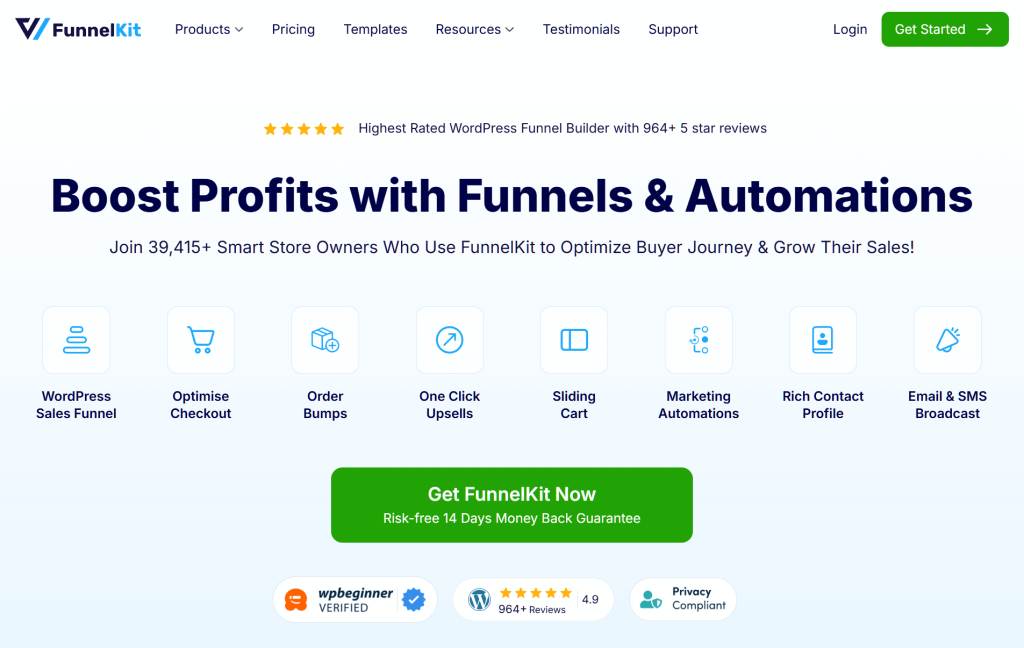
Formerly known as Autonami, FunnelKit Automations is the automation companion to FunnelKit’s checkout/funnel builder. If you’re already using FunnelKit funnels, the abandonment automation lives natively inside the same plugin family: same UI, same data model.
The plugin’s visual builder is closer to Klaviyo than to a basic plugin. For SMS, it connects easily with both Twilio and Bulkgate, giving you backup options and better pricing for international texts.
Best for: Stores running FunnelKit checkout/funnel as their primary conversion stack who want unified automation.
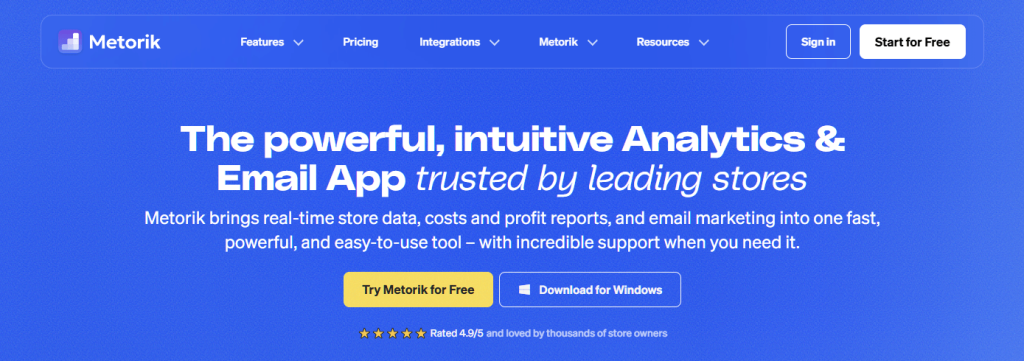
Metorik is the WooCommerce reporting and customer-segment tool. Engage is its automation add-on. Its biggest strength is segment-driven sequences: you can build a custom segment in Metorik, then fire highly targeted emails to recover abandoned cart revenue from those specific shoppers.
For stores doing serious customer-segment marketing, this is the cleanest fit.
Best for: Stores with dedicated marketing analysts using Metorik for reporting who want to action segments directly into recovery sequences.
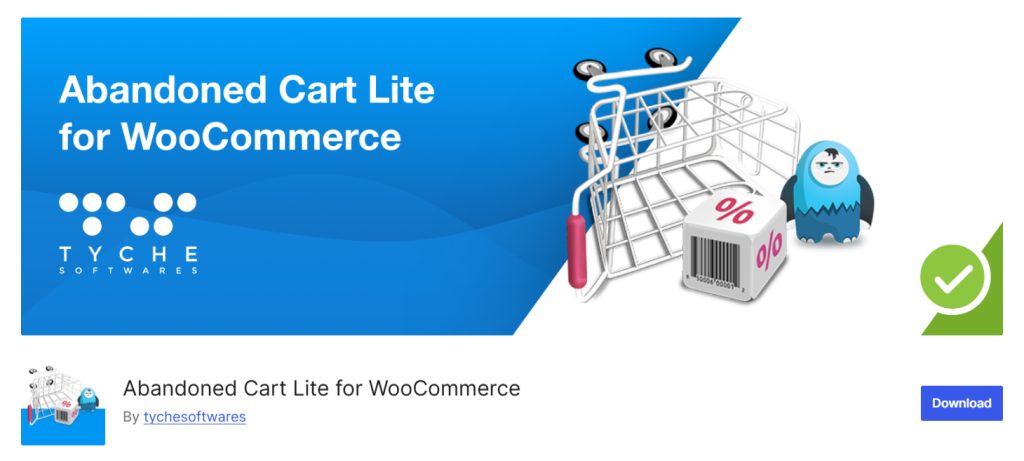
Tyche Softwares’ Abandoned Cart Lite for WooCommerce is the longest-running free abandonment plugin in the WordPress directory. It does exactly what you need for basic WooCommerce cart abandonment recovery: it captures emails at checkout, sends a configurable email sequence, and tracks your success.
Best for: Stores prioritizing plugin minimalism. Fewer features, lower overhead, fully functional baseline recovery.
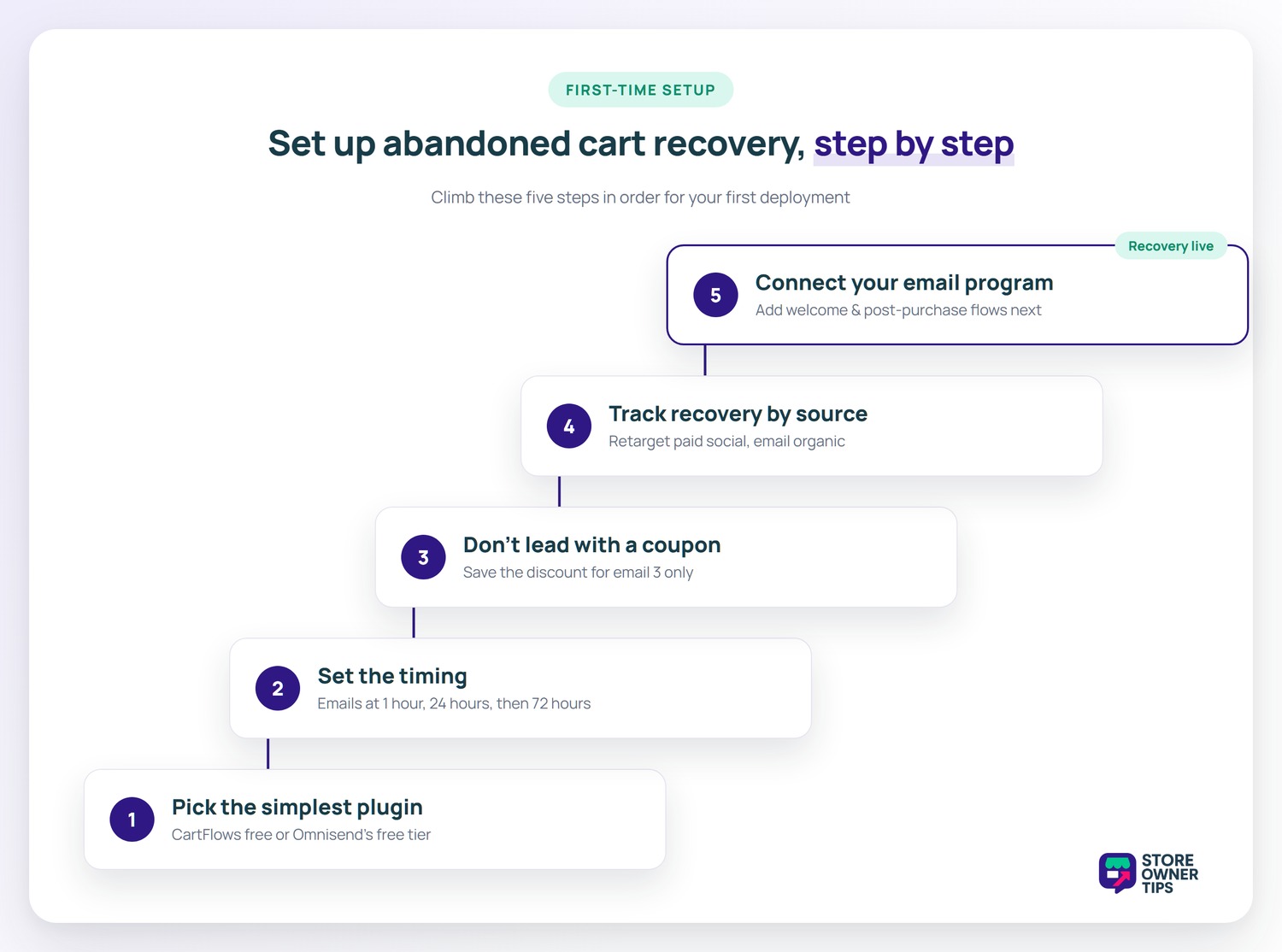
When you run a campaign to help WooCommerce recover abandoned cart revenue, standard email-only sequences typically recover about 8–12% of those carts if the program is set up well.. Multi-channel sequences (email + SMS + retargeting) push that to 18–25%. The 30%+ figures plugin vendors quote in marketing typically come from cherry-picked stores in high-engagement categories. Set expectations at 8–12% for your first 90 days, then optimize from there.
Yes, but not in the very first abandoned cart email. Instead, lead that first message with a simple reminder, a nice product photo, and some social proof like reviews or ratings. Save the discount for email 2 or 3. Stores that lead with a discount on email 1 train customers to abandon strategically; they learn that abandoning gets them the coupon. Advanced Coupons can generate single-use codes per customer to prevent share-and-spread abuse of recovery coupons.
Under GDPR and European privacy laws, cart abandonment emails are strictly considered direct marketing, not transactional emails. You can’t send them simply because someone started checking out.
Thus, to stay legal, you must get clear, explicit consent from shoppers before you track their email or send them recovery messages. Make sure your checkout page has a clear opt-in checkbox for marketing. Treating these reminders as basic transactional emails is a huge legal risk. Check your checkout opt-in copy and confirm with your privacy counsel before sending. The plugins themselves don’t enforce compliance; you do.
Not really. SMS requires a registered sender (10DLC in the US), Twilio or similar messaging API integration, and per-message costs. Free plugins capture SMS at checkout but you’ll pay $0.01–$0.04 per message sent through Twilio. Omnisend and Klaviyo include SMS pricing in their paid tiers. For first-time deployment, email-only is the right starting point. Then, add SMS once you have 30 days of email recovery data.
Cart abandonment fires when a customer adds items to cart but doesn’t reach checkout. Checkout abandonment fires when they reach checkout (entering email, address, payment) but don’t complete.
When tracking WooCommerce cart abandonment, most plugins in this list focus specifically on checkout abandonment because that’s where you can actually capture the email. True cart abandonment (no checkout reached) requires that the customer already be identified. This is possible only with Klaviyo, Omnisend, or a similar platform that tracks browse behavior for known contacts.
By default, WordPress background tasks only trigger when someone actually visits your website. If your site gets low traffic, an email scheduled to send in one hour might sit waiting for hours until your next visitor arrives. On busy sites, standard task scheduling can bog down your database and slow things down.
To get true, fast, behind-the-scenes processing, you need to set up a server-level cron job or look for plugins that use the WooCommerce Action Scheduler. The exception: poorly-coded older plugins that hook into every checkout page render. If you notice slowness after installing an abandonment plugin, switch to one of the higher-rated options in this list.
Is the YITH WooCommerce Recover Abandoned plugin a good alternative?
Yes. If your store already runs on the YITH ecosystem, their premium YITH WooCommerce Recover Abandoned cart tool is a reliable choice for sending automatic reminders, though CartFlows offers a better free entry point for beginners.
How does YITH WooCommerce Recover Abandoned compare to Omnisend?
While the YITH WooCommerce Recover Abandoned plugin is great for straightforward email reminders, Omnisend is far more powerful if you want a multi-channel approach that loops in SMS and web push notifications.
If you’re starting from zero and exploring the best WooCommerce abandoned cart recovery plugins, install Cart Abandonment Recovery for WooCommerce (CartFlows) this week and ship a 3-email sequence. You’ll recover 8–12% of abandoners and have a baseline to optimize from. After 60 days of data, decide whether to upgrade to Omnisend or Klaviyo based on whether multi-channel coverage or deeper segmentation will move the metric.
The biggest mistake we see: stores that install a plugin, configure the templates, and never look at the recovery rate again. Treat the program like A/B testing: every 30 days, change one variable (subject line, timing, coupon offer) and measure the recovery rate delta. The compound effect is significant.

Copyright © StoreOwnerTips.com. All Rights Reserved.
