Weekly ecommerce tips, deals & news.
Most “Best WooCommerce Themes” articles rank themes by how they look in marketing screenshots. Unfortunately, that’s the wrong starting point. After all, the theme that wins design awards often ranks last on Core Web Vitals, which means it loses sales you’ll never know about.
After installing and testing seven WooCommerce WordPress themes on real stores, I found the three that consistently outperformed. Not the prettiest. The fastest, most conversion-optimized, and most flexible for future growth. Here’s the honest breakdown of the best WooCommerce themes in 2026, what they’re actually good at, and how to pick the right one for your store.
Pretty design is the smallest factor. When I evaluate the best WooCommerce themes, I look at five things in this order:
One thing we commonly see: store owners spend $59 on a theme, invest 40 hours customizing it, then can’t update it because their customizations broke everything. If you plan to customize extensively, pick a theme with a proper child theme workflow. Also, don’t edit the parent theme directly.
Here’s the short version comparing the 7 best WooCommerce themes:
| Theme | Starting Price | Speed Score (Approx.) | WooCommerce Templates | Block Editor Native |
| Astra | Free / $59/yr Pro | Excellent | Yes | Yes |
| Kadence | Free / $129/yr Pro | Excellent | Yes | Yes |
| Blocksy | Free / $49/yr Pro | Excellent | Yes | Yes |
| Divi | $89/yr | Good | Yes | Partial |
| Flatsome | $59 (one-time) | Good | Yes | Partial |
| Shoptimizer | $89/yr | Good | Yes | Yes |
| Storefront | Free | Good | Yes | Yes |
Pricing shown is approximate as of early 2026. Check each theme’s website for current rates.
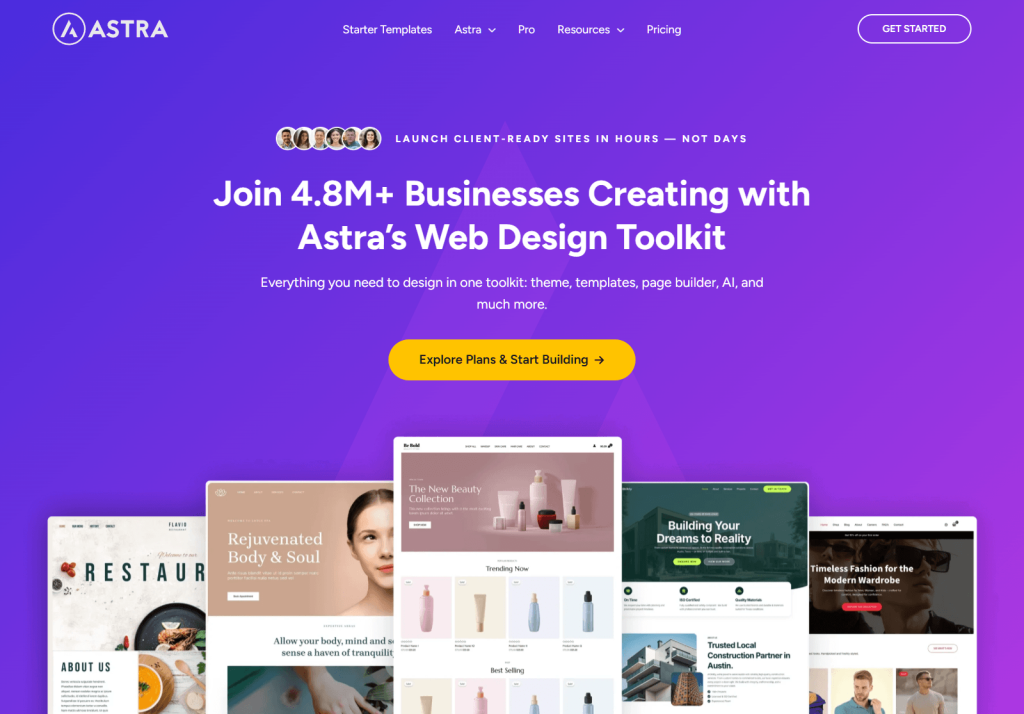
When looking at the best WooCommerce themes, Astra is the most popular on the market for a reason. With over 1 million verified active installs (and often cited as powering over 2 million sites), it’s genuinely fast, extensively customizable, and works with every page builder.
Astra Pro starts at $59/year and unlocks features like an off-canvas cart and distraction-free checkout. If you want the full agency experience and access to all premium templates, you’ll need to grab the Essential or Business Toolkit, which carry a higher price tag.
What I noticed in practice:
Pros:
Cons:
Best for: Most WooCommerce stores. If you’re not sure where to start, start here.
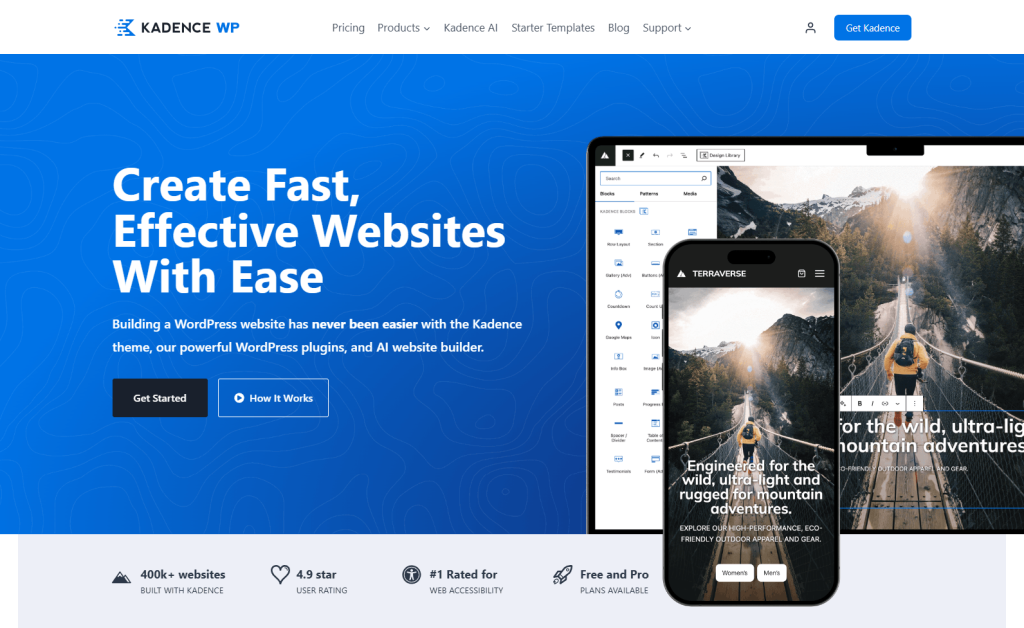
Among the best WooCommerce themes, Kadence is the one I’d pick if I were building a new store today. It’s fast and uses the WordPress block editor natively. Furthermore, it includes WooCommerce-specific features in its free version that competitors charge for.
Kadence’s approach is different from Astra. Rather than relying on external page builders, it uses the WordPress block editor combined with its own Kadence Blocks plugin. The result is a theme that feels built for where WordPress is heading.
What I noticed in practice:
Pros:
Cons:
Best for: Store owners committed to the block editor, or anyone building a store that needs to scale over years.
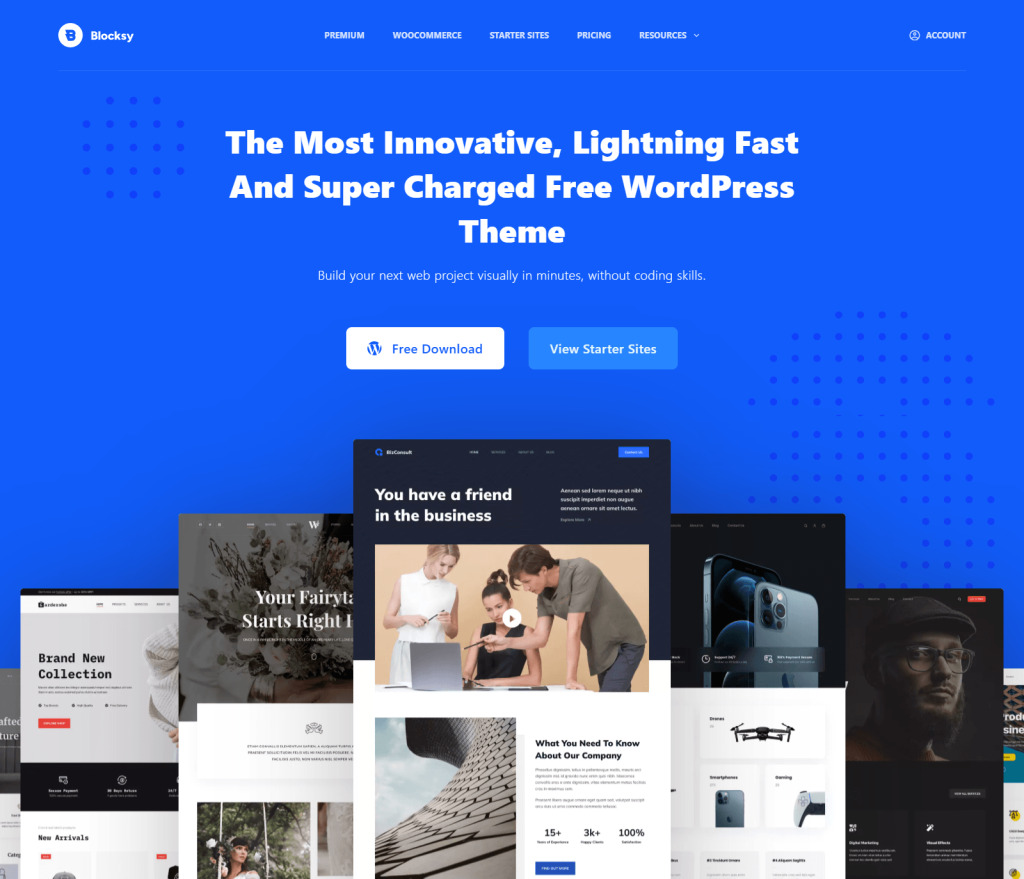
Blocksy is the quiet performer on this list. It doesn’t have Astra’s market share or Divi’s marketing budget. However, it might be the fastest theme here.
Like many of the best WooCommerce themes, Blocksy is fully block-editor native. Moreover, its free version is packed with features. If you upgrade, Pro starts at $49/year for a single site. They also offer a neat prorated system, meaning if you upgrade to a bigger plan later, you only pay the difference.
What I noticed in practice:
Pros:
Cons:
Best for: Performance-focused stores that value speed over design templates.
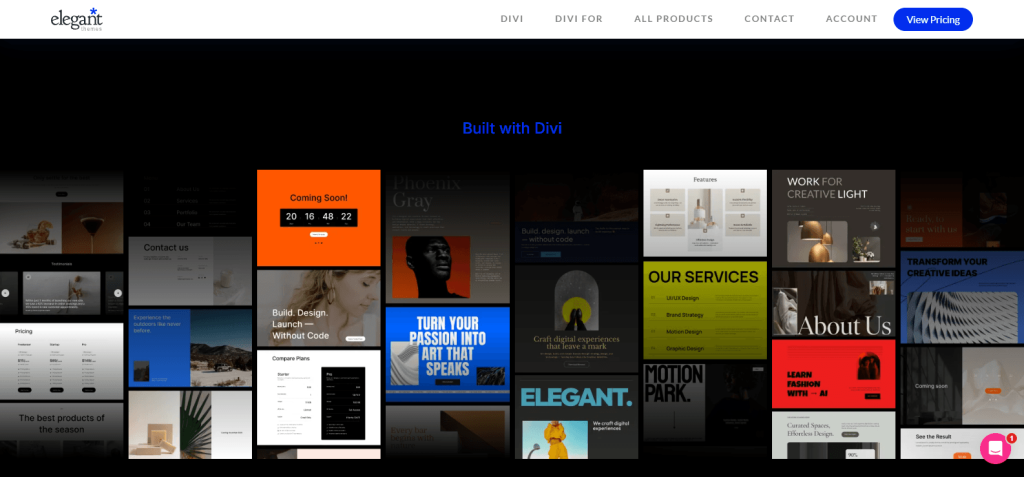
Divi consistently ranks among the best WooCommerce themes. For starters, it has a dedicated fan base. It also boasts a massive template library. Moreover, it uses the Divi Builder, a drag-and-drop visual editor that lets you customize anything without touching code.
Divi used to have a reputation for slowing down sites. However, the massive Divi 5 update changed that. Now, it runs on a modern, native block structure that outputs clean code. Thus, it can run just as fast as block-based themes with a good server setup.
What I noticed in practice:
Pros:
Cons:
Best for: Stores that prioritize design flexibility over raw speed, especially if you already know the Divi ecosystem.
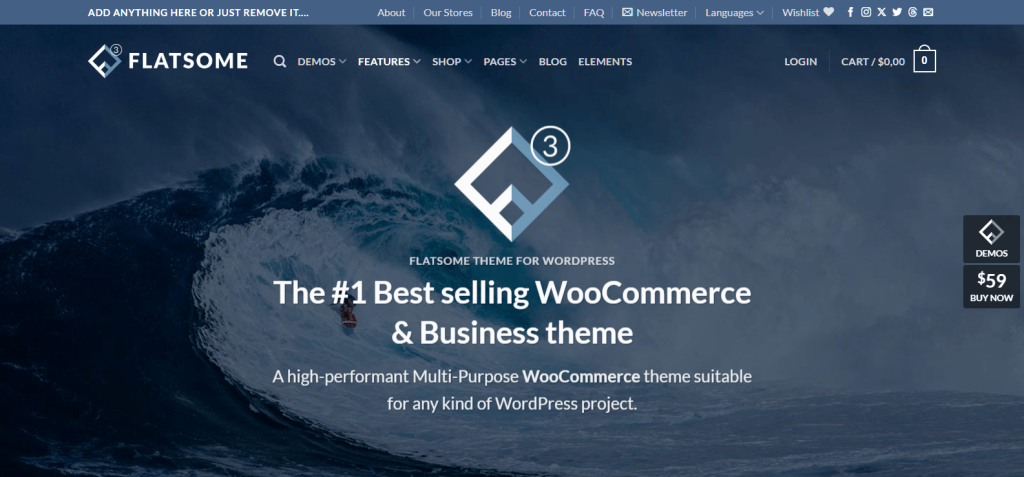
Flatsome is the WooCommerce-specific theme that’s been around longest. You can buy it on ThemeForest for $59. This includes lifetime code updates, but watch out: you only get 6 months of tech support. After that, you must pay a recurring fee if your site breaks and you need help.
What I noticed in practice:
Pros:
Cons:
Best for: Stores that want a dedicated ecommerce theme and aren’t planning to switch themes in the foreseeable future.
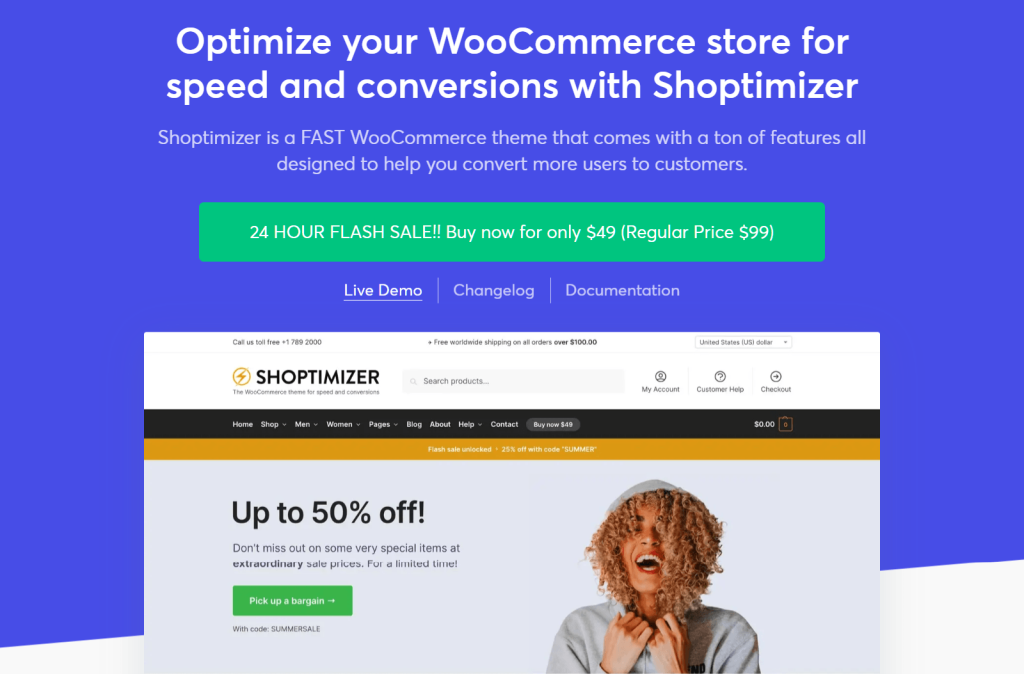
Shoptimizer is built specifically for conversion optimization. Every design decision is aimed at reducing friction in the checkout flow.
It stands out from other best WooCommerce themes because it’s an ecommerce-only theme. As such, its WooCommerce templates are genuinely excellent. However, blog-style layouts are limited.
What I noticed in practice:
Pros:
Cons:
Best for: Stores where conversion rate is the #1 priority, especially single-product and DTC brands.
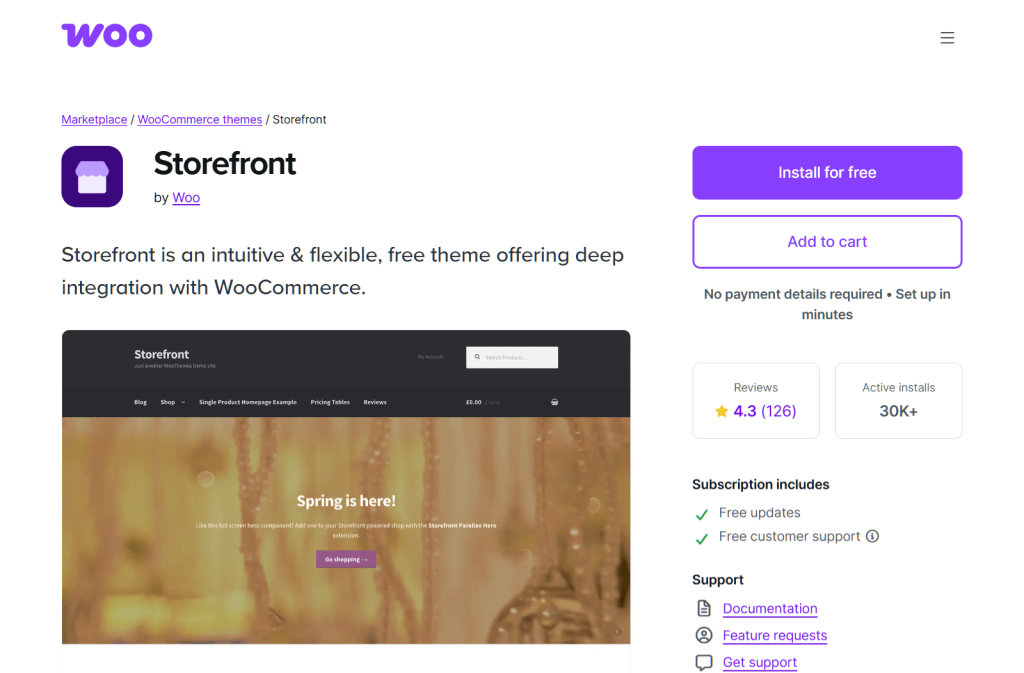
While researching the best WooCommerce themes, you can’t ignore Storefront. After all, it’s the official free theme developed by the same team that builds WooCommerce itself. Therefore, it’s the safest compatibility choice and genuinely free.
The tradeoff? Basically, Storefront prioritizes compatibility over design. Out of the box, it looks dated compared to modern themes. Customization requires child themes or Storefront add-ons.
What I noticed in practice:
Pros:
Cons:
Best for: Stores that prioritize compatibility and stability over aesthetics, especially technical store owners who’ll customize via child theme.
The right WooCommerce theme for your store depends on what you’re building and how technical you are.
Before picking from the best WooCommerce themes, run a store health check to see which performance issues you’ll need to address. Also, pair your theme choice with the right WooCommerce plugins so your stack stays cohesive.
Yes. Astra’s free version is the most capable free WooCommerce theme for general stores. Kadence and Blocksy are also strong free options, especially for stores built around the WordPress block editor.
Not necessarily. Free versions of Astra, Kadence, and Blocksy are powerful enough for most small stores. You’d upgrade to Pro when you need advanced WooCommerce templates (custom product layouts, off-canvas cart, distraction-free checkout) or want more design control.
Specialized themes like Shoptimizer often take the top spot in strict mobile tests (scoring 88/100 with WP Rocket). Astra and Blocksy are right behind it. Even Divi is now highly competitive thanks to its fully rebuilt Divi 5 engine.
Yes, but migration gets harder the more you’ve customized. Content built with the WordPress block editor transfers cleanly between themes. Thanks to recent updates, Divi 5 content transfers smoothly to other themes. However, older proprietary builders like UX Builder (Flatsome) can still cause headaches if you try to switch.
Not anymore. Block-editor-native themes (Kadence, Blocksy, Astra) can do everything a page builder used to do. External page builders like Elementor are optional, not required.
Shoptimizer is purpose-built for single-product DTC brands. Meanwhile, Kadence and Astra Pro also work well if you want more design flexibility.
You can find many options on huge marketplaces like ThemeForest. However, it’s usually safest to buy the best WooCommerce themes directly from the official developer’s website (like getting Astra from Brainstorm Force). Basically, this ensures you get the real files and direct technical support if something breaks.
The best WooCommerce theme for your store isn’t the one with the fanciest homepage demo. It’s the one that’ll still be fast, flexible, and well-supported in two years.
Here’s what to do next:
For most store owners, the best WooCommerce theme is going to be Astra, Kadence, or Blocksy. All three are fast, flexible, and future-proof. Download the free version, test-drive it on a staging site, and upgrade to Pro only when you need the advanced features.

Copyright © StoreOwnerTips.com. All Rights Reserved.
