A customer buys from you three times, then goes quiet. WooCommerce knows exactly what they bought and when. But that history sits in order screens, not somewhere you can act on it.
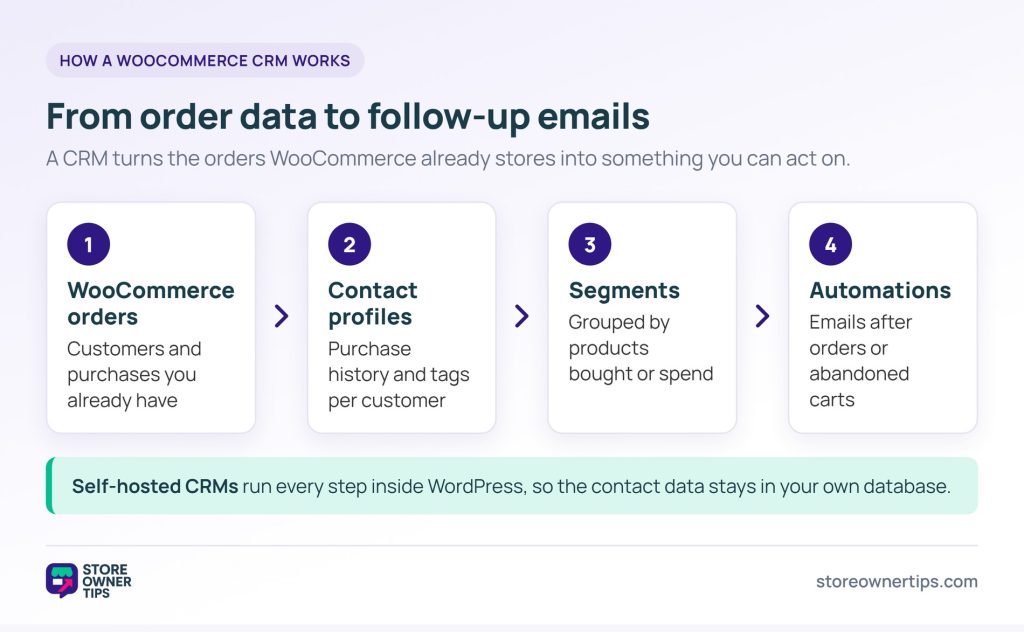
That’s what the best WooCommerce CRM plugins do. They turn order data into contact profiles, segments and follow-up emails. The good ones run inside WordPress, so your customer data stays on your own site.
We compared five self-hosted options on what they do with WooCommerce data for free. We also priced the paid upgrades. FluentCRM is our top pick for most stores. FunnelKit Automations and Mail Mint suit stores that want automations from day one.
Jump to:
Here’s how the five compare on the WooCommerce features most stores need first:
| Plugin | Best for | WooCommerce data in the free version | Email campaigns | WooCommerce automations | Paid plan (1 site, regular price) | WordPress.org |
|---|---|---|---|---|---|---|
| FluentCRM | Best overall | Imports WooCommerce customers as contacts | Free, unlimited contacts and campaigns | Order and refund triggers; product and lifetime-value segments are listed with its Pro integrations | $129/yr | 80,000+ installs, 4.8 (251) |
| FunnelKit Automations | Free order and cart automations | Order and cart events in the free Lite version | Simple text emails free; visual broadcasts in Pro | Lite: Cart Abandoned, Order Created, Order Status Changed and more | $149/yr | 20,000+ installs, 5.0 (348) |
| Mail Mint | Free email marketing | Imports WooCommerce customers as contacts | Free, unlimited contacts and emails | Order triggers and abandoned cart are Pro | $149.99/yr | 4,000+ installs, 4.7 (125) |
| Jetpack CRM | Invoices and transaction records | Syncs customers, transactions and invoices (WooSync) | Paid Mail Campaigns extension | Paid Automations extension | From $11/mo, billed yearly | 30,000+ installs, 4.3 (152) |
| Groundhogg | Agencies with several stores | WooCommerce integration is in the Pro and Agency plans | Free broadcast emails | Store-event automations and cart abandonment in Pro and Agency | $600/yr (Pro, up to 5 sites) | 2,000+ installs, 4.8 (150) |
Installs and ratings from WordPress.org. Prices are regular yearly prices on each vendor’s site, checked November 22, 2026. Several vendors are running Black Friday discounts.

WooCommerce already stores every order, but it isn’t built for follow-up. A CRM adds that layer and turns the record into action. Here’s what to look for:
Still deciding which system should own your customer records? Start with our guide to WooCommerce CRM integration. It covers sync methods and what to do when two systems disagree.
Here are the five plugins, starting with the best all-round fit for a typical WooCommerce store.
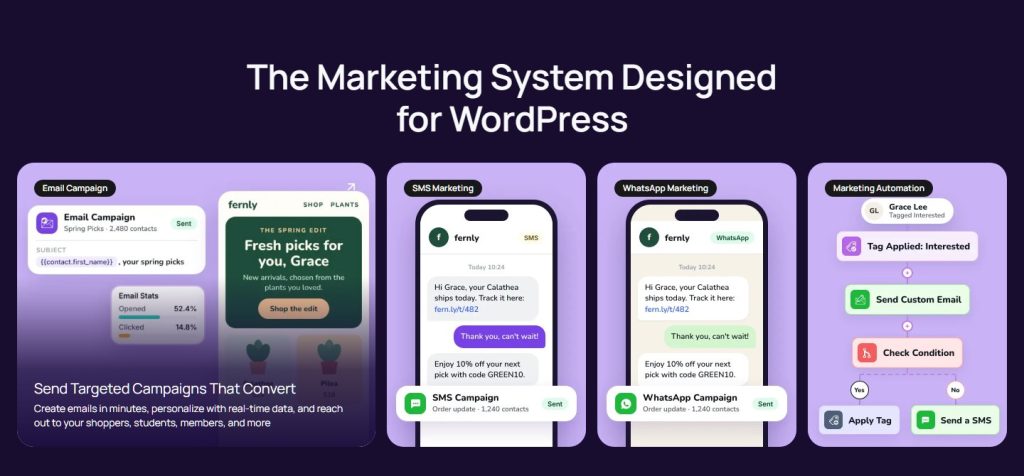
FluentCRM is the most widely used option here, with 80,000+ active installs and a 4.8 rating from 251 reviews. It runs entirely inside WordPress. In fact, its FAQ says it won’t connect to the company’s SaaS servers.
Where it stands out:
What to keep in mind: Segmenting by purchased products, categories and customer lifetime value is listed under its Pro integrations. FluentCRM Pro costs $129 a year for one site, $249 for five or $499 for 50. Its own pricing page also budgets for a separate email sending service.
Best for: Stores that want a full CRM and unlimited email marketing on their own site.
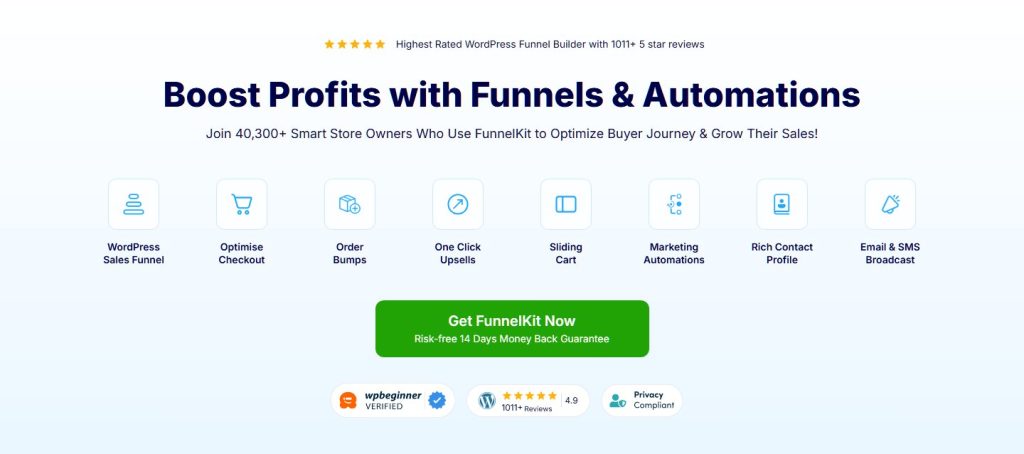
FunnelKit Automations is built around WooCommerce events. Its free Lite version has 20,000+ active installs and a 5.0 rating from 348 reviews. Even the free version includes store triggers that some CRMs here keep for paid plans.
Where it stands out:
What to keep in mind: That said, Lite sends simple text-based emails, and visual broadcasts are part of Pro. Automations is normally $149 a year. Its pricing page also notes that introductory prices renew at full price. It appears in our roundup of abandoned cart recovery plugins too.
Best for: Stores that want cart and order automations running before they pay anything.
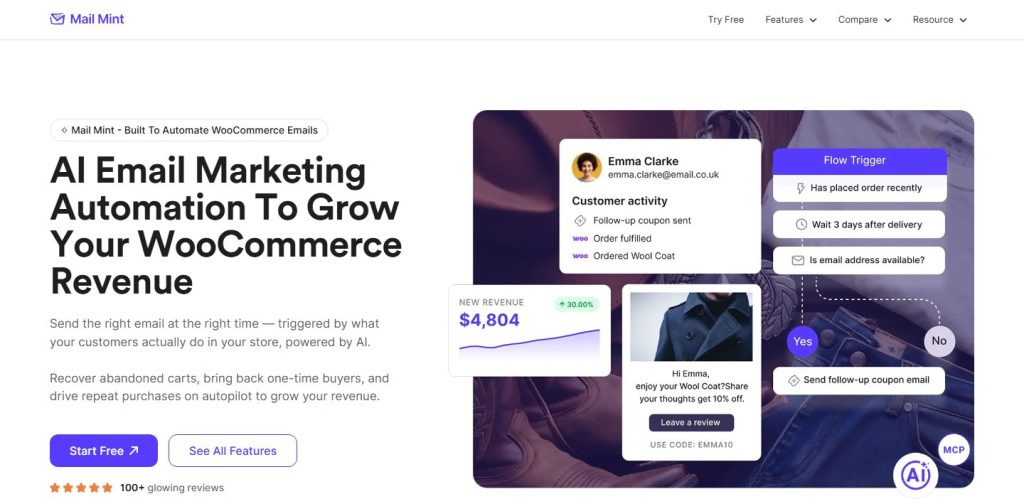
Mail Mint comes from the WPFunnels team and runs entirely inside your WordPress install. It has 4,000+ active installs and a 4.7 rating from 125 reviews.
Where it stands out:
What to keep in mind: WooCommerce order triggers, abandoned cart tracking and dynamic segmentation are Pro features. Pro starts at $149.99 a year for one site, $249.99 for five or $399.99 for 50. Those prices are discounted during its current sale. For more email-first tools, see our email marketing plugins roundup.
Best for: Stores that mainly want email campaigns now and plan to add automations later.
Jetpack CRM leans toward classic CRM work: contacts, transactions, quotes and invoices. It has 30,000+ active installs and a 4.3 rating from 152 reviews.
Where it stands out:
What to keep in mind: Email campaigns need the paid Jetpack Mail Campaigns extension, and automations are a paid extension too. Plans start at $11 a month, billed yearly, for four extensions. The Entrepreneur plan is $17 a month, billed yearly, and includes all 30+ extensions.
Best for: B2B and service-style stores that care more about invoices and transaction logs than newsletters.
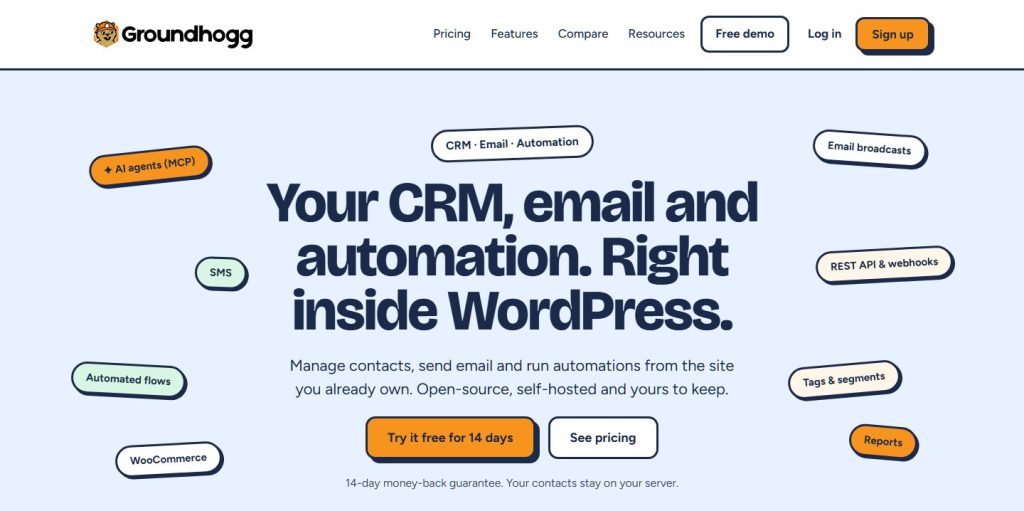
Groundhogg is a self-hosted CRM and marketing automation plugin. Its homepage says your data lives on your servers and stays there. The free version has 2,000+ active installs and a 4.8 rating from 150 reviews.
Where it stands out:
What to keep in mind: Its pricing table includes WooCommerce only in the Pro and Agency plans, along with cart abandonment. Pro costs $600 a year for up to five sites, and Agency is $1,200 for up to 25. Billing is yearly only.
Best for: Agencies and multi-store owners who want one CRM license across several WooCommerce sites.
🔍️ What We’ve Seen: Store owners often install a CRM, import every customer and stop there. The list grows, but nothing gets sent. The stores that see results start with one automation, like a thank-you email after a first order. They add the next one only after the first is working.

Order history tells you what customers bought. A wishlist, on the other hand, tells you what they want next. That gives you a ready-made reason to get in touch.
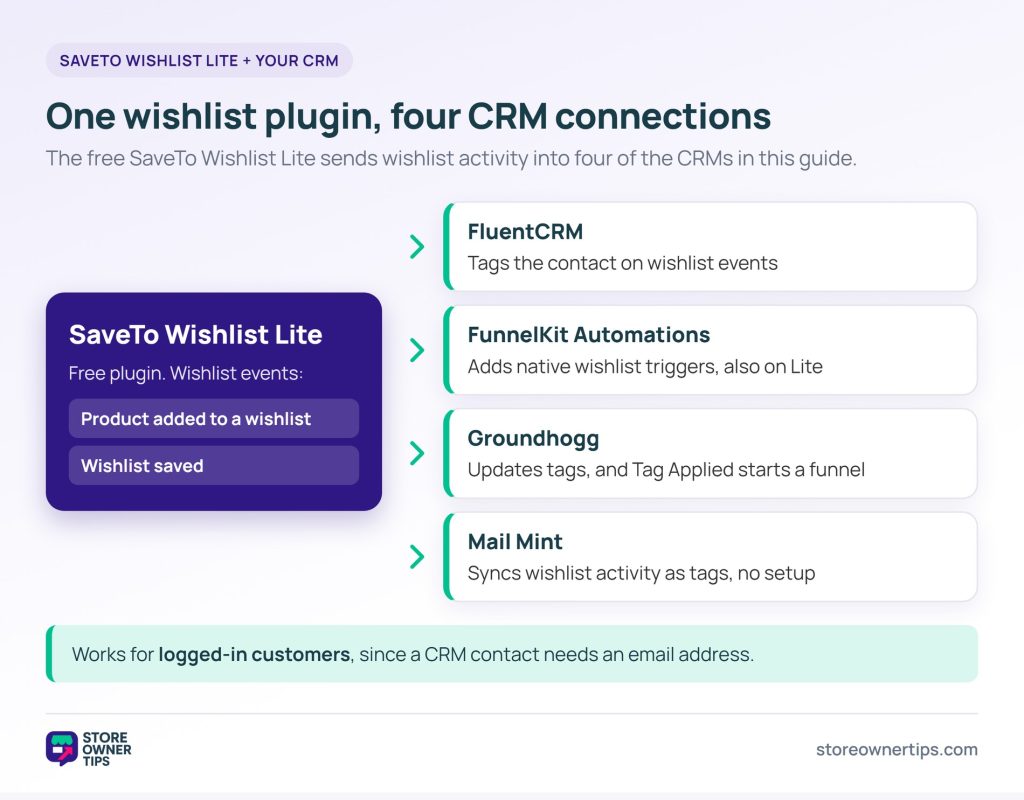
SaveTo Wishlist Lite, our sister plugin, sends wishlist activity into four of the CRMs above. All four connections are in the free version:
These connections work for logged-in customers, since a contact needs an email address. For campaign ideas, see how to use wishlist data in your WooCommerce CRM.
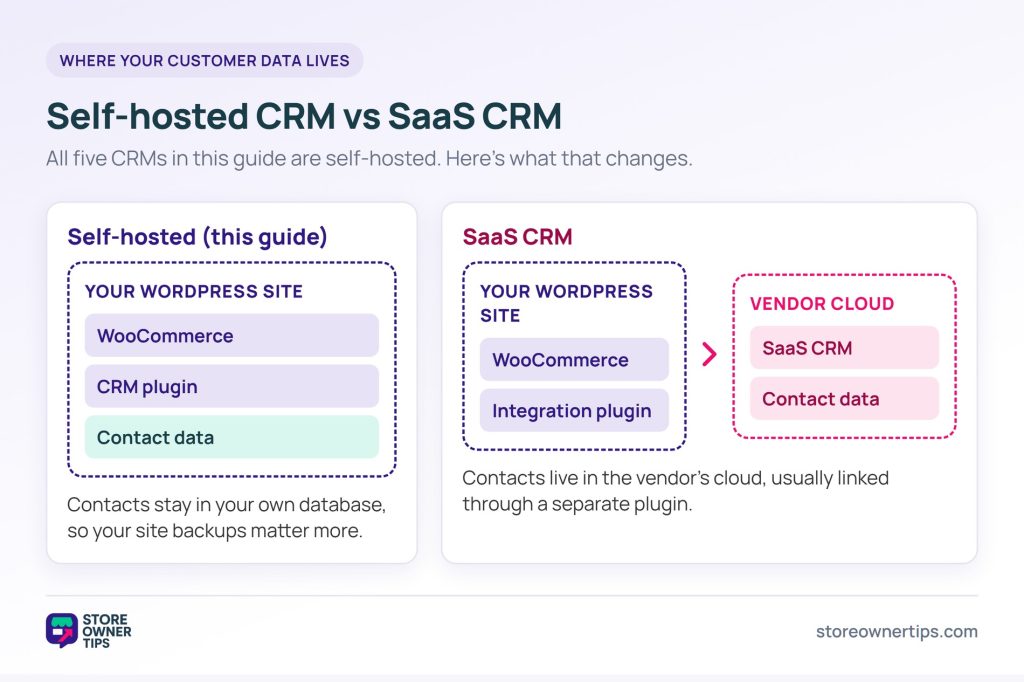
We only included CRMs that run inside WordPress, so customer data stays on your own site. By contrast, SaaS CRMs like HubSpot can connect to WooCommerce, but usually through a separate integration plugin.
Install counts and ratings come from each plugin’s WordPress.org listing. Features and prices come from each vendor’s own site and docs, checked on November 22, 2026. Where a vendor doesn’t say whether a feature is free or paid, we’ve said so rather than guess.
One disclosure: Store Owner Tips is run by Rymera, the team behind SaveTo Wishlist. None of the five CRMs in this guide are Rymera products.
For most stores, FluentCRM is the best all-round pick. It runs inside WordPress, imports WooCommerce customers and sends unlimited email campaigns on its free version. FunnelKit Automations is the better fit if you want free cart and order automations straight away.
Yes. FluentCRM, FunnelKit Automations, Mail Mint, Jetpack CRM and Groundhogg all have free versions on WordPress.org. What’s free differs, though. Jetpack CRM’s free core syncs WooCommerce data, while Groundhogg keeps its WooCommerce integration for paid plans.
An email marketing plugin sends campaigns to a list. A CRM keeps a profile for each customer, with purchase history, tags and activity. It uses that data to segment and automate. Four of the five CRMs here include email in their free versions, so the line has blurred.
With the five plugins in this guide, it’s stored in your own WordPress database. SaaS CRMs keep contact data in the vendor’s cloud instead. Self-hosting keeps you in control, but it also makes your site backups more important.
Yes. SaveTo Wishlist’s free Lite plugin connects to FluentCRM, FunnelKit Automations, Groundhogg and Mail Mint. It tags contacts or fires triggers when logged-in customers add products to a wishlist, so you can follow up automatically.

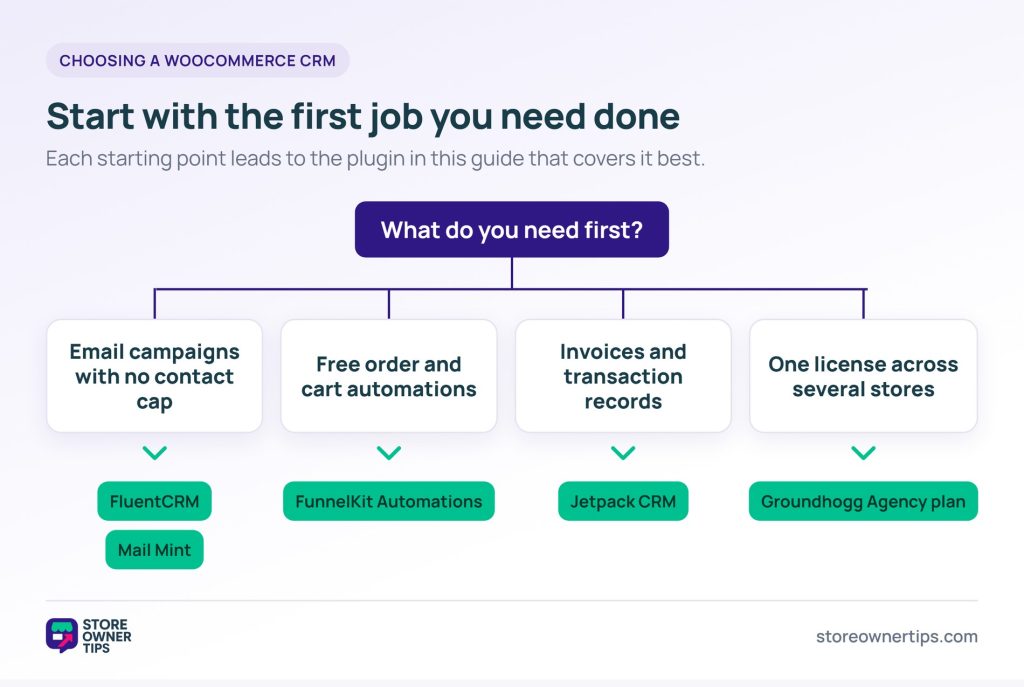
Start with the first job you need done. If that’s email marketing, FluentCRM’s free version goes the furthest. If it’s recovering carts and following up on orders, FunnelKit Automations gives you those triggers for free.
Whichever you choose, feed it your wishlist signals too. Get SaveTo Wishlist Lite free and connect it to your CRM from its settings.

Copyright © StoreOwnerTips.com. All Rights Reserved.
