Store Owner Tips

Subscribe to our newsletter

Weekly ecommerce tips, deals & news.
Thank You, we'll be in touch soon.

Latest News

Best WooCommerce Hosting: 7 Providers Compared (2026)

The Best WooCommerce Hosting: 7 Providers Compared (2026)

A 1-second delay in your page load time can reduce your conversions by up to 7%. Right now, only 33% to 40% of WooCommerce stores actually pass Google’s Core Web Vitals. If your store is stuck on cheap shared WooCommerce hosting, your slow checkout is likely costing you sales every single day.

Upgrading to managed WooCommerce hosting fixes this. When you get faster infrastructure doing what it’s supposed to do, you’ll see fewer timeout errors, faster pages, and more completed checkouts.

WooCommerce hosting is one of the highest-ROI decisions store owners make. And most of them get it wrong. In this guide, I’ll break down seven of the most popular WooCommerce hosting providers, what makes each one different, and how to pick the right fit for your store.

Table of Contents


What Makes Hosting “WooCommerce-Specific”?

WooCommerce is more demanding than a regular WordPress blog. Every add-to-cart, checkout, and inventory check hits the database. That means your hosting needs to handle concurrent transactions without timing out. This is something shared hosting usually can’t do past a few hundred monthly orders.

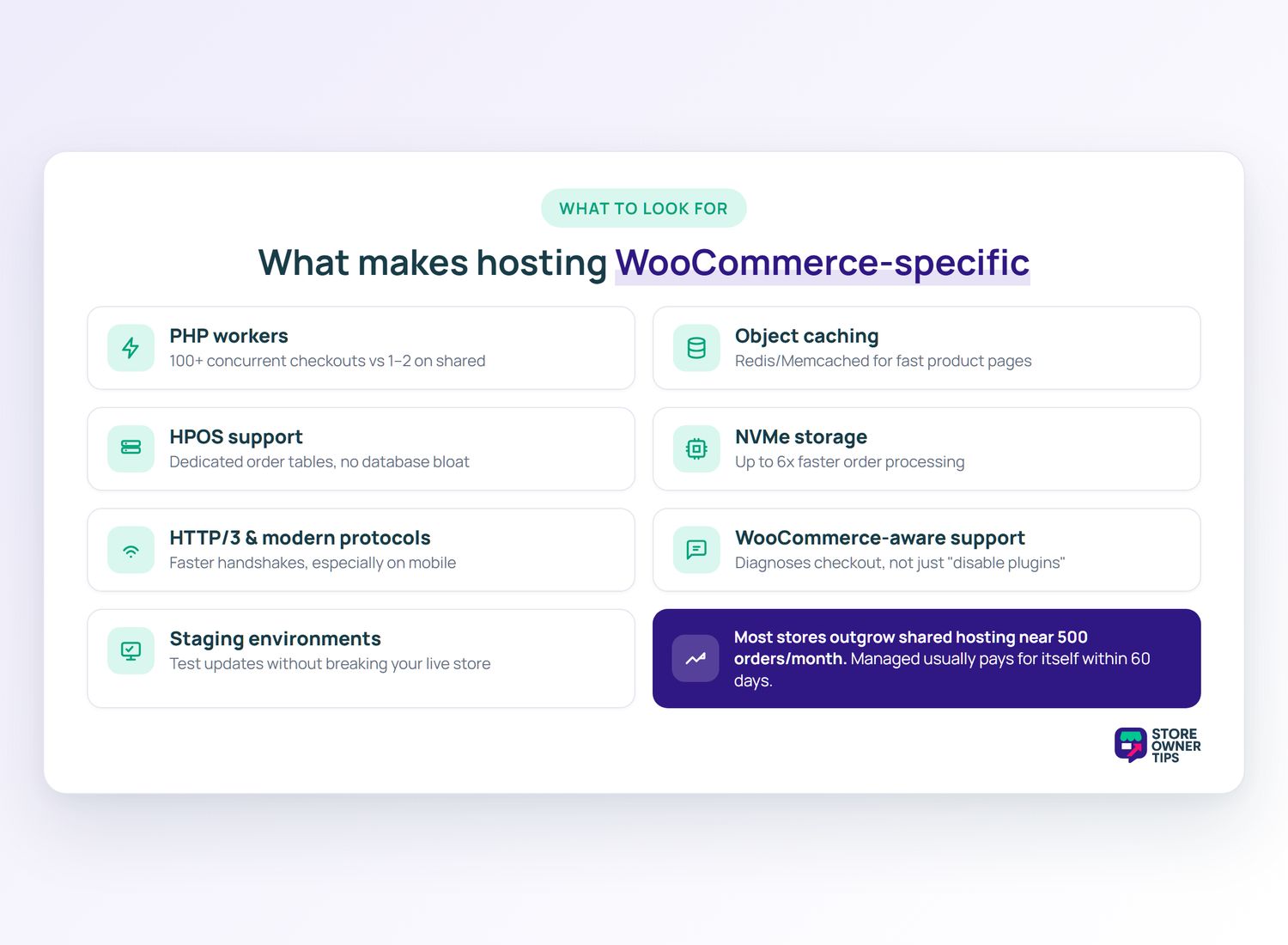
When evaluating WooCommerce hosting, these features matter more than anything else:

  • PHP workers: These handle concurrent requests. More workers = more shoppers can check out at once without errors. Typically, shared hosts give you 1-2 workers. Modern managed WooCommerce hosts offer over 100 PHP workers. They also automatically scale your resources during big traffic spikes.
  • Object caching (Redis or Memcached): Speeds up repeated database queries so your product pages load fast. Without it, every product page rebuilds itself from scratch.
  • HPOS Support: High-Performance Order Storage is the new standard. It moves your order data into dedicated, fast tables to stop database bloat.
  • NVMe Storage: Standard SSDs can bottleneck your checkout. Modern hosts use NVMe storage drives to process orders up to six times faster.
  • HTTP/3 and modern protocols: Faster connection handshakes, especially on mobile.
  • WooCommerce-aware support: Generalist hosts tell you to “disable plugins.” WooCommerce-aware hosts understand why your checkout might be slow without breaking it.
  • Staging environments: Test plugin updates and theme changes without breaking your live WooCommerce store.

One thing we commonly see: store owners outgrow shared hosting at around 500 orders per month. The jump to managed WooCommerce hosting usually pays for itself within 60 days through faster pages and fewer checkout timeouts.

Quick Comparison Table

Here’s the short version before we get into the details:

ProviderStarting Price (approx.)Best ForWooCommerce Expertise
Kinsta$35/moPerformance-focused storesHigh
SiteGround$14.99/moMid-tier storesMedium-High
Cloudways$14/moTechnical flexibilityMedium
Nexcess$19/moManaged WooCommerce specialistsVery high
Bluehost$7.95/moEntry-level storesLow
WP Engine$25/moEnterprise / agenciesHigh
Hostinger$2.99/moBudget / side projectsLow

Pricing shown is approximate starting prices as of early 2026. Check each provider’s site for current rates and promotional pricing.

1. Kinsta

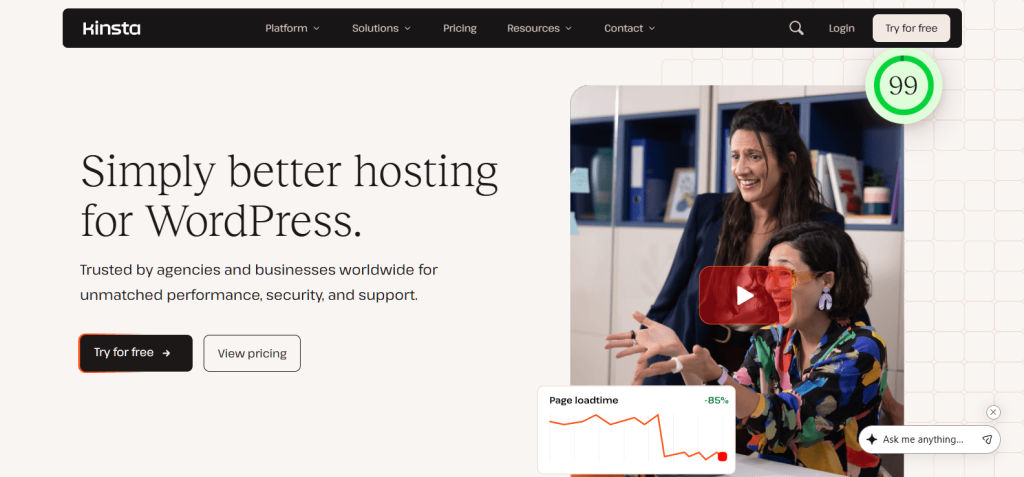
Kinsta homepage with two smiling colleagues celebrating in an office photo beside large 'Simply better hosting for WordPress' headline and CTAs.
Kinsta runs your store on Google’s premium cloud network for incredibly fast checkout speeds.

Kinsta runs on Google Cloud Platform’s premium tier and it shows. When I moved a client’s store there from shared hosting, the database queries that used to take 600ms were completing in under 100ms.

The tradeoff is price. Starter plans begin around $35/month and climb quickly for stores with more traffic. But you get performance that genuinely matches the marketing copy.

What I noticed in practice:

  • The MyKinsta dashboard is the best-designed hosting control panel I’ve used. Creating a staging environment is one click.
  • Support responds within a few minutes and understands WooCommerce-specific questions without needing escalation.

Pros:

  • Premium infrastructure: Google Cloud Platform + Cloudflare Enterprise included.
  • Excellent dashboard: Staging, backups, analytics, and caching all in one place.
  • WooCommerce-ready: Object caching via Redis (included on higher tiers), optimized PHP workers.

Cons:

  • Expensive for small stores: The $35/mo plan has low visit limits for WooCommerce traffic.
  • Bandwidth and visit overages: Can add up if you’re running ads.

Best for: Stores doing $10k+/month that need real speed and can’t afford downtime.


2. SiteGround

Smiling woman seated on a teal beanbag working on a laptop, promoting building and hosting websites against a dark, modern homepage backdrop.
SiteGround blends shared and managed hosting features together at a very affordable price.

SiteGround sits in a sweet spot between shared hosting and fully managed WooCommerce hosts. Their Cloud plans give you dedicated resources at a more accessible price point.

When I set up a test store on SiteGround’s GrowBig plan, their Speed Optimizer plugin handled the job straight out of the box. It uses Memcached for database object caching. While some developers prefer Redis, Memcached works perfectly fine and saves you from installing another third-party plugin.

What I noticed in practice:

  • Cache configuration is automatic out of the box. Less tinkering than some other hosts.
  • Their Site Tools panel feels slightly dated compared to Kinsta, but all the WooCommerce settings are easy to find.

Pros:

  • Accessible pricing: GrowBig at $14.99/mo handles most small-to-mid WooCommerce stores.
  • Built-in caching: SG Optimizer plugin replaces the need for external cache plugins.
  • Strong support: 24/7 chat with reasonably fast response times.

Cons:

  • Shared hosting tiers struggle under load: If you’re growing, plan to upgrade to Cloud plans quickly.
  • Renewal pricing jumps significantly: First-year discounts don’t last.

Best for: Stores under $5k/month that want better performance than generic shared hosting without the Kinsta price.

3. Cloudways

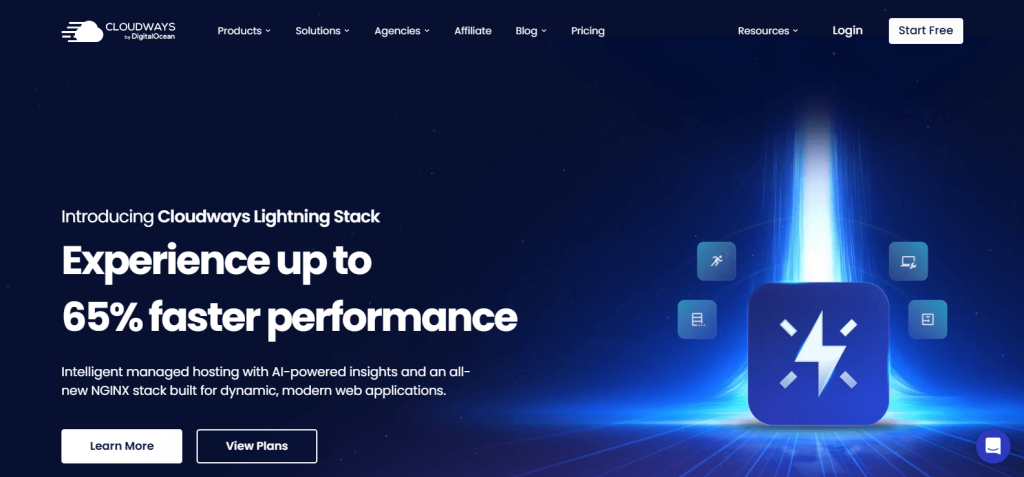
Cloudways Lightning Stack promotion on a dark blue webpage, showcasing a glowing lightning icon and bold text promising up to 65% faster performance.
Cloudways lets you easily rent and scale powerful servers if you have a developer on your team.

Cloudways isn’t traditional hosting. You rent a server from providers like DigitalOcean or AWS through their platform. You get great performance without needing DevOps skills, but it comes with a catch. Because Cloudways doesn’t own the hardware, their support team can’t physically fix a broken data center. Also, unlike fully managed hosts, they leave operating system-level security patching and PCI compliance entirely up to you.

This setup is the most flexible option on this list. You can scale vertically (bigger server) or horizontally (multiple servers) as needed.

What I noticed in practice:

  • The server provisioning flow takes about 15 minutes. Once running, performance is consistently fast on the DigitalOcean $24/mo plan.
  • Support is chat-first, giving you helpful 24/7 live chat. They only push you to a support ticket if the chat team can’t fix your issue within 15 minutes.

Pros:

  • Flexible server sizing: Start at $14/mo on DigitalOcean, scale up as needed.
  • Multiple cloud providers: Choose the best region for your customers.
  • Developer-friendly: SSH access, Git deployment, staging, cloning.

Cons:

  • Email not included: You’ll need a separate email provider (Google Workspace, Rackspace).
  • Backups are paid add-ons: Budget extra per server for automated off-site backups

Best for: Stores with a developer on the team, or owners who want more control than fully managed hosts provide.

4. Nexcess

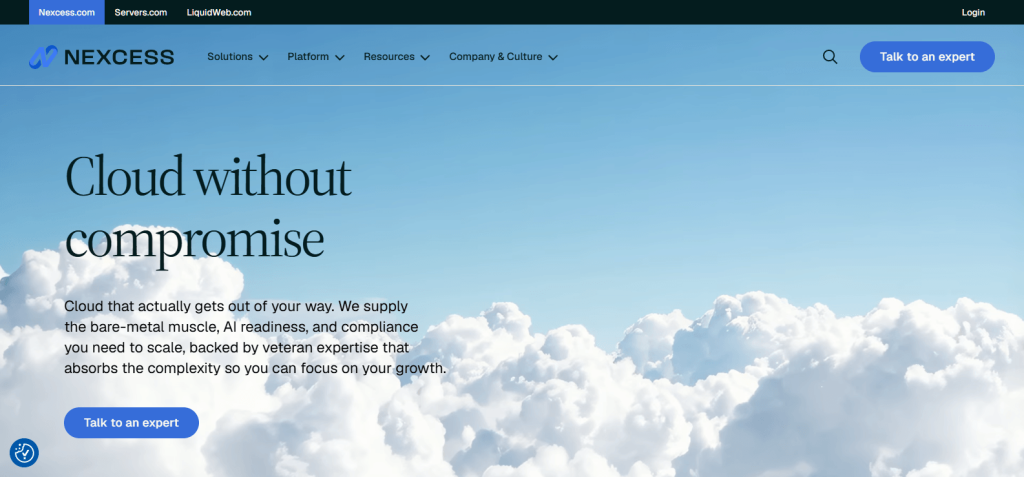
Website hero showing Nexcess branding and the headline Cloud without compromise over bright blue sky and billowing white clouds with a call-to-action button
Nexcess packs its specialized hosting plans with performance tools made just for WooCommerce.

Nexcess specializes in managed WooCommerce hosting. In fact, it’s what they’re built for, not a secondary product line. They’re part of Liquid Web and include Managed WooCommerce plans with features designed specifically for stores.

One thing that stood out when I tested Nexcess: their platform automatically identifies slow queries and plugin conflicts in a dedicated performance report. Most hosts don’t give you that level of WooCommerce-specific visibility.

What I noticed in practice:

  • Automatic plugin and theme updates with visual regression testing (they take before/after screenshots and flag breakages).
  • Built-in image compression that runs without needing a separate plugin.

Pros:

  • Purpose-built for WooCommerce: Sales performance monitor, smart plugin manager, visual comparison on updates.
  • Elastic scaling: Handles traffic spikes during sales without manual intervention.
  • Included bundled tools: iThemes Sync, Astra Pro, Solid Security bundled on most plans.

Cons:

  • Higher learning curve: Their control panel has more options than Kinsta’s simpler MyKinsta.
  • Mid-tier pricing: Starts around $19/month but most serious store owners end up on higher tiers.

Best for: Stores that want WooCommerce-specialized infrastructure without Kinsta’s price tag.

5. Bluehost

A smiling small-business owner in an apron working on a laptop near flowers, promoting web hosting and business-building tools on Bluehost.
Bluehost gives beginners an easy and cheap way to launch a brand-new store.

Bluehost is WordPress.org’s officially recommended host, and it’s often the cheapest option for beginners. Plans start around $7.95/month regular pricing.

I’ll be honest: Bluehost isn’t what I’d recommend for serious WooCommerce stores. Shared plans buckle under moderate traffic, and their WooCommerce-specific features are thinner than Nexcess or Kinsta.

What I noticed in practice:

  • Setup is genuinely simple. The WordPress one-click install gets you running in about 10 minutes.
  • Shared hosting performance dips noticeably once you have 20+ plugins active — which most WooCommerce stores do.

Pros:

  • Low entry price: Regular pricing of $7.95/mo is about half of SiteGround’s comparable tier.
  • WordPress-focused onboarding: Clear for first-time WooCommerce store owners.
  • Free domain for first year: Bundled on most plans.

Cons:

  • Limited resources on shared plans: CPU and memory limits hit fast on WooCommerce.
  • Upsells during checkout: Every hosting option has add-ons and it can feel aggressive.

Best for: Brand-new stores doing under $1k/month that want to start cheap and upgrade later.

6. WP Engine

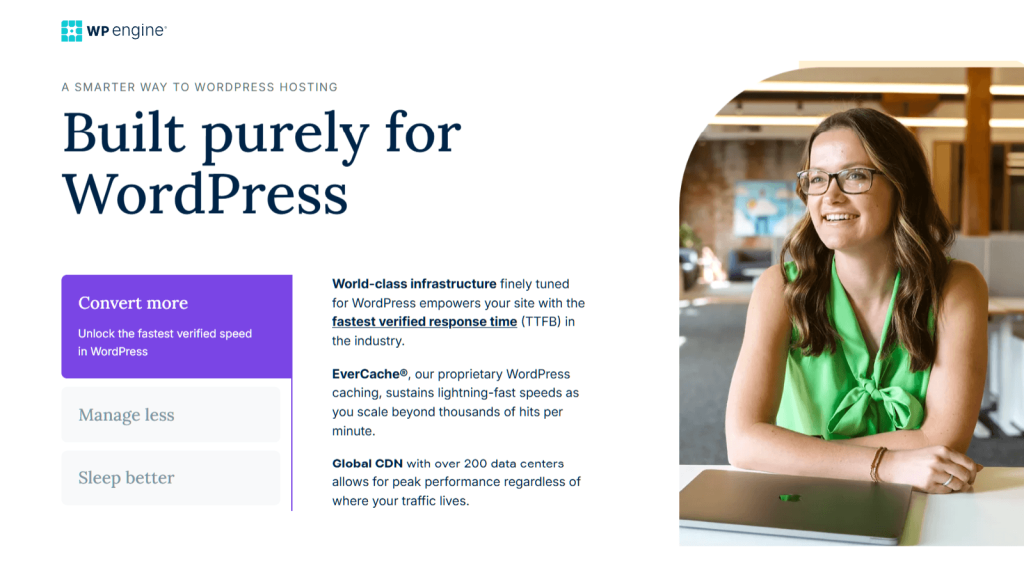
Smiling woman in a green blouse sits at a desk with a closed laptop, representing a professional, modern WordPress hosting office setting.
WP Engine supports large stores and agencies that need reliable uptime during big traffic spikes.

WP Engine is the enterprise end of managed WordPress hosting. Plans start around $25/month (with annual billing) and climb into custom pricing for high-traffic sites.

Their infrastructure genuinely handles scale. I’ve worked on WP Engine stores doing $500k+/month that never hit a capacity issue. The tradeoff is that features feel aimed at agencies rather than individual store owners.

What I noticed in practice:

  • The User Portal is designed for managing multiple sites, which is overkill if you run a single store.
  • Global Edge Security blocks a massive amount of bot traffic, but it isn’t included by default. You have to buy it as a pricey add-on or sign up for a custom Enterprise plan.

Pros:

  • Enterprise-grade infrastructure: Scales to very high traffic stores without issue.
  • Strong developer features: Git deployments and local development tools. However, beware of a major ecosystem risk. Due to an ongoing legal dispute, WP Engine is blocked from WordPress.org, meaning you lose the ability to easily install and update plugins straight from your dashboard.
  • 24/7 phone support: Rare in hosting; most competitors are chat-only.

Cons:

  • Higher entry price than SiteGround: Not worth it if you don’t need the enterprise features.
  • Plugin restrictions: WP Engine bans many popular tools, including almost all ‘Related Posts’ plugins and heavy database tools. If your store relies on these to show product recommendations, your site might break when you move.

Best for: Agencies, multi-site operators, and stores doing $50k+/month where uptime is mission-critical.


7. Hostinger

Hostinger landing page with bold purple gradient, headline 'From prompt to thriving business,' call-to-action button and three colorful website templates showcased.
Hostinger provides extremely low introductory rates if you’re just starting your first side project.

Hostinger is the budget pick. Plans start at around $2.99/month on the introductory rate and renew higher. At this price, you’re getting shared hosting with a polished interface.

When I tested Hostinger’s Business plan with a WooCommerce install, performance was surprisingly acceptable for a store under 50 orders per month. Past that, you’d need to upgrade.

What I noticed in practice:

  • Their hPanel (proprietary control panel) is cleaner than cPanel and easier to navigate.
  • The WordPress install process includes a WooCommerce preset option, which auto-installs the plugin and a starter theme.

Pros:

  • Very low price: Hard to beat at the introductory rate.
  • Clean control panel: hPanel is genuinely user-friendly.
  • LiteSpeed servers: Faster than Apache on many comparable shared hosts.

Cons:

  • Worker limits on cheap plans: Their entry-level $2.99/mo plan doesn’t have enough PHP workers for an online store. You have to upgrade to the Business plan to get the 100 PHP workers your checkout actually needs.
  • No WooCommerce-specific support: The support team is generalist.

Best for: First-time side-project stores that aren’t ready to commit to managed hosting yet.


How To Choose: Decision Framework By Store Type

With seven options, the question isn’t “which is best overall.” It’s “which fits your store’s size and technical needs.”
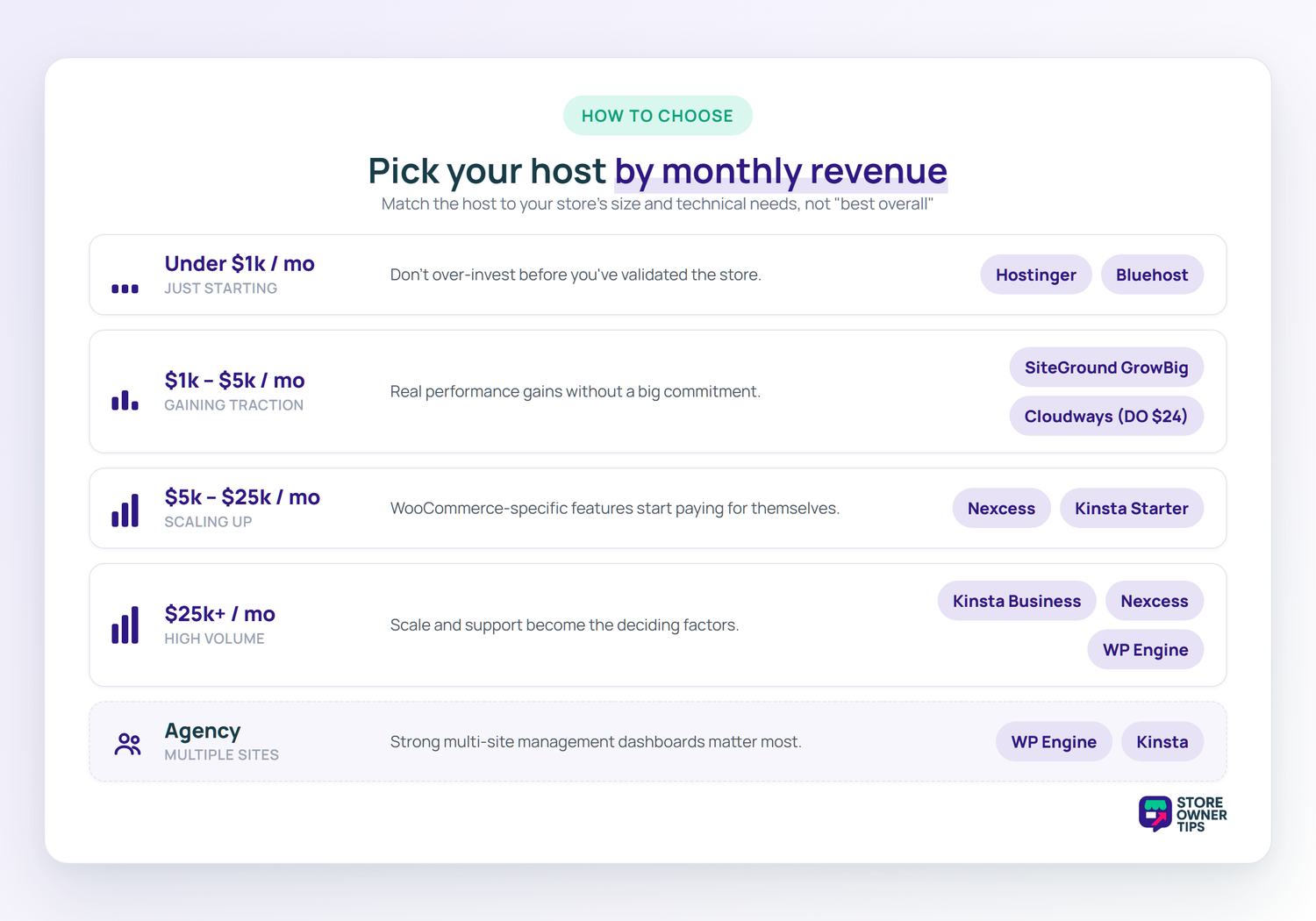
  • Monthly revenue under $1k and you’re just starting: Hostinger or Bluehost. Don’t over-invest before you’ve validated the store.
  • $1k–$5k per month: SiteGround GrowBig or Cloudways on DigitalOcean $24/mo plan. Real performance gains without Kinsta’s commitment.
  • $5k–$25k per month: Nexcess or Kinsta Starter. WooCommerce-specific features start paying for themselves here.
  • $25k+ per month: Kinsta Business plans, Nexcess higher tiers, or WP Engine. Scale and support become the deciding factors.
  • Agency managing multiple sites: WP Engine or Kinsta (both have strong multi-site management dashboards).

Migrating To New Hosting Without Downtime

Migrations feel scary, but they don’t have to be. Almost all of these hosts—including Hostinger and Cloudways—offer free migration options. However, pay attention to how they do it.

Providers like Nexcess offer “white-glove” managed migrations with real human experts watching your database, which is far safer than relying on an automated plugin.

The basic process looks like this:

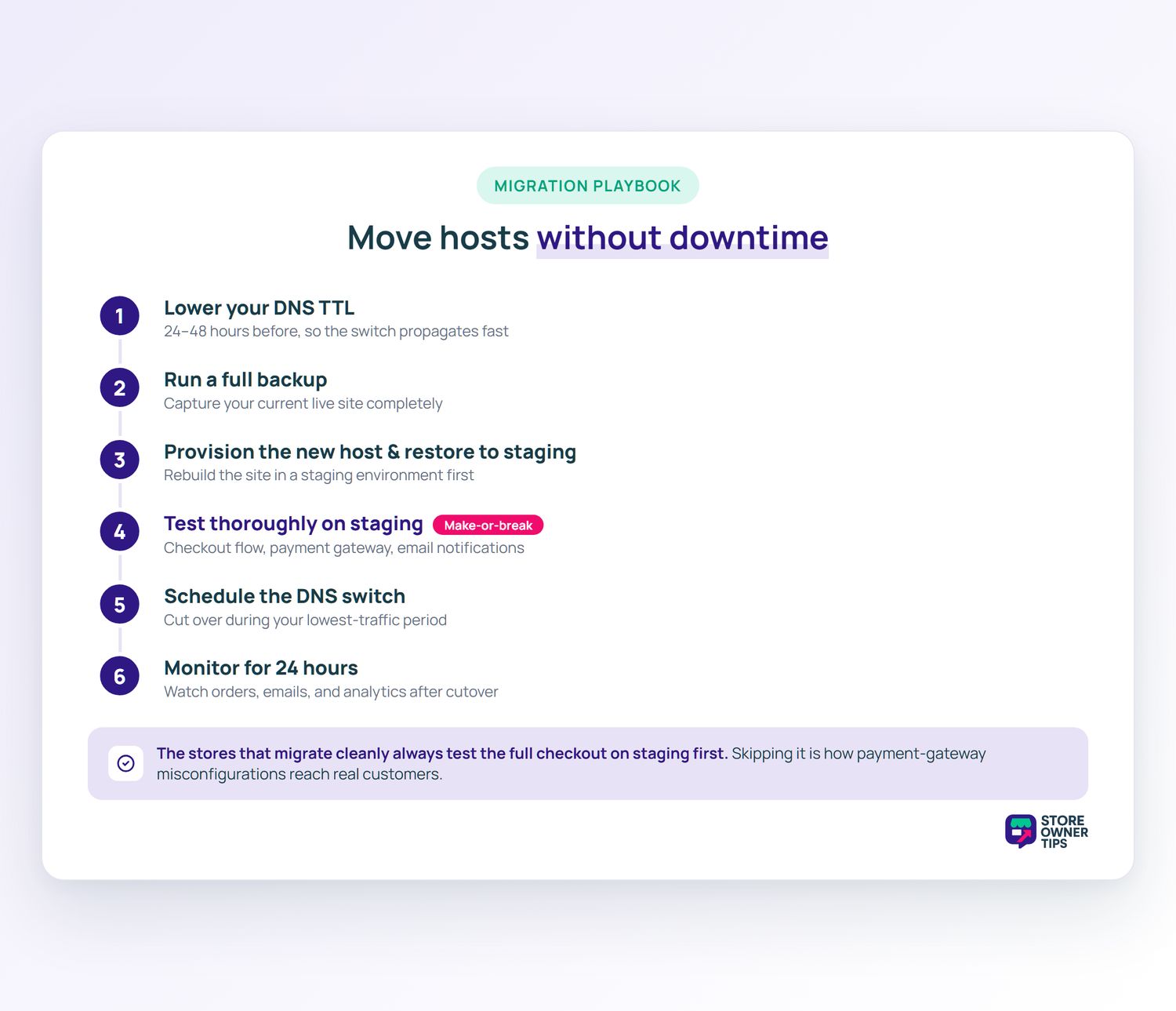
  1. Lower your DNS TTL 24-48 hours before migration so the switch propagates fast.
  2. Run a full backup of your current site.
  3. Provision the new host and restore your site to a staging environment.
  4. Test thoroughly on staging: checkout flow, payment gateway, email notifications.
  5. Schedule the DNS switch during your lowest traffic period.
  6. Monitor for 24 hours after cutover. Check orders, emails, and analytics.

One thing we’ve seen repeatedly: stores that migrate successfully always test the full checkout flow on staging before switching DNS. Stores that have problems usually skip that step and discover payment gateway misconfiguration after customers start complaining.

Before migrating, run a free WooCommerce store health check to baseline your current performance. You’ll want to compare before-and-after numbers after you switch.

Frequently Asked Questions

How much does WooCommerce hosting really cost?

Budget WooCommerce hosting starts around $2.99 per month on promotional rates. Mid-tier managed WooCommerce hosting runs $15-35 per month. Premium managed WooCommerce hosting (Kinsta, WP Engine, higher-tier Nexcess) starts at $25-50 per month and scales up based on traffic.

Can I run WooCommerce on shared hosting?

You can. However, most stores outgrow shared hosting at around 500 orders per month. Shared hosting lacks the PHP workers and object caching needed for consistent checkout performance under load.

What’s the difference between shared and managed WooCommerce hosting?

Shared hosting puts your site on a server with hundreds of other sites and provides minimal WooCommerce optimization. Managed WooCommerce hosting isolates your site’s resources, includes object caching and more PHP workers, and typically includes WooCommerce-specific support.

Do I need a CDN with WooCommerce hosting?

Most managed WooCommerce hosts include a CDN (Cloudflare or similar) at no extra cost. If yours doesn’t, Cloudflare’s free tier is a reasonable starting point. For stores with international customers, a paid CDN like Cloudflare Pro or BunnyCDN gives meaningful speed improvements.

How much traffic can each plan handle?

Most hosts publish visit limits on their pricing pages. However, for WooCommerce, concurrent orders matter more than monthly visits. A store with 1,000 visits and 50 orders per day hits hosting harder than a blog with 10,000 visits and no orders.

Should I use Kinsta or SiteGround for a new store?

SiteGround if you’re under $5k per month and want accessible pricing. Kinsta if you’re over $10k per month, run ads, or can’t afford any downtime during peak hours.


Choose WooCommerce Hosting That Scales With Your Store

Here’s the honest truth about WooCommerce hosting: the “best” provider depends entirely on where your store is today and where it’ll be in 12 months. Cheap hosting saves money upfront but costs you in slow pages, failed checkouts, and customer trust. Premium hosting feels expensive until your first Black Friday spike. Then, it pays for itself.

Here’s a quick recap of what to do next:

Are you ready to find the right WooCommerce hosting for your store? Then start with Kinsta, SiteGround, or Nexcess based on your budget. Don’t forger to benchmark your site speed before and after you switch so you can see the impact.

author avatar
Michael Logarta

Share article

Subscribe to our newsletter

Weekly ecommerce tips, deals & news.

Nice – You're in!

Copyright © StoreOwnerTips.com. All Rights Reserved.