Weekly ecommerce tips, deals & news.
A 1-second delay in your page load time can reduce your conversions by up to 7%. Right now, only 33% to 40% of WooCommerce stores actually pass Google’s Core Web Vitals. If your store is stuck on cheap shared WooCommerce hosting, your slow checkout is likely costing you sales every single day.
Upgrading to managed WooCommerce hosting fixes this. When you get faster infrastructure doing what it’s supposed to do, you’ll see fewer timeout errors, faster pages, and more completed checkouts.
WooCommerce hosting is one of the highest-ROI decisions store owners make. And most of them get it wrong. In this guide, I’ll break down seven of the most popular WooCommerce hosting providers, what makes each one different, and how to pick the right fit for your store.
WooCommerce is more demanding than a regular WordPress blog. Every add-to-cart, checkout, and inventory check hits the database. That means your hosting needs to handle concurrent transactions without timing out. This is something shared hosting usually can’t do past a few hundred monthly orders.
When evaluating WooCommerce hosting, these features matter more than anything else:
One thing we commonly see: store owners outgrow shared hosting at around 500 orders per month. The jump to managed WooCommerce hosting usually pays for itself within 60 days through faster pages and fewer checkout timeouts.
Here’s the short version before we get into the details:
| Provider | Starting Price (approx.) | Best For | WooCommerce Expertise |
|---|---|---|---|
| Kinsta | $35/mo | Performance-focused stores | High |
| SiteGround | $14.99/mo | Mid-tier stores | Medium-High |
| Cloudways | $14/mo | Technical flexibility | Medium |
| Nexcess | $19/mo | Managed WooCommerce specialists | Very high |
| Bluehost | $7.95/mo | Entry-level stores | Low |
| WP Engine | $25/mo | Enterprise / agencies | High |
| Hostinger | $2.99/mo | Budget / side projects | Low |
Pricing shown is approximate starting prices as of early 2026. Check each provider’s site for current rates and promotional pricing.
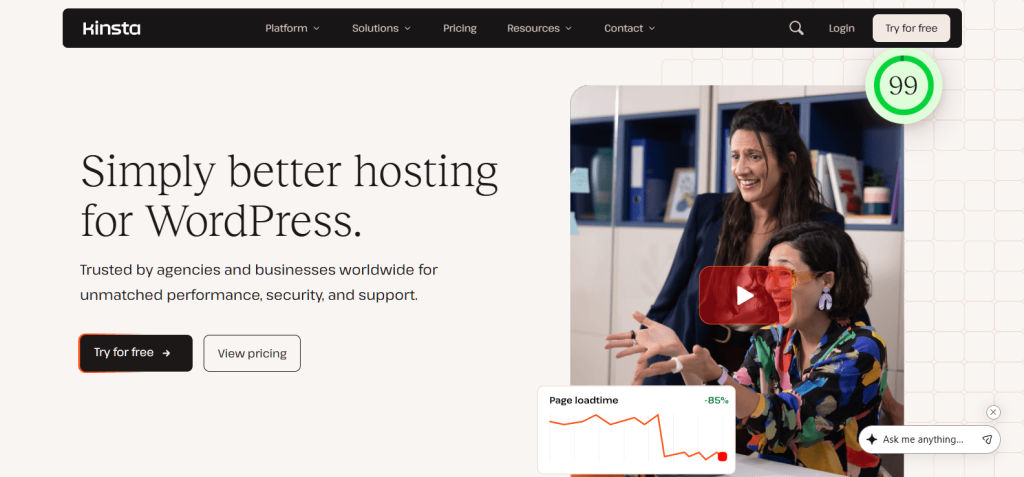
Kinsta runs on Google Cloud Platform’s premium tier and it shows. When I moved a client’s store there from shared hosting, the database queries that used to take 600ms were completing in under 100ms.
The tradeoff is price. Starter plans begin around $35/month and climb quickly for stores with more traffic. But you get performance that genuinely matches the marketing copy.
What I noticed in practice:
Pros:
Cons:
Best for: Stores doing $10k+/month that need real speed and can’t afford downtime.

SiteGround sits in a sweet spot between shared hosting and fully managed WooCommerce hosts. Their Cloud plans give you dedicated resources at a more accessible price point.
When I set up a test store on SiteGround’s GrowBig plan, their Speed Optimizer plugin handled the job straight out of the box. It uses Memcached for database object caching. While some developers prefer Redis, Memcached works perfectly fine and saves you from installing another third-party plugin.
What I noticed in practice:
Pros:
Cons:
Best for: Stores under $5k/month that want better performance than generic shared hosting without the Kinsta price.
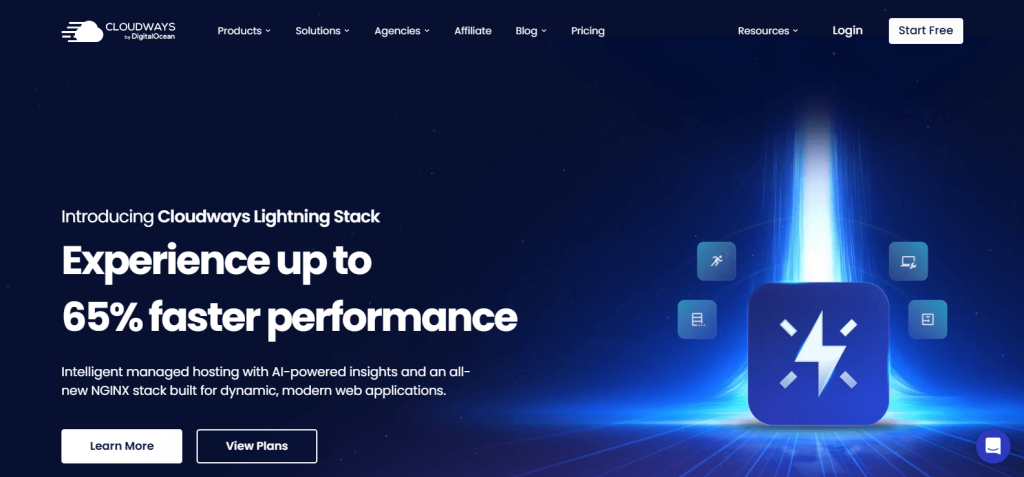
Cloudways isn’t traditional hosting. You rent a server from providers like DigitalOcean or AWS through their platform. You get great performance without needing DevOps skills, but it comes with a catch. Because Cloudways doesn’t own the hardware, their support team can’t physically fix a broken data center. Also, unlike fully managed hosts, they leave operating system-level security patching and PCI compliance entirely up to you.
This setup is the most flexible option on this list. You can scale vertically (bigger server) or horizontally (multiple servers) as needed.
What I noticed in practice:
Pros:
Cons:
Best for: Stores with a developer on the team, or owners who want more control than fully managed hosts provide.
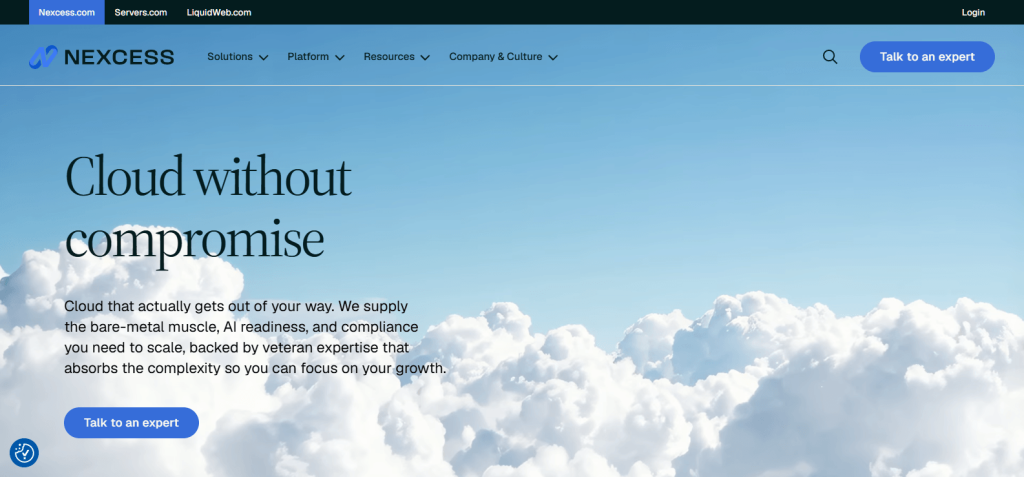
Nexcess specializes in managed WooCommerce hosting. In fact, it’s what they’re built for, not a secondary product line. They’re part of Liquid Web and include Managed WooCommerce plans with features designed specifically for stores.
One thing that stood out when I tested Nexcess: their platform automatically identifies slow queries and plugin conflicts in a dedicated performance report. Most hosts don’t give you that level of WooCommerce-specific visibility.
What I noticed in practice:
Pros:
Cons:
Best for: Stores that want WooCommerce-specialized infrastructure without Kinsta’s price tag.
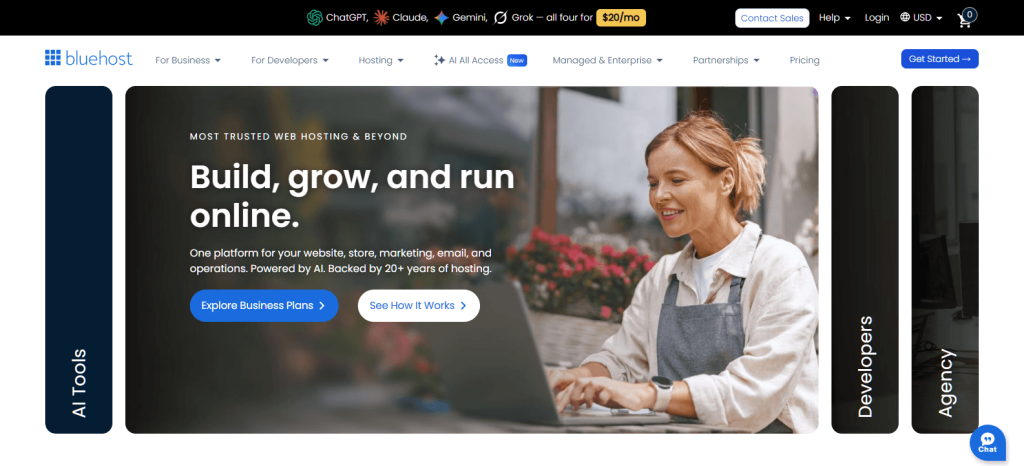
Bluehost is WordPress.org’s officially recommended host, and it’s often the cheapest option for beginners. Plans start around $7.95/month regular pricing.
I’ll be honest: Bluehost isn’t what I’d recommend for serious WooCommerce stores. Shared plans buckle under moderate traffic, and their WooCommerce-specific features are thinner than Nexcess or Kinsta.
What I noticed in practice:
Pros:
Cons:
Best for: Brand-new stores doing under $1k/month that want to start cheap and upgrade later.
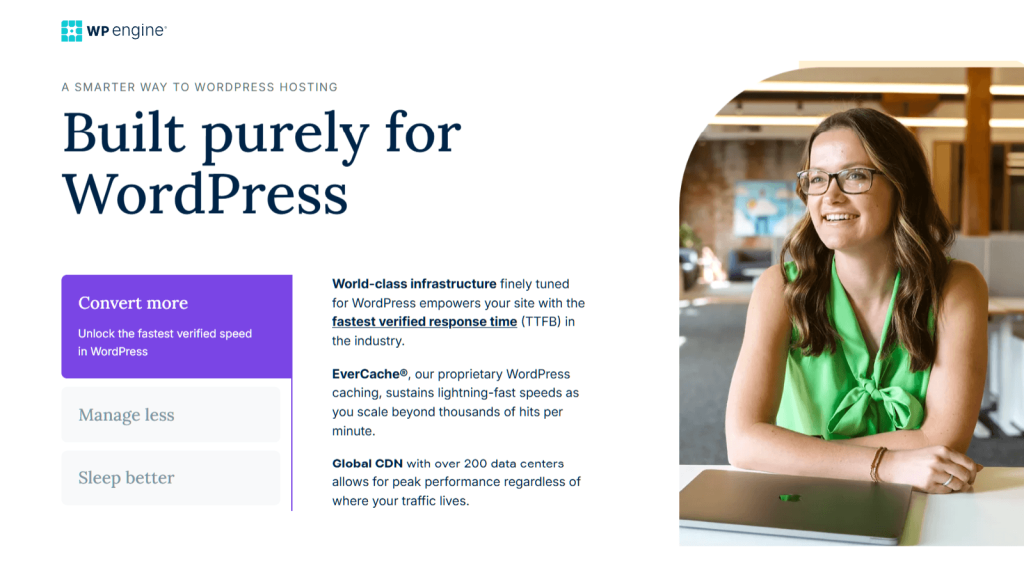
WP Engine is the enterprise end of managed WordPress hosting. Plans start around $25/month (with annual billing) and climb into custom pricing for high-traffic sites.
Their infrastructure genuinely handles scale. I’ve worked on WP Engine stores doing $500k+/month that never hit a capacity issue. The tradeoff is that features feel aimed at agencies rather than individual store owners.
What I noticed in practice:
Pros:
Cons:
Best for: Agencies, multi-site operators, and stores doing $50k+/month where uptime is mission-critical.

Hostinger is the budget pick. Plans start at around $2.99/month on the introductory rate and renew higher. At this price, you’re getting shared hosting with a polished interface.
When I tested Hostinger’s Business plan with a WooCommerce install, performance was surprisingly acceptable for a store under 50 orders per month. Past that, you’d need to upgrade.
What I noticed in practice:
Pros:
Cons:
Best for: First-time side-project stores that aren’t ready to commit to managed hosting yet.
With seven options, the question isn’t “which is best overall.” It’s “which fits your store’s size and technical needs.”
Migrations feel scary, but they don’t have to be. Almost all of these hosts—including Hostinger and Cloudways—offer free migration options. However, pay attention to how they do it.
Providers like Nexcess offer “white-glove” managed migrations with real human experts watching your database, which is far safer than relying on an automated plugin.
The basic process looks like this:
One thing we’ve seen repeatedly: stores that migrate successfully always test the full checkout flow on staging before switching DNS. Stores that have problems usually skip that step and discover payment gateway misconfiguration after customers start complaining.
Before migrating, run a free WooCommerce store health check to baseline your current performance. You’ll want to compare before-and-after numbers after you switch.
Budget WooCommerce hosting starts around $2.99 per month on promotional rates. Mid-tier managed WooCommerce hosting runs $15-35 per month. Premium managed WooCommerce hosting (Kinsta, WP Engine, higher-tier Nexcess) starts at $25-50 per month and scales up based on traffic.
You can. However, most stores outgrow shared hosting at around 500 orders per month. Shared hosting lacks the PHP workers and object caching needed for consistent checkout performance under load.
Shared hosting puts your site on a server with hundreds of other sites and provides minimal WooCommerce optimization. Managed WooCommerce hosting isolates your site’s resources, includes object caching and more PHP workers, and typically includes WooCommerce-specific support.
Most managed WooCommerce hosts include a CDN (Cloudflare or similar) at no extra cost. If yours doesn’t, Cloudflare’s free tier is a reasonable starting point. For stores with international customers, a paid CDN like Cloudflare Pro or BunnyCDN gives meaningful speed improvements.
Most hosts publish visit limits on their pricing pages. However, for WooCommerce, concurrent orders matter more than monthly visits. A store with 1,000 visits and 50 orders per day hits hosting harder than a blog with 10,000 visits and no orders.
SiteGround if you’re under $5k per month and want accessible pricing. Kinsta if you’re over $10k per month, run ads, or can’t afford any downtime during peak hours.
Here’s the honest truth about WooCommerce hosting: the “best” provider depends entirely on where your store is today and where it’ll be in 12 months. Cheap hosting saves money upfront but costs you in slow pages, failed checkouts, and customer trust. Premium hosting feels expensive until your first Black Friday spike. Then, it pays for itself.
Here’s a quick recap of what to do next:
Are you ready to find the right WooCommerce hosting for your store? Then start with Kinsta, SiteGround, or Nexcess based on your budget. Don’t forger to benchmark your site speed before and after you switch so you can see the impact.

Copyright © StoreOwnerTips.com. All Rights Reserved.
